
Why Your Home Office Chair Could Be the Root of Your Back Pain
Imagine wearing shoes that are two sizes too small all day. That's what sitting on a poorly designed chair does to your spine. For the millions now working from home, the humble office chair has become either a silent partner in productivity or a daily source of agony. Back pain isn't just an inconvenience—it's a thief of focus, energy, and well-being.
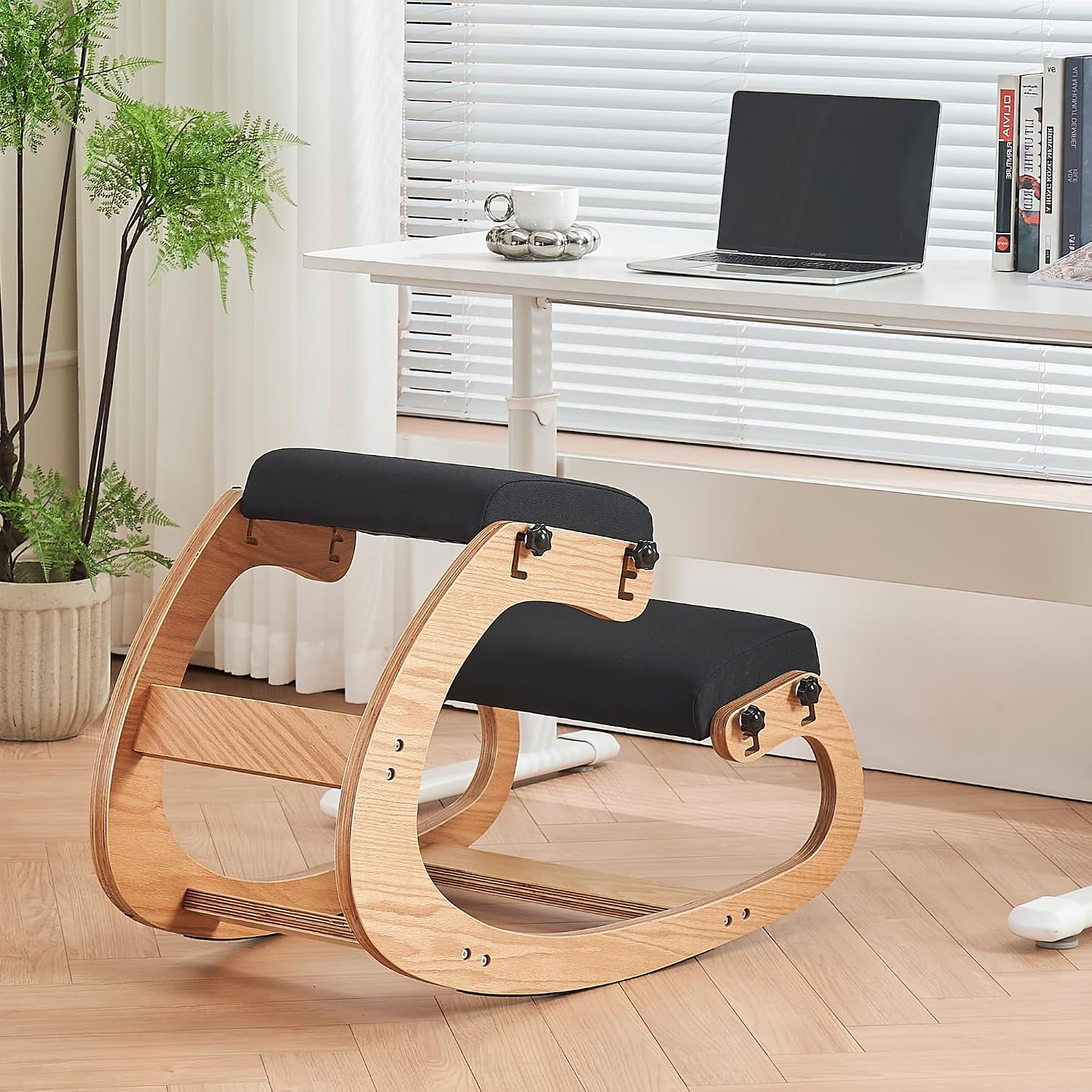
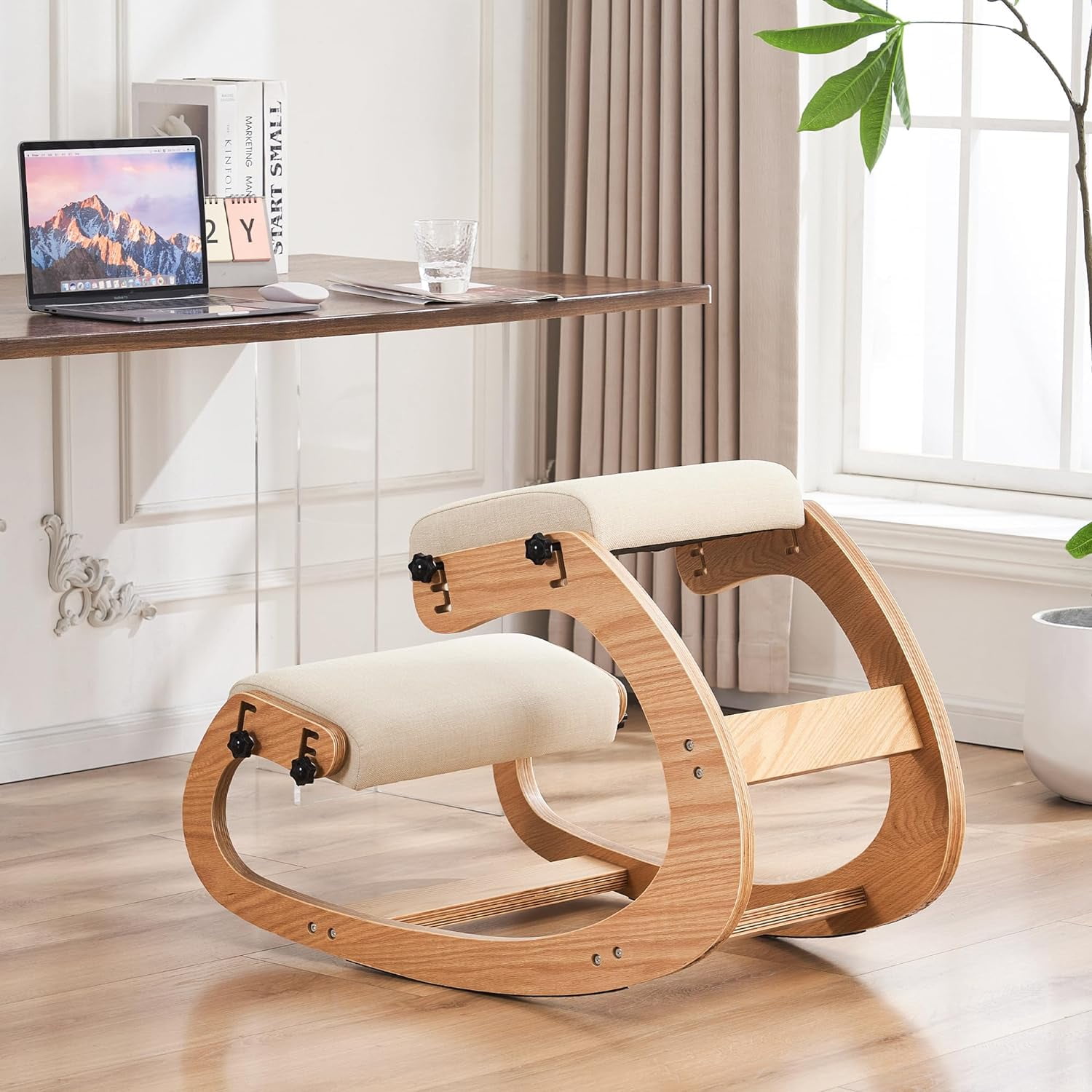
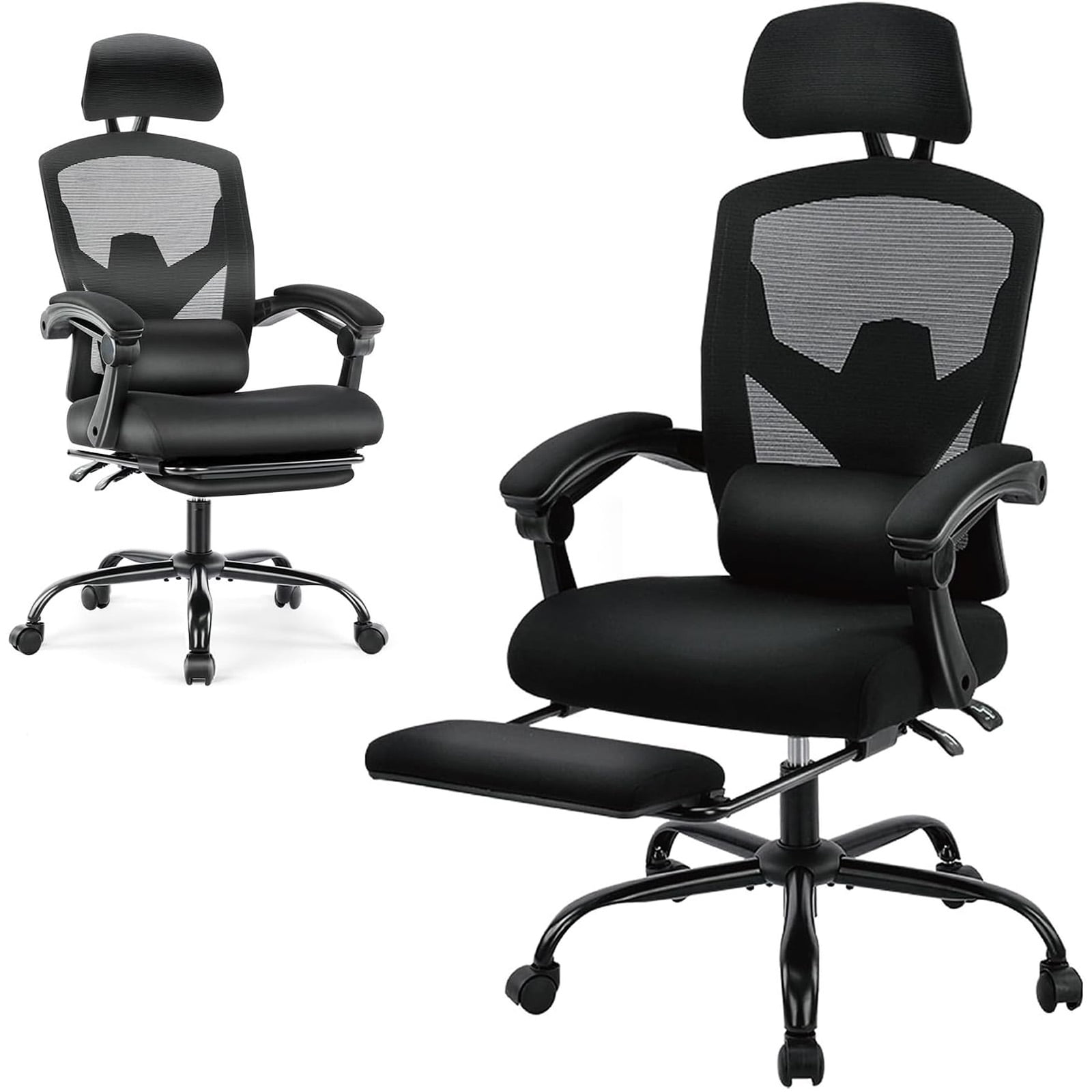
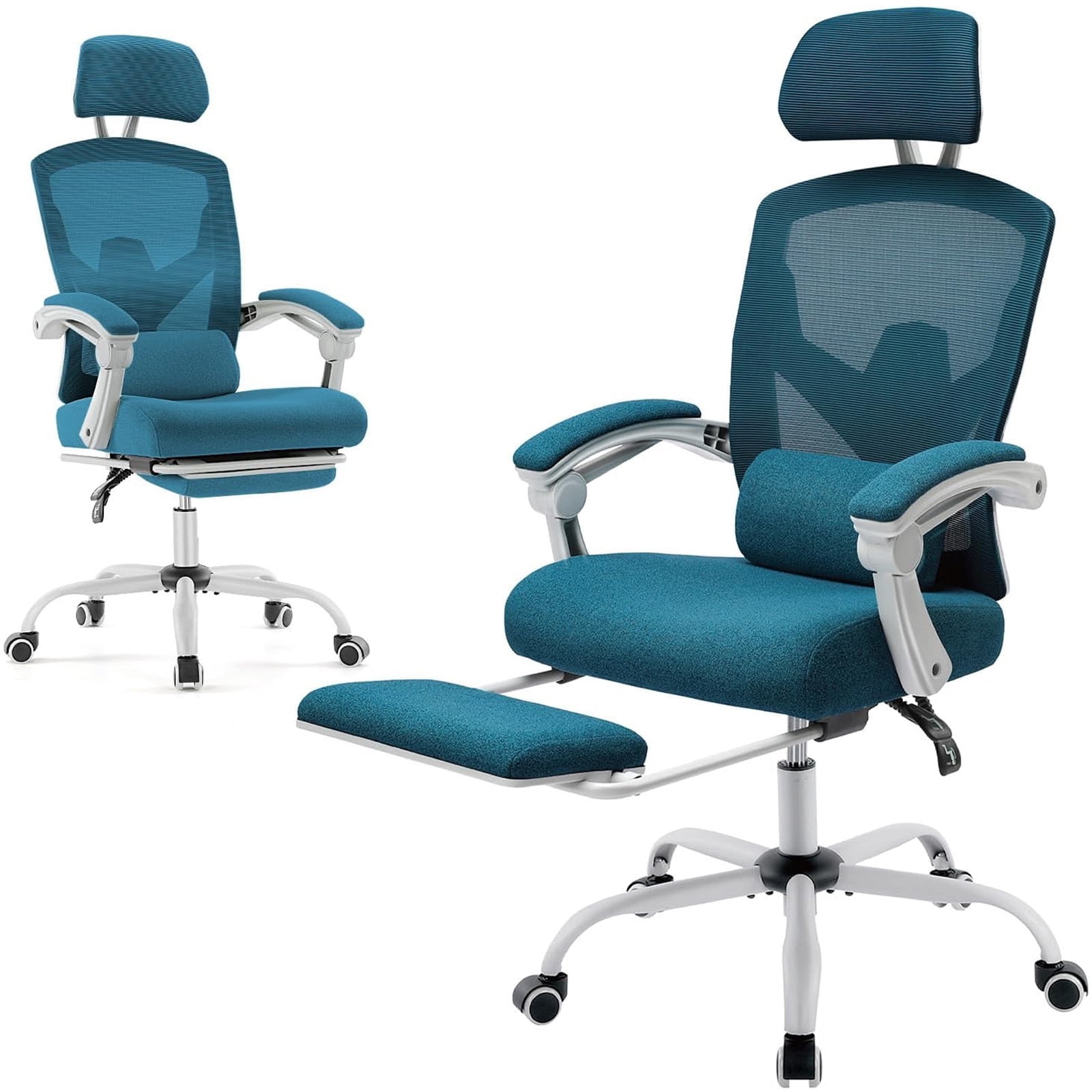
The home office chair for back pain isn't a myth; it's a carefully engineered tool. Unlike a regular chair, it works with your body's natural mechanics. It supports the lumbar curve, encourages dynamic sitting, and prevents the slouching that compresses discs and strains muscles. Let's dismantle the mystery and build your knowledge, so your next chair is a genuine investment in your health.
The Anatomy of Relief: Key Features Decoded
Walking into a chair showroom can feel like reading a foreign menu. Let's translate the jargon into real-world benefits for your aching back.
1. Lumbar Support: More Than Just a Pillow
Think of your spine as a stack of building blocks. The lower back (lumbar region) naturally curves inward. A flat or slouched position puts pressure on the front of the discs. Effective lumbar support fills that gap, maintaining the inward curve. Look for a support that is height-adjustable (to match your belt line) and depth-adjustable (to push you forward just the right amount).
- • Passive lumbar: A fixed curve in the backrest. Good for general support.
- • Active/adjustable lumbar: A mechanism that moves with you. Ideal for those with specific pain points.
- • Material matters: Some chairs use air bladders for custom firmness; others use dense foam or tensioned mesh.
2. Seat Depth and Edge: The "Waterfall" Effect
Ever feel numbness or tingling in your thighs after sitting? That's pressure on the blood vessels. The ideal seat depth allows you to place your back against the backrest while leaving 2-3 finger widths of space between the back of your knee and the seat edge. A "waterfall" front edge curves downward, relieving pressure and promoting healthy circulation.
- • Adjustable seat depth: A must-have if you are shorter or taller than average. It lets you slide the pan forward or backward.
- • Foam density: High-density foam holds its shape longer and provides better support than soft foam that "bottoms out."
3. Recline and Tilt Tension: Movement is Life
Static posture is the enemy. A quality chair allows you to recline and move. The magic is in the synchronous mechanism—where the backrest and seat tilt together at a ratio (usually 2:1 or 3:1). This keeps you supported while opening your hip angle, which reduces stress on the lower back.
• Tilt tension: Adjusts how much force is needed to recline. You want it loose enough to move easily, but firm enough to provide support at any angle.
• Lockable positions: Useful for focused work, but remember to unlock it regularly to shift posture.
4. Armrests: The Overlooked Support for Shoulders and Neck
Armrests aren't just for arms—they influence your entire upper body. If your arms are unsupported, your shoulders hunch, which can lead to upper back and neck pain. The gold standard is 4D armrests (height, width, depth, and pivot).
- Height: Elbows should rest at 90 degrees, shoulders relaxed.
- Width: Allows you to bring them close to your body for typing support.
- Depth/Pivot: Ensures your forearm rests comfortably, not just your wrist.
Material World: Mesh vs. Fabric vs. Leather for Back Pain
Material affects temperature, friction, and long-term comfort, which indirectly impacts how much you fidget and shift—a crucial part of staying pain-free.
- Mesh: Highly breathable. Excellent for those who tend to get warm. Offers good, consistent tension. However, it may not provide the "soft" comfort some desire. Best for long hours in warm climates.
- Fabric: A great middle ground. It's breathable, comfortable, and available in many colors. High-quality fabric is durable and less prone to temperature extremes. It can absorb spills, so look for stain-resistant treatments.
- Leather (or Faux Leather): Luxurious feel and easy to wipe clean. But it can get hot and sticky in summer and cold in winter. It often requires a break-in period. Not ideal if you tend to sweat, as it can lead to slipping and poor posture.
Simple 4-Step Test to Evaluate Any Chair
Before you buy (or even after), use this quick checklist:
- The "Two-Finger" Test: Sit with your back against the chair. Can you easily slide two fingers between the back of your knee and the seat? If not, the seat is too deep.
- The Lumbar Gap Test: Is there a gap between your lower back and the chair? If so, the lumbar support is either absent, too low, or not prominent enough.
- The Shoulder Test: Relax your shoulders. Are your elbows at a 90° angle on the armrests? If your shoulders are shrugged, the armrests are too high.
- The "Sit-Still" Test: Sit in the chair for 15 minutes without moving. Do you feel any pressure points (tailbone, thighs, shoulder blades)? A good chair distributes pressure evenly.
Bonus: 3 Habits to Multiply Your Chair's Effectiveness
Even the best home office chair for back pain needs a little help from its user.
- The 30-30-30 Rule: Every 30 minutes, stand for 30 seconds and move for 30 steps. This "resets" your spinal discs and pumps nourishing fluid into them.
- Screen at Eye Level: If you crane your neck forward to see your monitor, your back will round. Use a laptop stand or external monitor to keep the top third of the screen at eye level.
- Feet Flat, Please: Crossed legs or tucked feet under the chair un-levels your pelvis. Use a footrest if your feet don't comfortably reach the floor.
Frequently Asked Questions About Home Office Chairs and Back Pain
Conclusion: Your Back Deserves a Thoughtful Choice
Finding the right home office chair for back pain is not about picking the most expensive or the best-looking model. It's about finding a partner for your spine—one that understands the need for movement, the importance of curves, and the value of adjustability. Remember the key features: lumbar customization, proper seat depth, dynamic recline, and supportive armrests.
Test chairs when you can, use the 4-step checklist, and pair your new seating with healthy habits. Your back doesn't ask for much—just a little support so it can support you, day in and day out.
Explore the product grid above to see current top-rated chairs that meet these criteria. Your journey to a more comfortable workday starts now.