
Why Your Office Chair Needs a Heated Pad
If you've ever spent a winter afternoon shivering at your desk, you know how hard it is to focus when you're cold. A heated chair pad for office use is not just a luxury—it's a tool that boosts circulation, maintains muscle warmth, and helps you stay productive. Think of it as a personal microclimate for your seat.
How Heated Pads Differ From Regular Cushions
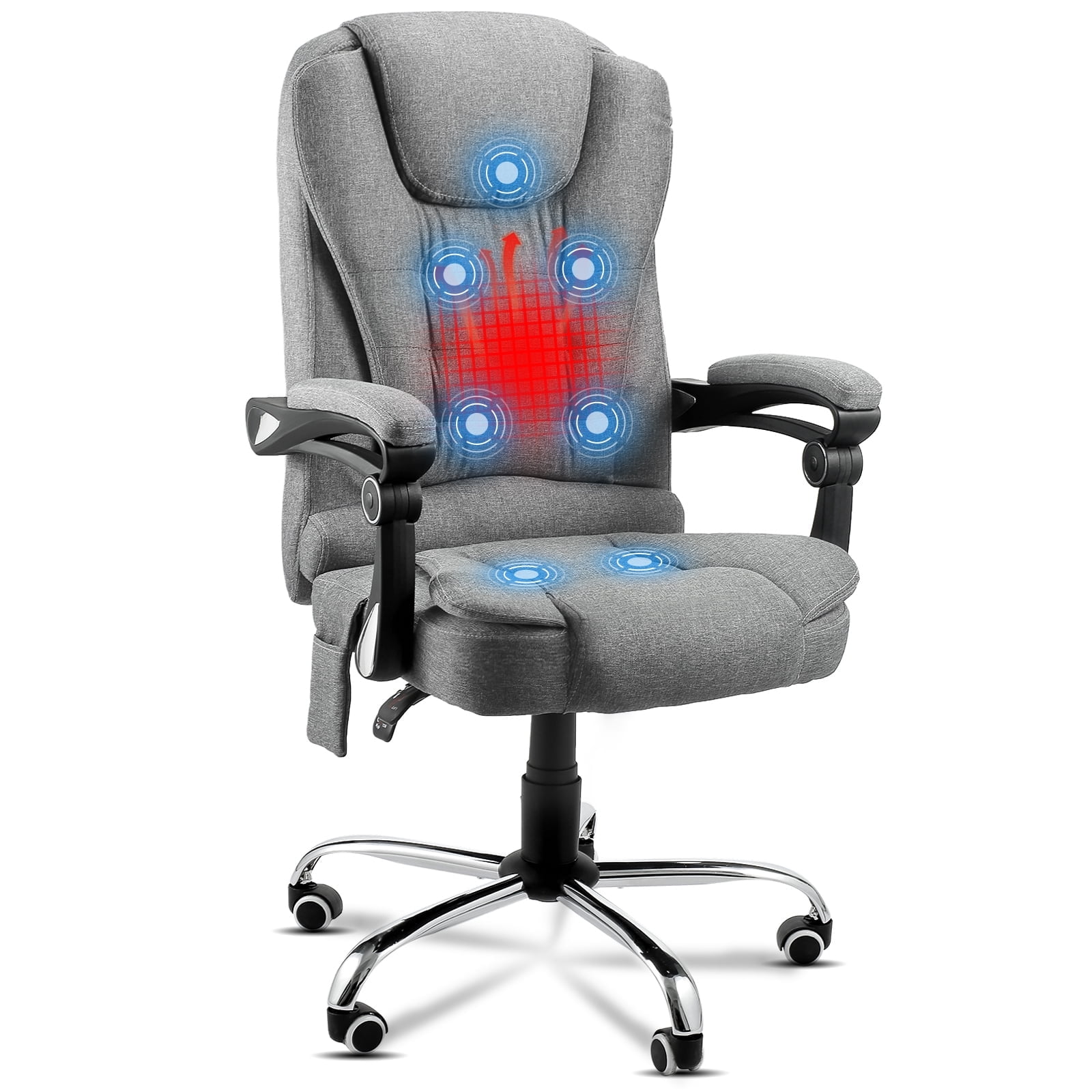
Unlike a simple foam or gel cushion, an electric heated pad integrates carbon-fiber or wire heating elements. The best models offer:
- Multi-layer safety: auto-shutoff (usually 2 or 4 hours), overheat protection, and low-voltage operation.
- Adjustable heat settings: typically 3 to 6 levels ranging from 85°F to 115°F.
- Ergonomic shaping: some include built-in lumbar support or memory foam to complement your chair.
- Easy installation: non-slip backing, elastic straps, or drawstrings that fit most office chairs.
- Removable/washable covers: essential for hygiene during long-term use.
Key Benefits for Office Workers
Adding a heated pad to your task chair can transform your workday. Here’s why thousands of professionals make the switch:
❄️ Cold office no problem
Keep your core warm without turning up the whole building's thermostat.
💆 Muscle relaxation
Gentle heat eases lower back tension caused by static posture.
🔋 Energy boost
Warm muscles feel less fatigued, helping you maintain energy through the afternoon.
💰 Cost efficient
A heated pad uses pennies per day vs. space heaters that draw 1500W.
Choosing the Right Heated Chair Pad: Step-by-Step Guide
Not all heated pads are created equal. Use this framework to pick the perfect match for your office chair and work habits.
Step 1: Measure Your Chair
Check seat width and back height. Standard office chair seats are 18–22 inches wide. Most heated pads are universal, but if you have a big & tall chair or a compact task chair, verify dimensions. Tip: Look for pads with adjustable straps that can accommodate thicker seats.
Step 2: Decide Between Seat-Only or Seat+Back
Some pads only cover the seat, others extend up the backrest. If you primarily feel cold in your thighs and glutes, a seat-only pad is sufficient. For full-body warmth (and lumbar heat therapy), choose a combined version. Many executives prefer the back extension for additional lower back support.
Step 3: Evaluate Heat-up Time & Controls
Read reviews: good pads reach max temperature in 30–60 seconds. Controls should be easy to reach while seated—side-mounted controllers or wireless remotes are ideal. Avoid pads with bulky inline controllers that dangle awkwardly.
Step 4: Check Power Source
Most heated pads plug into a USB port (5V) or a wall outlet (12V/24V). USB-powered pads are convenient for desks with laptops or power banks, but they warm up slower. For faster, more intense heat, a 12V adapter (wall plug) is better. If your desk has limited outlets, a USB-C powered pad might be the answer.
Step 5: Material & Maintenance
Look for a breathable outer layer like polyester or microfiber with a removable, machine-washable cover. Avoid pads that trap sweat. Some high-end models use bamboo charcoal or cooling gel layers combined with heating elements for year-round comfort.
Safety First: What to Look For
Because you’ll be sitting on an electrical device for hours, safety is paramount. In the U.S., always seek products certified by UL (Underwriters Laboratories) or ETL (Intertek). These certifications ensure the wiring and materials meet fire and shock safety standards. Additional smart features include:
- • Automatic shut-off after a fixed period (usually 2–4 hours).
- • Flexible heating wire that won't crack or short with repeated sitting.
- • Flame-retardant inner filling.
- • Low electromagnetic field (EMF) design – some manufacturers advertise reduced EMF for peace of mind.
Also inspect the cord regularly. If you notice fraying or exposed wires, discontinue use immediately.
Heated Pad vs. Heated Office Chair: Which is Better?
You might wonder: should I buy a separate heated pad or invest in a full heated office chair? Here’s a quick comparison to help you decide:
| Factor | Heated Chair Pad | Built-in Heated Chair |
|---|---|---|
| Cost | $30 – $80 | $300 – $800+ |
| Portability | Move between chairs easily | Fixed to one chair |
| Installation | 5 seconds (straps) | None (built-in) |
| Heat coverage | Seat and/or back | Usually full back + seat |
| Maintenance | Washable cover | Professional cleaning |
For most people, a separate pad offers the best flexibility and value. If you have a chair you already love, simply upgrade it with a heating layer.
Real-world Usage Scenarios
Different jobs have different heating needs. Let's look at how a heated chair pad fits into various work styles:
Installation & Setup Tips
- Placement: Center the pad on the seat. If it has a back piece, drape it over the chair back and secure all straps.
- Cord management: Use adhesive clips or existing cable channels on your desk to keep the cord tidy and out of casters' way.
- Test before finalizing: Sit for a minute to ensure the pad doesn't slide forward. Most pads have non-slip silicone dots; if not, add a thin gripper mat underneath.
- Heat settings: Start with the lowest setting and gradually increase until comfortable.
Maintenance & Longevity
With proper care, a quality heated pad can last 3–5 years. Always unplug before removing the cover for washing (if removable). Spot clean when possible. Avoid folding or creasing the heating elements when storing—roll loosely instead. If the pad has a massage motor, ensure it stays dry.
Frequently Asked Questions About Heated Chair Pads for Office
Conclusion: Warmth = Productivity
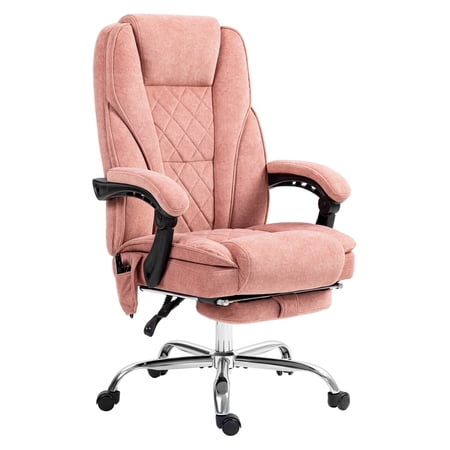
Adding a heated chair pad for office use is one of the simplest ergonomic upgrades you can make. It’s affordable, easy to install, and delivers immediate comfort. Whether you work in a chilly cubicle or a drafty home office, a heated pad ensures you stay focused on your tasks—not on shivering. Pair it with a good office chair seat cushion if you need extra padding, and you've built a personalized throne for your workday.
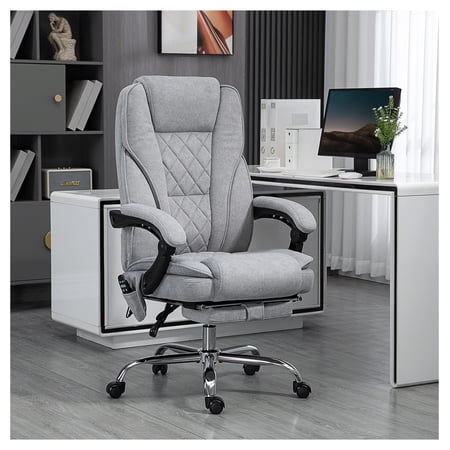
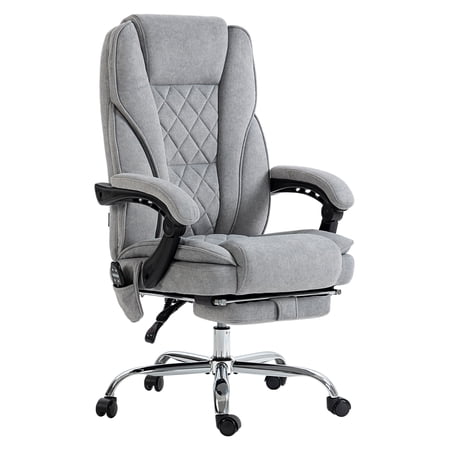
Remember to check the Walmart products above for current top-rated options. And if you have back pain, consider combining heat with proper lumbar support (lumbar support for office chair) for an all-around ergonomic setup.