
The Rise of the Gaming Chair in Modern Offices
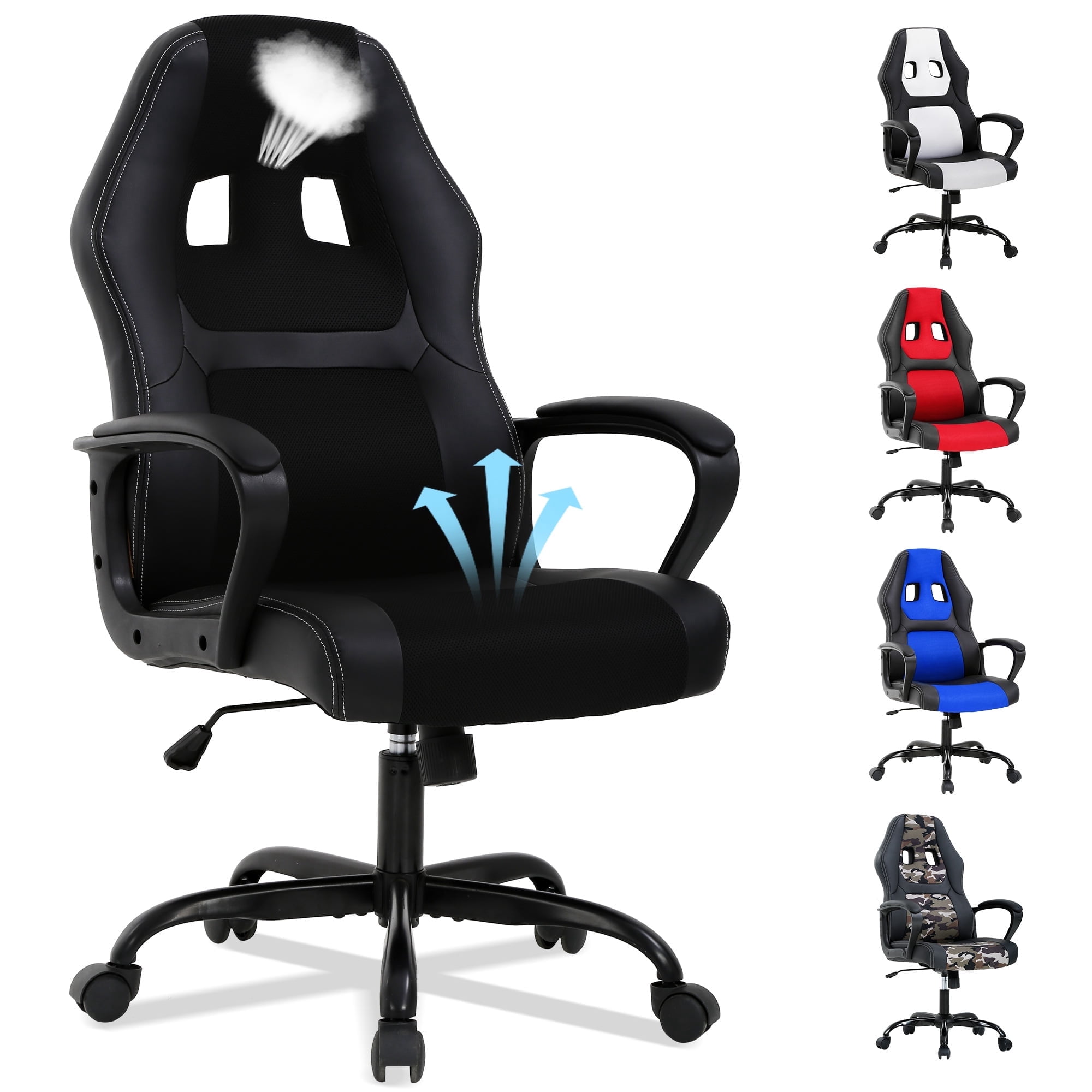
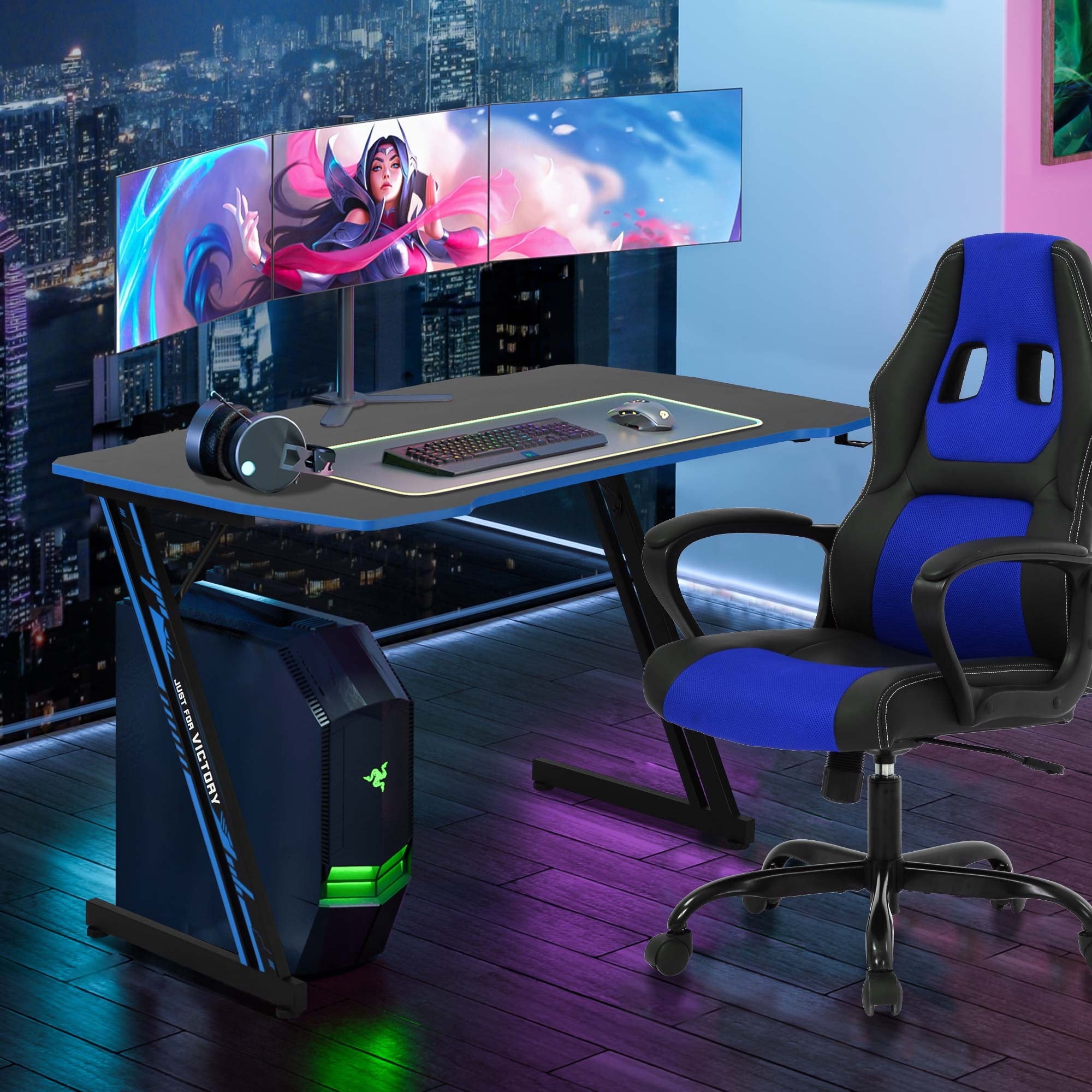
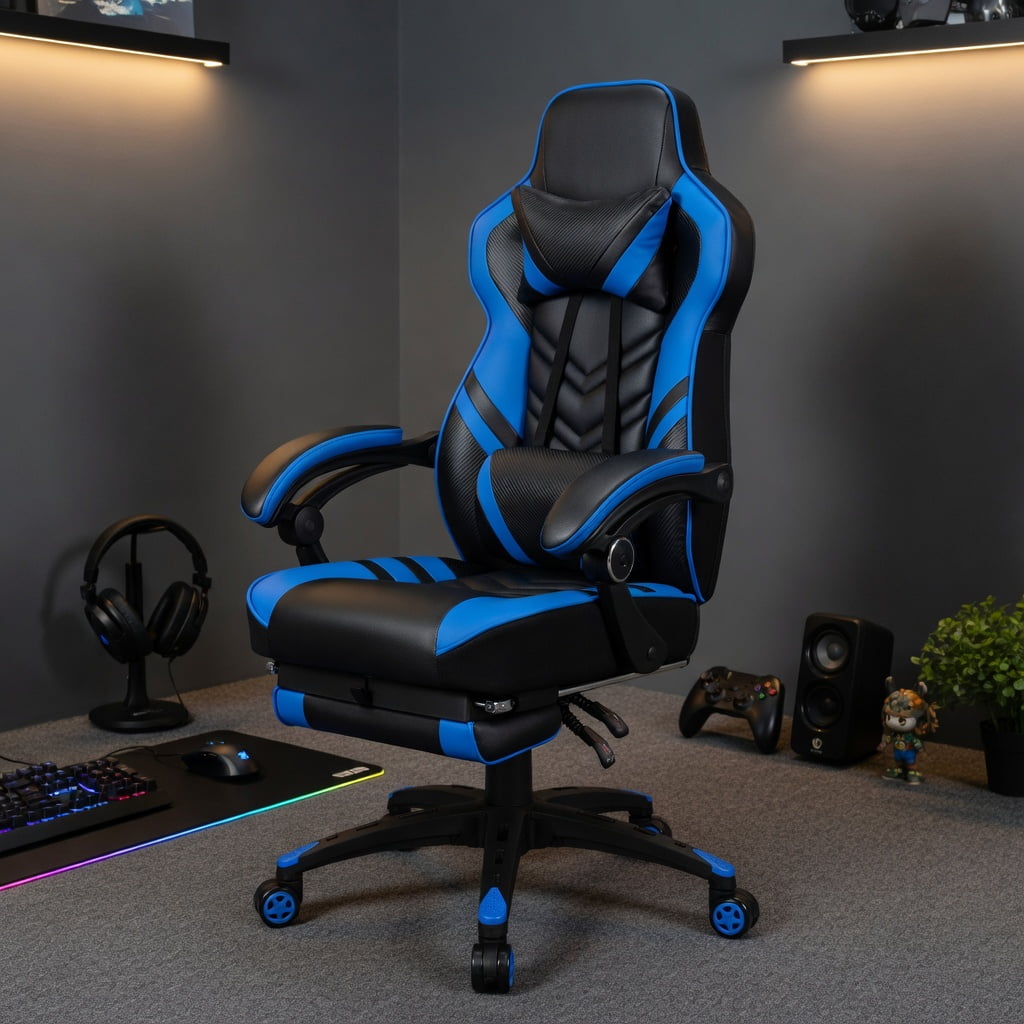
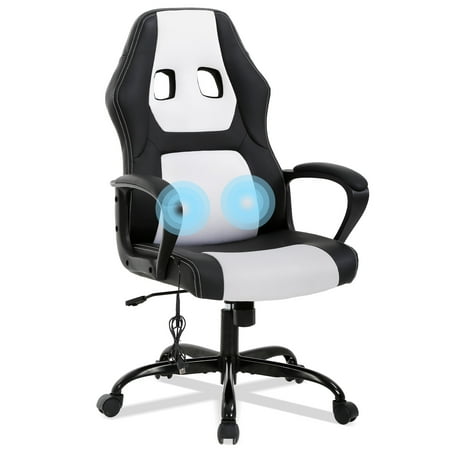
Walk into any home office or creative agency today, and you might spot a sleek racing-style chair with a high back and adjustable pillows. It's a gaming chair, and it's quickly becoming the go-to seating for remote workers, programmers, and even executives. Why? Because the line between work and leisure has blurred, and so has the design of our chairs. Using a gaming chair as an office chair is no longer a quirky trend—it's a practical choice backed by ergonomics and all-day comfort.
Data point: According to a 2023 survey by the Ergonomic Trends Institute, 47% of remote workers under 40 now use a gaming-style chair for their primary workstation, citing better lumbar support and adjustability compared to standard task chairs.
Why A Gaming Chair Excels as an Office Chair: 5 Key Advantages
Gaming chairs are engineered for marathons—whether it's a 12-hour gaming session or a deadline-driven workday. Here's what makes them a serious contender for your office.
1. Superior Adjustability: Beyond the Basic Office Chair
Most gaming chairs come with a level of customization that rivals high-end ergonomic chairs. Look for these features:
- 4D armrests: Move them up/down, left/right, forward/backward, and even angle them. This helps maintain neutral shoulder posture while typing.
- Independent seat tilt and recline: Unlike many office chairs with a fixed synchro-tilt, gaming chairs often let you recline the back independently while keeping the seat flat—perfect for leaning back during phone calls.
- Adjustable lumbar support: Many models include a built-in lumbar wheel or a detachable pillow that can be positioned exactly where your spine curves.
2. The High-Back Design: Full Spine Support
Traditional office chairs often stop at mid-back, leaving the neck and upper shoulders unsupported. Gaming chairs feature a tall backrest (usually 30+ inches) with an integrated headrest. This is a game-changer for anyone who experiences neck stiffness. The headrest supports the cervical spine, reducing forward head posture—a common cause of "tech neck."
✓ Pro: Built for Long Hours
- Cold-cure foam or memory foam retains shape
- Breathable materials (fabric, perforated PU) reduce sweating
- Recline up to 170° for power naps
✗ Con: Style may not suit all offices
- Bright colors might clash with formal decor
- Racing stripes can look too casual
- Tip: Choose black, white, or grey "stealth" editions
3. Lumbar Support That Actually Works
Lower back pain is the #1 complaint among desk workers. Gaming chairs address this with aggressive lumbar curves or adjustable pads. Unlike the flat backs of generic office chairs, the pronounced lumbar support in a gaming chair encourages you to sit back, keeping the spine's natural S-shape. A 2022 study in the Journal of Occupational Health found that participants using gaming chairs with lumbar pillows reported 34% less lower back discomfort after 8 hours compared to standard task chairs.
4. Durability and Materials
Gaming chairs are built tough. They often use a steel frame, heavy-duty gas lifts (class 3 or 4), and durable upholstery like PU leather or high-density fabric. This construction means they can easily handle daily 8-10 hour use. Many are rated for users up to 300 lbs, with "big & tall" versions supporting 400 lbs. Compare that to a budget office chair that might wobble after a year.
5. Aesthetics and Personal Expression
Let's face it: beige fabric office chairs are boring. A gaming chair adds personality to your workspace. Whether you prefer a sleek all-black look or a pop of color, your chair can reflect your style. This psychological boost—looking forward to sitting at your desk—can subtly increase motivation.
🧘 Posture Support
High back + headrest keeps spine aligned.
🎛️ Customization
Tilt lock, tension, height, armrests.
❄️ Cooling
Fabric or mesh options prevent sweat.
🛠️ Durability
Steel frames, heavy-duty casters.
Gaming Chair vs. Traditional Office Chair: At a Glance
| Feature | Gaming Chair | Standard Office Chair |
|---|---|---|
| Backrest Height | High (includes headrest) | Mid-back or low-back |
| Lumbar Support | Aggressive, adjustable pillow/wheel | Often basic or passive |
| Armrest Adjustability | 4D (up/down, left/right, angle, forward/back) | Usually 2D (height only) |
| Recline Range | 90° - 160° (lockable) | 90° - 120° (limited) |
| Material | PU leather, fabric, mesh | Fabric or mesh |
| Typical Weight Capacity | 250-400 lbs | 225-300 lbs |
What to Look For When Choosing a Gaming Chair for Office Work
- Material matters: If you work in a warm office, opt for a fabric or mesh gaming chair to stay cool. PU leather is easier to clean but can get sticky.
- Seat width and depth: Ensure the seat pan isn't too short for your thighs. Look for chairs with a depth of at least 20 inches if you're tall.
- Gas lift class: Class 4 lifts are most durable and stable for daily use.
- Warranty: A good gaming chair should have at least a 2-year warranty on parts. Premium brands offer 5+ years on the frame.
Frequently Asked Questions: Gaming Chair As Office Chair
Conclusion: The Verdict on Gaming Chairs for the Office
Using a gaming chair as an office chair is a smart move for anyone who values ergonomics, adjustability, and a touch of personality. They are not just for streamers and esports pros—they are legitimate seating solutions for the modern workforce. The key is to select one with the right features: breathable material if you run warm, a high weight capacity for safety, and adjustable lumbar support to protect your back. With the right gaming chair, your 9-to-5 can feel less like work and more like play.