
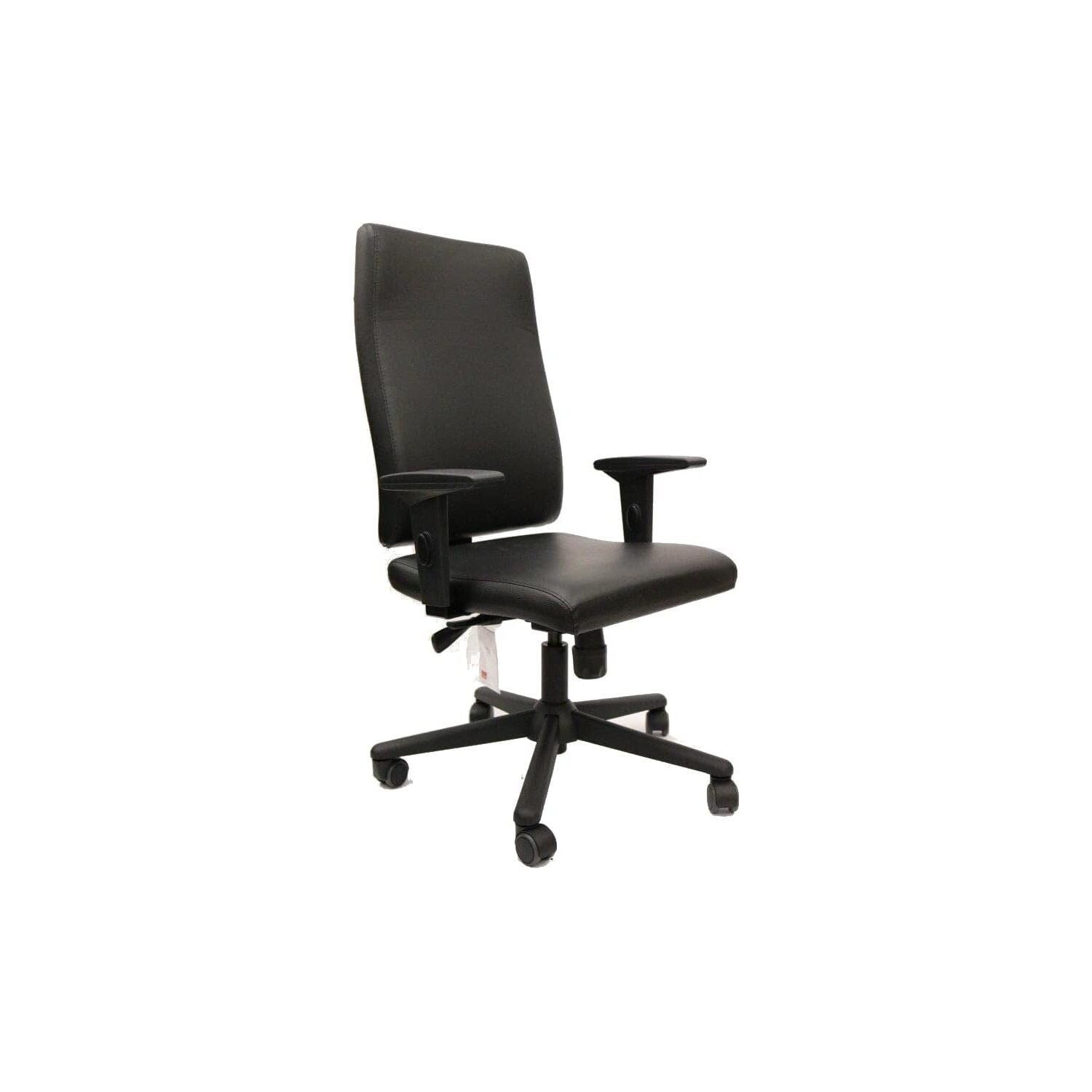
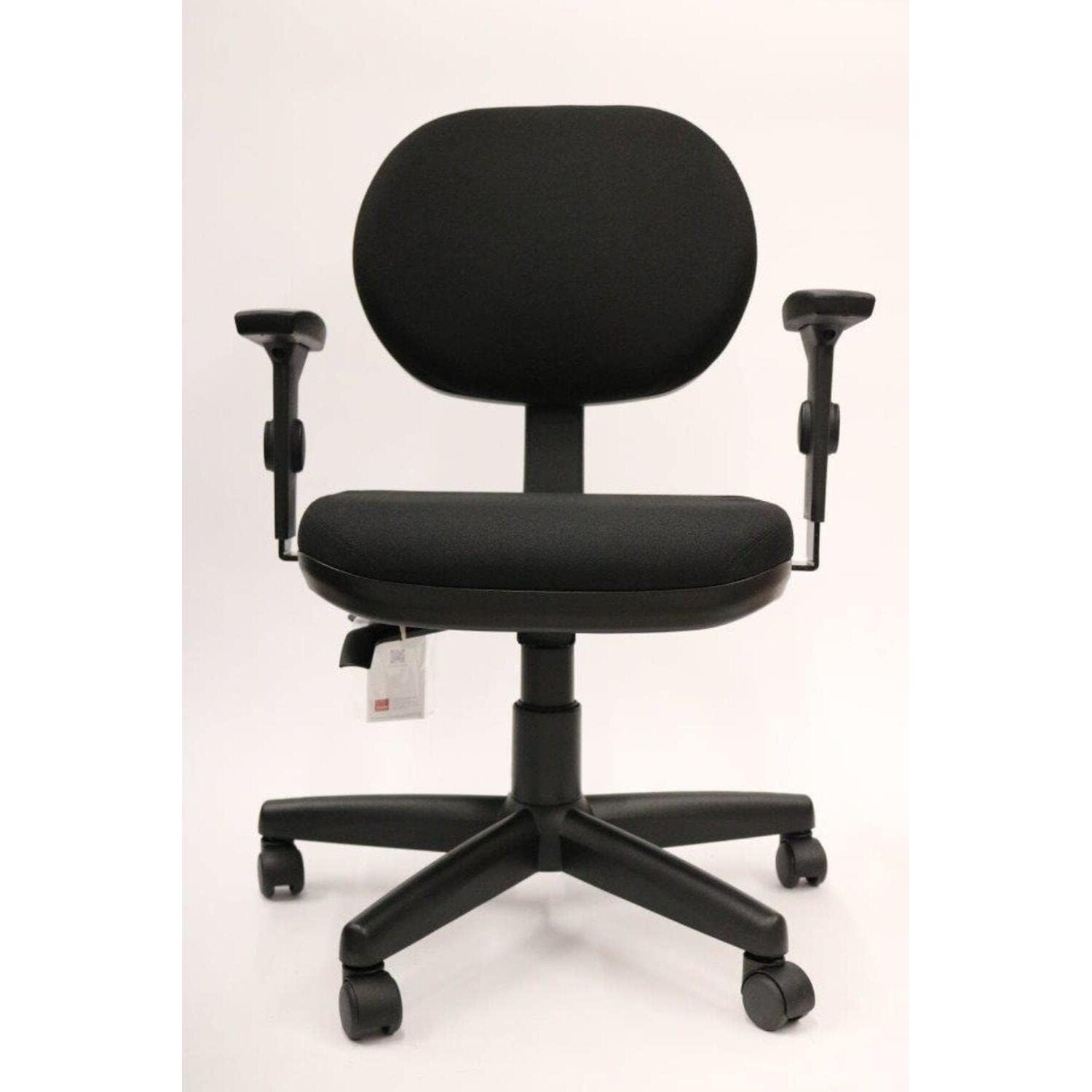
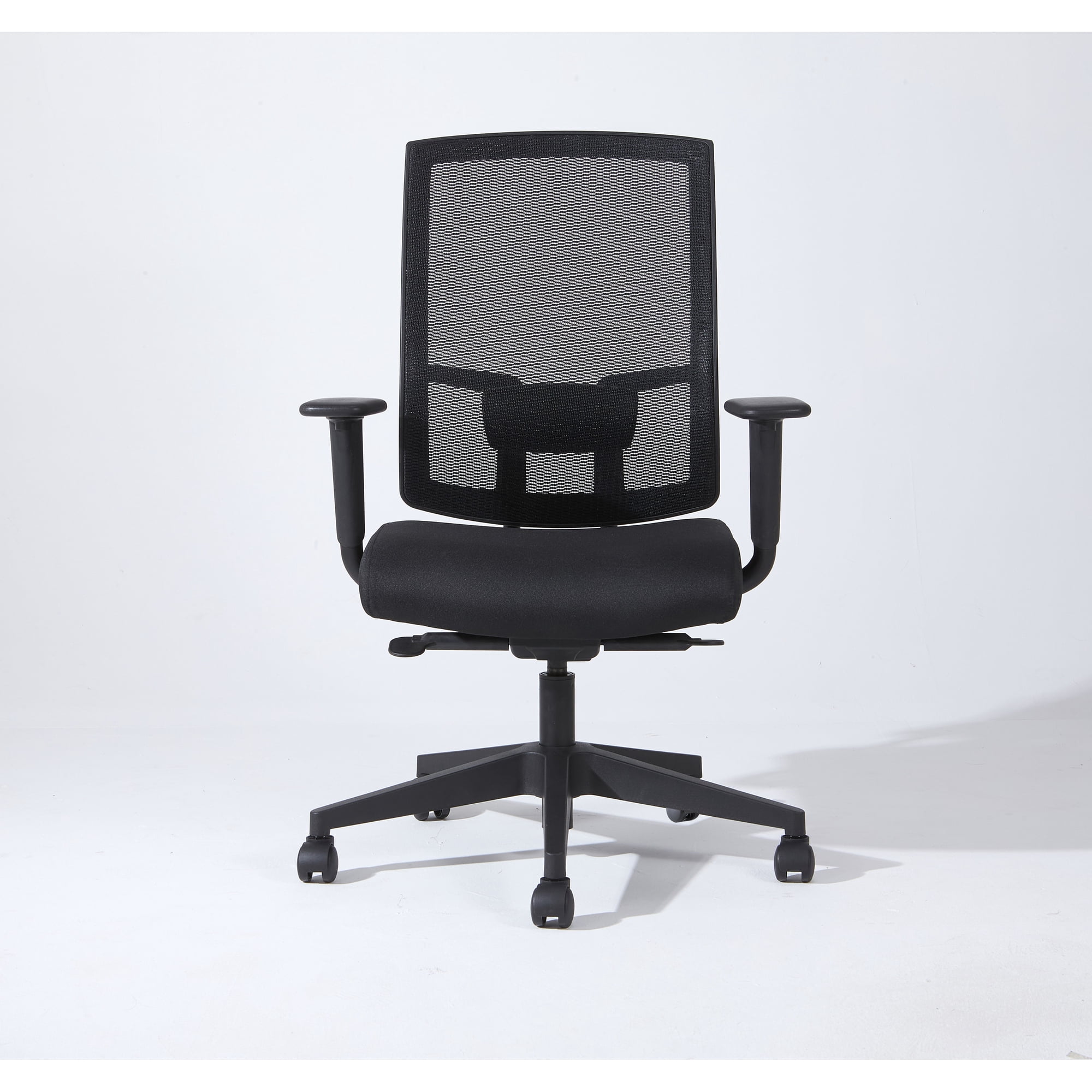
Imagine driving a car where you couldn't adjust the seat or steering wheel. You'd be uncomfortable, distracted, and probably in pain by the end of the trip. Yet millions of people sit at their desks for eight hours a day in office chairs that offer zero support for their arms. Your arms, each weighing roughly 10-12 pounds, need a proper place to rest. Without it, that weight is suspended by your neck and shoulder muscles, leading to the all-too-familiar aches of desk work. An ergonomic office chair with adjustable arms isn't a luxury—it's the foundation of a healthy and productive workspace.
Decoding Armrest Adjustability: From 1D to 4D
Not all adjustable arms are created equal. Understanding the 'dimensions' of adjustability is the first step to finding your perfect chair. Think of it as moving from a basic bicycle to a fully customizable racing bike.
1D and 2D Armrests: The Basics
1D (One-Dimensional) armrests only adjust up and down. This is better than nothing, but it's like only being able to move your car seat forward—it's a start, but it won't fit everyone perfectly. 2D armrests add width adjustment (moving left or right), allowing you to bring the pads closer to or further from your body.
3D and 4D Armrests: The Gold Standard
This is where the magic happens. 3D armrests typically allow for height, width, and depth (forward/backward) adjustments. This is a significant leap, as you can now position the pad exactly where your forearm rests while typing. 4D armrests are the pinnacle, adding a pivot or angle function. This lets the armrest rotate to match the angle of your forearm as you type or lean back. According to ergonomic studies, 4D armrests can reduce shoulder muscle activity by up to 20% because they provide such precise, personalized support.
Benefits of Full 4D Adjustability
- Personalized Fit: Caters to unique body shapes and sizes.
- Task Versatility: Move them out of the way for writing or bring them close for typing.
- Injury Prevention: Maintains neutral wrist and shoulder posture.
- Reduced Contact Stress: Angling the pad prevents pressure points on the forearm.
What to Look For
- Smooth Mechanism: Adjustments should lock firmly and be easy to operate while seated.
- Pad Material: Soft but supportive; avoid hard plastics.
- Range: Ensure the armrests can go low enough to slide under your desk.
- Stability: No wobbling once locked in place.
How to Adjust Your Chair's Arms: A Step-by-Step Guide
Even the best chair won't help if it's not set up correctly. Follow this simple routine to dial in your fit:
- Shoulders Relaxed: Sit comfortably and let your shoulders drop. They should not be hunched up towards your ears.
- Set the Height: Adjust the armrests so they just barely touch the underside of your elbows. Your upper arms should hang naturally, and your elbows should form an 90-degree angle when your hands are on the keyboard.
- Adjust Width: Move the armrests in or out so they sit directly under your elbows without you having to lean outward.
- Set the Depth: Slide the armrest forward or back so the pad supports the widest part of your forearm, usually a couple of inches back from your wrist.
- Angle (if available): Pivot the pad so it's parallel to your forearm as you type. This distributes pressure evenly.
Material Matters: The Comfort of the Pad Itself
The adjustment mechanism is the brain, but the pad is the heart of the armrest. You'll typically encounter three types:
- Standard Foam Padding: Common and comfortable, but may compress over time. Look for high-density foam for longevity.
- Soft-Touch Polyurethane (PU): Often feels like memory foam. It conforms slightly to your arm, providing a plush feel. It's durable and easy to clean.
- Mesh: Found on all-mesh ergonomic chairs, these are breathable and great for warm climates. They offer less plushness but prevent sweaty arms.
Many premium chairs now use a combination, like a firm foam core with a soft, gel-infused top layer for both support and cooling comfort.
Beyond the Arms: The Total Ergonomic Package
While adjustable arms are our focus, they work best in harmony with other features. Think of them as the lead singer in a band—they need a great rhythm section to sound their best.
- Synchronous Tilt Mechanism: This allows the seat and backrest to move in a natural ratio (often 2:1 or 3:1) as you recline. It keeps you supported while allowing movement, which is vital for spinal disc health.
- Adjustable Lumbar Support: While arms support your upper body, lumbar support maintains the natural S-curve of your spine. A chair with both is the ultimate one-two punch against back pain.
- Seat Depth Adjustment: Ensures there's a 2-3 finger gap between the back of your knee and the seat pan, promoting healthy circulation.