
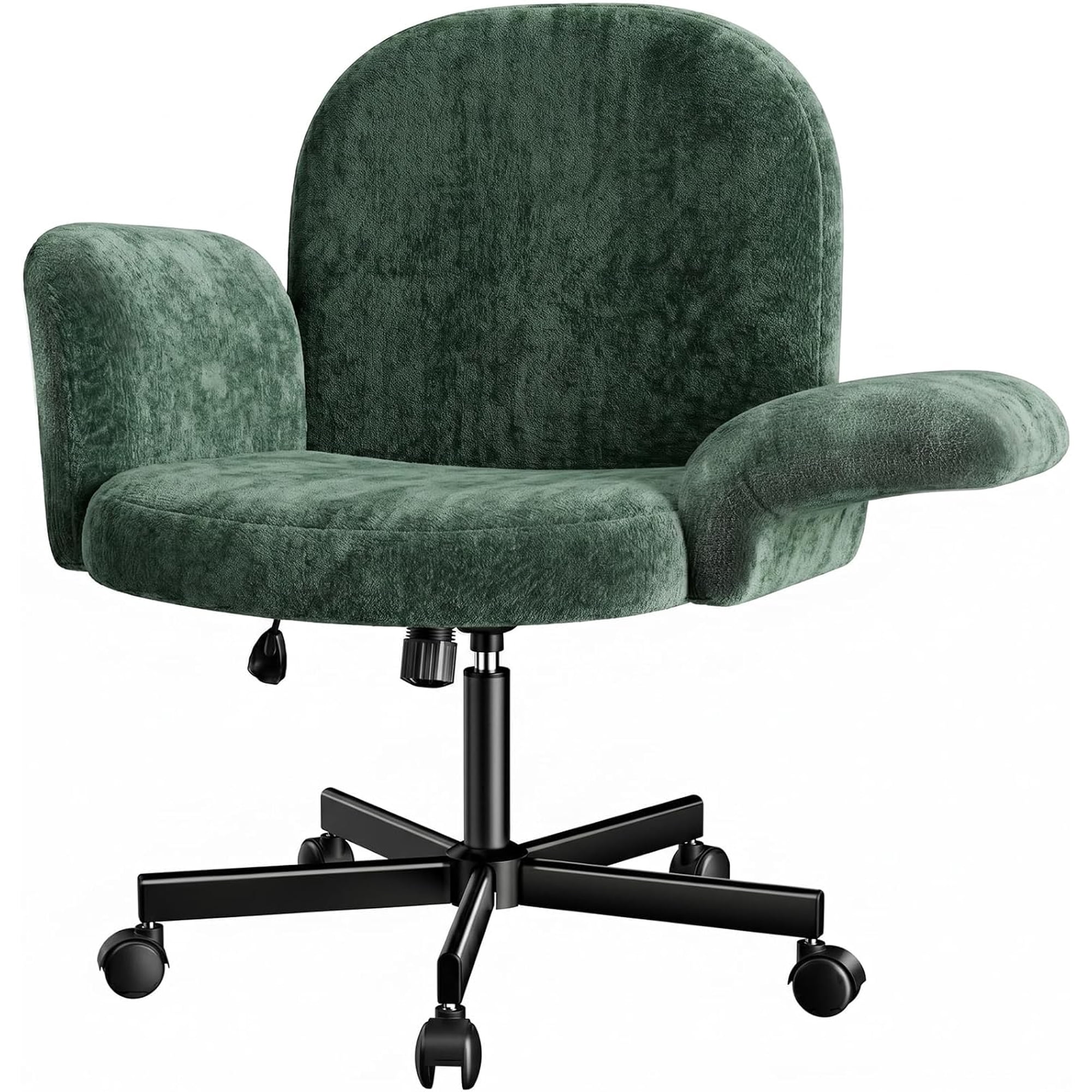
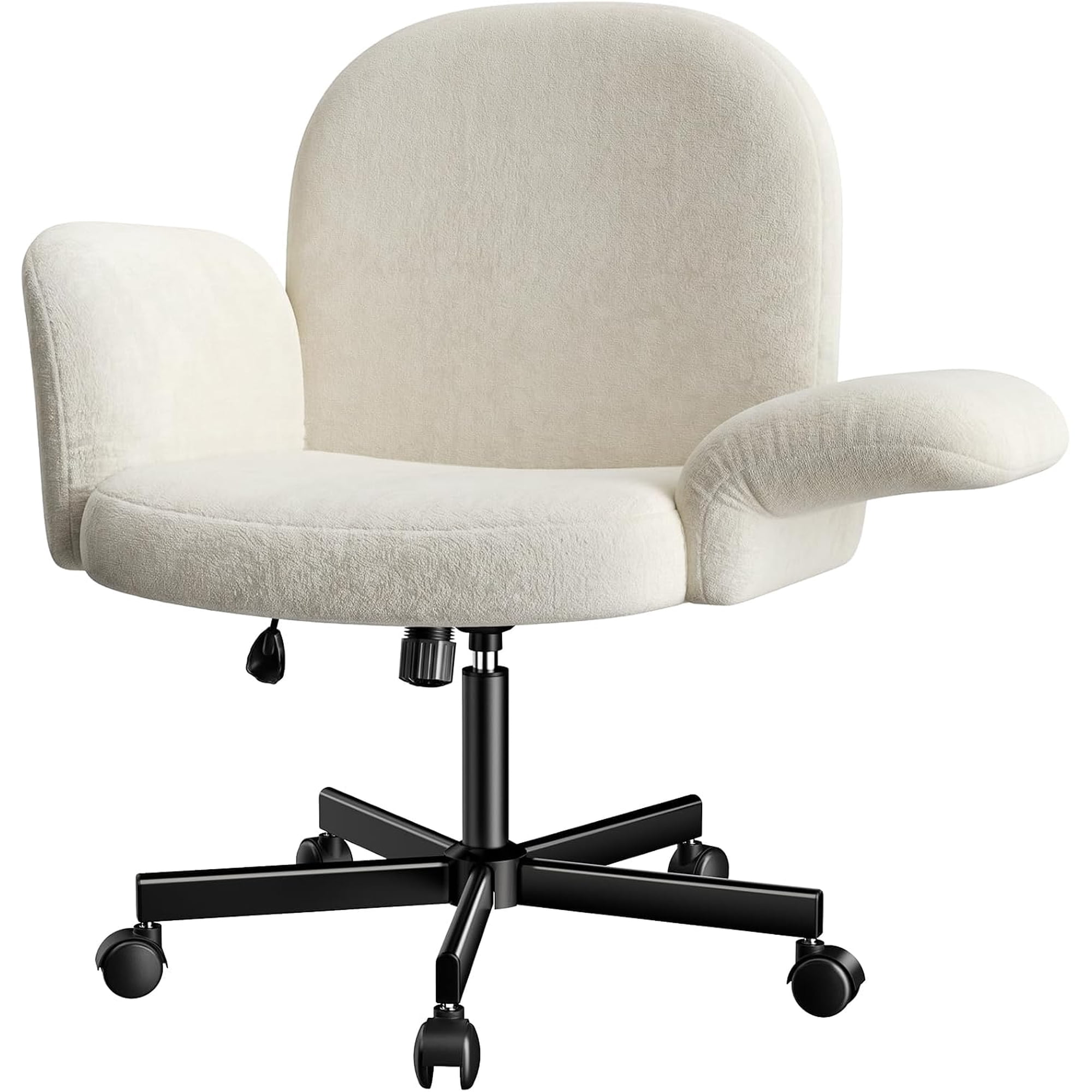
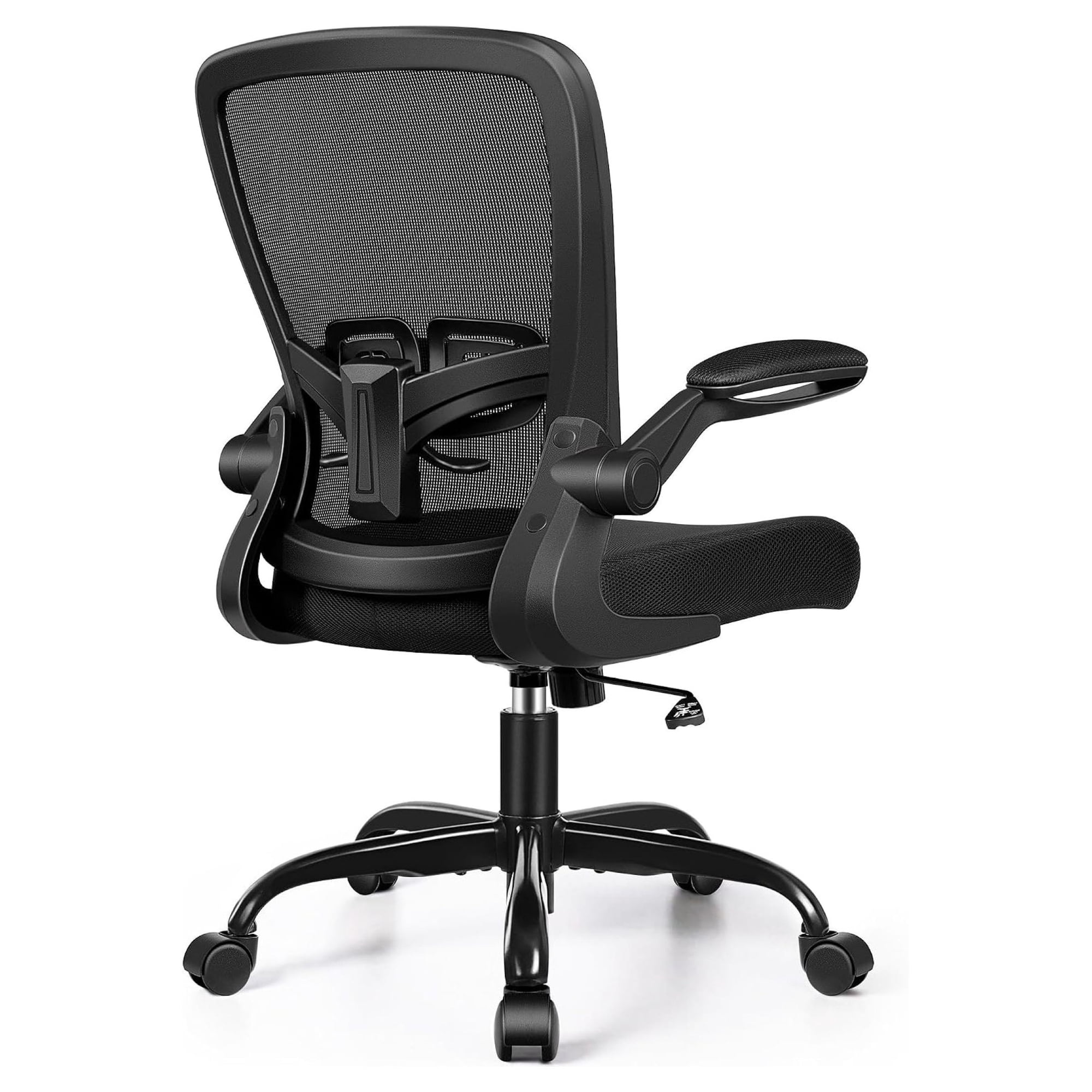
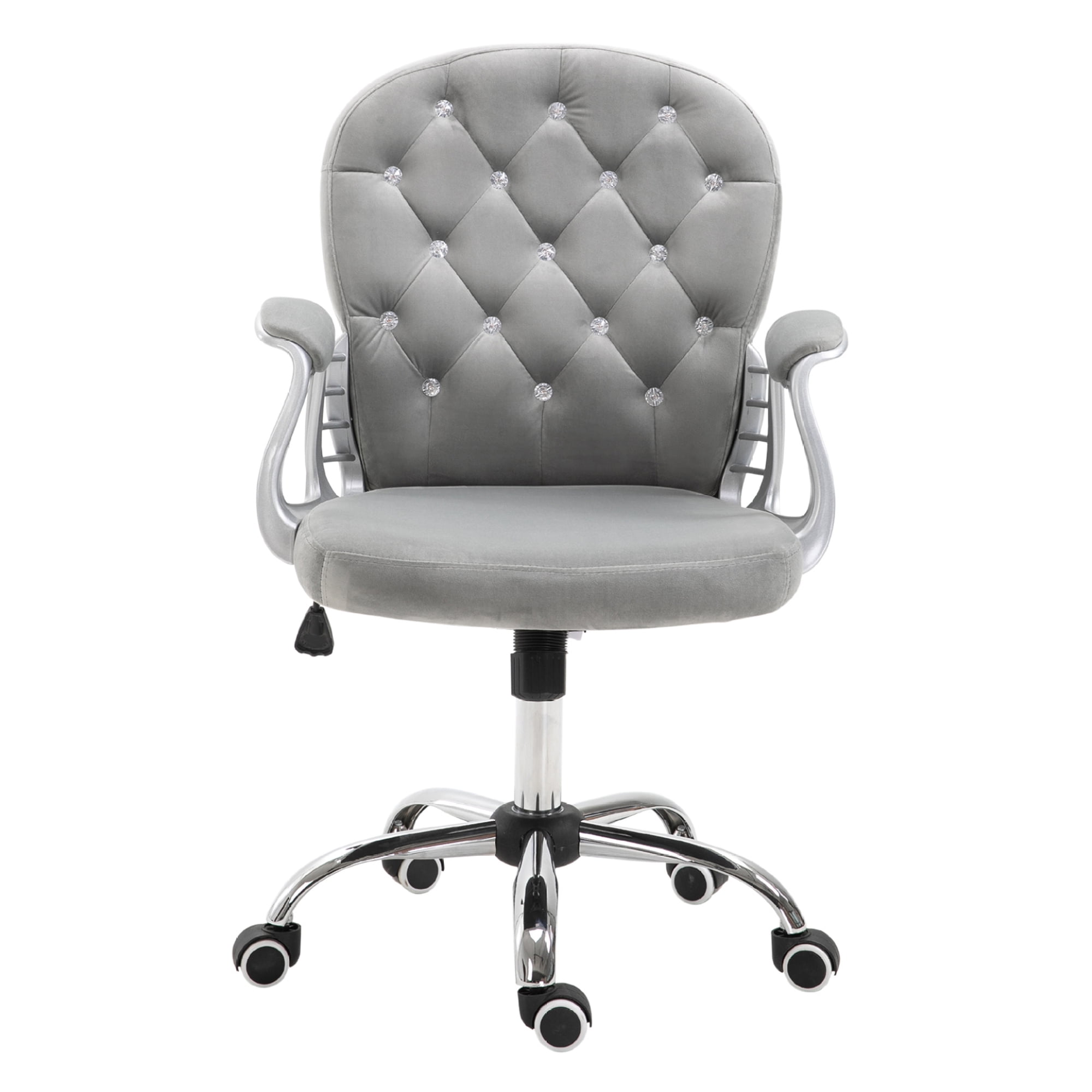
The Critical Role of Armrests in Your Office Chair
Imagine trying to hold a book with your arms constantly hovering. That's what your shoulders and neck experience when you use an office chair without armrests — or with poorly designed ones. An office chair with armrests acts like a supportive co-worker, gently holding your upper limbs so your spine stays aligned. According to a 2023 ergonomics survey by the Occupational Health Institute, 68% of office workers who switched to a chair with adjustable armrests reported a significant decrease in upper back stiffness within two weeks.
But not all armrests are created equal. Some are mere stubs that offer no real support, while others are highly sophisticated mechanisms that move with you. This guide dives deep into everything you need to know about selecting, adjusting, and benefiting from an office chair that puts arm comfort first.
Anatomy of an Armrest: What to Look For
To choose wisely, you need to understand the components that make armrests effective. Think of armrests like the suspension system of a car — they absorb pressure and provide stability.
1. Adjustability Dimensions (2D, 3D, 4D)
- 2D armrests: Adjust up/down (height) and sometimes pivot. Good entry-level support.
- 3D armrests: Height, width (left/right), and depth (forward/backward). Ideal for most users.
- 4D armrests: Height, width, depth, and angle. Ultimate customization for unique tasks or body types.
2. Padding & Material
The pad material determines comfort during long stretches. Hard plastic can compress nerves after an hour. Look for:
- • Memory foam: Conforms to your arm shape, excellent pressure distribution.
- • Soft PU / leather: Easy to clean, but can get sticky in warm environments.
- • Breathable mesh: Rare on armrests, but great for airflow if available.
3. Flip-up or Fixed?
Some chairs offer flip-up armrests, which are a boon if you occasionally play guitar, do crafts, or need to slide the chair under a low desk. Fixed armrests are typically sturdier but less versatile.
Expert tip: When testing a chair, slide your hands under the armrest pad. If your fingers feel immediate hard plastic, the padding is likely too thin. Aim for at least 1-2 cm of quality foam.
Ergonomic Benefits: More Than Just a Place to Rest Your Elbows
Using a office chair with armrests correctly can transform your workday. Here’s how:
- Reduces shoulder hunts: Supporting your forearms prevents you from leaning forward, which rounds the shoulders.
- Decreases disc pressure: When arms are supported, the weight load on your lower spine drops by about 10-15% (source: Spine Health Journal).
- Minimizes "mouse shoulder": Adjustable armrests allow you to keep your elbows close to your body while mousing, reducing strain on the rotator cuff.
Who Absolutely Needs Adjustable Armrests?
While everyone can benefit, certain groups find them indispensable:
- Petite individuals: Standard fixed armrests are often too wide, forcing shoulders to open unnaturally. Width-adjustable armrests solve this.
- Tall users: Height adjustment ensures elbows aren't forced upward.
- People with previous shoulder/neck injuries: Customizable support helps maintain therapeutic posture.
- Multi-taskers: Those who switch between typing, reading, and phone work need the flexibility that 3D/4D armrests provide.
How to Set Up Your Armrests Correctly (Step-by-Step)
Even the best armrests won't help if they're poorly adjusted. Follow this simple routine:
- Sit naturally with your back against the chair, shoulders relaxed.
- Adjust height so your elbows form a 90-110 degree angle, and your forearms are parallel to the floor.
- Set width so the armrests lightly hug your torso — not pushing your arms outward, nor squishing them inward.
- Slide depth so the pad supports the area just behind your elbow, not your mid-forearm.
- Check desk clearance: Ensure you can pull the chair fully under the desk without the armrests bumping the underside.
Common Myths About Armrests Debunked
Myth #1: "Armrests are only for lazy people." — Reality: Proper use reduces fatigue; they are tools for efficiency.
Myth #2: "They restrict movement." — Reality: Adjustable armrests get out of the way when you need to move; you can always lower them.
Myth #3: "I don't need them if my desk has a wrist rest." — Reality: Wrist rests support only the wrists, not the full arm. Armrests offload the entire upper limb.
Materials Compared: Durability & Comfort
| Armrest Pad Material | Comfort | Durability | Maintenance |
|---|---|---|---|
| Memory foam + fabric | Excellent | Good (3-5 yrs) | Vacuum / spot clean |
| PU foam + leatherette | Very Good | Very Good (5-7 yrs) | Wipe clean |
| Hard plastic (no pad) | Poor | Excellent | Easy |
| Gel-infused foam | Excellent | Good | Wipe clean |
Frequently Asked Questions About Office Chairs with Armrests
Conclusion: Invest in Your Upper Body Comfort
An office chair with armrests is not a luxury — it's an essential ergonomic tool. Whether you're a data entry specialist, a creative director, or a hybrid worker, your arms deserve proper support. Remember to prioritize adjustability (at least 3D), comfortable padding, and correct setup. Your shoulders will thank you, and your productivity will reflect the difference.
Explore the curated products above to find models that combine smart armrest design with overall chair quality. If you have specific needs like extra-wide armrests or flip-up style, use the category links below to narrow your search.