
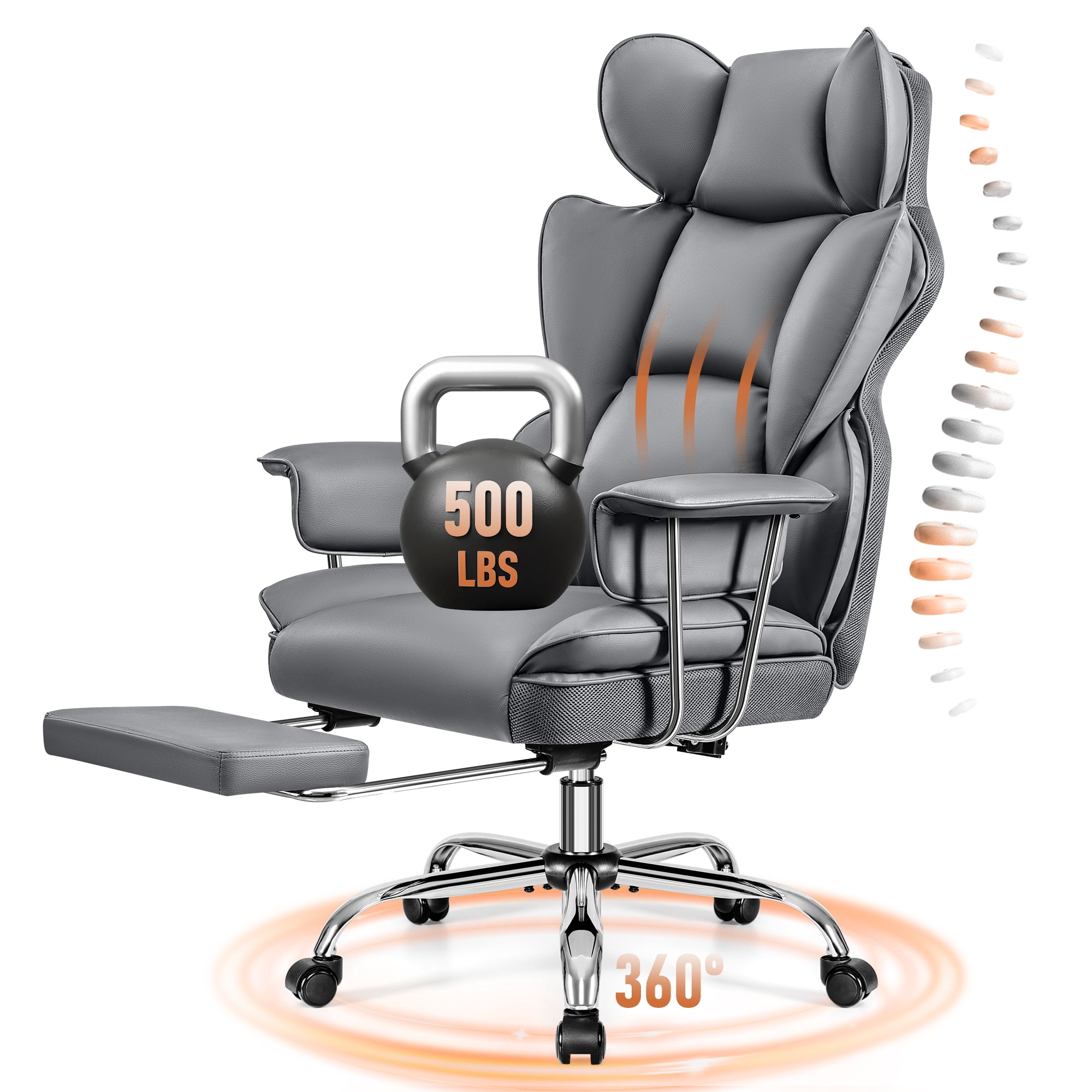
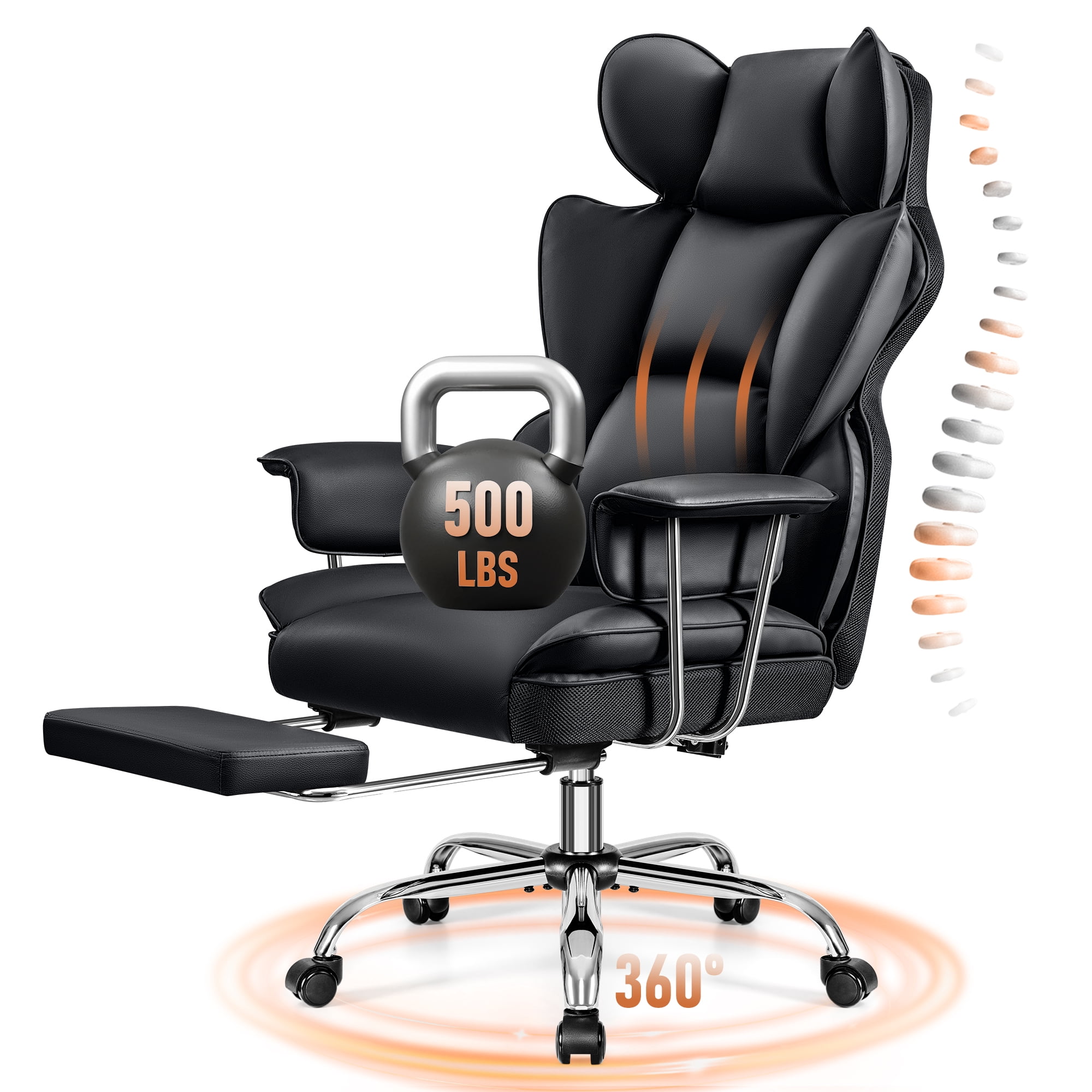
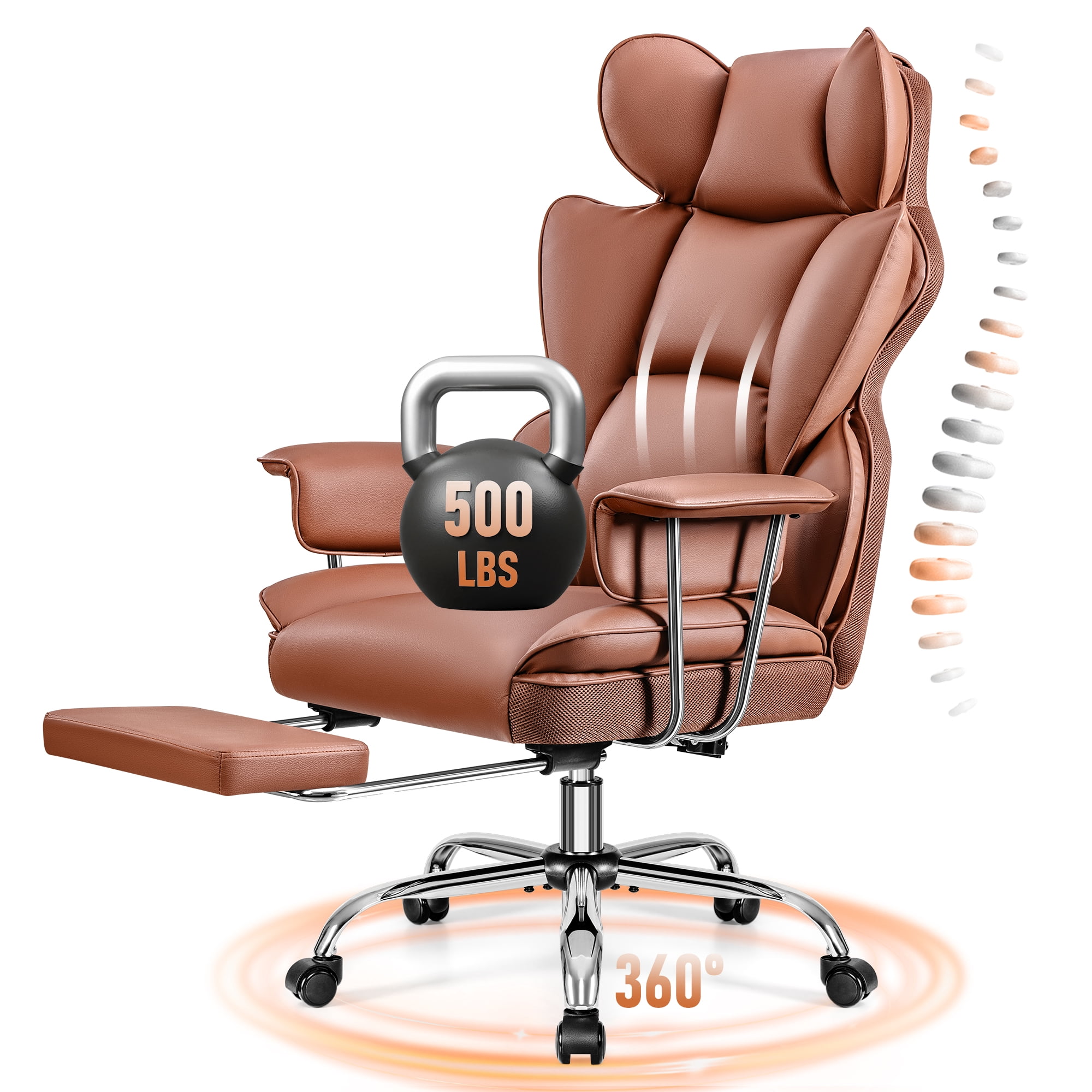

Why an “8‑Hour Office Chair” Is Different from a Regular Task Chair
Working a full eight‑hour shift – or longer – places unique demands on your body and your chair. A typical $100 task chair might feel acceptable for an hour or two, but by 3 p.m. the lack of support becomes painful. An 8‑hour office chair is specifically engineered to distribute pressure, encourage movement, and maintain ergonomic alignment throughout the entire workday.
According to the Occupational Safety and Health Administration (OSHA), sitting for prolonged periods without proper support increases the risk of musculoskeletal disorders by 54%. The right chair acts like a “second spine,” reducing fatigue and keeping you sharp during back‑to‑back meetings or focused deep work.
The Hidden Anatomy of an All‑Day Chair
What exactly makes a chair suitable for 8‑hour use? It’s more than just thick padding. Let’s dissect the critical components:
1. Dynamic Lumbar Support – Not Just a Pillow
Static lumbar pillows often slip or provide inadequate pressure. High‑end 8‑hour chairs use integrated, adjustable lumbar mechanisms that move with you. Look for terms like “asymmetric lumbar adjustment” or “4‑direction lumbar” – these allow height and depth tuning so the support exactly matches the curve of your lower back.
- Height‑adjustable lumbar accommodates different torso lengths.
- Depth‑adjustable lumbar (sometimes called “tension control”) lets you decide how much the support pushes into your back.
- Active lumbar automatically follows your movements when you recline.
2. Seat Pan Design: The “Waterfall” Edge
After four hours, many chairs cut off circulation behind the knees. A true 8‑hour chair features a waterfall front edge – a gentle downward curve that relieves pressure on the thighs. Additionally, seat depth adjustment (sliding the pan forward/backward) ensures that even taller or shorter users get proper thigh support without hitting the back of the knees.
3. Breathable Upholstery – Temperature Regulation Matters
In a study by Cornell University’s Ergonomics Web, workers using breathable mesh chairs reported 28% less discomfort at the end of the day compared to those in bonded leather. For 8‑hour sitting, your body generates heat and moisture; a high‑tension mesh back or open‑cell foam with breathable fabric prevents the “sticky back” syndrome and keeps you dry.
4. Armrests That Adapt – 4D is the New Standard
Static armrests force you to slouch or reach. For all‑day comfort, 4D armrests (height, width, depth, and pivot adjustments) let you rest your arms naturally while typing, reducing shoulder strain. Some premium chairs even offer “forever‑adjust” mechanisms that lock firmly in place.
Real‑World Data: How Much Time Do We Really Sit?
The average office worker spends about 7.7 hours sitting at their desk each day, according to a 2023 survey by Ergotron. That number jumps to nearly 9 hours for executives and remote developers. Investing in a chair that supports continuous sitting (while also encouraging micro‑movements) isn’t a luxury – it’s a productivity tool.
💡 Quick stat: Proper ergonomic seating can reduce employee absenteeism due to back pain by up to 19% (Journal of Occupational and Environmental Medicine).
Comparing Materials for Long‑Haul Comfort
Not all materials age equally under 8‑hour daily use. Here’s a breakdown:
| Material | 8‑Hour Suitability | Durability (years) | Breathability |
|---|---|---|---|
| Premium Mesh (e.g., 3D knit) | Excellent – self‑adjusting, cool | 7‑10 | High |
| High‑density foam + fabric | Very good – plush but may retain heat | 5‑8 | Medium |
| Perforated leather | Good – luxurious, needs occasional breathability | 8‑12 | Medium (if perforated) |
| Bonded leather / PU | Poor – tends to crack, hot, non‑breathable | 2‑4 | Low |
5 Essential Features You Should Not Compromise On
- Adjustable tilt tension and lock: So you can recline safely and change posture throughout the day.
- Seat slider (depth adjustment): Non‑negotiable for anyone over 5’10” or under 5’4”.
- Class 3 or 4 gas lift: Ensures smooth height changes and long‑term reliability (tested for 20,000+ cycles).
- Dual‑wheel casters for carpet/hard floor: Reduces rolling resistance and floor damage.
- Headrest (optional but recommended): If you ever lean back to read or rest your eyes, a headrest prevents neck strain.
How to Test a Chair for 8‑Hour Readiness (Before You Buy)
- The 30‑minute sit test: In a store, sit for at least half an hour. Check for pressure points under thighs and shoulders.
- The “adjust while seated” test: Can you reach all levers easily without contorting? You shouldn’t need to stand to change lumbar height.
- The bounce test: Press firmly on the seat. Does it rebound slowly? High‑density foam should feel firm but responsive, not mushy.
Frequently Asked Questions About 8‑Hour Office Chairs
Conclusion & Final Recommendations
Choosing an 8‑hour office chair is about preparing your body for the demands of modern work. The right chair pays for itself within months through better focus, fewer sick days, and reduced long‑term health costs. Prioritize breathability, adjustability (especially seat depth and lumbar), and robust build quality over mere aesthetics.
Look for a high‑density fabric chair with adjustable lumbar and seat slider (e.g., $500–$700 range). Brands like Clatina or WorkPro offer excellent value.
A leather‑mesh hybrid (leather seat, mesh back) provides style and breathability. Expect to pay $800–$1,200.
Full mesh ergonomic chairs (like those from Sihoo or Eurotech) keep you cool and supported – $300–$600 can get you a very capable chair if you research carefully.
No matter your choice, remember: an 8‑hour office chair is an investment in your most valuable asset – your health. Test before you buy, read verified reviews, and never settle for a chair that feels “just okay” in the showroom.