
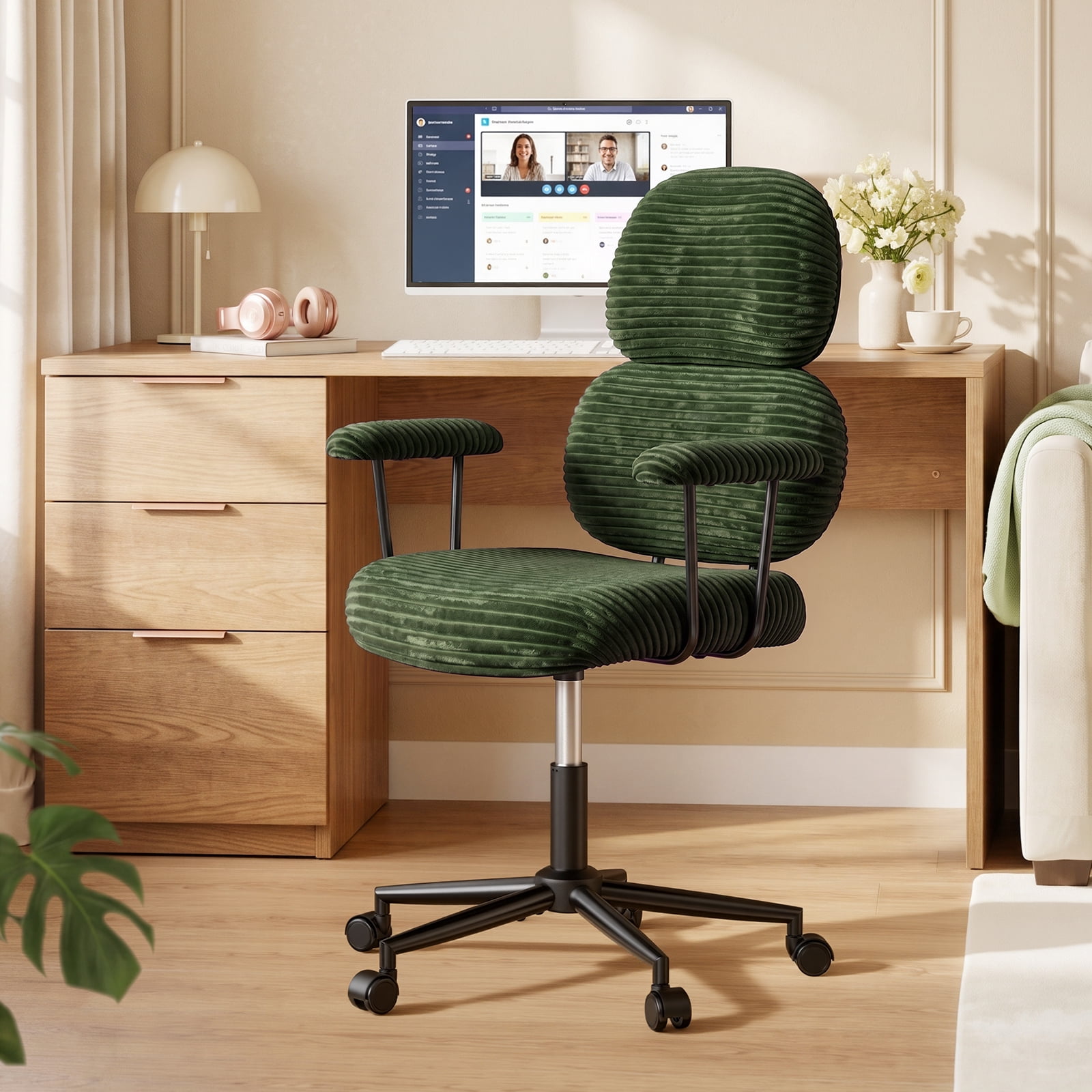
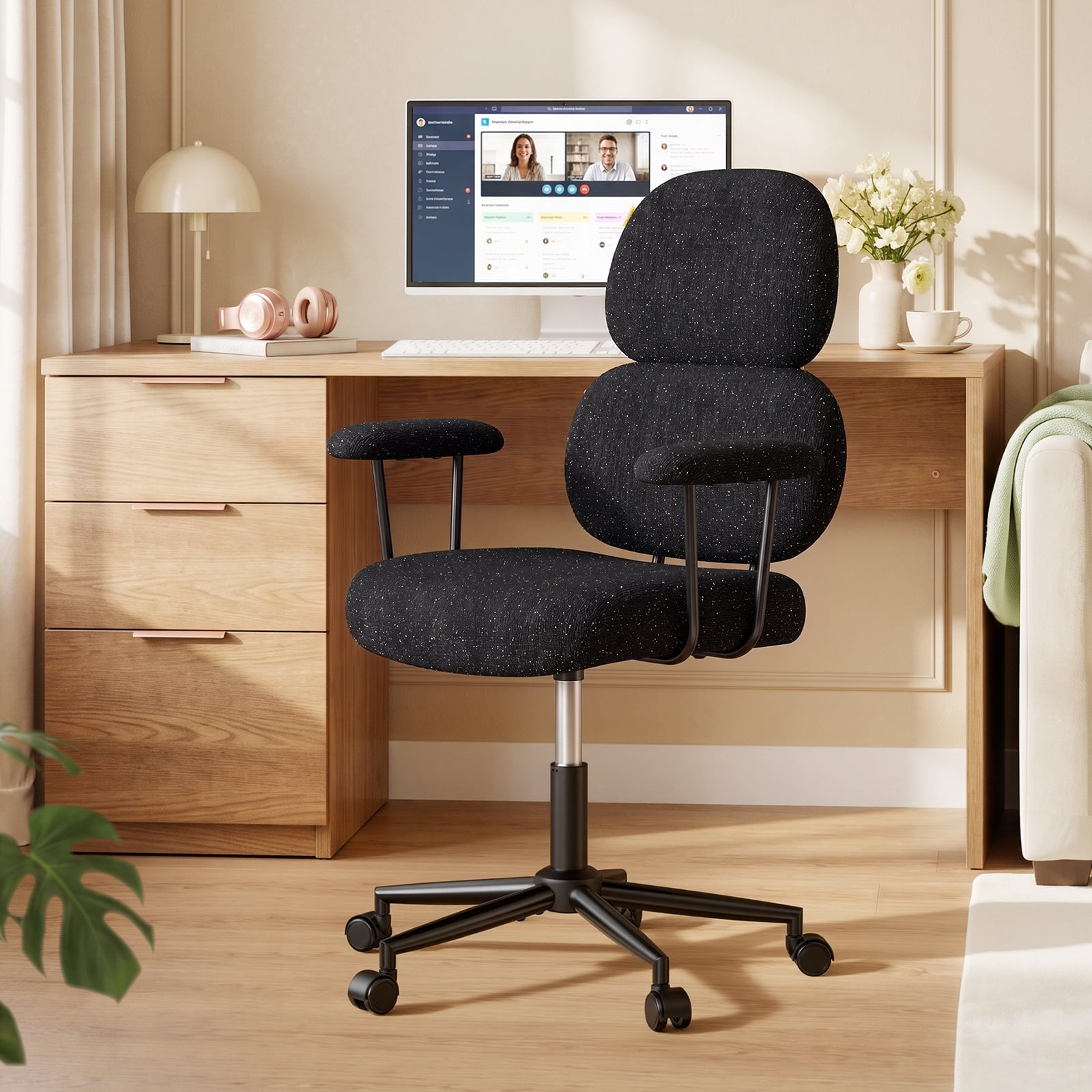
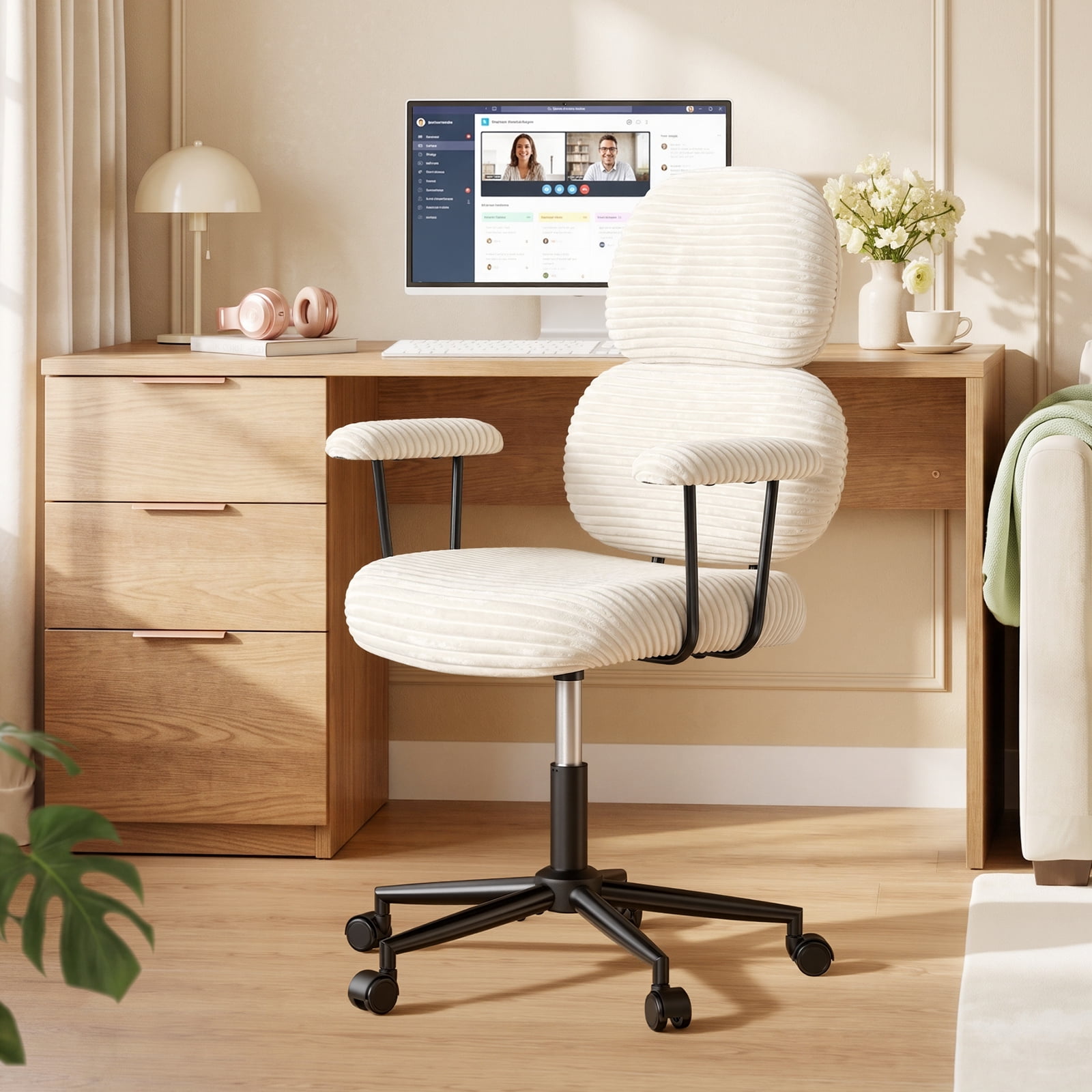
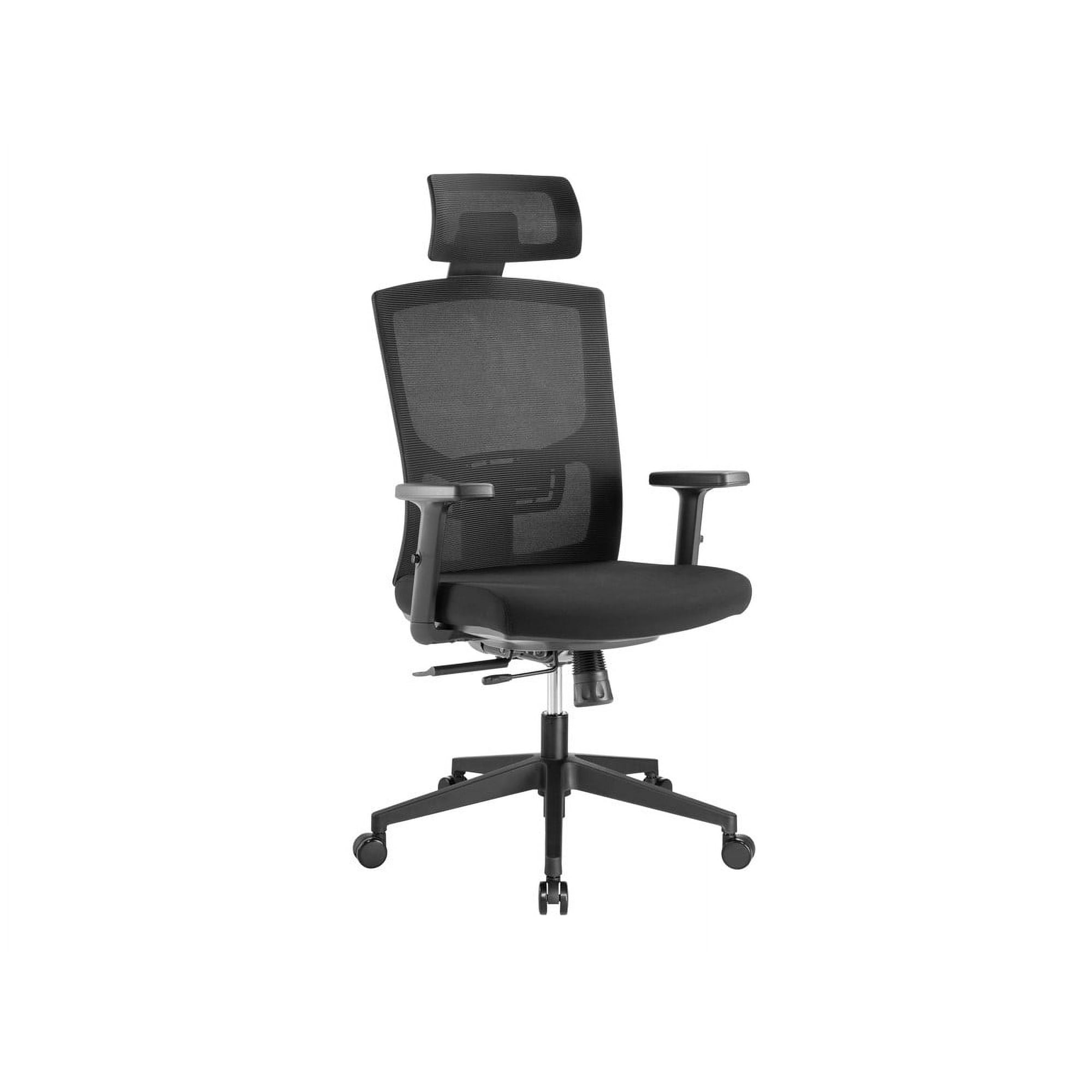
work from home essentials
Why Your WFH Office Chair Matters More Than You Think
When your commute shrinks from thirty minutes to thirty seconds, the boundaries between work and life blur — and your chair becomes the cockpit of your daily productivity. A quality wfh office chair is not just a place to sit; it's a tool that influences your focus, your energy levels, and even how you feel at the end of the workday. Think of it like a good pair of running shoes: if you're going to log eight hours, you need support that fits.
According to a study by the Journal of Physical Therapy Science, prolonged sitting in a non-ergonomic chair increases spinal load by nearly 40%. That translates to back pain, stiffness, and the afternoon slump that hits when your body is fighting your furniture. For the remote worker, the right chair is preventive medicine.
Anatomy of a Great WFH Office Chair: What to Look For
Not all "office chairs" are created equal. A chair that works for a part-time student might leave a full-time remote worker aching. Here are the non-negotiable features for a serious wfh setup.
1. Adjustable Lumbar Support — Your Lower Back’s Best Friend
The natural curve of your spine (the lumbar lordosis) needs support to prevent slouching. The best wfh office chairs offer lumbar support that moves up/down and in/out. Why depth? Because everyone’s spine has a different curve depth. A fixed pillow might hit the wrong spot, but an adjustable pad cradles your back perfectly.
• Look for: chairs with independent lumbar adjustment, not just a built-in curve.
• Pro tip: If you already have a chair, a small lumbar cushion can work wonders — but built-in support is always more stable.
2. Seat Depth and Width — Room to Move
Imagine sitting on a bench that’s too short: your thighs hang, and pressure builds behind your knees. A proper seat pan should leave about two to three finger-widths between the back of your knee and the seat edge. That’s called the "popliteal space."
For home offices, width also matters. If you like to sit cross-legged occasionally (no judgment!), a wider seat (around 20-22 inches) gives you that flexibility. Many wfh chairs now offer a "waterfall front" — a gentle downward curve that relieves thigh pressure and improves circulation.
3. Armrests That Actually Adjust (4D is the Gold Standard)
Fixed armrests are often worse than none. They force your shoulders to hunch or your elbows to splay out. For true wfh comfort, you want armrests that move up/down, side to side, forward/back, and sometimes pivot (4D). This lets you keep your arms relaxed at 90 degrees, directly under your shoulders, reducing neck and shoulder tension.
If you're a keyboard warrior, this feature alone can save you from "tech neck."
4. Breathable Material: Mesh vs. Fabric vs. Leather
Your home office might not have the climate control of a corporate building. Material choice affects your comfort all year round.
- Mesh backs: Incredible airflow — you won’t get a sweaty back during summer video calls.
- Fabric seats: Usually more cushioned and cozy, but may trap heat. Look for breathable, open-weave fabric.
- Leather or PU: Easy to clean, but can be sticky in warm weather and cold in winter. Often used for executive styles rather than pure ergonomic wfh chairs.
Many hybrid chairs now use a mesh back with a padded fabric seat — a fantastic compromise for all-day wear.
5. Recline Mechanism and Tilt Tension
Sitting still for hours is actually bad for your spine. Your chair should allow you to recline slightly and rock back. The tilt tension knob adjusts how much force you need to lean back. A synchronous mechanism (where the back and seat move together) keeps you supported even as you recline. This dynamic sitting engages core muscles slightly and reduces static load on discs.
Common WFH Chair Mistakes (And How to Avoid Them)
Even with a great chair, small setup errors can ruin your ergonomics. Here are three pitfalls remote workers often fall into:
- Chair too high or too low: If your feet dangle, you cut circulation. If you’re too low, you look up at your screen (neck strain). Adjust so thighs are parallel to floor and eyes level with top of monitor.
- Ignoring armrest height: Armrests should gently support your elbows without lifting your shoulders. If they’re too high, you’ll shrug; too low, you’ll lean. Adjust them so your arms rest naturally.
- Not using the recline: Some people lock the chair bolt upright. Unlock the tilt and let your chair move with you. Micro-movements throughout the day keep blood flowing.
Remember: your wfh office chair works as a system with your desk and monitor. A chair alone can’t fix a desk that’s too high — you might need a footrest or a keyboard tray.
Budgeting for Your Home Workspace: How Much to Spend?
You’ll find wfh chairs from $80 to $1,500. Here’s a realistic breakdown based on usage:
- Occasional use (1-3 hours/day): $100–$250 — basic adjustability, decent padding.
- Regular part-time (3-5 hours/day): $250–$450 — better lumbar support, more durable materials.
- Full-time remote (6+ hours/day): $450–$900 — advanced ergonomics, 4D armrests, high-quality mesh/fabric, longer warranty.
- Premium / executive wfh: $900+ — luxury materials, custom adjustments, often 12-year warranties.
The "sweet spot" for most dedicated home workers is $400–$650, where you get genuine ergonomic features without the designer markup.
Small Space? No Problem: WFH Chairs for Compact Home Offices
Working from a corner of the living room or a tiny spare bedroom? You need a chair that fits without dominating the space. Consider these features:
- Narrow backrest: Some chairs have wings; opt for a sleek profile under 26 inches wide.
- No headrest (or removable): Saves vertical visual space and often depth.
- Mesh back: Visually lighter and less bulky.
- Castors for hard floors: If you’re on wood or tile, get soft rubber wheels to protect floors and roll quietly.
Many manufacturers now make "home office" editions that are scaled slightly smaller without sacrificing adjustability — perfect for apartments.
Health Benefits Beyond Comfort: Why It Matters
A well-designed wfh office chair isn't just about luxury; it's a health tool. Here are tangible benefits reported by ergonomics professionals:
- Reduced musculoskeletal disorders: Proper support lowers strain on the lower back, neck, and shoulders.
- Improved digestion: Sitting with good posture (not slumped) allows organs to function without compression.
- Better breathing: Open posture expands the diaphragm, increasing oxygen flow and alertness.
- Fewer headaches: Tension headaches from neck strain decrease when your head is properly aligned over your spine.
In short, your chair is a silent partner in your wellbeing. Choosing wisely pays dividends in energy and focus.
Frequently Asked Questions About WFH Office Chairs
Final Thought: Your Chair, Your Productivity Hub
Building a home office is an investment in your professional life and personal health. The wfh office chair you choose will be the foundation of that space — where ideas flow, deadlines are met, and comfort is a constant. Don't rush the decision. Consider your body, your work style, and your room.
Whether you prioritize breathable mesh for summer calls or plush cushioning for quiet focus, the market has a solution. Use the guide above to cut through the noise and find the chair that turns your home workspace into a place you actually want to sit. Your back will thank you.