
Why Your Office Chair Might Be Causing Your Back Pain (And How to Fix It)
Sitting for 8+ hours in a poorly designed chair is like wearing shoes that are two sizes too small — eventually, something has to give. According to the American Chiropractic Association, 80% of the population will experience back pain at some point, and office workers are at the highest risk. The good news? The top office chairs for back pain are engineered to reverse that damage. Think of them as a 24/7 physical therapist for your spine.
Medical insight: A 2023 study in the Journal of Ergonomics found that workers using chairs with independent lumbar adjustment reported a 57% reduction in lower back discomfort after just two weeks. Your chair isn't just furniture — it's medical equipment.
Anatomy of a Back-Friendly Chair: 5 Must-Have Features
Not every expensive chair helps your back. You need specific mechanisms. Here’s what separates a gimmick from genuine relief.
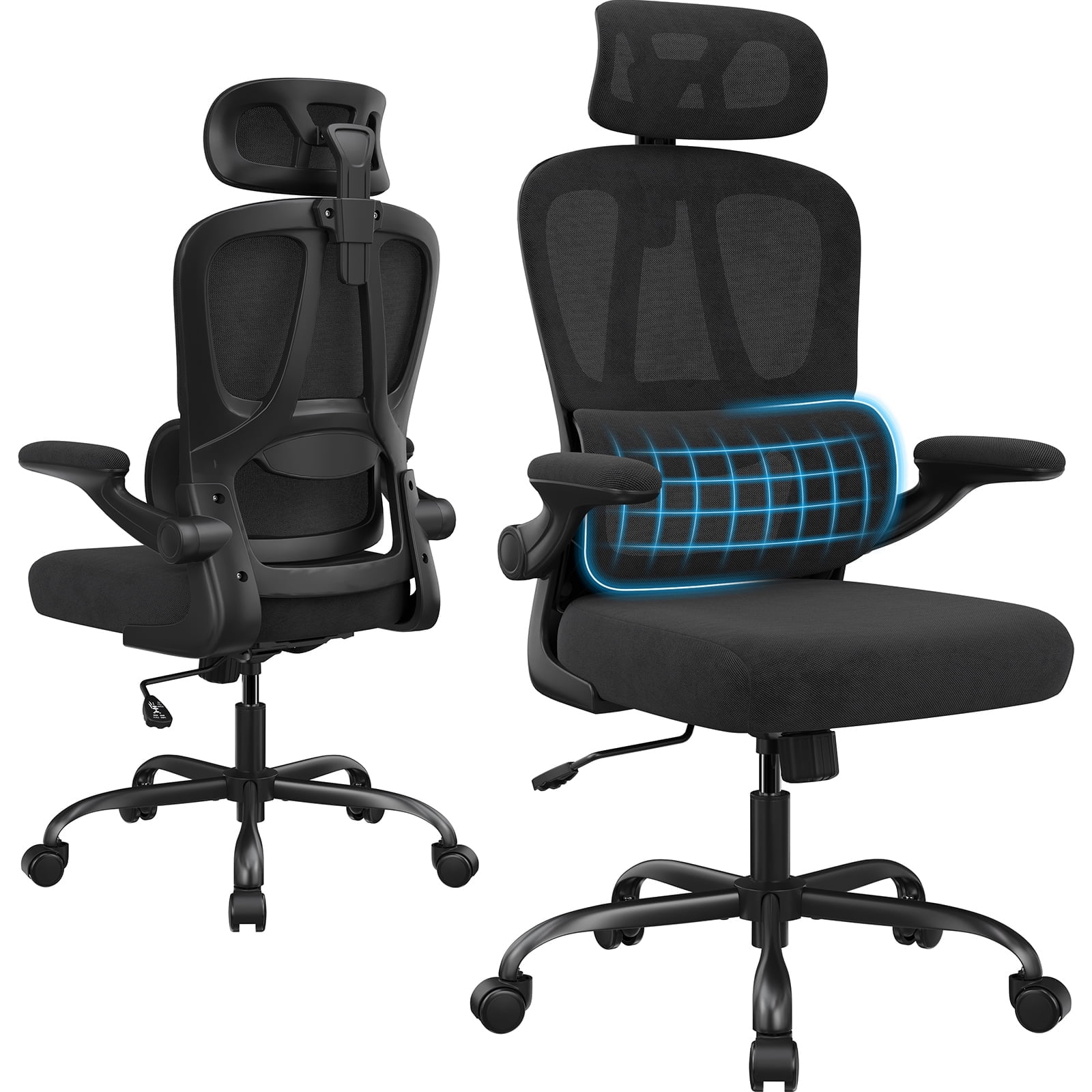
- • 3D Lumbar Support: Moves up/down AND in/out. It fills the gap in your lower back, preventing that dreaded slouch.
- • Seat Depth Slider: Ensures 2-3 finger gaps between the seat edge and your calves. This prevents pinched nerves and encourages an open hip angle (135° is ideal).
- • Waterfall Edge: The front of the seat curves down gently, taking pressure off your thighs and improving blood circulation to the legs.
- • Synchronous Tilt: As you lean back, the seat tilts slightly forward. This keeps your feet planted and eyes level with the screen, reducing neck strain.
- • Armrests that Move with You (4D): Fixed armrests force you to hunch. Adjustable ones let you keep elbows at 90°, relaxing your shoulders and upper back.
The Hidden Danger: 'One-Size-Fits-All' Lumbar Padding
Many chairs claim to have lumbar support, but it's just a fixed bump. That’s like a doctor giving the same glasses prescription to everyone. Everyone's spine curvature is different. The top office chairs for back pain now feature independent lumbar height and tension adjustment. Some even use air-bladder systems (like in high-end cars) to customize the curve. If the lumbar isn't adjustable in two directions, keep looking.
Material Matters: Which Fabric Fights Pain Best?
| Material | Effect on Back Pain | Breathability | Durability |
|---|---|---|---|
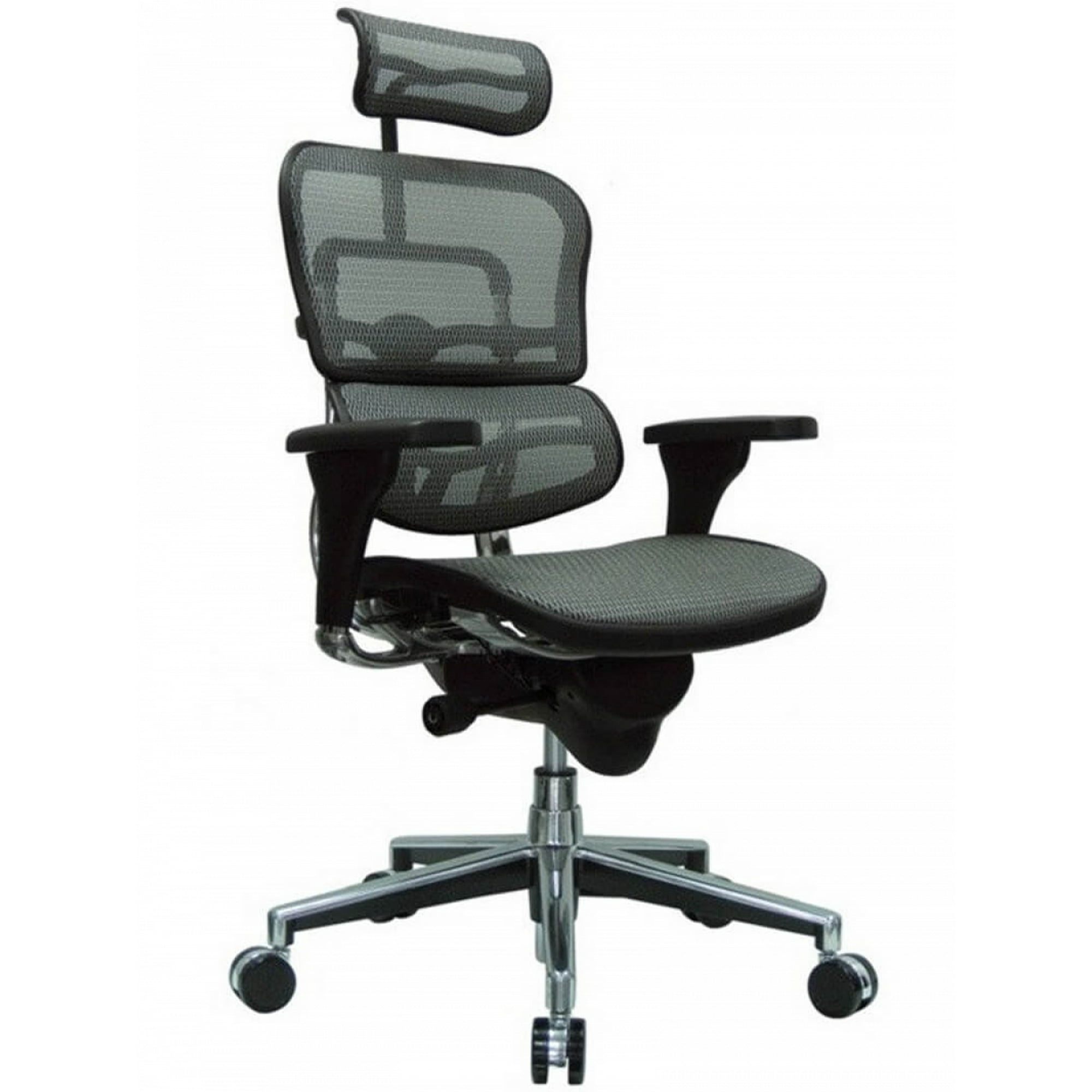
| High-Stretch Mesh | Excellent dynamic contouring to spine shape | ⭐⭐⭐⭐⭐ | ⭐⭐⭐ (can sag after 7 years) |
| Performance Fabric (knit) | Good support with slight give, less pressure points | ⭐⭐⭐⭐ | ⭐⭐⭐⭐ |
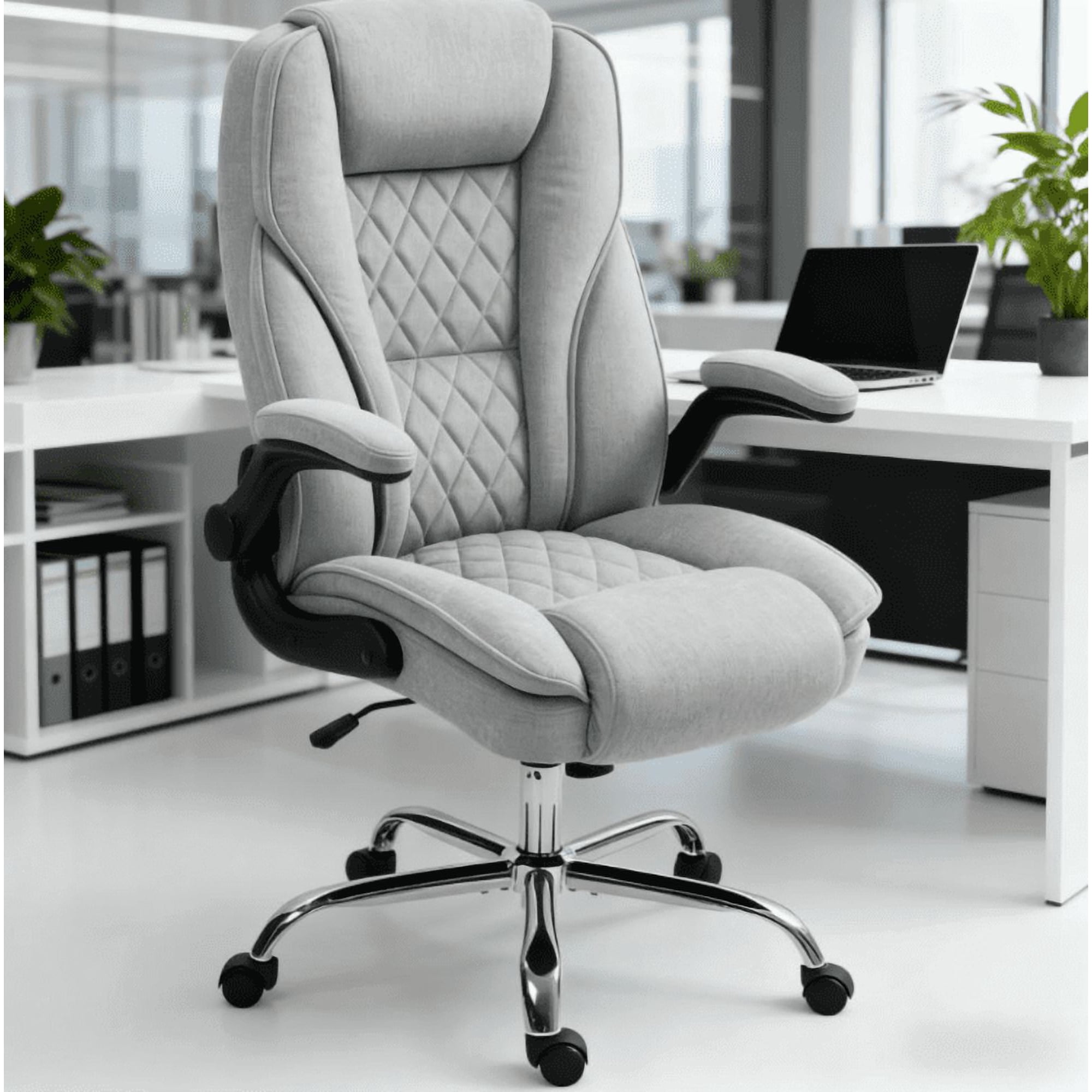
| Premium Leather | Firm support, best if you prefer a solid backrest | ⭐⭐ | ⭐⭐⭐⭐⭐ |
| Memory Foam | Conforms to shape, but can retain heat | ⭐⭐ | ⭐⭐⭐ |
The 'Active Sitting' Revolution
Static chairs lock you in one position, which starves spinal discs of nutrients. The newest wave of ergonomic chairs introduces dynamic movement. Look for chairs with a flexible backrest that moves with you, or a knee-tilt mechanism that lets you rock gently without straining. This micro-movement pumps fluid into your discs, acting like a built-in massage for your spine.
- • Example A: Chairs with a split-back design (two independent pads) that rotate to follow your torso's twists.
- • Example B: Seats mounted on a central pivot that allows 4–6 degrees of lateral movement, engaging core muscles subtly.
Posture Check: Does Your Chair Pass the 10-Second Test?
Sit in your current chair and try this: clench your fists and try to slide them between your lower back and the chair back. If you can move your fists easily, the lumbar support is too shallow. If you can't get them in at all, the support is too aggressive. A quality chair lets you dial in that fit perfectly.
Chair Solutions for Specific Back Conditions
🔹 Lower back / herniated disc
Look for chairs with separate, height-adjustable lumbar pads that push firmly into the curve. Avoid bucket seats that twist your pelvis.
🔹 Upper back / neck pain
Prioritize chairs with a high backrest (at least 28 inches) and an adjustable headrest to support the cervical spine during micro-breaks.
🔹 Sciatica / piriformis pain
Seat must have a waterfall edge and soft, forgiving foam. A slight forward tilt (seat angle) can also relieve sciatic tension.
🔹 General stiffness
A mesh back with a synchro-tilt mechanism encourages movement, preventing joints from locking up.
Step-by-Step: How to Choose Your Perfect Back-Pain-Relief Chair
Price vs. Value: What Should You Spend?
You can find decent chairs under $300, but for true ergonomic engineering that lasts, plan to invest. Here’s a realistic breakdown for the top office chairs for back pain category:
Budget
Basic lumbar pad, limited adjustments. OK for mild, occasional pain.
Mid-Range
Independent lumbar, seat depth, 4D arms. Sweet spot for most.
Premium
Advanced backfit systems, breathable mesh, 12-year warranties.
Medical Grade
Custom lumbar curves, dynamic movement, used in rehab clinics.
Frequently Asked Questions About Office Chairs and Back Pain
Conclusion: Your Back Deserves an Upgrade
Back pain doesn't have to be your office companion. The top office chairs for back pain are an investment in your long-term mobility and daily focus. Don't get distracted by flashy colors or celebrity endorsements. Focus on engineering: adjustable lumbar, seat depth, and a tilt mechanism that moves with you. Your spine will thank you — not just at 5 PM, but years from now.