

Introduction: The Quest for the Perfect Office Chair
Finding the perfect office chair can feel like a modern-day quest. It's not just a piece of furniture; it's the throne from which you conquer your workday, manage your team, and create your best ideas. A poor chair can lead to a cascade of problems—from subtle afternoon fatigue to chronic back pain that affects your life outside the office. Conversely, the right chair becomes almost invisible, supporting you so effectively that you can focus entirely on your tasks. This guide is designed to demystify the process, providing you with the knowledge to make a confident, informed decision and find the seating solution that's truly perfect for you.
The Impact of a Good Chair: Research from the Cornell University Department of Design and Environmental Analysis suggests that an optimally adjusted chair can reduce physical discomfort by up to 50%. Furthermore, a study by the British Journal of Sports Medicine indicates that poor sitting posture can decrease lung capacity by as much as 30%, directly impacting energy levels and focus. The perfect chair is a productivity tool, plain and simple.
Decoding the "Perfect Office Chair": Core Components
The perfect chair isn't a one-size-fits-all product. It's a collection of adjustable components that work in harmony to support your body's unique geometry. Let's break down the essential elements you need to evaluate.
1. The Foundation: Seat Comfort and Depth
The seat pan is your primary contact point. A perfect chair offers a seat depth that accommodates your thigh length. You should be able to sit with your back against the backrest and have roughly 2-4 fingers of space between the back of your knee and the seat edge. This prevents pressure on your sciatic nerve and ensures proper circulation.
- Seat Material: High-density foam provides lasting support and resists flattening over time. Look for "cold-cure" foam for better durability.
- Waterfall Edge: A curved, downward-sloping front edge (waterfall design) is crucial for reducing pressure on your thighs and improving blood flow to your legs.
- Seat Width and Depth Adjustment: Some premium chairs offer a sliding seat pan. This is a gold-star feature that allows you to perfectly dial in the seat depth for your legs.
2. The Back: Lumbar Support and Backrest Height
This is the heart of ergonomic seating. Static, one-size-fits-all backrests are a compromise. The perfect chair provides robust, adjustable lumbar support.
- Adjustable Lumbar Support: The ability to move the lumbar support up and down, and sometimes in and out, allows you to fit the curve of the chair to the natural inward curve of your lower spine. This is non-negotiable for long-term comfort.
- Backrest Height: Consider your torso length. A high-back chair offers more shoulder and upper back support, ideal for taller individuals or those who like to recline. A mid-back chair focuses on lower and mid-back support and encourages better upright posture for task-focused work.
- Recline Mechanism and Tension Control: A good recline isn't just for napping. It allows you to dynamically shift your posture throughout the day, reducing static loading on your spine. Adjustable tension lets you set the resistance so the chair supports you perfectly whether you're leaning forward to type or sitting back to think.
3. The Points of Contact: Armrests
Often overlooked, armrests are vital for supporting your arms and taking the weight off your shoulders and neck. The perfect chair features "4D" armrests.
- Height Adjustment: Allows your elbows to rest at a 90-degree angle, with shoulders relaxed.
- Width Adjustment: Lets you move the armrests in or out to perfectly align with your elbows, preventing you from hunching or splaying your arms.
- Depth Adjustment: Slides the armrest pad forward or backward so it supports your forearm, not just your elbow, while typing.
- Pivot Adjustment: The armrest pads can angle in or out to match your natural hand position.
While 4D armrests are the pinnacle, even 2D (height and width) or 3D (height, width, depth) armrests offer significant benefits over fixed ones.
4. The Base and Casters: Stability and Mobility
A stable base ensures safety and longevity. Look for a five-point base, typically made of nylon or metal. Metal bases offer superior durability and a premium feel. Casters must match your floor type.
- Hard Floor Casters (often polyurethane): Softer wheels that won't scratch hardwood, tile, or laminate.
- Carpet Casters (often hard nylon): Harder wheels that roll easily over thick carpet without digging in.
Material Matters: Choosing Your Upholstery
The material of your perfect office chair affects its comfort, breathability, aesthetics, and longevity. This table provides a quick comparison to help you decide.
| Material | Ideal For | Breathability | Durability | Aesthetic |
|---|---|---|---|---|
| Premium Mesh | Warm climates, those who run hot, task-focused work. | Excellent (maximum airflow) | Good (high-quality mesh resists sagging) | Modern, sleek, professional |
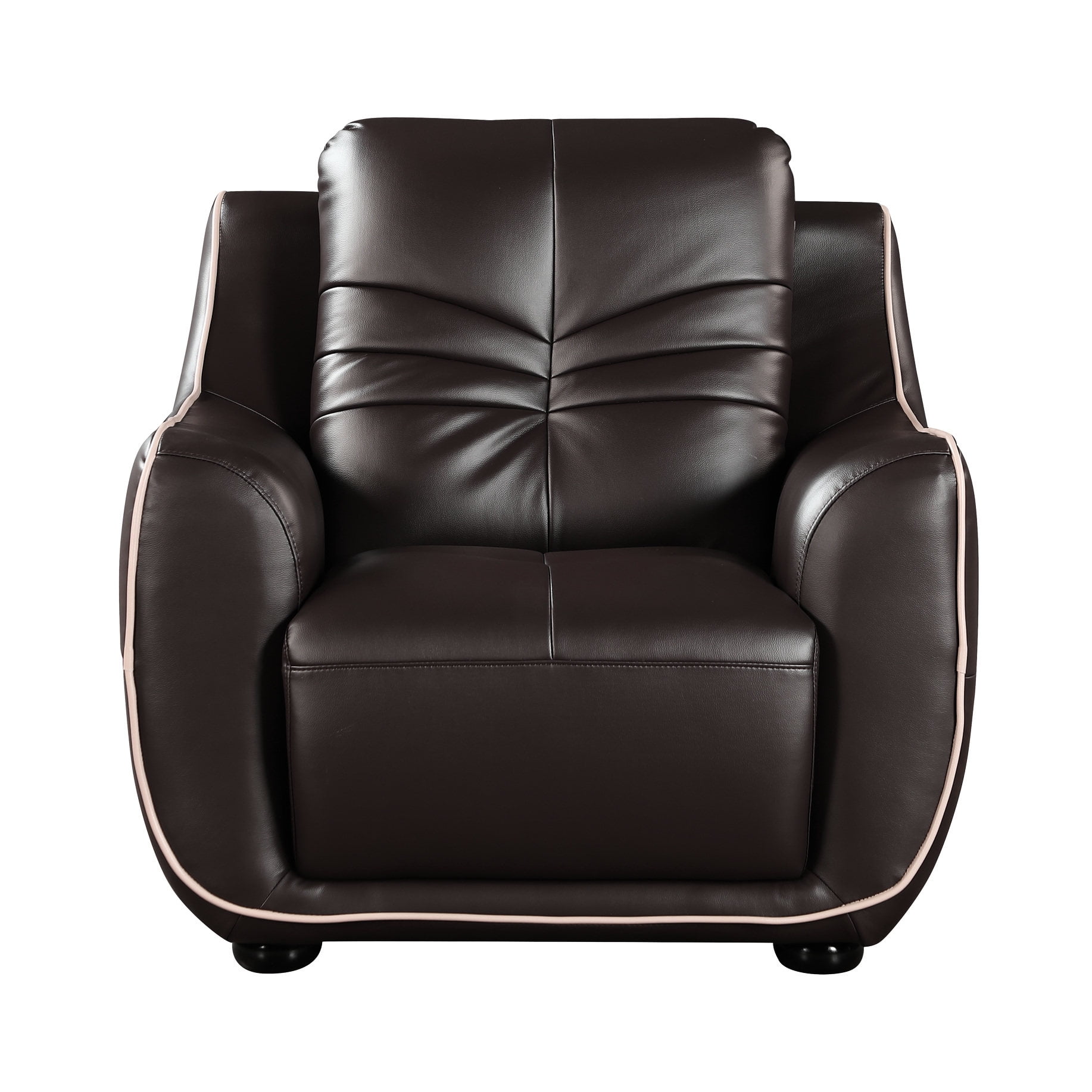
| Top-Grain Leather | Cooler climates, executive settings, those who want a classic, plush feel. | Low (can be warm) | Excellent (can last 15+ years with care) | Luxurious, traditional, authoritative |
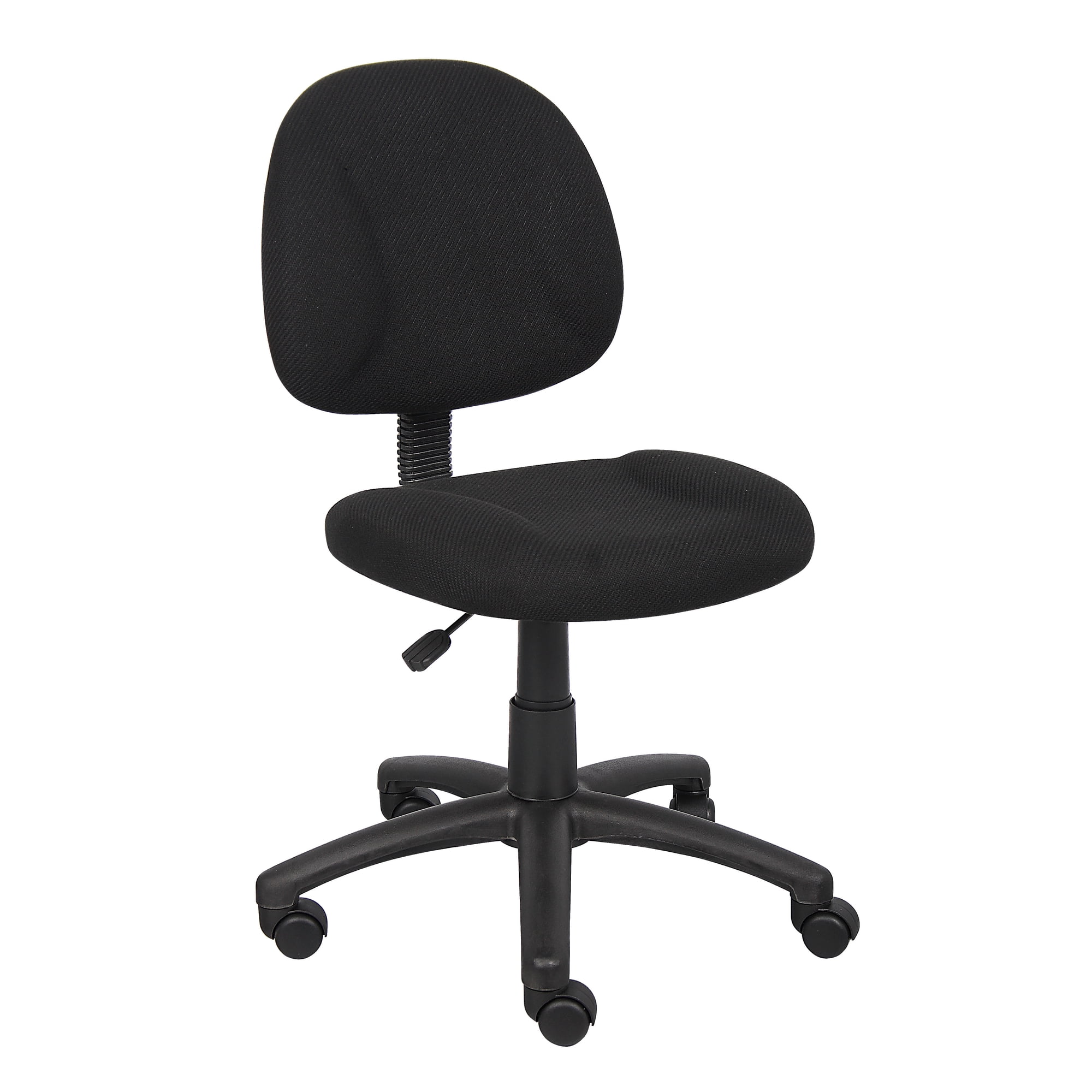
| High-Quality Fabric | Value-conscious buyers, moderate climates, those seeking color/pattern options. | Good (more breathable than leather) | Good-Very Good (depends on weave and density) | Warm, inviting, versatile |
| Faux Leather / PU | Budget-conscious buyers, occasional use, modern looks. | Poor (non-breathable) | Fair (prone to peeling/flaking over 2-4 years) | Sleek, modern (looks like leather) |
The Anatomy of Adjustability: A Step-by-Step Guide to Setup
Owning the perfect chair means nothing if it's not adjusted correctly. Follow these steps to tailor your chair to your body.
Step 1: Seat Height
Adjust the height so your feet are flat on the floor. Your knees should be at a 90-degree angle, with your thighs roughly parallel to the floor. Your hips should be open, not tilted forward or back.
Step 2: Seat Depth
If your chair has seat depth adjustment, slide the pan so there's a 2-3 finger gap between the back of your knee and the seat edge. This supports your thighs without cutting off circulation.
Step 3: Lumbar Support
Position the lumbar support so it fits comfortably into the curve of your lower back. It should feel supportive, not like it's pushing you too far forward.
Step 4: Backrest Angle and Tension
Sit back and recline slightly (100-110 degrees is ideal). Adjust the tilt tension so the chair supports your weight comfortably as you move. You shouldn't have to fight the chair to recline, nor should it spring forward too easily.
Step 5: Armrests
Adjust the armrests so they lightly support your forearms with your shoulders relaxed and elbows at 90 degrees. They should not cause your shoulders to hunch. Position them so they can slide under your desk when you pull in close.
Beyond the Chair: The Holistic Workspace
Remember, even the perfect office chair is part of a larger system. Your desk height, monitor position, and keyboard placement are equally important. Your eyes should be level with the top of your monitor, and your keyboard should allow your wrists to remain straight. A chair is the foundation, but a holistic ergonomic setup is the building. Taking micro-breaks to stand and stretch every 30-45 minutes is also a non-negotiable habit for anyone serious about their long-term health and productivity.