
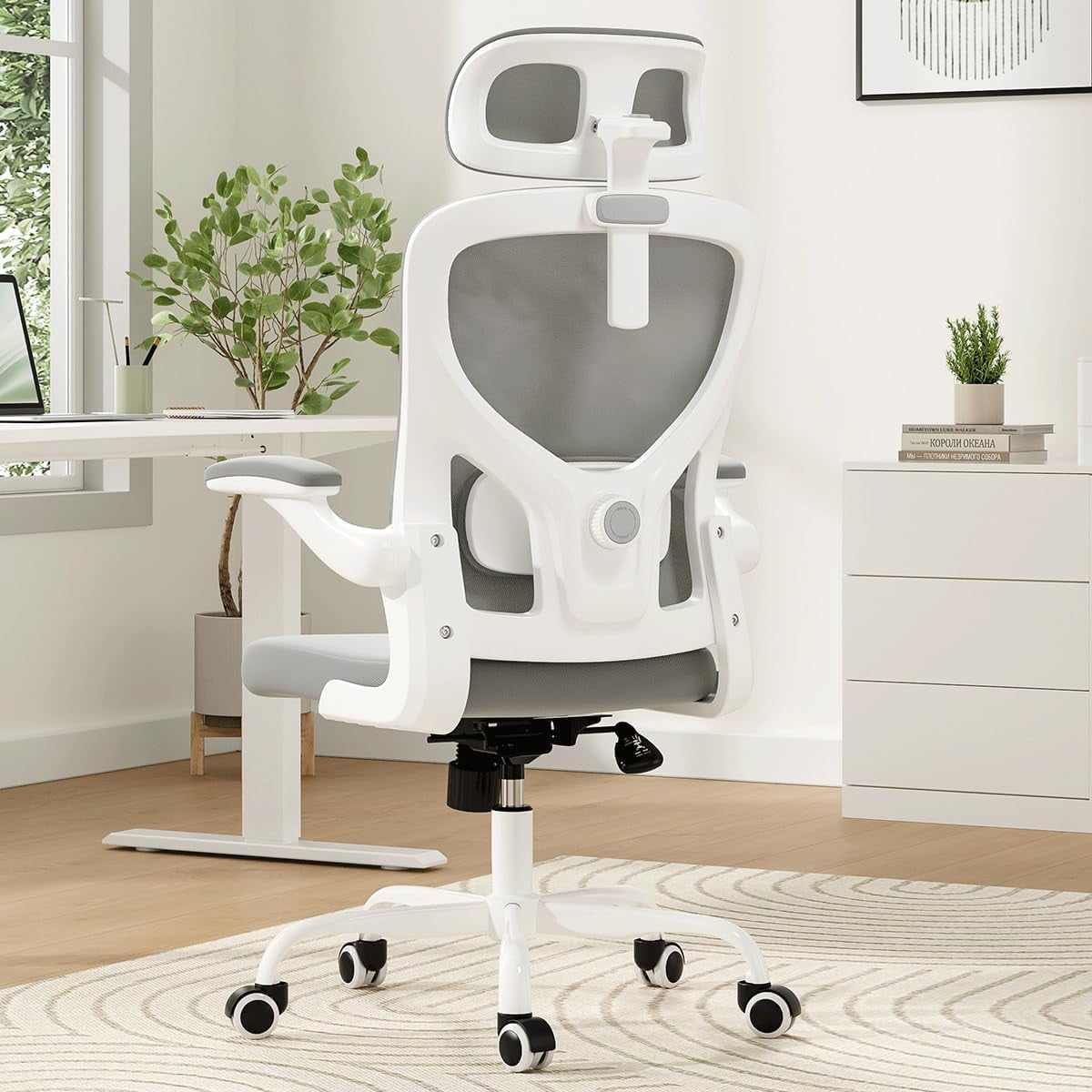
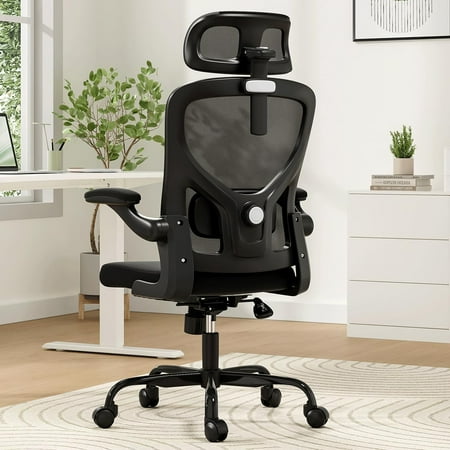
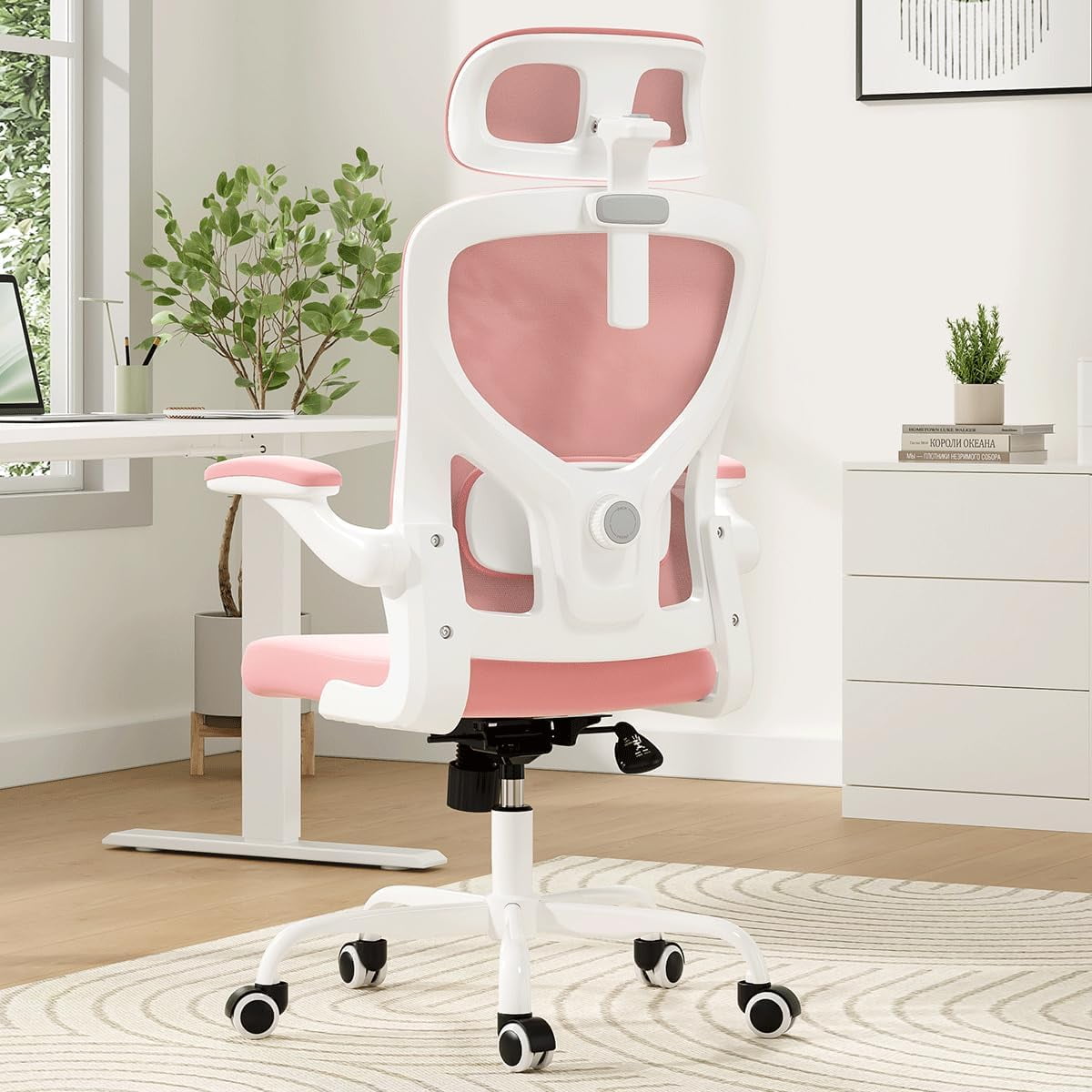
Designing Your Perfect Home Workspace: More Than Just Furniture
Creating a dedicated and functional workspace at home has become essential for millions of professionals. Unlike a corporate office, your home setup must blend seamlessly with your personal life, often fitting into a spare bedroom, a corner of the living room, or even a converted closet. The cornerstone of this setup is, without a doubt, the office desk and chair for home. It's not just about having a place to put your laptop; it's about creating an environment that fosters focus, supports your physical health, and signals to your brain that it's time to work.
The Remote Work Reality: A study by FlexJobs found that 65% of respondents are more productive working from home than in a traditional office. However, productivity isn't automatic. It hinges on having a workspace that minimizes distractions and physical discomfort. Your desk and chair are the foundation of this productive haven.
The Symbiotic Relationship: Desk and Chair
Think of your desk and chair as a team, not two separate pieces of furniture. A high-end, ergonomic chair is useless if your desk is too high or too low. Similarly, a beautiful desk won't save you from back pain if your chair lacks proper support. The magic happens when they work in harmony. Here’s how to ensure they do:
- Height Harmony: When you're seated with your feet flat on the floor and your knees at a 90-degree angle, your elbows should also be at 90 degrees when your hands are on the keyboard. This means the desk's height or the chair's height must be adjustable to achieve this perfect alignment. If you have a fixed-height desk, the adjustability of your chair becomes non-negotiable.
- Depth and Reach: The desk should be deep enough to place your monitor at an arm's length away (about 20-28 inches). The chair should allow you to sit back comfortably while still reaching your keyboard and mouse without leaning forward. This is where seat depth adjustment on your chair is invaluable.
- Visual and Functional Flow: Your desk surface should be clear of clutter, with only essential items within a primary reach zone. Your chair should support you as you move within this zone—answering the phone, jotting notes, or referencing a document.
Decoding Your Space: A Practical Guide to Desk Selection
Before you even start browsing for a desk, grab a measuring tape. The size of your room dictates the size of your desk. Here is a breakdown of desk types based on spatial needs:
| Space Type | Ideal Desk Style | Dimensions to Consider |
|---|---|---|
| Compact / Nook | Corner Desk, Wall-Mounted Floating Desk, Drop-Leaf Desk | Max width 40-48 inches; utilizes vertical space |
| Dedicated Home Office | Rectangular Writing Desk, L-Shaped Desk | 60 x 30 inches is standard; provides ample surface area |
| Shared / Multi-Purpose Room | Rolling Desk, Secretary Desk (closes up), Slim Console Table | Flexible, movable, or concealable options to define the space |
| Standing Desk Enthusiast | Sit-to-Stand Electric Desk | Requires space for movement; ensure stability at max height |
Ergonomics at Home: Choosing Your Command Center Chair
If the desk is your workspace, the chair is your work vehicle. You'll be spending hundreds, if not thousands, of hours in it. Skimping on a chair is like buying a sports car with lawnmower seats. Here are the critical ergonomic features to prioritize when selecting an office desk and chair for home:
Adjustable Lumbar Support
Your lower back has a natural inward curve. Lumbar support maintains this curve, preventing you from slouching. Look for height-adjustable support to match your spine.
Seat Depth Adjustment
You should be able to fit 2-3 fingers between the back of your knee and the seat pan. Adjustable depth allows people with longer or shorter thighs to achieve proper support.
4D Armrests
Armrests should be adjustable in height, width, depth, and pivot angle. This allows you to rest your arms while keeping your shoulders relaxed, preventing neck and shoulder tension.
Headrest (Optional, but Beneficial)
If you often lean back to think, read, or take calls, a headrest supports your neck and prevents "text neck" strain. It's a feature that separates a good chair from a great one.
Material Matters: Comfort and Aesthetics at Home
The material of your desk and chair affects not only the look of your home office but also its durability and maintenance. Here's a quick guide:
Desk Materials:
- Solid Wood: Timeless, durable, and adds warmth. Requires maintenance and can be heavy. Ideal for traditional or classic home offices.
- Engineered Wood (MDF/Particleboard): Affordable and available in many finishes. Less durable than solid wood, but great for budget-conscious setups or guest rooms.
- Metal and Glass: Modern, sleek, and easy to clean. Can feel cold and may show fingerprints. Glass requires careful cleaning to avoid smudges.
Chair Upholstery:
- Mesh: Incredibly breathable, perfect for warmer climates or people who tend to get hot. Offers good support but lacks the plush feel of padded materials.
- Fabric: Comfortable, available in a wide range of colors and textures. Can stain more easily and may trap odors. Look for high-performance, stain-resistant fabrics.
- Leather/Faux Leather: Easy to wipe clean, looks professional, and softens over time. Can be warm in summer and cool in winter. Faux leather may crack or peel after a few years.
5 Essential Steps to Test Your Desk and Chair Compatibility
Before you finalize your purchase, imagine yourself working. Follow these steps mentally or, if possible, in a store to ensure the pair is right for you:
- The 90-90-90 Test: Sit comfortably. Check that your ankles, knees, and elbows are all at approximately 90-degree angles. If not, your chair or desk height is mismatched.
- The Forearm Float: Rest your hands on the keyboard. Your forearms should be parallel to the floor. Your armrests (if you use them) should just skim the bottom of your elbows, not push them up.
- The Monitor Check: The top of your monitor screen should be at or slightly below eye level. You should not have to tilt your head up or down. This may require a monitor stand, regardless of your desk height.
- The Recline and Reach: Push back in your chair and recline slightly. Can you still comfortably reach your keyboard and mouse? Good chairs allow you to recline while keeping your feet planted and your work within reach.
- The Legs and Clearance: Ensure there's enough space under the desk for your legs and knees to move freely. Check for any crossbars or supports that might hit your knees.
Pro Tip: Your home office furniture is an investment in your well-being. A well-chosen office desk and chair for home can last a decade or more. Spending an extra $100-$200 now to get a chair with better adjustability or a desk with a more durable surface pays dividends in comfort and longevity.