
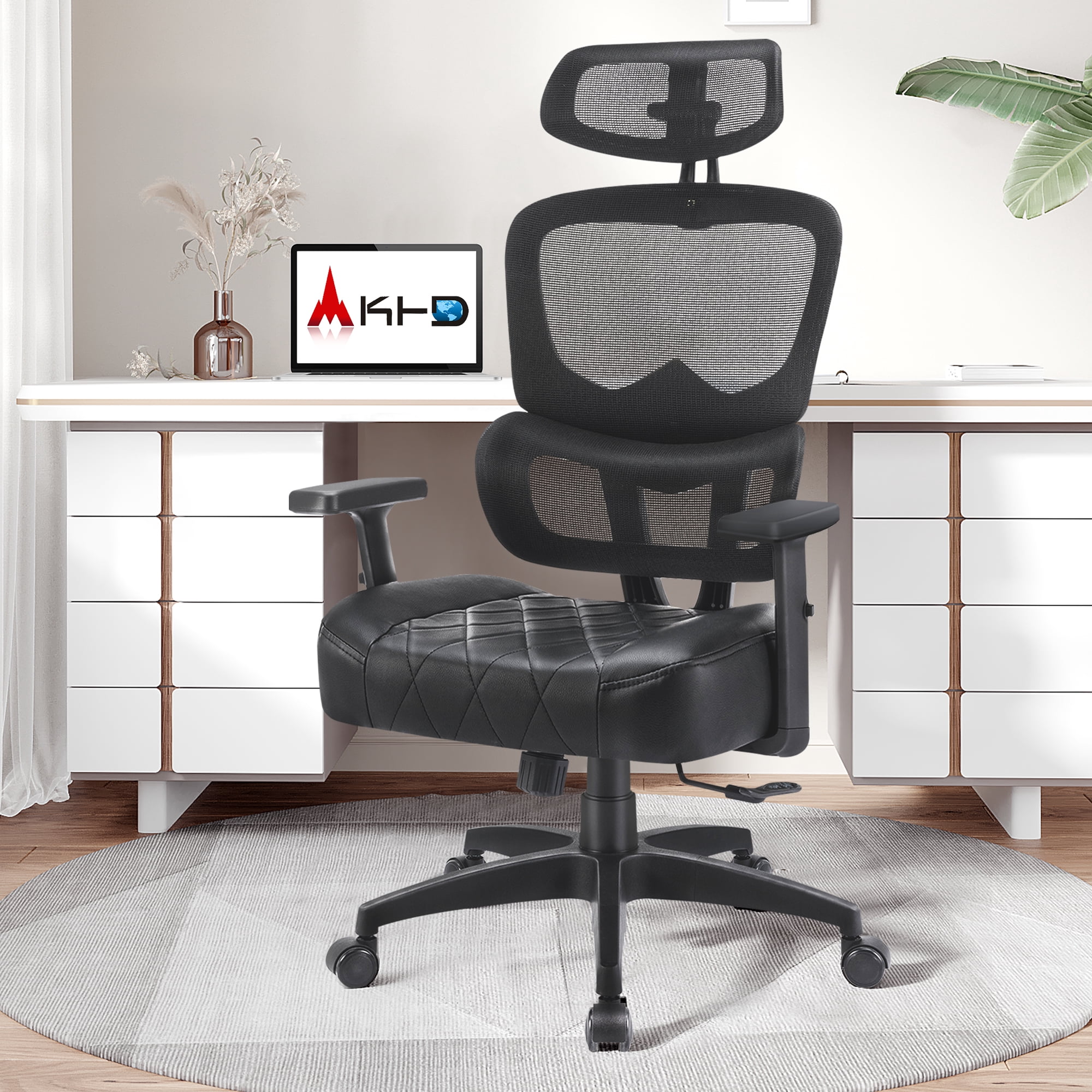
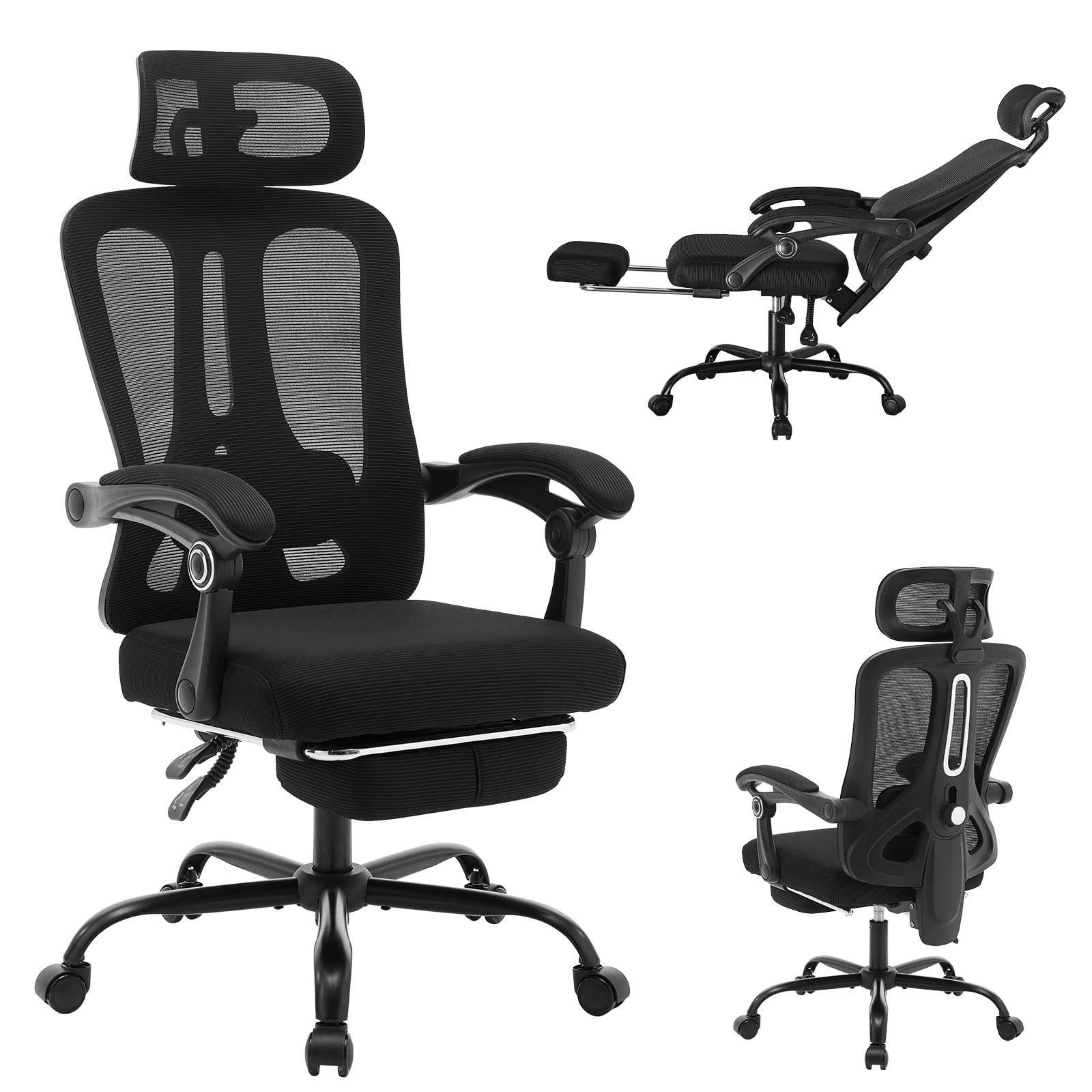
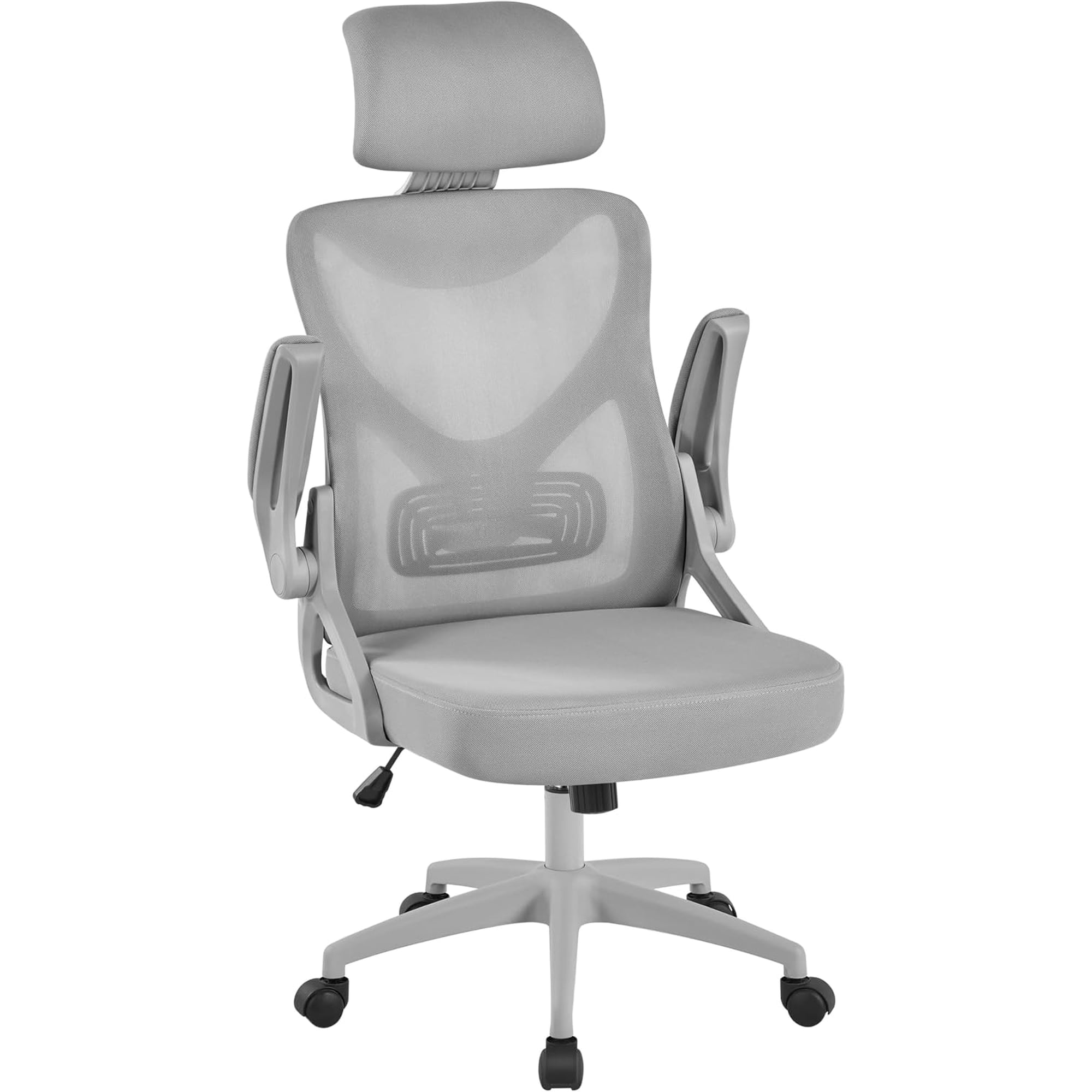
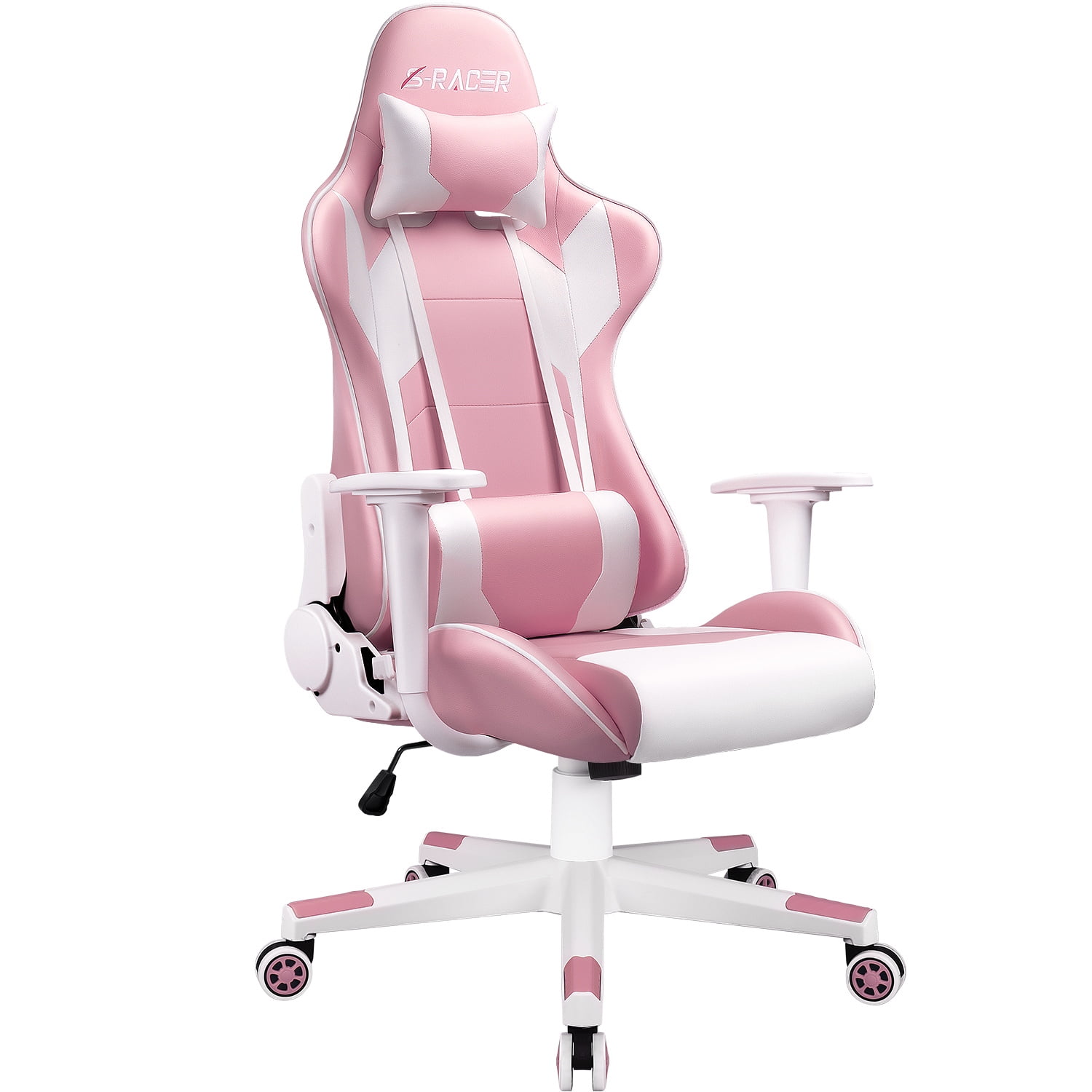
1. Introduction: Why Headrest + Lumbar Support?
Imagine driving a car without a seat that supports your lower back—and without a headrest. You'd feel every bump, and your neck would ache after an hour. Yet millions of people sit in office chairs that are exactly that: unsupportive planks. An office chair with headrest and lumbar support acts like the suspension and safety system for your body. It’s not just about comfort; it's about maintaining the spine's natural S-curve. According to the American Chiropractic Association, 80% of people will experience back pain at some point, often linked to prolonged sitting. The right chair is your first line of defense.
This guide goes beyond basic reviews. We'll explore the biomechanics of why these two features—headrest and lumbar support—work in tandem. Whether you're a remote worker, a gamer pulling all-nighters, or a manager in long meetings, understanding this synergy will transform your sitting experience.
2. The Tandem Effect: How Headrest and Lumbar Support Work Together
Most people think of chair features in isolation. "I need lower back support" or "My neck gets sore." But the spine is a connected chain. When you sit, your pelvis rotates backward, flattening the lumbar curve. To keep your eyes level, your neck extends forward—creating the infamous "text neck." An office chair with both headrest and lumbar support corrects this chain reaction.
2.1 The Biomechanical Link
When lumbar support fills the gap in your lower back, it encourages your shoulders to relax and your head to align over your spine. A properly positioned headrest then catches the natural curve of your cervical spine. Think of it like a bridge: lumbar is the foundation pier, and the headrest is the far pier. Without both, the bridge (your spine) sags in the middle. A 2019 study in the International Journal of Industrial Ergonomics noted that participants using chairs with both supports reported 33% less neck-shoulder discomfort compared to those using chairs with lumbar support alone.
2.2 Dynamic vs. Static Support
Not all headrests and lumbar supports are created equal. There are two camps:
- Static support: A fixed curve or pad. It's better than nothing, but like a one-size-fits-all hat.
- Dynamic/Adjustable support: Allows you to move the lumbar height/depth and the headrest angle/height. This is the gold standard. Your spine is unique—your chair should adapt to you, not the other way around.
For example, if you're 6'2" (188 cm), a fixed lumbar might hit your mid-back, doing nothing for your lower spine. Similarly, a headrest that's too low juts your chin forward. Always prioritize adjustability.
Data point: A survey by ErgoPlus found that 68% of workers who switched to a chair with adjustable lumbar and head support reported a significant decrease in daily fatigue by the third week.
2.3 Real-World Scenarios: Who Benefits Most?
• The Multi-tasker: You lean forward to type, then recline to read. An adjustable headrest moves with you, preventing neck strain.
• The Tall Professional: Standard chairs end at the shoulders. A high-back with headrest cradles your entire spine.
• The Posture Corrector: Lumbar support trains your muscles to stay in a neutral position, slowly building muscle memory.
3. Material Science: What to Look for in Lumbar and Headrest Padding
Beyond adjustability, the materials that create the support matter. This is where many office chair guides fall short—they list "mesh" or "leather" but don't explain how it interacts with support features.
3.1 Lumbar Padding: Memory Foam vs. Dense Foam vs. Air Bladders
- Memory Foam: Conforms to your shape but can soften over time. Great for pressure distribution, but ensure it's high-density (4-5 lbs/ft³) to avoid bottoming out.
- Dense Polyurethane: Firmer, more "supportive" feeling. Often used in executive chairs. It holds shape longer but might feel hard initially.
- Air Lumbar (Bladder): The pinnacle of adjustability. You pump air to increase or decrease support depth. Used in high-end ergonomic chairs like some Steelcase or HON models.
3.2 Headrest Fill: The Comfort-Support Balance
A headrest shouldn't be a brick. It needs to be soft enough for comfort but firm enough to actually support. Look for:
- Contoured foam: Some headrests have a slight dip for your neck—excellent for alignment.
- Mesh-covered headrests: Offer ventilation and a bit of spring, ideal for warmer climates.
- Adjustable tilt headrests: Let you change the angle to support looking down at a screen or up at a monitor.
3.3 Material & Support Matrix
| Material Type | Lumbar Support Feel | Headrest Comfort | Best For |
|---|---|---|---|
| High-Density Foam | Firm, consistent | Sturdy, less give | Executives, heavier users |
| Memory Foam | Molding, soft-medium | Plush, hugging | Lightweight users, those with pressure sensitivity |
| Mesh + Foam | Breathable, flexible | Cool, springy | All-day sitters in warm offices, tech workers |
| Air Bladder | Infinitely adjustable | N/A (usually not on headrests) | Anyone needing precise lumbar customization |
4. Common Adjustment Mistakes (And How to Fix Them)
You bought an office chair with headrest and lumbar support—great! But if you set it up wrong, it's like wearing shoes on the wrong feet. Here are the top 3 mistakes we see:
- The "Too High" Lumbar: People often set the lumbar pad at waist level, but it should fit into the hollow of your lower back (just above the belt line). If it's pushing your mid-back, you'll slouch more.
- The Headrest That Pushes Your Head Forward: A headrest should support the back of your head, not jut out like a car headrest from the 80s. Adjust it so it lightly touches your occiput (base of skull) when you're upright.
- Ignoring Seat Depth: Lumbar support only works if you're sitting all the way back. If your seat is too long, you'll perch forward and lose lumbar contact. Adjust seat depth (if available) or use a lumbar cushion to fill the gap.
Quick fix: Sit in the chair, slide back until your back touches the lumbar. Now clench and unclench your glutes—you should feel the support hold you. For the headrest, lean back slightly; it should catch your head without tilting it down.
5. Frequently Asked Questions About Chairs with Headrest & Lumbar
6. Conclusion: Invest in Your Spine's Future
Choosing an office chair with headrest and lumbar support is one of the most important investments for anyone who sits at a desk. It's not merely about ticking boxes on a feature list; it's about creating a workspace that works with your anatomy, not against it. By ensuring both the lower and upper spine are supported, you prevent the cascade of fatigue, pain, and long-term postural issues. Remember the acronym SHAD: Support (both zones), Height adjustability, Angle adjustability, and Depth (for lumbar). Prioritize these, and your body will thank you after years of comfortable, productive work.
Browse the top picks above (updated via Walmart API) to find models that match your body type and budget. And if you're still unsure, use the step-by-step guide in Section 4 to fine-tune any chair you try.