
Navigating the World of Office Chairs: Your Roadmap to Comfort
Finding the right office chair can feel like searching for a needle in a haystack. With hundreds of models, materials, and price points, it's easy to get overwhelmed. This office chair website guide is designed to be your compass. We cut through the marketing jargon and focus on what truly matters: your health, comfort, and productivity. Think of your office chair as the foundation of your workspace; just as a house needs a solid base, your body needs a supportive seat to perform at its best.
1. The Anatomy of an Office Chair: What to Look For
Before you click 'add to cart', it's crucial to understand the key components that separate a good chair from a great one. A quality office chair website will detail these features, but here's what they mean for you.
• Lumbar Support: The Backbone of the Chair
Lumbar support isn't just a bulge at the back; it's a mechanism designed to maintain the natural inward curve of your lower spine. Static lumbar pads are common, but adjustable versions (both in height and depth) are far superior. They allow you to dial in the exact pressure point you need. Without proper lumbar support, you're likely to slump, leading to back pain and fatigue.
• Seat Comfort and Adjustability
The seat pan is where you spend all your time, so it needs to be just right. Look for:
- Seat Depth Adjustment: This allows you to slide the seat forward or backward. A proper fit leaves 2-3 finger widths between the back of your knee and the seat edge, preventing circulation issues.
- Waterfall Edge: A curved front edge reduces pressure on your thighs and improves blood flow to your legs.
- Cushion Density: High-density foam or advanced memory foam retains its shape and provides consistent comfort for years, unlike cheap foam that flattens quickly.
• Backrest and Recline Mechanism
A chair that doesn't move will make you stiff. A good recline mechanism allows you to shift positions and relax your back muscles. Look for:
- Synchro-tilt: This mechanism allows the seat and backrest to move in a synchronized, natural ratio (often 2:1 or 3:1) as you lean back.
- Tilt Tension Adjustment: Lets you control how much force is needed to recline, accommodating different body weights and preferences.
- Lockable Positions: The ability to lock the chair in an upright or slightly reclined position is essential for focused work.
2. Material Matters: Mesh vs. Leather vs. Fabric
The material of your chair impacts comfort, maintenance, and style. Here's a straightforward breakdown to help you decide.
| Material | Best For | Pros | Cons |
|---|---|---|---|
| Mesh | Warm climates, long work hours | Excellent breathability, modern look, easy to clean with a vacuum | Less plush feel, can be less durable if mesh quality is low |
| Leather | Executive offices, client-facing roles | Premium appearance, durable, wipes clean easily, softens with age | Can get hot/sticky, higher cost, requires conditioning |
| Fabric | Budget-conscious, home offices | Wide variety of colors, soft and cozy, generally more affordable | Can absorb spills and odors, harder to clean deeply |
According to a 2023 survey by the Office Environment Institute, 68% of remote workers prioritized breathability (mesh) as their top material choice, while 55% of executives in traditional settings preferred leather for its professional image.
3. The 'Goldilocks' Guide: Finding Your Perfect Fit
Not all chairs are created equal, and your body type dictates what 'comfortable' means. Here’s a step-by-step process to ensure you pick the right size.
Step 1: Measure Your Seat Height
While seated, your feet should rest flat on the floor, with your thighs parallel to the ground. Measure from the floor to the back of your knee. Add 1-2 inches for shoe height. This is your ideal seat height range.
Step 2: Check Seat Width and Depth
Your hips and thighs should be comfortably cradled by the seat. There should be no pressure on the sides of your hips. For depth, ensure there's a gap between the back of your knee and the seat edge. If the seat is too long, you'll feel pressure behind your knees; too short, and you lose thigh support.
Step 3: Evaluate Backrest Height
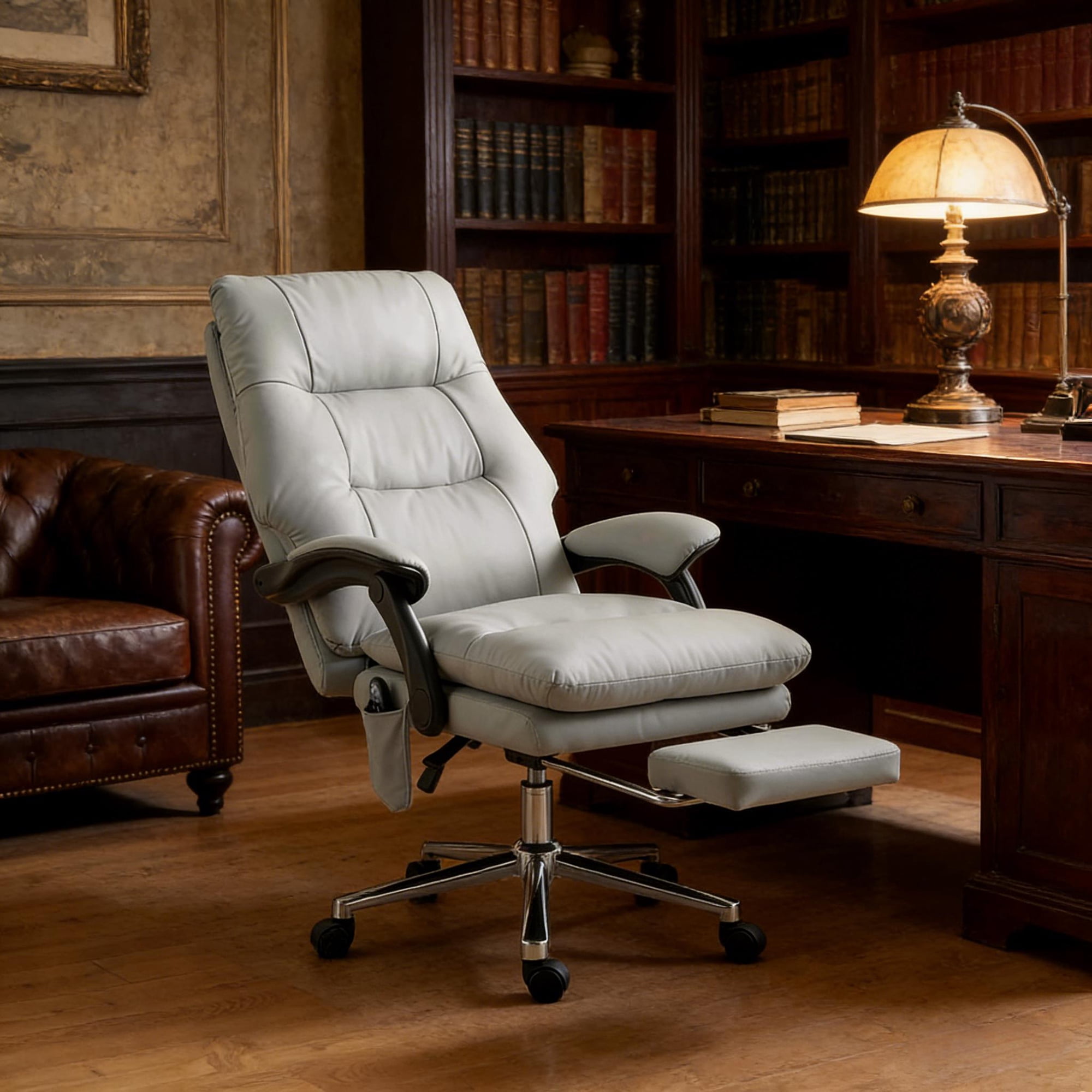
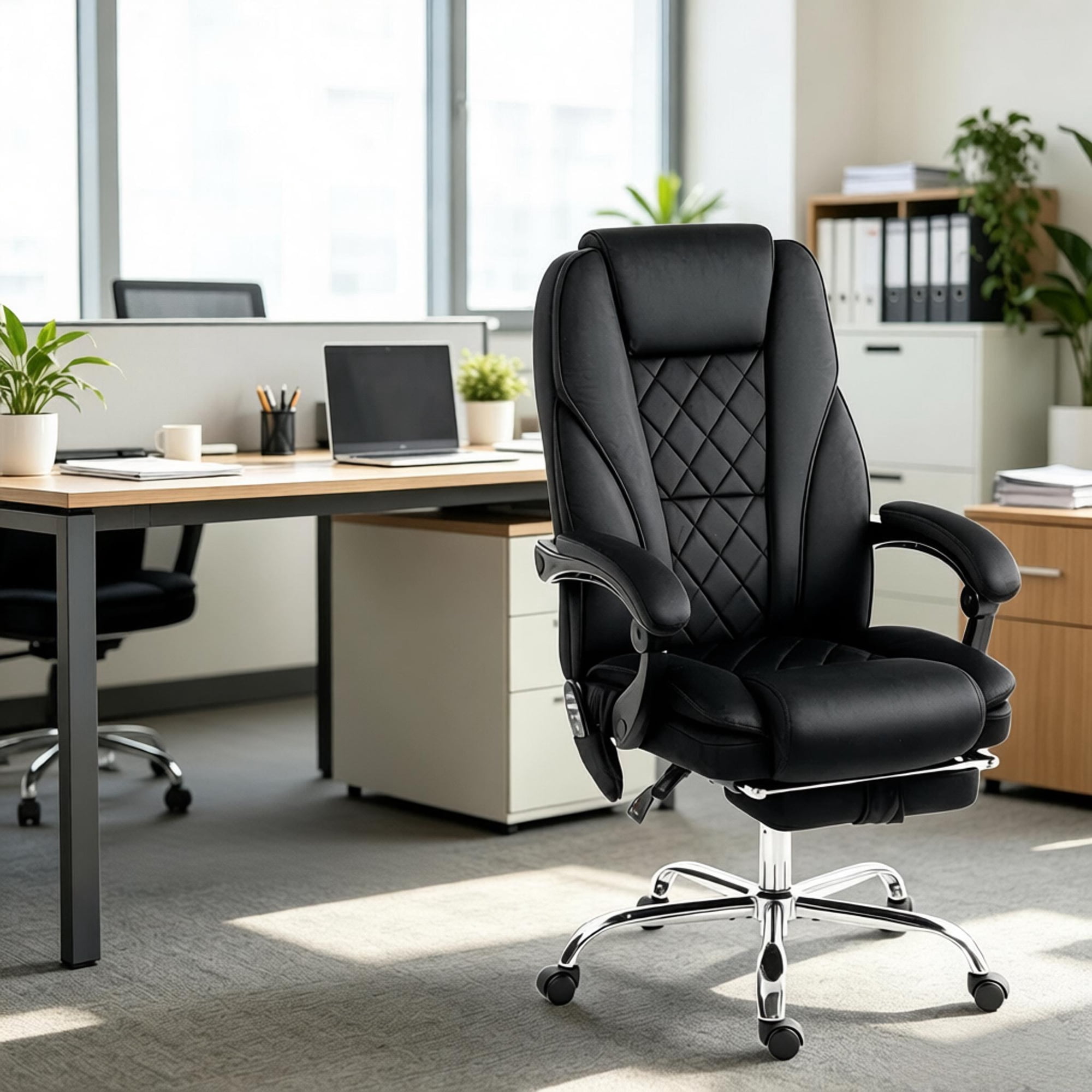
For most people, a mid-back chair supports the lumbar and thoracic spine. A high-back or executive chair provides additional support for the shoulders and neck, especially useful if you lean back frequently. If you're tall, look for a chair with an extra-tall backrest or an adjustable headrest.
4. Task-Specific Seating: One Size Does Not Fit All Tasks
The way you work should influence the chair you choose. A graphic designer's needs differ from a data analyst's. This office chair website helps you match the chair to your workflow.
For the Focused Analyst
You spend hours staring at spreadsheets. Prioritize a chair with firm lumbar support and adjustable armrests to keep your shoulders relaxed while typing. A mesh back keeps you cool during data marathons.
For the Creative Problem-Solver
You move, sketch, and think on your feet. A chair with a good recline range and a smooth-rolling base allows you to shift positions and move around your creative space easily. Look for a synchro-tilt mechanism.
For the Virtual Meeting Warrior
Your days are full of video calls. You need a chair that looks professional on camera and is comfortable for long periods. A high-back chair with a headrest lets you relax during calls, and quiet casters prevent annoying squeaks.
5. Budgeting for Your Back: The True Cost of Comfort
Think of an office chair not as an expense, but as an investment in your most valuable asset: your health. Using a poor chair is like running a marathon in dress shoes — it might work for a block, but by mile 10, you'll be in serious pain. Here’s a realistic budget breakdown:
Essential
Good for short-term or occasional use. Basic adjustments, limited lumbar support. Ideal for guest chairs.
Productivity
The sweet spot for home offices. Decent ergonomics, better materials, and more adjustments.
Premium
High-end ergonomics, superior materials, extensive adjustments, and long warranties. Built for all-day, every-day use.
A study by the Global Ergonomic Institute found that employees using a chair in the 'Productivity' tier reported 40% less lower back discomfort compared to those using basic 'Essential' tier chairs.
Frequently Asked Questions About Office Chairs
Conclusion: Your Journey to a Better Workday Starts Here
Choosing the right office chair is a personal journey. By understanding the key features — from lumbar support to seat material — you can make an informed decision that benefits your body and your work. This office chair website is here to guide you, providing clear, unbiased information to help you find the perfect seat for your unique needs. Remember, the best chair is the one that fits you, supports your work, and disappears beneath you, letting you focus on what truly matters.