
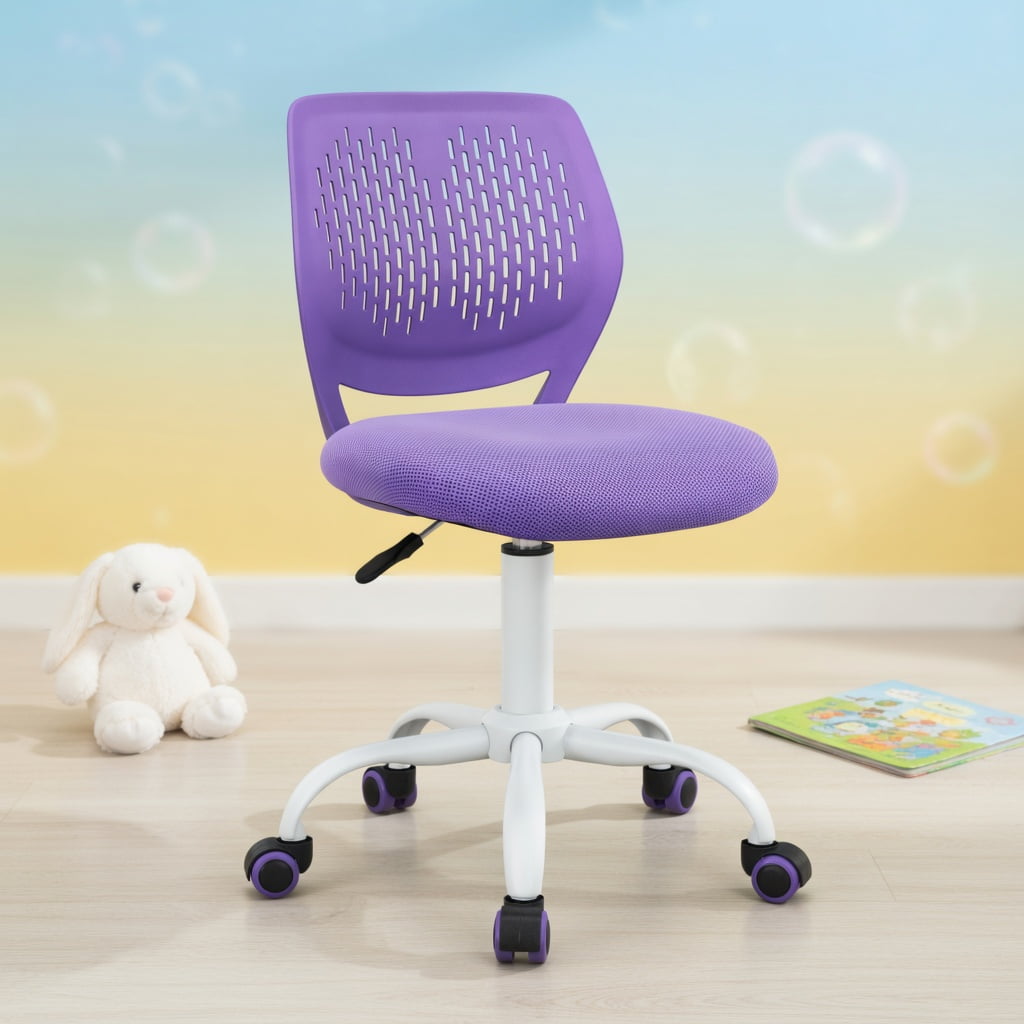
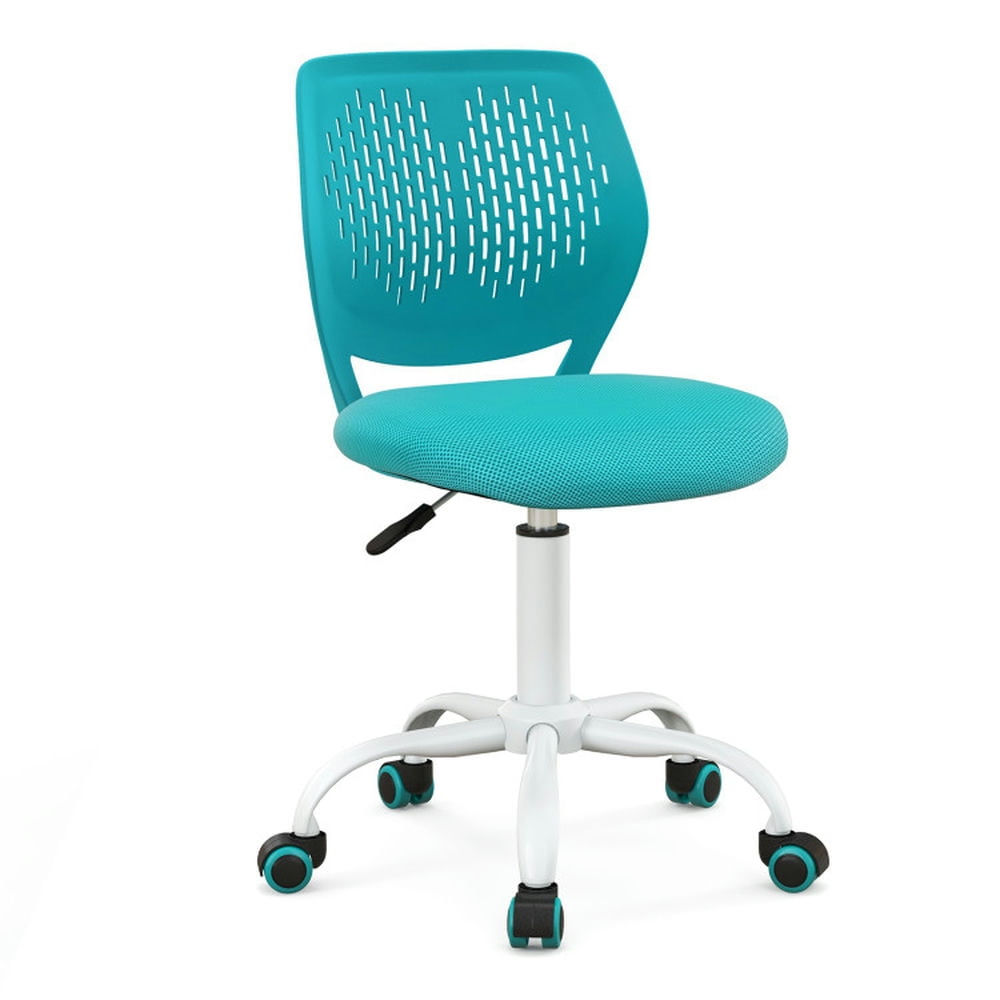
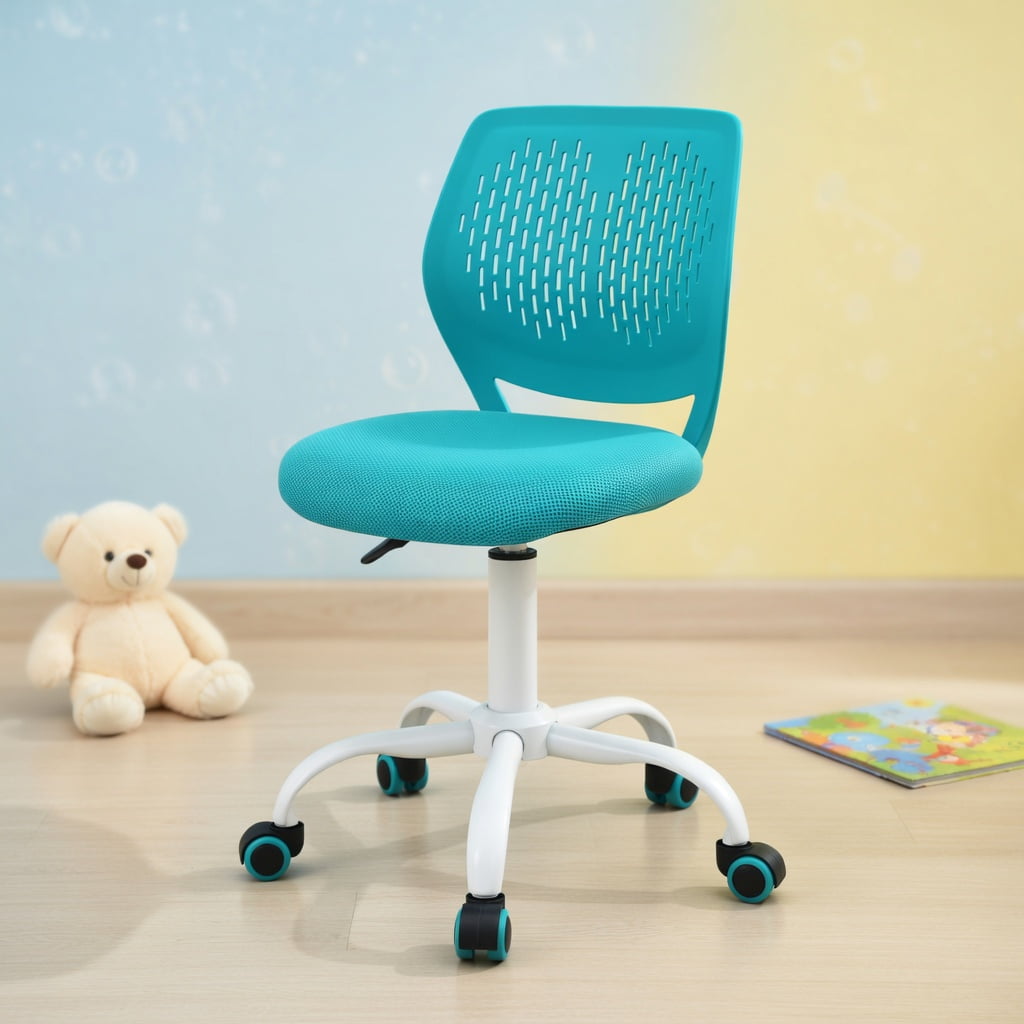
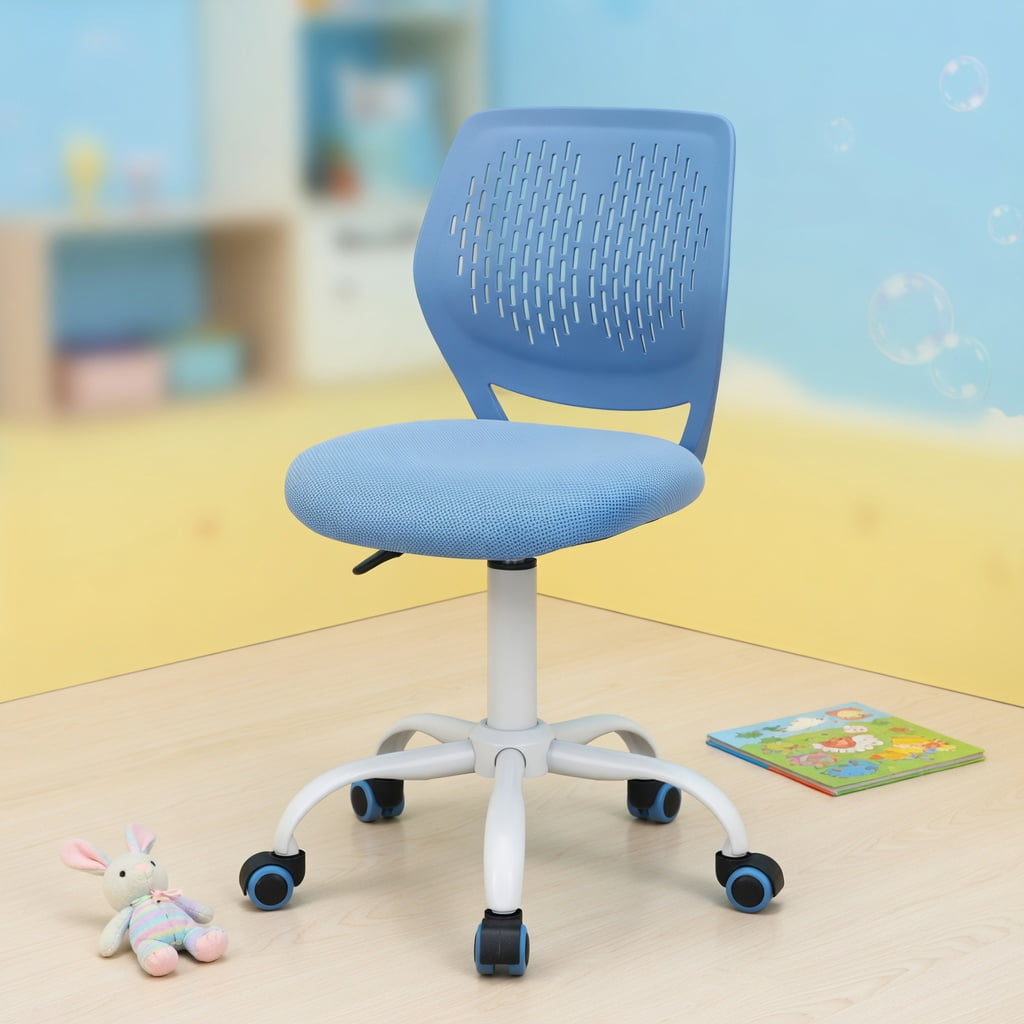
The Ultimate Guide to Choosing an Office Study Chair
Imagine trying to solve a complex equation or write a 10-page paper while sitting on a kitchen stool. Your back would ache, your focus would shatter, and you'd spend more time shifting positions than actually working. This is where a dedicated office study chair becomes your secret weapon. It's not just a place to sit; it's a tool for concentration, a shield against physical fatigue, and a long-term investment in your health. Whether you're a student pulling all-nighters or a professional taking online courses, the right chair transforms your study sessions from a test of endurance into a flow state of productivity.
Did You Know? According to a study by Texas A&M University, comfortable office environments can boost productivity by up to 32%. For students, an ergonomic setup directly correlates with better grades and less physical discomfort. Choosing the right study chair is the first step toward creating a high-performance learning space.
1. Anatomy of a Perfect Study Chair: Key Ergonomic Zones
A great study chair supports you in four critical zones: your back, your seat, your arms, and your legs. Let's break down what to look for in each area to ensure your body stays aligned and comfortable.
- The Backrest (Lumbar Support): This is the heart of the chair. Look for a backrest that follows the natural S-curve of your spine. Adjustable lumbar support (both height and depth) is a premium feature that allows you to customize the fit. A chair without it is like a shoe without arch support—it will eventually cause pain.
- The Seat Pan (Comfort & Depth): You should be able to sit with your back against the backrest while leaving 2-3 finger widths of space between the edge of the seat and the back of your knee. This prevents pressure on your thighs and promotes healthy circulation. A "waterfall edge" design is a great indicator of a thoughtful seat pan.
- The Armrests (Shoulder & Neck Relief): Adjustable armrests (4D is the gold standard) allow you to rest your arms comfortably while typing, taking the weight off your shoulders and neck. If you're tight on budget, at least ensure they are height-adjustable so your elbows can rest at a 90-degree angle.
- The Base & Casters (Stability & Mobility): A sturdy five-point base is non-negotiable for safety. For casters, consider your floor type. Hardwood floors benefit from soft, rubber casters, while carpets need harder wheels for easy rolling. This ensures you can move smoothly between your desk and your reference books.
2. Material Matters: Breathability vs. Plush Comfort
The material of your study chair dictates its comfort, temperature, and longevity. Choosing the right one depends on your study environment and personal preference. Here’s a quick comparison to guide you:
✅ Mesh: The Focus Enabler
- Breathability: Mesh allows air to circulate, preventing that sticky, sweaty feeling during long hours. It's ideal for warmer climates or if you tend to run hot.
- Support: High-quality mesh is tensioned to provide firm, consistent support that contours to your back.
- Modern Aesthetic: Gives a clean, professional, and tech-forward look to your study space.
⚠️ Potential Downsides
- Can feel firm initially if you prefer a soft, "sink-in" feeling.
- Less variety in color and texture compared to fabric.
- Lower-end mesh can sag over time.
✅ Fabric: The Cozy Companion
- Comfort: Fabric chairs often have more generous padding, offering a soft and inviting seat.
- Warmth: They feel warmer and cozier, which is great for cold study rooms or basements.
- Style & Variety: Available in a vast array of colors and patterns to match your decor.
⚠️ Potential Downsides
- Can trap heat and become uncomfortable in long sessions without a break.
- More prone to staining from coffee or snack spills.
- Can harbor dust and allergens if not vacuumed regularly.
For most dedicated studiers, a hybrid approach—a mesh back for breathability and a padded fabric seat for comfort—offers the best of both worlds.
3. Sizing Your Study Chair: One Size Does Not Fit All
Just like clothing, chairs come in different sizes. An ill-fitting chair can be just as bad as a cheap one. Here’s a simple checklist to find your match:
- Measure Your Desk Height: Your chair's seat height must be adjustable so that your forearms are parallel to the floor when typing. Standard desk height is 29 inches, so your chair seat should ideally adjust between 16 and 21 inches.
- Check the Seat Width: You should have at least an inch of space on either side of your hips. Standard widths are 18-22 inches. If you're broader, look for a "wide seat" model.
- Consider Your Height: Taller individuals (over 6 feet) need a chair with a higher backrest to support their entire spine and a deeper seat pan. Look for "high-back" or "tall" versions of study chairs.
- Weight Capacity for Longevity: Always check the manufacturer's weight rating. A chair rated for 300 lbs will generally have a more robust gas lift and sturdier frame than one rated for 225 lbs, ensuring it lasts through years of study.
4. Essential vs. Nice-to-Have Features for Students
When budget is a concern (as it often is for students), it's crucial to prioritize. Here’s how to separate the must-haves from the luxuries:
| Priority | Feature | Why It Matters for Study |
|---|---|---|
| Essential | Adjustable Lumbar Support | Prevents slouching and back pain during 4+ hour study sessions. |
| Essential | Seat Height Adjustment | Ensures proper leg position and compatibility with your desk. |
| Essential | Breathable Back (Mesh) | Keeps you cool and focused, reducing fidgeting from discomfort. |
| Nice-to-Have | 4D Adjustable Armrests | Allows you to rest arms perfectly, but basic height-adjustable arms are often sufficient. |
| Nice-to-Have | Synchro-Tilt Mechanism | The chair back and seat tilt together, promoting dynamic sitting, but a simple tilt lock is fine for beginners. |
| Nice-to-Have | Headrest | Useful for leaning back between study sprints, but not necessary for active typing and reading. |
Frequently Asked Questions About Office Study Chairs
Conclusion: Invest in Your Focus
Your study environment directly shapes the quality of your work and learning. An uncomfortable chair is a constant, nagging distraction that drains your mental energy. By choosing an office study chair with proper lumbar support, breathable materials, and the right fit for your body, you're not just buying a piece of furniture—you're building a foundation for success. Prioritize the essential features, consider your personal comfort preferences, and remember that a good chair is an investment that pays dividends in productivity, health, and peace of mind for years to come.