
Why Your Office Chair Should Support Your Back
If you spend more than six hours a day seated, your office chair is not just furniture—it’s a critical tool for your health and productivity. A chair that properly supports your back can be the difference between chronic pain and sustained comfort. Office chairs designed for back support are engineered to maintain the natural curvature of your spine, reduce muscle fatigue, and prevent long-term postural issues.
Statistic: The American Chiropractic Association reports that 80% of Americans will experience back pain at some point, and poor seating is a leading contributor. Investing in a back-supportive chair can reduce discomfort and improve focus by up to 35%.
Key Elements of Back-Supportive Office Chairs
Not all chairs are created equal. A true back-support chair includes several essential components:
- Adjustable Lumbar Support — allows you to position the curve exactly where your lower spine needs it most.
- Seat Depth Adjustment — prevents the seat pan from pressing against the back of your knees, promoting better circulation.
- Dynamic Recline Mechanism — lets you tilt the backrest while keeping your feet flat, reducing pressure on spinal discs.
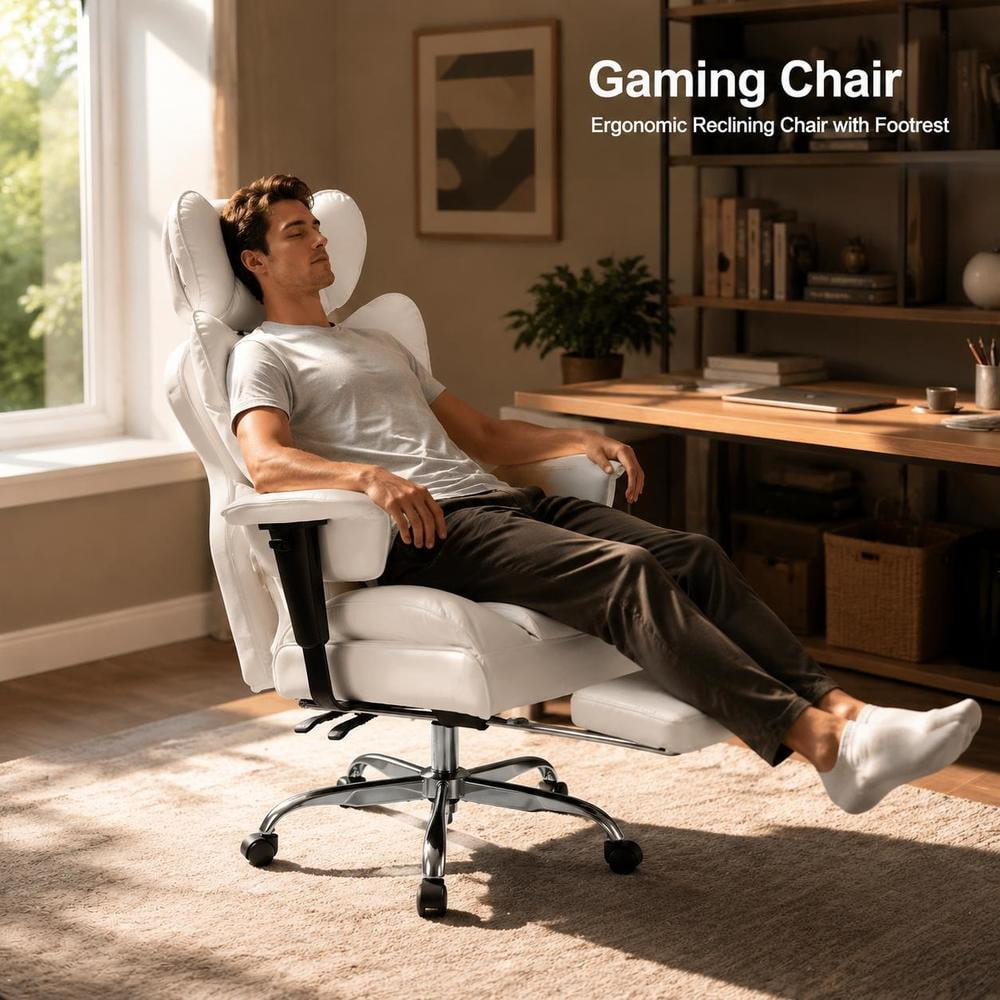
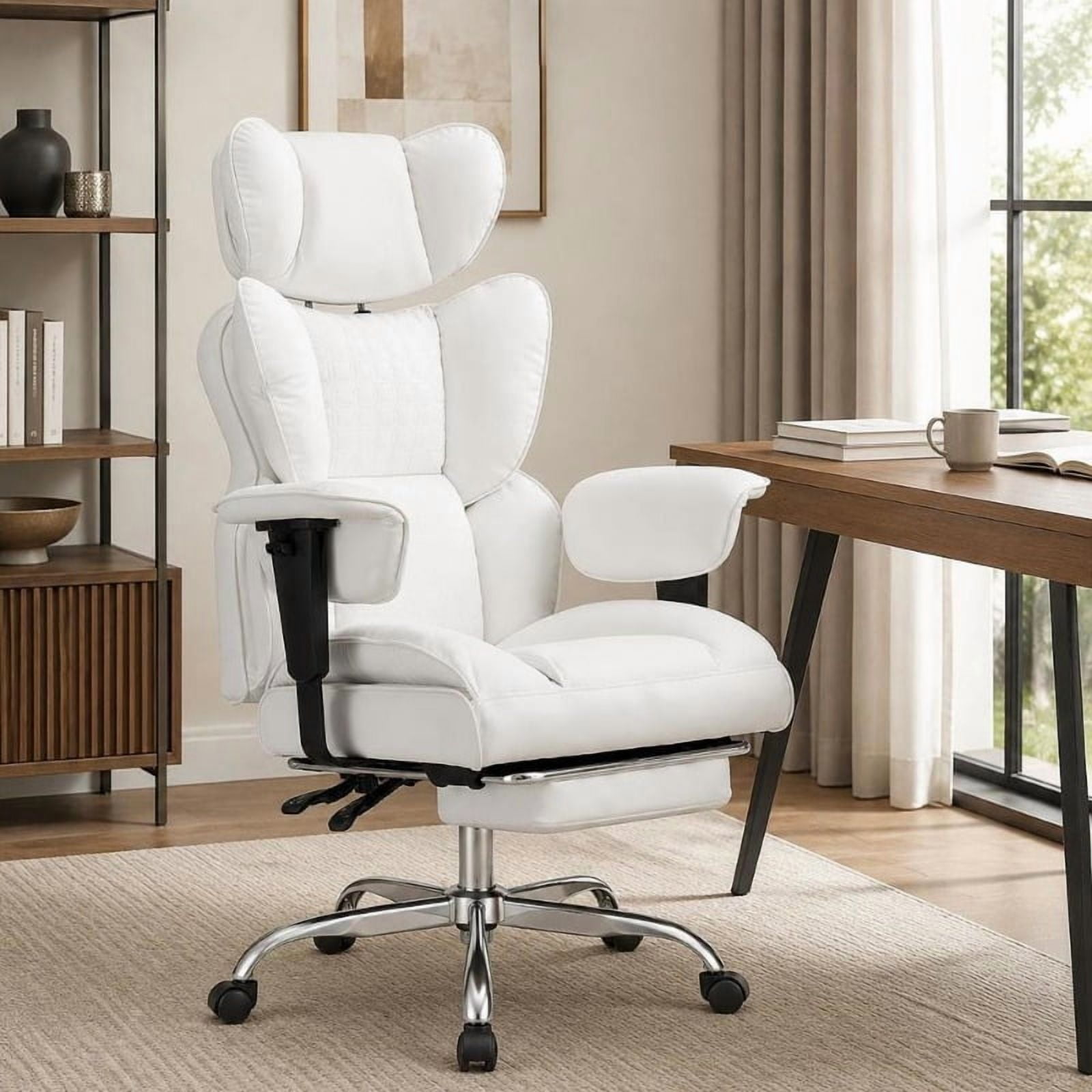
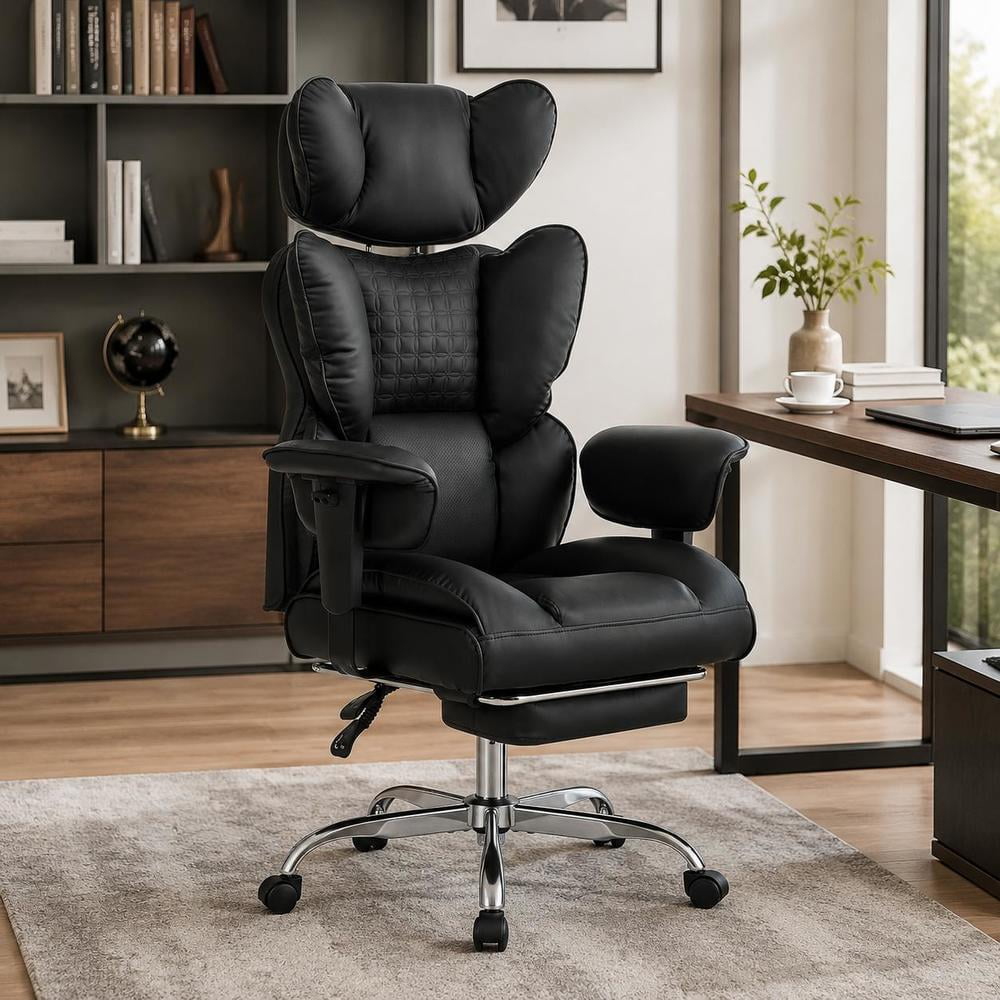
- Headrest (optional but helpful) — supports the cervical spine and reduces neck strain during long hours.
- Waterfall Seat Edge — minimizes pressure on the thighs and improves leg circulation.
How a Back-Support Chair Improves Posture
Think of your spine as a stack of building blocks. When you slouch, the blocks tilt and strain the ligaments. A supportive chair acts like a scaffold, keeping the blocks aligned. Proper lumbar support fills the gap between your lower back and the seat, while a tilt-tension mechanism allows the backrest to move with you, encouraging natural pelvic rotation.
Reduced Disc Pressure
Dynamic lumbar support reduces intradiscal pressure by up to 45%, according to spine biomechanics research.
Less Muscle Fatigue
Proper support means your back muscles don't have to work overtime to hold you upright.
Better Breathing & Energy
An open chest posture improves lung capacity and oxygen flow, keeping you alert.
Long-Term Spine Health
Consistent support helps prevent herniated discs and chronic conditions like sciatica.
Choosing the Right Support Level for Your Body
Everyone's back is unique, so the best chair is one that adapts to you. Here is a simple framework:
| Body Type | Back Support Priority | Recommended Features |
|---|---|---|
| Petite / Shorter Torso | Height-adjustable lumbar that can be set lower | Seat depth adjustment, smaller backrest, 2D lumbar |
| Average Build | Standard lumbar with depth tension | 3D lumbar, synchro-tilt, adjustable arms |
| Tall / Long Torso | Extra lumbar height range, taller backrest | 4D arms, headrest, 2-way seat slide |
| Big & Tall | Wider lumbar, reinforced frame, 400+ lb capacity | Heavy-duty gas lift, extra-wide seat, dual lumbar |
Material & Comfort Balance
While back support mechanics are king, comfort materials matter too. Here’s how they compare:
Mesh Back
- Breathable – keeps you cool.
- Adaptive tension – moves with your spine.
- Low maintenance – easy to clean.
- Often paired with active lumbar mechanisms.
Fabric / Leather Back
- Warmer, less breathable.
- Provides a firm, supportive feel.
- May require more padding for lower back.
- Traditional executive look.
Additional Ergonomic Accessories
Even with a great chair, you can enhance support with add-ons:
- Lumbar Cushions — fill the gap if your chair's lumbar is fixed.
- Footrests — encourage better pelvic tilt and reduce lower back strain.
- Armrest Pads — relieve shoulder tension, which indirectly affects the back.
- Monitor Risers — keep your neck neutral, aligning your entire spine.
Your Step-by-Step Guide to Finding the Perfect Back-Support Chair
Step 1: Assess Your Daily Sitting Posture
Take a photo of yourself sitting in your current chair. Notice if you slouch, lean forward, or sit unevenly. This helps you identify which areas need support.
- • Do you tend to lean back or forward?
- • Is there a gap between your lower back and the chair?
- • Do your feet rest flat on the floor?
Step 2: Define Your Support Priorities
Based on your posture assessment, list your top three support needs:
- Lumbar depth — how much curve do you need?
- Backrest height — should it cover your mid-back or shoulders?
- Tilt range — do you prefer an upright or reclined work posture?
Step 3: Test Adjustability Range
When shopping (online or in-store), verify these adjustments:
- • Lumbar height and depth adjustment (minimum 2 inches each).
- • Seat depth adjustment (at least 2 inches).
- • Tilt tension and lock (multiple lock positions).
- • Armrest height and width (3D or 4D preferred).
Step 4: Match with Your Desk Setup
Your chair must work with your desk height. A chair that supports your back but forces you to raise your shoulders will cause neck pain. Ensure armrests align with your desktop for natural typing posture.
Step 5: Consider the Warranty and Trial Period
Look for chairs with at least a 5-year frame warranty and a 30-day return policy. This allows you to test the support in real working conditions.
Frequently Asked Questions About Back-Support Office Chairs
Conclusion: Invest in Your Back, Invest in Your Future
Choosing an office chair that supports your back is one of the most impactful decisions you can make for your professional and personal wellbeing. The right chair reduces pain, boosts energy, and helps you stay focused during long meetings and deep work sessions.