
Why Your Office Chair Matters for Back Pain and Sciatica
For millions of professionals, back pain and sciatica are not just minor annoyances—they are daily challenges that impact focus, mood, and overall quality of life. The connection between prolonged sitting and spinal discomfort is well-documented. However, the solution isn't simply to sit less, but to sit smarter.
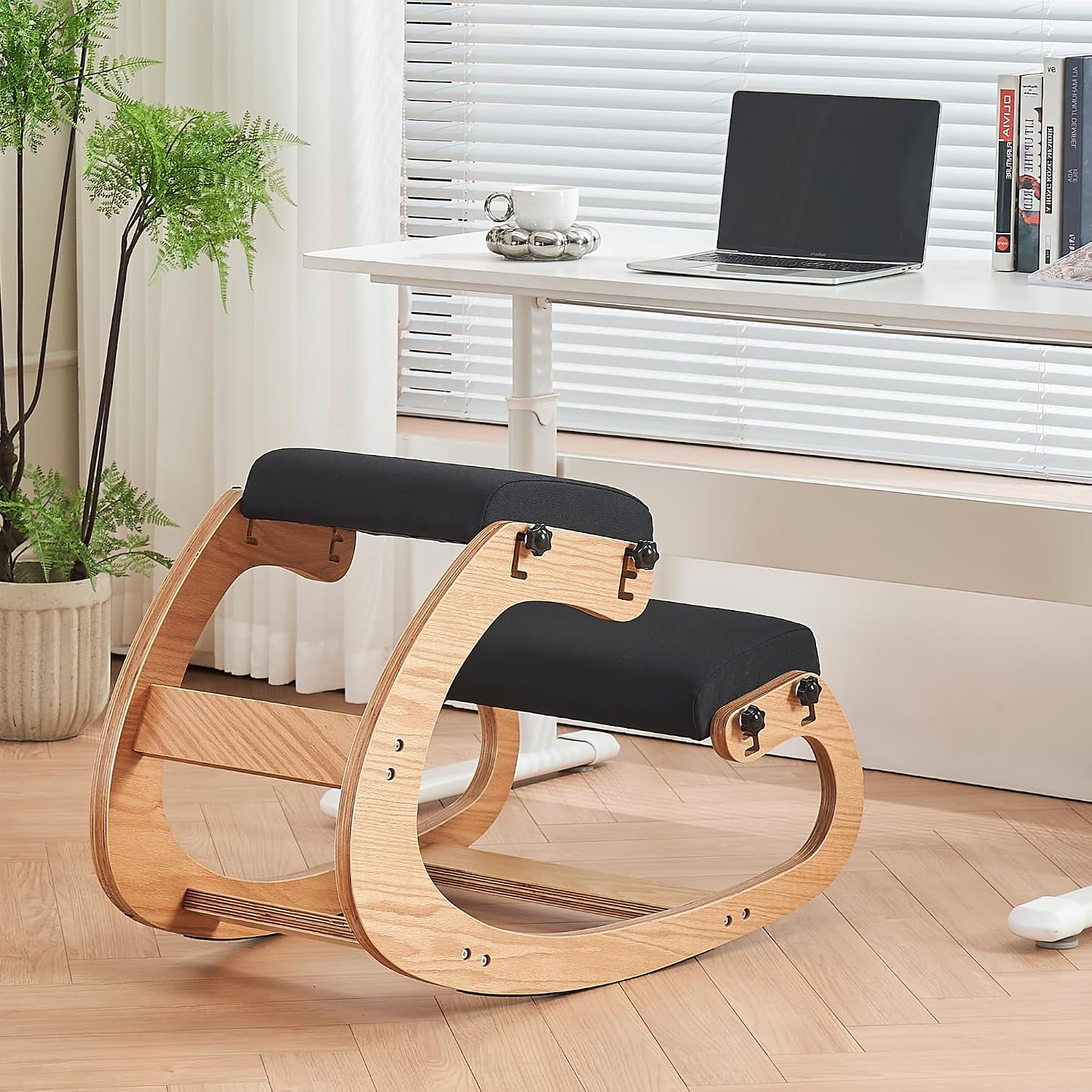
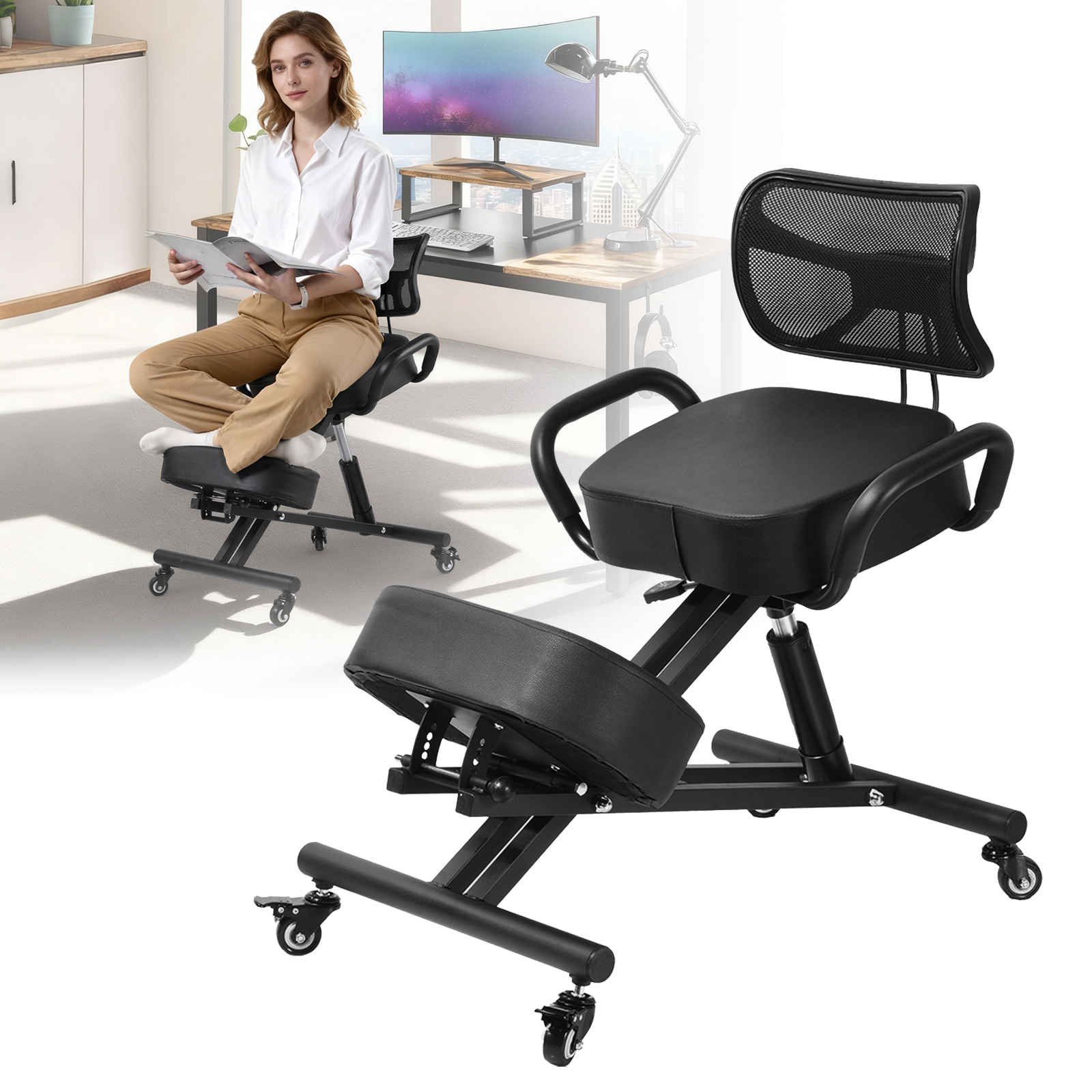
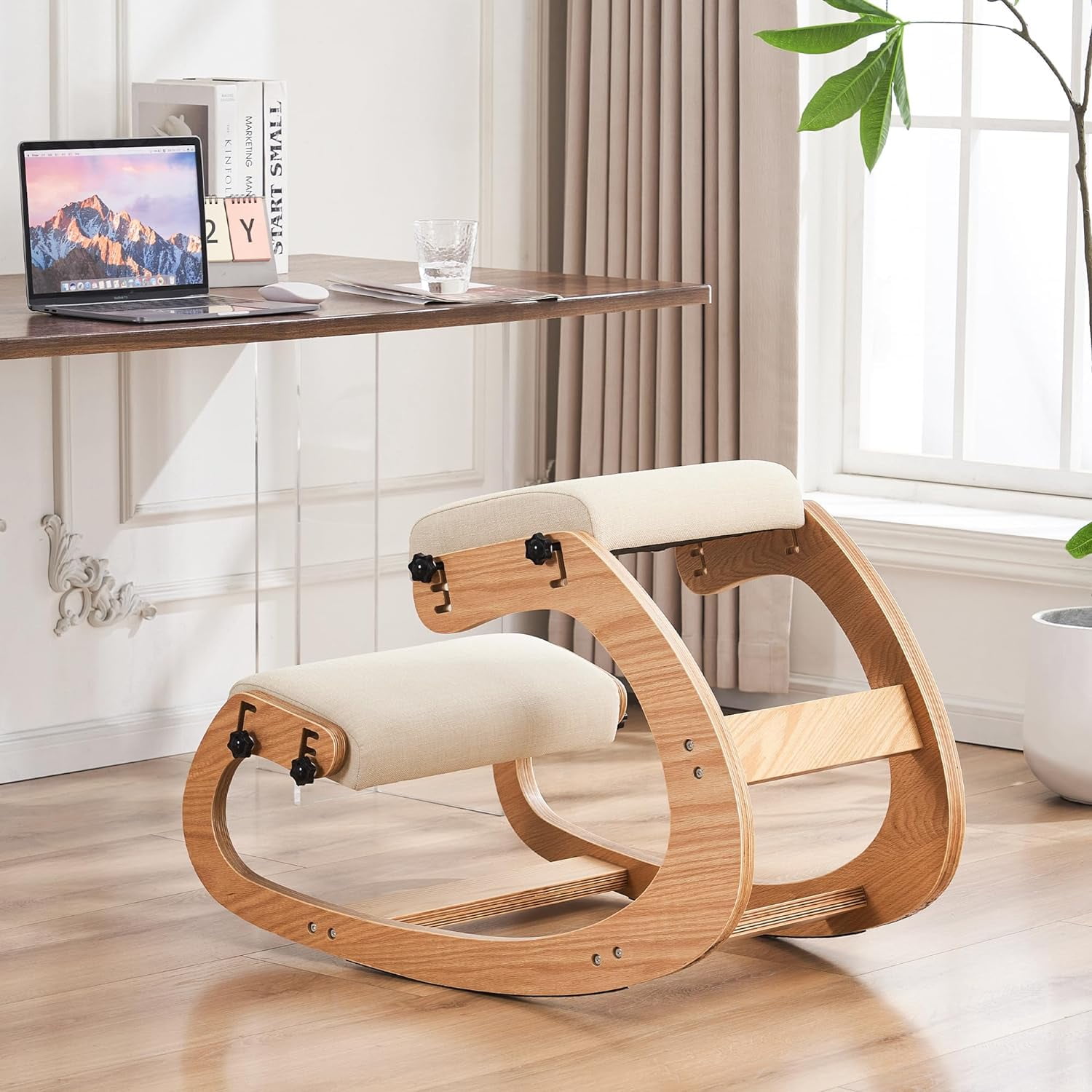
An office chair for back pain and sciatica is specifically engineered to address the root causes of discomfort. Unlike standard chairs, these ergonomic solutions feature adjustable components that align with your body's unique anatomy, ensuring that your spine maintains its natural curve and your sciatic nerve is not compressed.
Did You Know? According to the American Chiropractic Association, back pain is one of the most common reasons for missed work. Investing in a proper ergonomic chair can reduce back pain-related absenteeism by up to 30% and significantly improve work performance.
Key Ergonomic Features for Pain Relief
When shopping for a chair to alleviate back pain or sciatica, look beyond aesthetics. These features are non-negotiable for therapeutic seating:
- Dynamic Lumbar Support: Adjustable height and depth to fit the curve of your lower back perfectly.
- Waterfall Seat Edge: A curved front edge that reduces pressure on the back of your thighs, improving circulation.
- Seat Depth Adjustment: Allows you to slide the seat forward or backward to ensure proper leg support.
- Multi-Directional Armrests: Let you relax your shoulders and reduce tension in your upper back and neck.
- Synchro-Tilt Mechanism: Keeps your feet flat on the floor while reclining, maintaining good posture.
How to Choose the Right Chair for Sciatica
Selecting the best chair involves understanding your specific pain points and work habits. Follow this step-by-step guide to make an informed choice:
-
Identify Your Pain Areas: Is your pain in the lower back, tailbone, or radiating down your leg? This will determine which features to prioritize (e.g., lumbar vs. coccyx support).
For sciatica, focus on seat depth and a waterfall edge to relieve pressure on the sciatic nerve.
-
Test the Lumbar Support: The lumbar support should fit snugly into the curve of your lower back. It should be adjustable so you can change its position as you move.
Look for chairs with independent height and depth adjustment for the lumbar pad.
-
Check the Seat Pan: Sit all the way back in the chair. You should have 2-3 fingers of space between the edge of the seat and the back of your knees. If not, look for a chair with seat depth adjustment.
The seat cushion should be firm enough to support your weight but soft enough to be comfortable for hours.
-
Evaluate Armrests: Your arms should rest comfortably at a 90-degree angle. Adjustable armrests are crucial for preventing shoulder and neck strain.
4D armrests offer the most flexibility, moving up/down, in/out, forward/back, and rotating.
-
Consider Your Desk Setup: Ensure the chair’s height range matches your desk. Your feet should be flat on the floor, and your thighs parallel to the ground.
If you use a standing desk, consider a chair with a higher height range or a drafting stool.
Understanding Sciatica and Office Seating
Sciatica is characterized by pain that radiates along the path of the sciatic nerve, which branches from your lower back through your hips and buttocks and down each leg. Prolonged sitting in a poorly designed chair can exacerbate this condition by:
- Compressing the nerve: A flat or unsupported seat can pinch the sciatic nerve.
- Increasing pressure: Sitting for long periods increases pressure on the lumbar discs, which can irritate the nerve roots.
- Promoting poor posture: Slouching or leaning forward can misalign the spine and aggravate symptoms.
Lumbar Support & Alignment
Proper lumbar support maintains the inward curve of your lower back, preventing slouching and reducing stress on the sciatic nerve.
Seat Angle & Depth
A slight forward tilt can help open up the hip angle, while correct seat depth ensures your weight is distributed evenly.
Material & Breathability
Mesh backs allow for airflow, keeping you cool. The seat material should provide enough friction to prevent sliding, which can cause poor posture.
Active Sitting Features
Some chairs encourage micro-movements that engage your core and improve blood flow, which can help reduce nerve pain.
Material and Construction: What Works Best for Pain Relief?
The materials used in a chair affect not only its durability but also its ability to provide therapeutic support. Here’s a quick guide:
| Material Type | Benefits for Back Pain | Considerations |
|---|---|---|
| High-Density Foam Seat | Provides firm, even support; reduces pressure points on the tailbone and thighs. | May feel too firm initially; look for a seat with a slight give. |
| Mesh Backrest | Breathable and conforms to your back, offering dynamic support that moves with you. | May lack the firm support some people prefer; ensure there is a built-in lumbar support. |
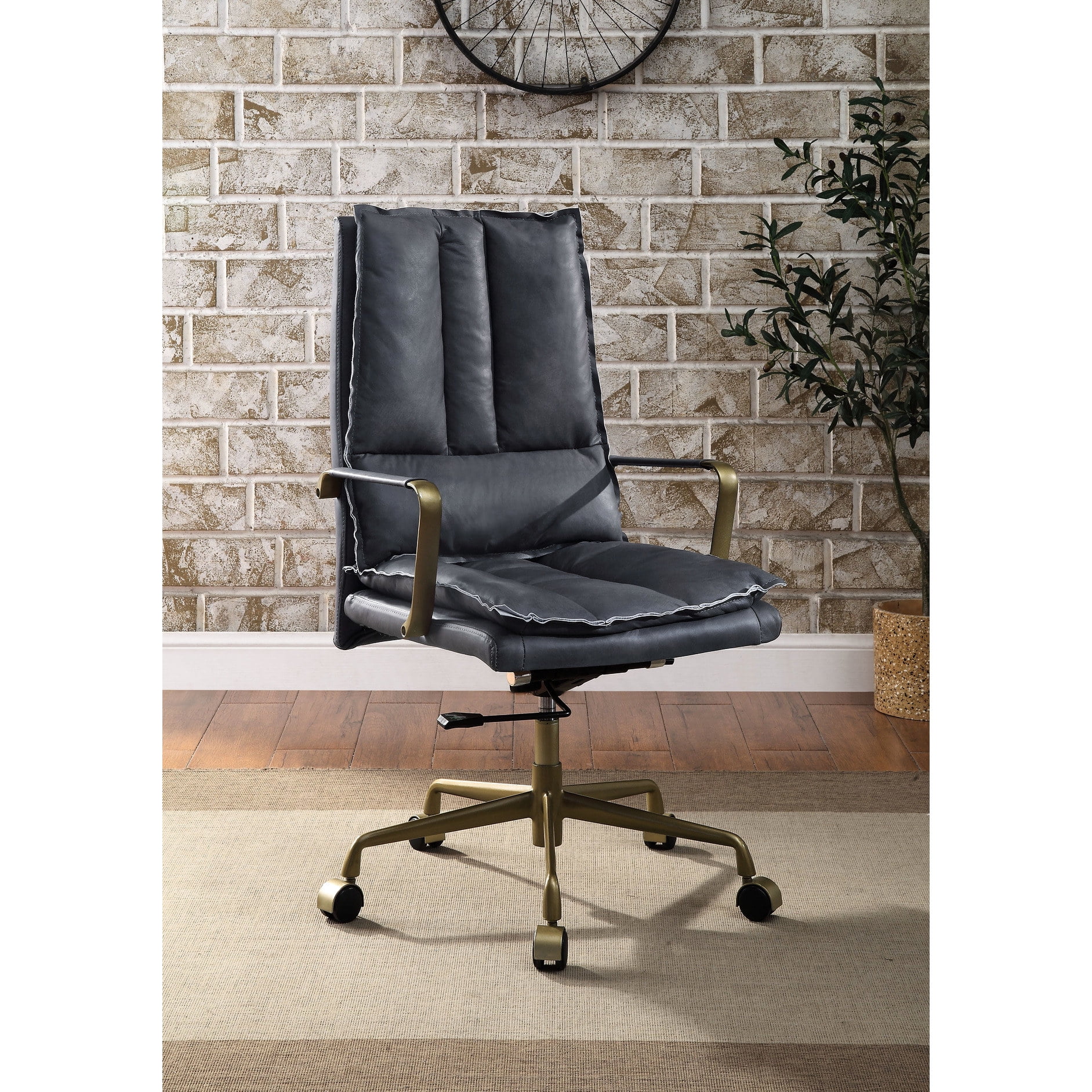
| Leather/Leatherette | Durable and easy to clean; often used in high-end ergonomic chairs. | Can get warm; may not be as breathable as mesh. |
| Flexible Frame | Allows the backrest to flex with your movements, providing continuous support. | Make sure the flex mechanism has a tension control for different weights. |
Frequently Asked Questions About Office Chairs for Back Pain and Sciatica
Conclusion: Invest in Your Health with the Right Chair
Living with back pain or sciatica is challenging, but the right office chair for back pain and sciatica can be a game-changer. By prioritizing ergonomic features like dynamic lumbar support, adjustable seat depth, and a waterfall edge, you can significantly reduce discomfort, improve your posture, and boost your productivity.
Remember, this is an investment in your long-term health. Take the time to explore the options, understand your needs, and choose a chair that offers the comprehensive support your body deserves. Your back will thank you.
Final Advice: Don't just buy a chair—buy a solution. Combine your new ergonomic chair with regular breaks, stretching, and good posture habits for the best results.