
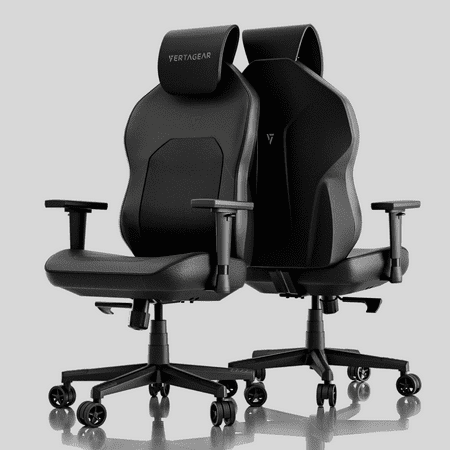
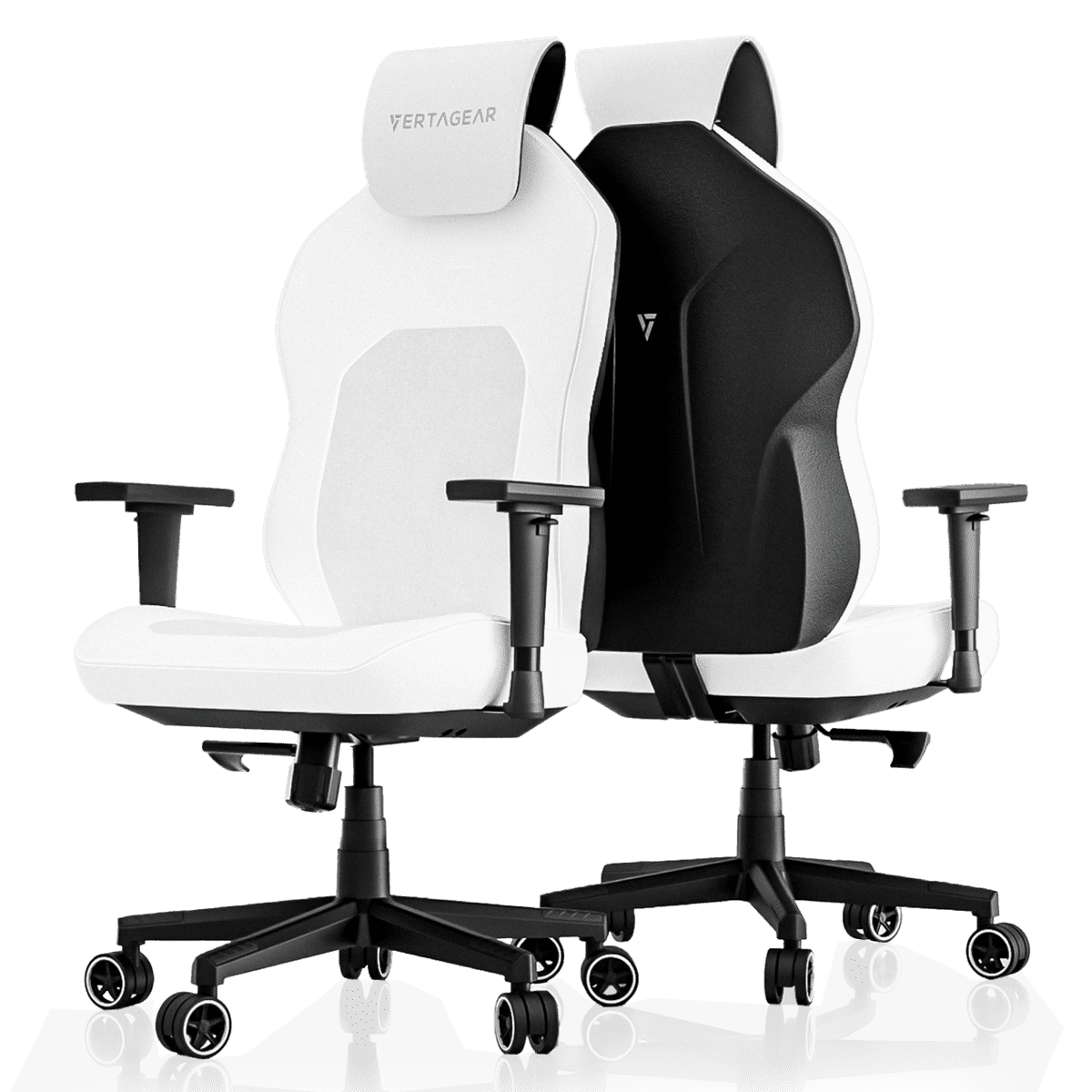
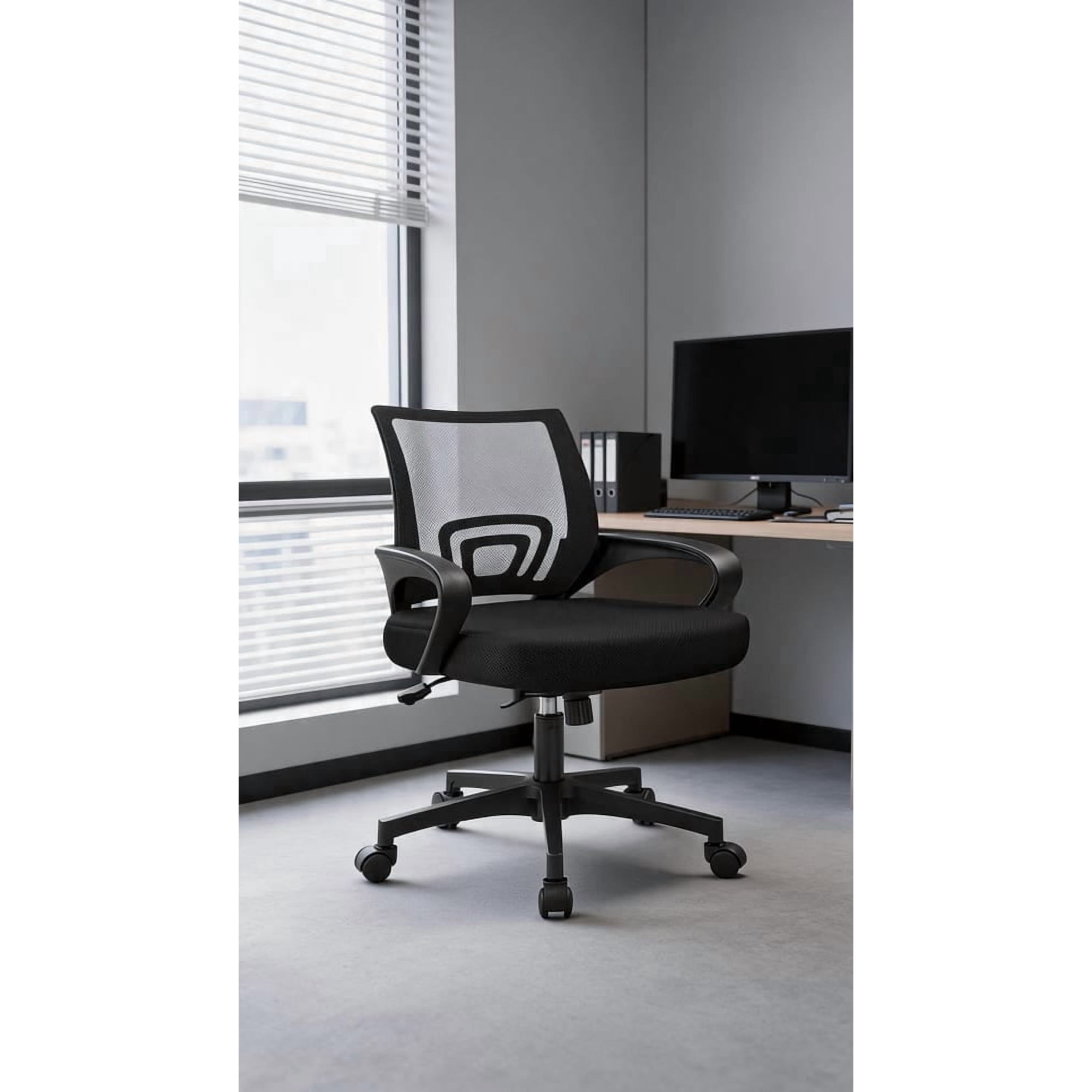
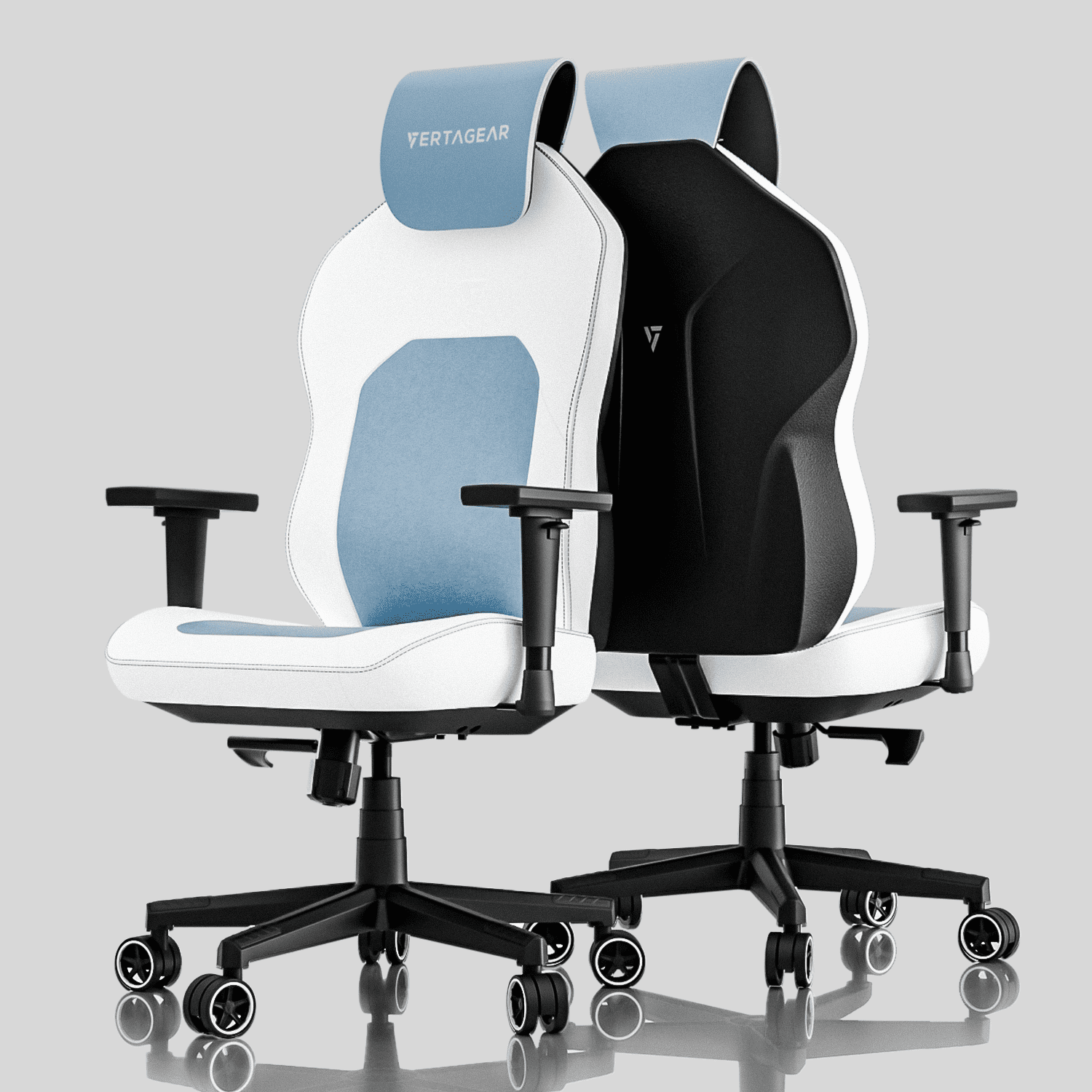
Why Understanding Office Chair Features is a Game-Changer
Think of an office chair not just as a piece of furniture, but as a personal productivity tool — similar to how a professional driver adjusts their seat for control and endurance. The right combination of office chair features can mean the difference between finishing your workday energized or battling nagging back pain. According to ergonomic studies, proper chair adjustment can reduce musculoskeletal discomfort by up to 63% and increase focus by nearly 30%.
📊 Did you know? The average professional spends over 2,000 hours per year seated. A chair lacking fundamental features like adjustable lumbar support and seat depth can contribute to long-term spinal misalignment, fatigue, and reduced productivity. Investing time to understand these features is investing in your well-being.
Core Ergonomic Adjustments: The Non-Negotiables
When evaluating office chairs, several core features form the foundation of ergonomic seating. These are the controls that let you tailor the chair to your unique body dimensions and work style.
1. Lumbar Support System
The spine has a natural S-curve. A good lumbar support fills the gap in the lower back, preventing slouching. Look for height-adjustable lumbar that moves up/down, and ideally depth-adjustable (in/out) for personalized pressure. Advanced chairs use air-bladder or dynamic lumbar that moves with you.
2. Seat Depth Adjustment
Also called "seat slide," this feature allows you to adjust the seat pan length. Proper depth ensures you have about two to three fingers of clearance between the back of your knees and the seat edge. This prevents circulation restriction and encourages proper posture.
3. Adjustable Armrests (4D+)
Armrests are often overlooked, but they reduce shoulder strain. The gold standard is 4D armrests: height, width, depth, and pivot (angle). Your elbows should rest comfortably with shoulders relaxed, and forearms parallel to the desk surface.
4. Tilt Mechanism & Tension Control
A high-quality tilt mechanism (synchronous or knee-tilt) lets the chair recline while keeping your feet stable. Tension control adjusts how easily the chair tilts based on your weight. This encourages micro-movements, which increase blood flow and nutrient exchange in spinal discs.
Beyond Basics: Advanced Office Chair Features That Elevate Comfort
While the core adjustments are essential, premium office chairs include additional features that fine-tune the sitting experience for specific needs or extended use.
- Headrest (Adjustable): Especially valuable for tall individuals or those who recline frequently. A good headrest supports the neck's natural curve and prevents forward head posture. Look for height and angle adjustment.
- Seat Angle Adjustment: Allows you to tilt the seat pan slightly forward or backward. A slight forward tilt can help maintain an active posture during intensive desk work.
- Dynamic / LiveBack Technology: Some high-end chairs have flexible backrests that move with the user, continuously supporting the spine through different positions.
- Breathable Materials: Mesh backs and seats prevent heat buildup, ideal for long working hours in warm environments. Hybrid chairs combine mesh back with a padded fabric or leather seat for balanced comfort.
- Weight-Activated Controls: Advanced chairs automatically adjust recline tension based on user weight, simplifying the setup process.
Feature Comparison: Entry-Level vs. Premium Office Chairs
| Feature | Entry-Level / Basic | Premium / High-End |
|---|---|---|
| Lumbar Support | Fixed or basic height adjustment | Height + depth adjustable, often with dynamic tension |
| Armrests | Fixed or 2D (height only) | 4D (height, width, depth, pivot) or 5D |
| Seat Depth | Rarely adjustable | Standard with 2-3 inches of slide range |
| Tilt Mechanism | Single-point or basic tilt lock | Synchronous tilt with multi-position lock and adjustable tension |
| Material Quality | Polyester fabric, basic foam | Premium breathable mesh, top-grain leather, high-density cold-cure foam |
| Warranty | 1-3 years limited | 10-12 years frame, 5+ years components |
Material Matters: How Fabric, Mesh, and Leather Affect Comfort
The material of your office chair directly influences durability, thermal comfort, and maintenance. Here’s a quick breakdown:
- Mesh: Exceptional breathability; ideal for hot climates or individuals who run warm. It provides firm but flexible support. High-end mesh (like those from Herman Miller or Steelcase) retains tension for years.
- Leather (Top-Grain/Full-Grain): Offers a luxurious feel and professional look. It’s durable and easy to wipe clean, but can be less breathable. Perforated leather improves airflow.
- Fabric: Wide range of colors and textures, comfortable in cooler environments. High-performance fabrics with stain resistance are available. May require more frequent cleaning.
- Foam Density: High-resilience or memory foam provides sustained comfort. Look for cold-cured foam which maintains shape longer.
💡 Pro Tip: If you share a workspace or chair with others, focus on features with tool-less adjustments and durable, easy-to-clean materials. Quick-adjust levers and intuitive controls make daily use seamless.
Understanding Chair Mechanisms: Tilt, Tension, and Recline
Many users ignore tilt mechanisms, but they are central to promoting movement. A static posture, even a good one, can lead to fatigue. Quality chairs offer:
- Synchronous Tilt: The backrest and seat move together at a ratio (often 2:1). This keeps your feet grounded and maintains eye-to-screen alignment while reclining.
- Knee-Tilt: The pivot point is near the front of the seat, allowing your feet to stay flat. Often found in high-end task chairs.
- Tilt Lock: Allows you to lock the chair in an upright position or any recline angle.
- Multi-Function Mechanism: Independent control of seat angle and backrest angle for maximum customization.
Adjusting the tension control is crucial: set it so you can recline easily but the chair returns to upright without effort. This prevents the feeling of being "stuck" in one position.
Specialized Features for Different User Profiles
Not all office chair features are universal. Depending on your body type, work style, or health needs, some features become more critical.
- Big & Tall Users: Look for chairs with reinforced steel frames, wider seat pans (20+ inches), and weight capacities of 350-500 lbs. Extended cylinder height and deeper seat depth are essential.
- Petite Individuals: Prioritize chairs with shorter seat depth adjustment (minimum seat depth around 16 inches), lower minimum seat height (under 18 inches), and narrower backrests.
- Users with Sciatica or Hip Pain: A seat with waterfall edge (gentle downward curve at front) reduces pressure under the thighs. Also, a forward seat tilt can open the hip angle.
- Multi-Taskers & Active Workers: Chairs with swivel casters suitable for all floor types and armrests that flip up or fully adjust out of the way offer flexibility.
Frequently Asked Questions About Office Chair Features
Conclusion: Build Your Perfect Seating Experience
Understanding office chair features transforms a simple purchase into an investment in your health and career longevity. No single chair fits everyone, but by prioritizing the features that align with your body type, work habits, and health considerations, you can significantly enhance daily comfort.
Remember the pillars: lumbar support, seat depth, armrest adjustability, and a quality tilt mechanism form the foundation. Materials and advanced features (headrests, dynamic back) take comfort to the next level. Test chairs when possible, and don’t hesitate to spend time adjusting settings — a well-configured chair is the ultimate tool for a productive workday.
Final Recommendation: Start by evaluating your current chair. Which features are missing? Which adjustments feel limiting? Use this guide to identify your top three must-have features, then explore chairs that meet those criteria. The right combination will reward you with improved focus, less fatigue, and a more professional workspace experience.