

Beyond Seating: How a Home Office Chair With Arms Transforms Your Workday
Working from home demands a setup that bridges comfort and professionalism. A home office chair with arms is the cornerstone of that setup, providing structured support that reduces physical fatigue and boosts mental clarity. Unlike armless alternatives, chairs with armrests create a defined posture zone, preventing the natural slouch that leads to neck and shoulder tension.
Ergonomic Insight: Studies from the Occupational Safety and Health Administration (OSHA) indicate that properly adjusted armrests can reduce shoulder muscle activity by up to 30%, lowering the risk of chronic tension and repetitive strain injuries for remote workers who log 6+ hours daily.
Decoding Armrest Designs: Which Type Suits You?
Not all armrests are created equal. Your ideal chair depends on how you work, your body dimensions, and desk setup. Below is a breakdown of the most common armrest types found in home office chairs with arms:
Fixed Armrests
Non-adjustable, built-in arms. Best for budget-conscious buyers with standard desk heights. Not ideal if you share the chair or have specific ergonomic needs.
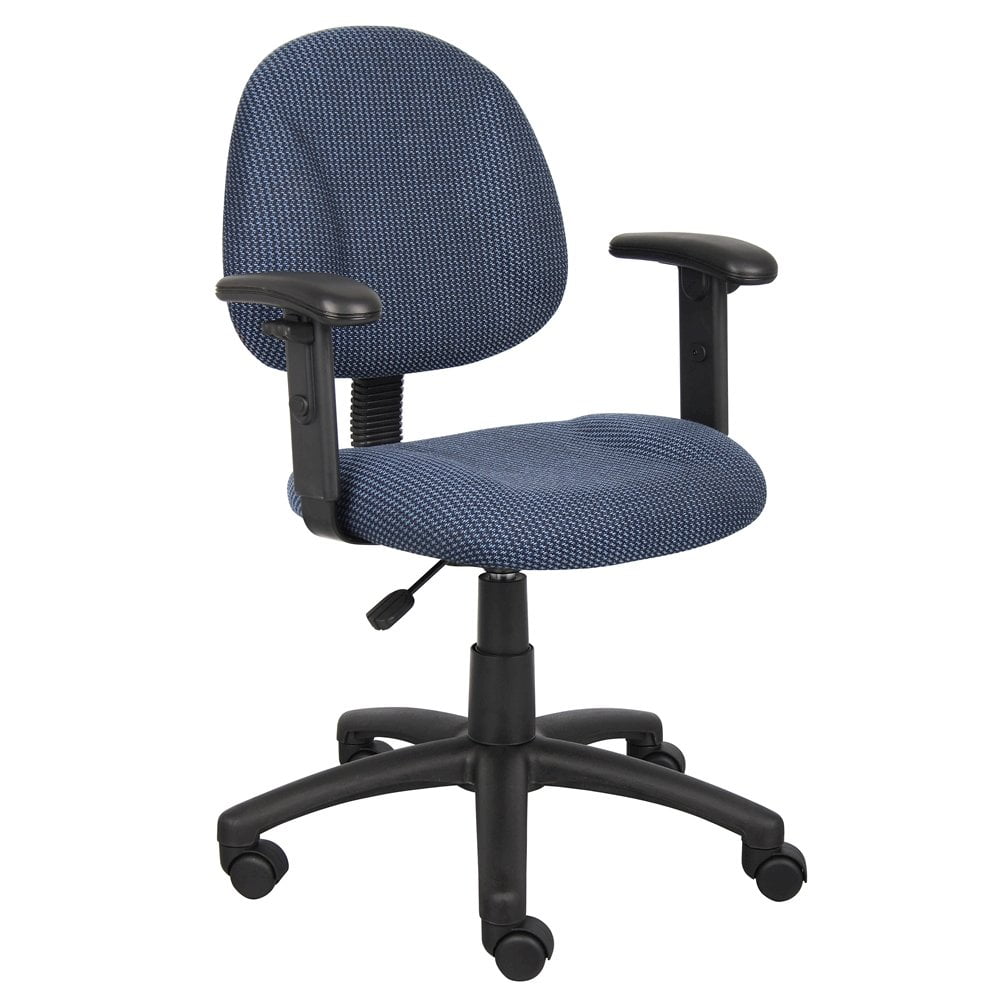
Height-Adjustable
Vertical movement only. Allows aligning elbows with the desk surface. Great entry-level ergonomic upgrade.
2D (Height + Width)
Adjusts up/down and side-to-side. Accommodates different shoulder widths and sitting positions.
3D (Height, Width, Pivot)
Adds rotation (pivot) to angle armrests inward/outward. Excellent for varied tasks like typing vs. reclining.
4D (Full Adjustability)
Height, width, pivot, and depth (slide forward/back). The gold standard for personalized comfort—ideal for multi-user households.
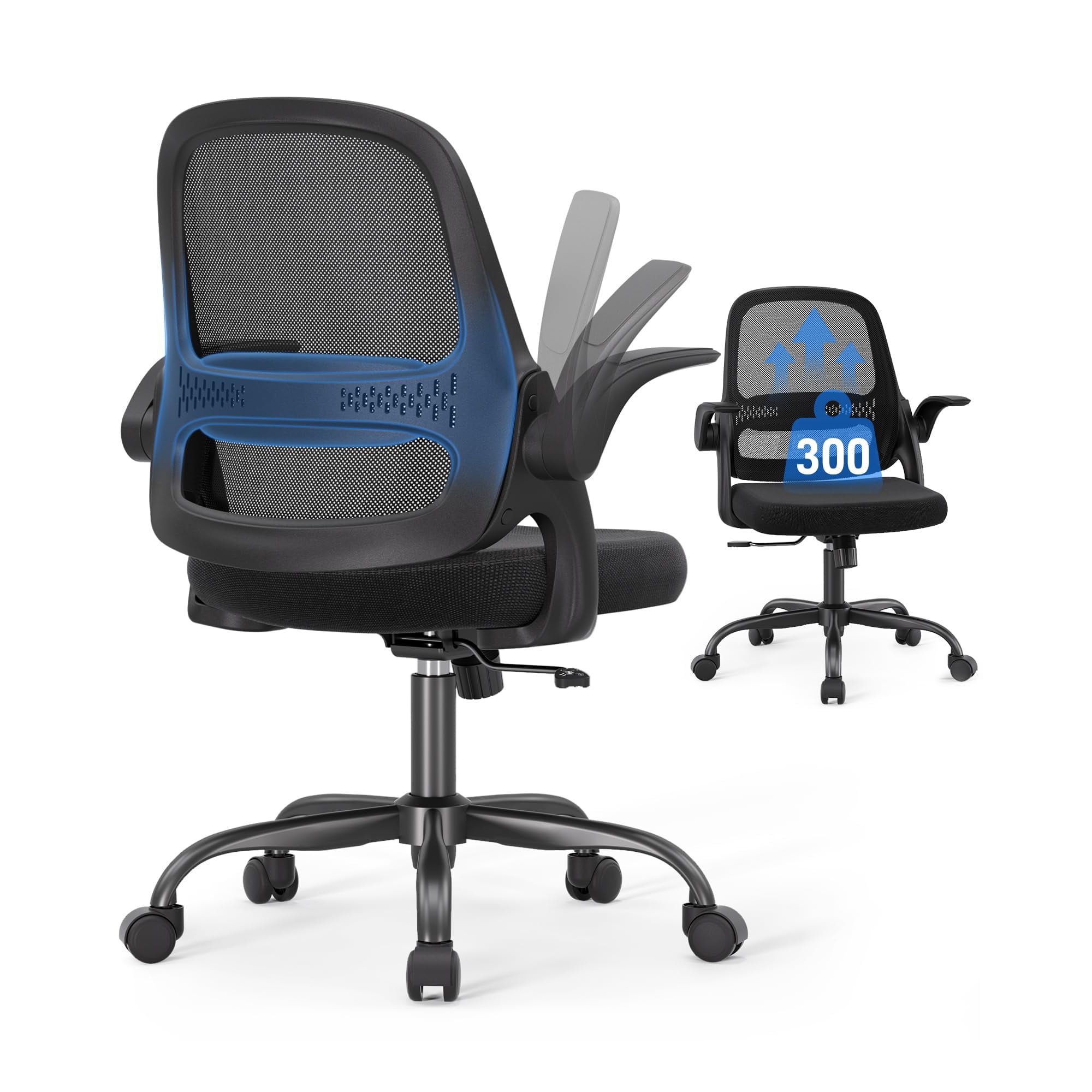
Flip-Up / Retractable
Arms that pivot upward to allow close desk access or guitar/music activities. Best for small spaces or hybrid desk use.
Key Ergonomic Features to Look For
When evaluating a home office chair with arms, prioritize these elements to ensure it supports your body during long work sessions:
- Adjustable Lumbar Support: Prevents lower back fatigue. Look for chairs with independent lumbar tension or a built-in contour.
- Seat Depth Adjustment: Ensures 2-3 finger widths of space between the back of your knees and the seat edge—vital for circulation.
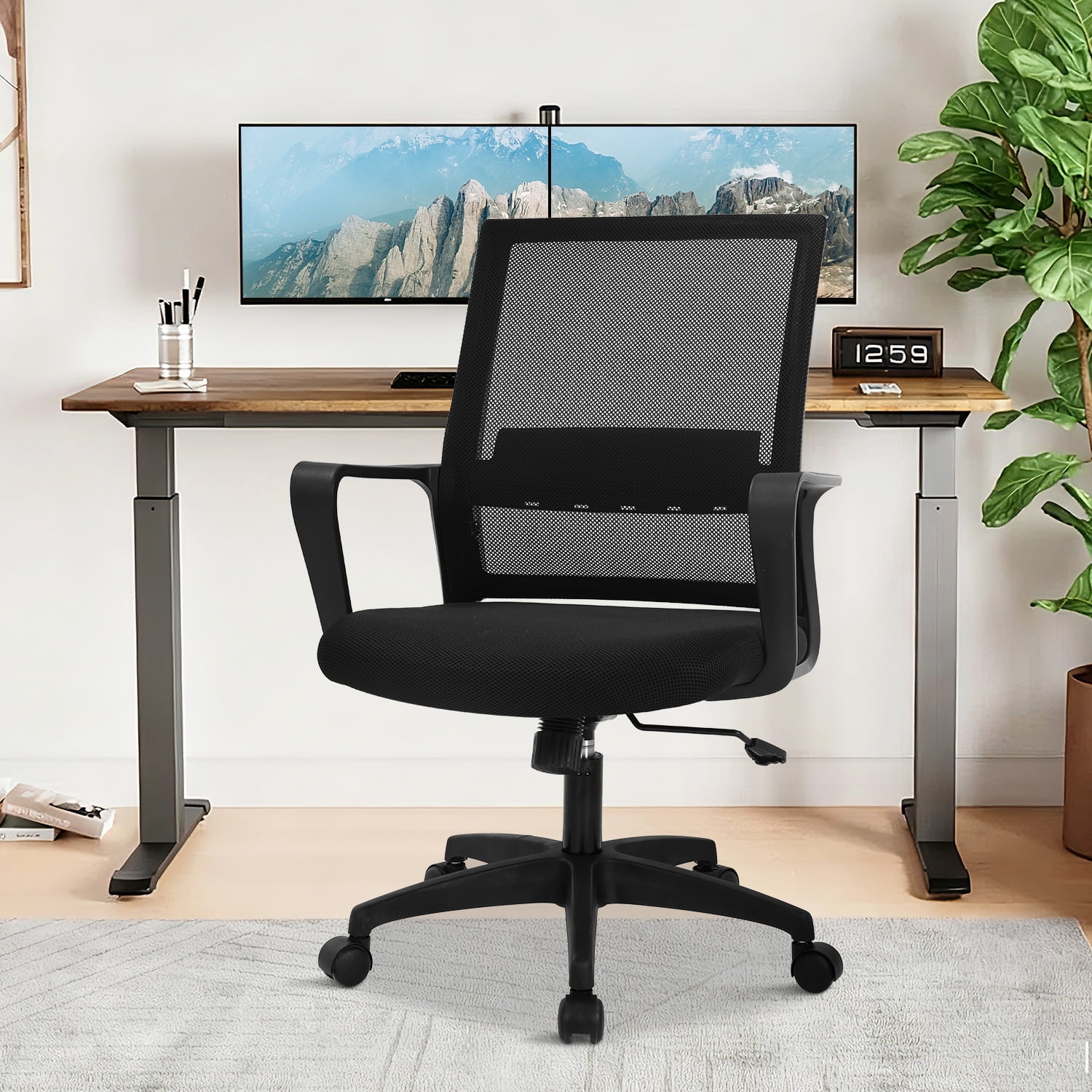
- Breathable Material: Mesh backs or perforated leather reduce heat buildup, keeping you cool during intense deadlines.
- Weight Capacity & Base: A robust metal base (5-star) with smooth-rolling casters ensures stability and longevity. Aim for at least 275 lbs capacity.
- Armrest Padding & Width: Soft but firm padding; width adjustment helps accommodate different body frames and prevents elbow pressure points.
Common Work Scenarios: Matching Armrests to Your Routine
Material Comparison: Comfort and Longevity
The upholstery of your home office chair with arms affects both durability and tactile comfort. Here’s how popular materials stack up:
- Mesh Back + Fabric Seat: Optimal breathability with balanced support. Great for warmer climates or those who tend to overheat.
- Leather / Faux Leather: Easy to clean, sophisticated appearance, but may require AC in summer. Premium leather lasts over a decade with care.
- High-Density Fabric: Soft feel, available in various colors. Resists pilling but may need occasional spot cleaning.
- Memory Foam Padding: Conforms to your shape, reduces pressure points on hips and thighs. Essential for all-day sitting.
Assembly & Maintenance: Keep Your Chair in Peak Condition
To extend the life of your home office chair with arms, follow these simple maintenance steps:
- Regular Tightening: Every 3–4 months, check screws on armrests and base. Loose components cause wobbling and instability.
- Clean Upholstery: For mesh, vacuum with a brush attachment. For fabric/leather, use manufacturer-approved cleaners—avoid harsh chemicals.
- Caster Care: Remove hair and debris from wheels to maintain smooth rolling. Consider replacing with rollerblade-style casters for hard floors.
- Gas Lift Inspection: If the chair sinks, it may need a replacement cylinder. Most chairs have standard sizes, and replacements are affordable.
Stat Spotlight: According to the American Chiropractic Association, individuals using fully adjustable chairs with arm support report 47% less shoulder discomfort after 8 weeks compared to those using basic task chairs with no arm adjustability.
Budget vs. Investment: Finding Your Sweet Spot
While it's tempting to choose a budget-friendly armchair, consider the long-term cost of discomfort. Here's a realistic breakdown:
- Entry ($100–$200): Fixed arms, basic padding, shorter warranty (1–3 years). Suitable for occasional work (2–4 hours/day).
- Mid-Range ($250–$450): Height-adjustable or 2D arms, breathable mesh, decent lumbar support. Perfect for full-time remote workers seeking ergonomic basics.
- Premium ($500–$800): 3D/4D arms, high-end foam, extended warranty (5–10 years), premium materials. An investment in health for 8+ hour days.
- Luxury ($900+): Fully customizable, sustainable materials, advanced tilt mechanisms, and designer aesthetics. Often found in high-end home offices.
Frequently Asked Questions: Home Office Chair With Arms
Conclusion: Elevate Your Home Office Experience
Selecting the right home office chair with arms is about more than filling a space—it's an investment in your physical well-being and work efficiency. With the variety of armrest designs and ergonomic features available, there's a perfect match for every body type, work style, and budget. Prioritize adjustability, seat comfort, and build quality, and you'll create a workstation that supports you through deadlines, creative marathons, and everything in between.
Remember that the best chair is one you can customize to your unique posture. Take advantage of trial periods, check warranty terms, and don't underestimate the difference that well-designed armrests make. Your shoulders and wrists will thank you.
Final thought: A home office chair with arms bridges the gap between function and comfort. Combine it with a sit-stand desk and regular movement breaks, and you’ve built the ultimate ergonomic sanctuary.