
Why Your Office Task Chair Can Make or Break Your Workday
Sitting in a poorly designed chair is like wearing shoes that don't fit—you might not notice the discomfort immediately, but by the end of the day, your body feels the pain. For millions of professionals, the ergonomic office task chair is the single most important tool for maintaining energy, focus, and physical health. Unlike static or generic seating, a true ergonomic task chair adapts to you, supporting your spine through hours of typing, meetings, and deep work.
According to the Occupational Safety and Health Administration (OSHA), musculoskeletal disorders linked to poor seating cost U.S. businesses over $50 billion annually. But on a personal level, the right chair can mean the difference between leaving work exhausted and pain-free, or aching and stiff. This guide goes beyond surface features—we’ll explore the mechanics of ergonomic design, material science, and how to match a chair to your unique body and workflow.
Deconstructing the Ergonomic Office Task Chair: Features That Matter
Marketing jargon often overshadows real ergonomic value. Let’s strip away the fluff and look at the adjustable components that truly impact your seated experience. Think of these features as the "dial knobs" for your body's alignment.
1. Lumbar Support: The Foundation of Spinal Health
Your lower back has a natural inward curve. When a chair lacks proper support, you slump, flattening this curve and straining spinal discs. Quality ergonomic chairs offer adjustable lumbar support—not just a fixed bump. You should be able to move it up/down (height) and in/out (depth) to fit the small of your back. A study in the journal Applied Ergonomics found that adjustable lumbar support reduced perceived discomfort by 42% over an 8-hour workday.
- Height-adjustable lumbar: Accommodates different torso lengths.
- Depth-adjustable lumbar: Increases or decreases the "push" into your back.
- Dynamic lumbar: Some chairs use a tension system that moves with you.
2. Seat Pan: The Foundation of Stability
The seat pan does more than provide a place to sit. Its depth and contour affect thigh circulation and pelvic tilt. A common mistake is a seat that’s too long, pressing behind your knees.
- Seat depth adjustment (sliding pan): Essential for ensuring 2-4 finger widths of space between the back of your knee and the seat edge. This prevents circulation restriction.
- Waterfall edge: A curved front edge reduces pressure on thighs, improving blood flow—a small detail with big impact for long sitters.
- Contoured foam: High-density memory foam or multi-layered foam retains shape and prevents "bottoming out."
3. Backrest Recline and Tilt Tension: Movement is Key
The human body isn’t designed to be static. An ergonomic task chair should encourage micro-movements. The backrest mechanism is your dynamic partner.
- Synchronous tilt: The backrest and seat tilt at a synchronized ratio (often 2:1 or 3:1), keeping you supported while reclining.
- Tilt tension adjustment: Lets you control how much force is needed to recline. Heavier users need higher tension; lighter users need lower tension.
- Tilt lock: The ability to lock in one or multiple positions offers flexibility for different tasks.
4. Armrests: 4D Adjustability as the Gold Standard
Armrests are often overlooked, but poor arm positioning leads to shoulder and neck tension. Basic height adjustment is not enough. Look for "4D" armrests, which allow movement in four directions:
- Height: So elbows rest at a 90-degree angle, shoulders relaxed.
- Width: To bring supports directly under elbows, preventing winging.
- Depth (forward/back): Ensures support while typing, not behind you.
- Pivot (angle): Some allow armrests to angle in/out to match natural forearm position.
If a task chair has fully adjustable arms, you’re already in the top tier of ergonomic design.
5. Material Science: Mesh vs. Fabric vs. Foam
The material isn't just about looks—it's about microclimate and pressure distribution.
Breathable Mesh
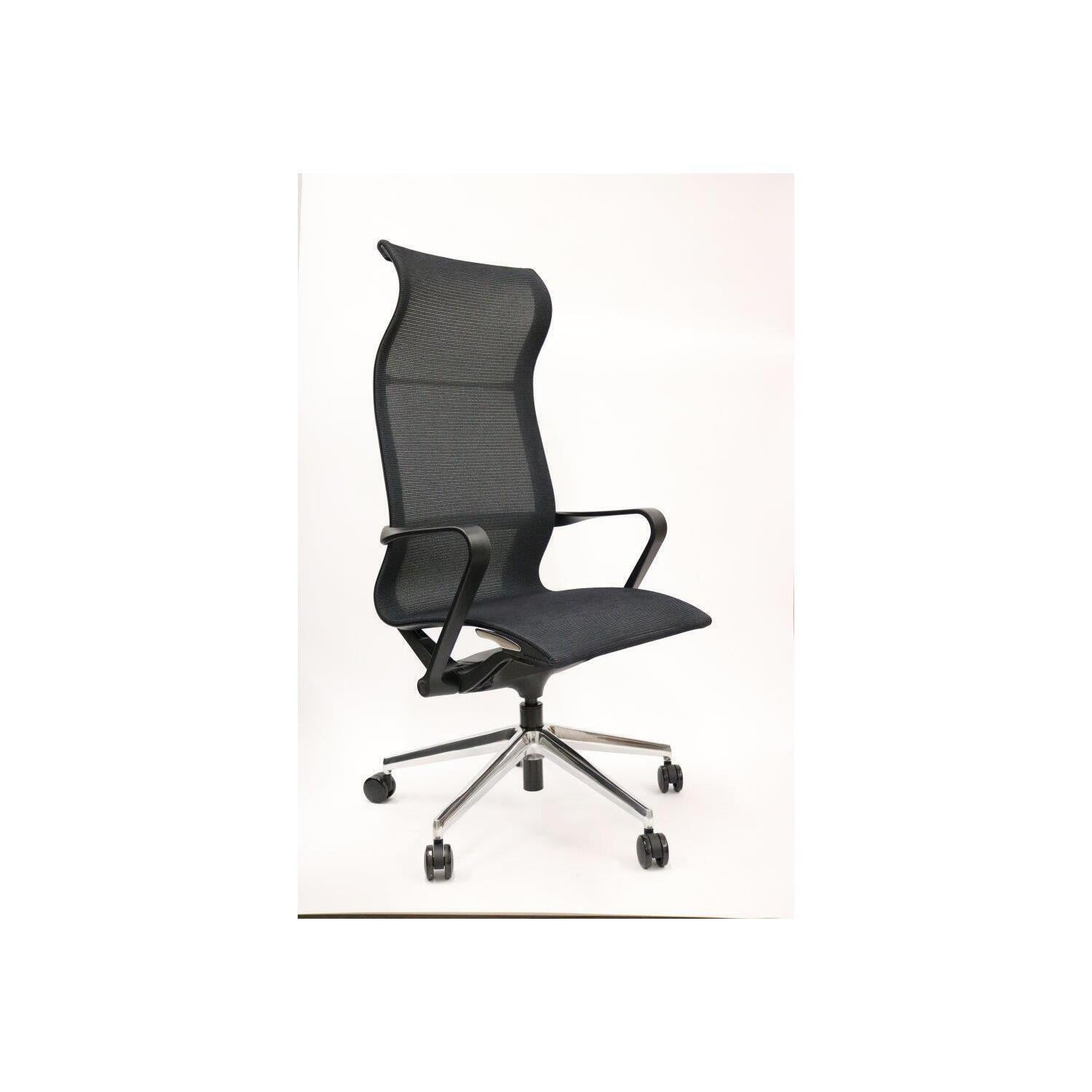
Best for: Warm offices, long hours, those who run hot. Mesh backrests are standard, but some seats also use mesh with a foam frame. It prevents sweat buildup and provides even tension.
Performance Fabric
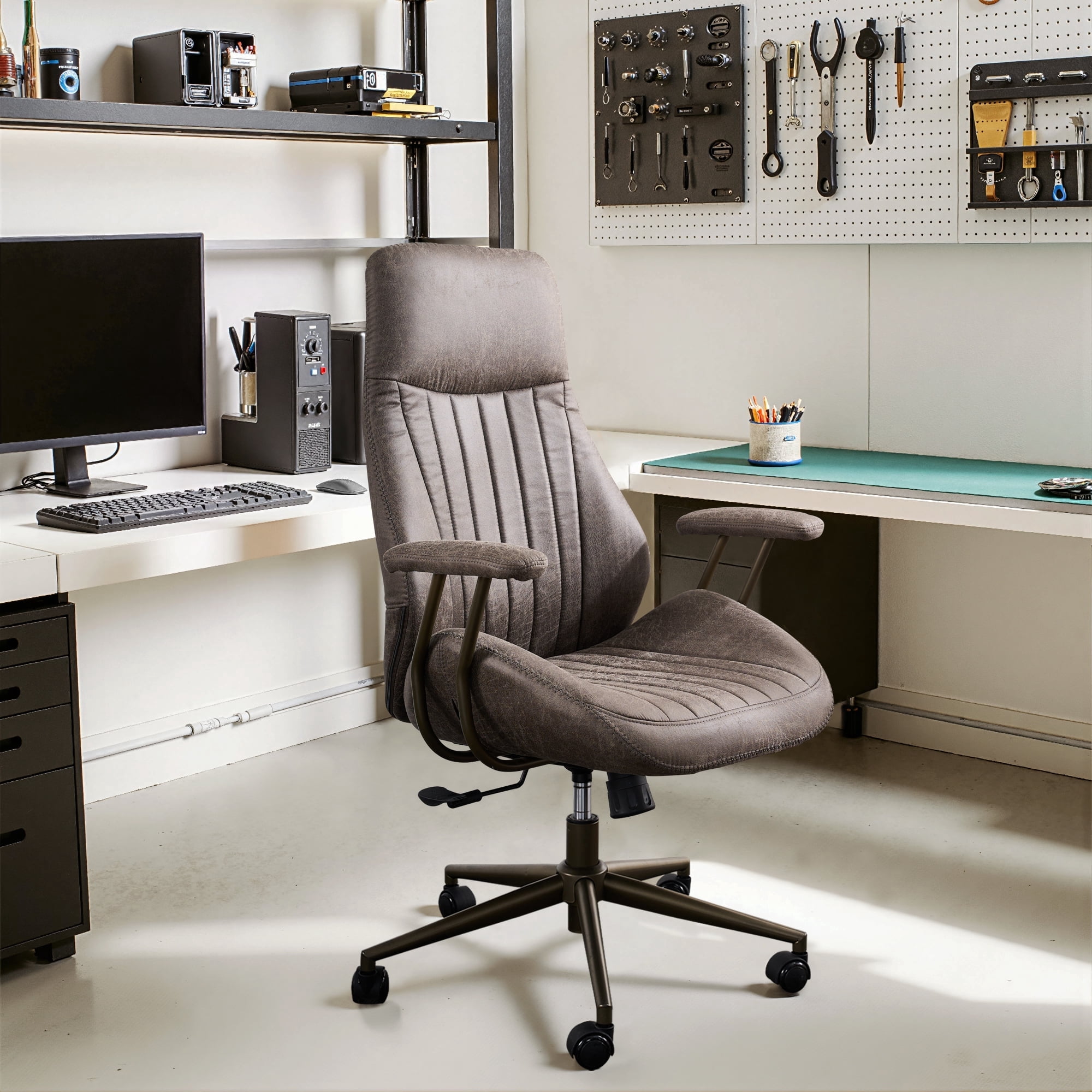
Best for: Comfort and style. Modern woven fabrics are durable, often stain-resistant, and provide a softer, more "living room" feel. They breathe better than leather but less than mesh.
High-Density Foam
Best for: Plush comfort and pressure distribution. Look for "cold-cure" foam or multi-density foam that supports heavier areas (thighs) while remaining soft elsewhere.
How to Match a Task Chair to Your Body Type and Workstyle
Ergonomics is not one-size-fits-all. A chair perfect for a 6'2" analyst may be terrible for a 5'2" creative director. Follow this decision framework based on real-world ergonomic fitting principles.
Step 1: The Body Measurement Check
- Height: Measure your total height and your "seat-to-shoulder" height (torso length). Tall torso? Look for a higher backrest or adjustable lumbar that goes high enough. Short torso? Ensure the backrest isn’t so tall it pushes your head forward.
- Weight: Always check the chair's weight capacity. For users over 250 lbs, look for "big and tall" rated chairs with reinforced gas cylinders and wider seats.
- Thigh Length: Measure from the back of your knee to your hip joint. This helps gauge needed seat depth. Most chairs offer 16-20" of depth; adjustability is key.
Step 2: Define Your Primary Task
- • Intensive typing/data entry: Prioritize armrest adjustability (4D) and a seat that promotes a slight forward tilt to keep wrists straight.
- • Creative/meetings/varied tasks: Look for a chair with smooth-rolling casters, easy recline, and a headrest (if you lean back to think).
- • Multi-user workspace: Choose a chair with easy-to-reach, intuitive adjustment levers so settings can be changed quickly throughout the day.
- • Long-haul focus sessions: Breathable mesh back, deep-contour seat, and highly adjustable lumbar are non-negotiable.
Step 3: Budget for Value, Not Just Price
Think of an ergonomic chair as a 5-10 year investment in your health. Here’s what different budgets typically offer:
Essential
Basic adjustments: height, tilt, fixed lumbar. Good for part-time home office use.
Performance
Adjustable lumbar, 3D armrests, seat depth adjustment. The sweet spot for full-time workers.
Premium
4D armrests, advanced synchronous tilt, premium materials, long warranty (10+ years).
Specialist
Customizable options, advanced mesh technology, often made in USA/Europe with replaceable parts.
Real Health Benefits Backed by Data
Investing in a quality ergonomic office task chair isn't just about comfort—it's preventative healthcare.
Reduced Spinal Load
Reclining slightly (110-130 degrees) with lumbar support can reduce disc pressure by up to 35% compared to upright sitting, according to spine research.
Improved Circulation
Waterfall seat edges and proper seat depth prevent compression of the popliteal vein, reducing risk of deep vein thrombosis (DVT) during long sits.
Less Neck Strain
Synchronized tilt and headrests (where needed) keep the monitor at eye level, preventing "tech neck" and associated headaches.
Higher Productivity
Cornell University research found that workers with adjustable ergonomic chairs reported a 17% gain in productivity due to reduced discomfort and fewer breaks.
Frequently Asked Questions About Ergonomic Task Chairs
Conclusion: Your Chair, Your Health, Your Performance
Choosing an ergonomic office task chair is one of the most important decisions you'll make for your workspace. It’s a tool that directly influences your physical well-being and professional output. Don't be swayed by aesthetics alone; prioritize adjustability, material quality, and a fit tailored to your body. Remember that the best chair is not the most expensive one, but the one that disappears from your awareness—allowing you to focus completely on your work, not on your aching back. Use the steps and feature breakdowns above to make an informed choice, and consider this purchase an investment in a healthier, more productive you.