
Your Complete Roadmap to a Pain-Free Sitting Experience
Imagine your spine as a stack of building blocks. When you slouch in a chair that offers little to no back support for your office chair, those blocks tip forward, straining muscles and compressing discs. The result? That all-too-familiar ache in your lower back by 3 PM. For millions of office workers, this isn't just a minor annoyance; it's a daily drag on productivity and well-being.
The good news is that you don't have to live with it. Whether you're investing in a new ergonomic throne or looking to upgrade your current setup, understanding the nuances of lumbar support is the first step toward a healthier, more comfortable work life. This guide will walk you through everything you need to know, from the science of spinal alignment to choosing the perfect accessory or chair.
The Hidden Epidemic: Why Most Chairs Fail Your Back
Standard office chairs are often designed for a mythical "average" person, leaving most of us with a painful gap in the lower back. This gap forces your muscles to work overtime to hold you up, leading to fatigue, tension, and eventually, chronic pain. According to a study published in the journal Spine, maintaining the natural inward curve of the lower back (lumbar lordosis) can reduce spinal disc pressure by up to 35%. That's the difference between a healthy spine and one under constant stress.
Decoding the Perfect Back Support: A 5-Step Framework
Choosing the right solution isn't about picking the most expensive option. It's about matching features to your body and your chair. Use this framework to make an informed decision.
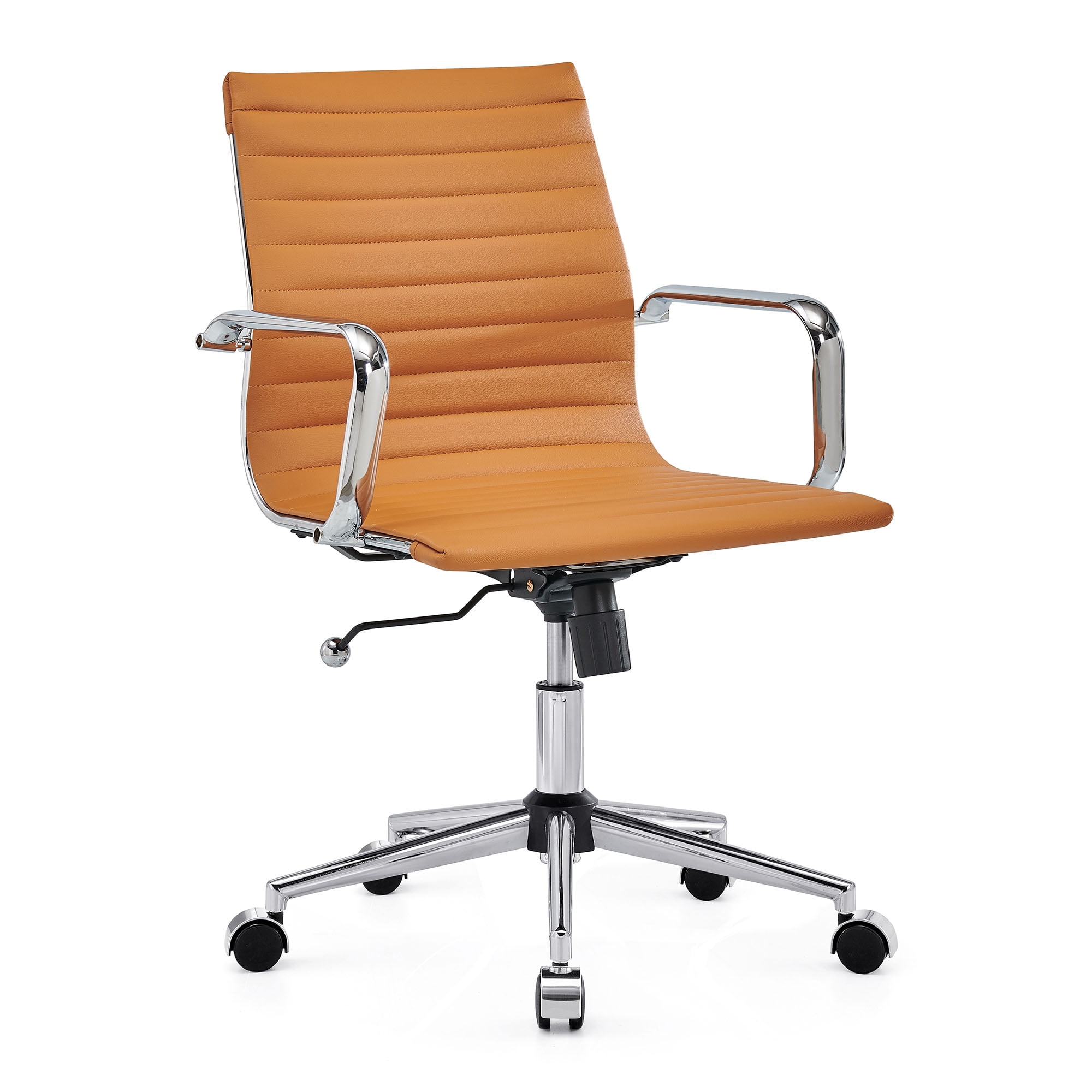
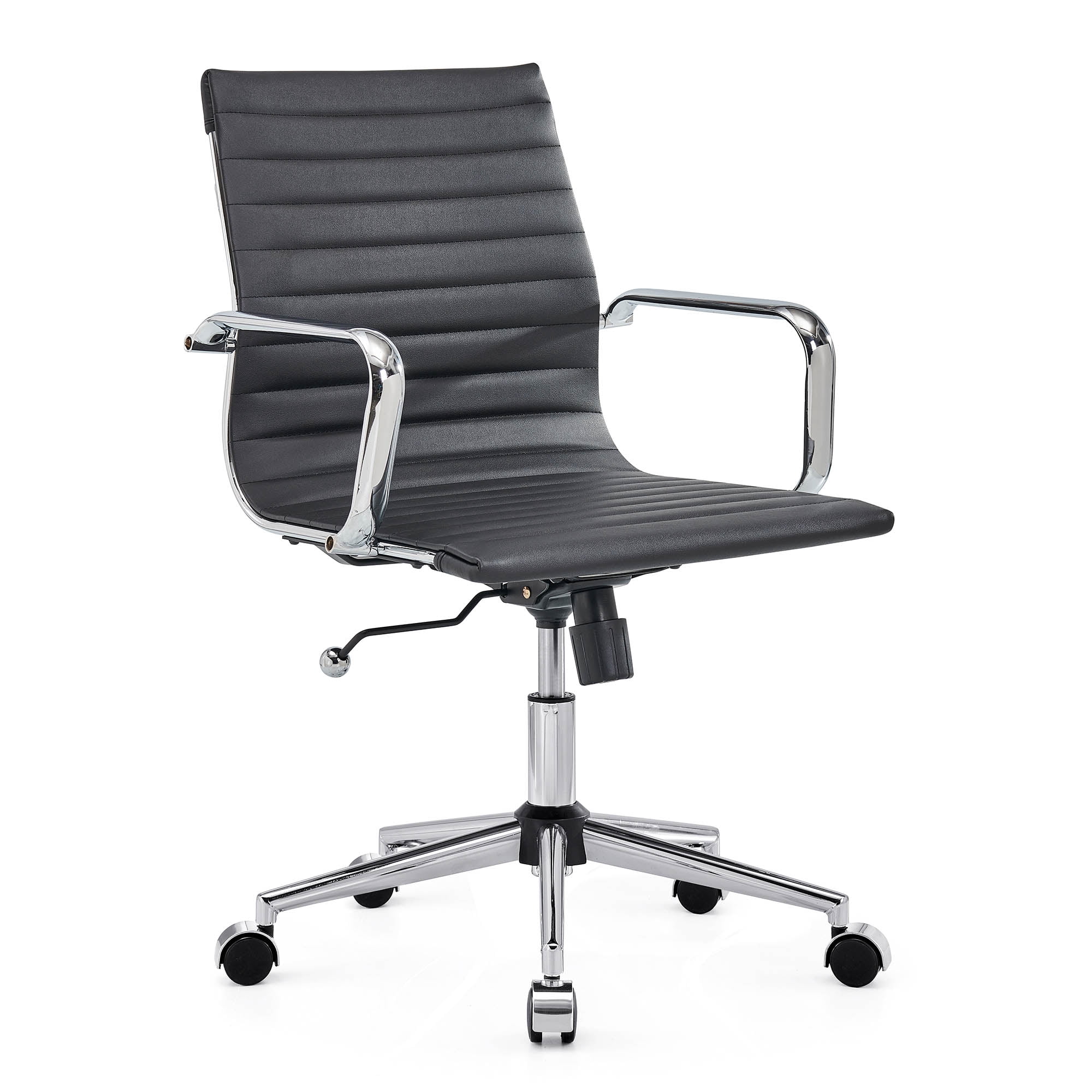
- Identify Your Support Type: Do you need a portable lumbar cushion for your existing chair, or are you ready for a new chair with integrated, adjustable back support? A cushion is a quick, affordable fix. A new chair is a long-term investment in your health.
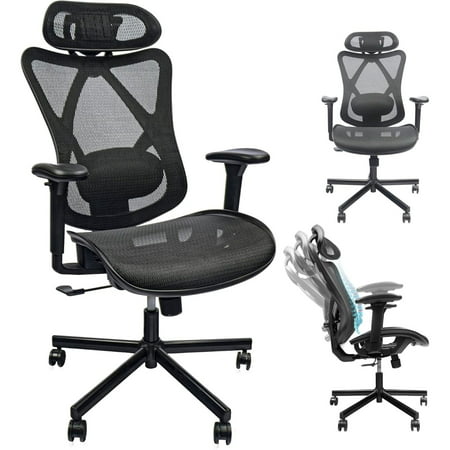
- Prioritize Adjustability (The '4D' Test): Static support is rarely enough. Look for features that move with you. The best back support for office chair setups offer:
- Height Adjustment: The lumbar curve should hit the right spot on YOUR spine.
- Depth Adjustment: How far the support pushes into your back. This is crucial for comfort.
- Tension Control: Allows the backrest to flex with your movements.
- Angle/Recline Synchronization: Ensures support remains constant as you lean back.
- Material Matters: The Feel Factor:
- Memory Foam: Like a custom mold for your back. Excellent pressure distribution but can retain heat. Look for gel-infused versions.
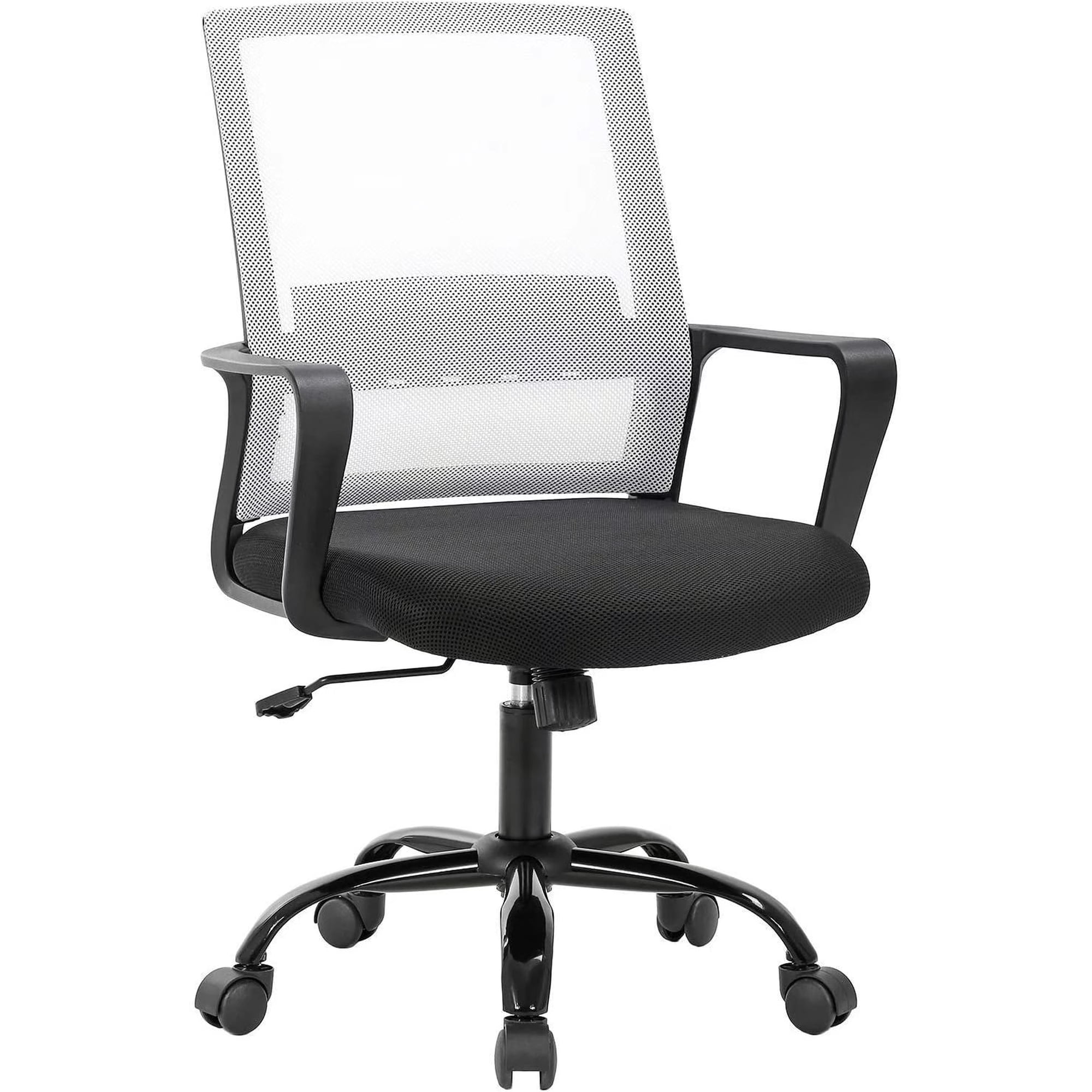
- Mesh: Highly breathable and provides firm, structured support. Ideal for warmer climates.
- Inflatable: Offers ultimate adjustability in firmness. You can pump it up or deflate it to your exact preference. Great for shared chairs.
- The 'Seat Depth' Connection: A often-overlooked factor. If your seat pan is too long, it forces you to slouch, negating your back support. Ensure there's a 2-3 finger gap between the back of your knee and the seat edge. A back support cushion can also help by effectively shortening the seat depth.
- Test Before You Invest: The 20-minute rule. Sit in a chair or with a cushion for at least 20 minutes. You shouldn't feel any pressure points or the urge to squirm. Your back should feel naturally aligned, like the support is an extension of your body.
💡 Pro Tip: Think of your chair as a shoe. A great shoe supports your arch (lumbar support), has the right cushioning (seat comfort), and fits perfectly (adjustability). You wouldn't run a marathon in ill-fitting shoes, so why sit for 40+ hours a week in a chair that doesn't fit your back?
Built-In vs. Add-On: A Head-to-Head Comparison
Still unsure whether to buy a new chair or just a cushion? Here’s a realistic breakdown to help you decide.
| Feature | Built-In Lumbar Support (New Chair) | Add-On Cushion (Back Pillow) |
|---|---|---|
| Cost | Higher ($300 - $1500+) | Lower ($25 - $100) |
| Effectiveness | Excellent, when fully adjustable (4D). Seamless integration. | Very Good to Excellent. Can be positioned perfectly for your body. |
| Portability | None. It's part of the chair. | High. Take it to work, home, or while traveling. |
| Versatility | Lumbar support only. | Can also be used on sofas, car seats, etc. |
| Best For | Buying a new primary chair, needing whole-chair ergonomics. | Fixing an existing chair, budget-friendly solution, shared workspaces. |
Beyond the Cushion: Holistic Habits for a Happy Back
Even the world's best back support for office chair isn't a magic bullet. It's a tool, and like any tool, it works best with proper technique.
- The Dynamic Sitting Principle: The human body is designed for movement. Change your posture frequently. Lean back, sit upright, perching on the edge. Every 30-45 minutes is ideal.
- Monitor Height is Crucial: If your screen is too low, you'll hunch, collapsing your lower back support. The top of your monitor should be at or slightly below eye level.
- The 90-90-90 Rule: Feet flat on the floor (or a footrest), knees at a 90-degree angle, and hips at a 90-degree angle. This creates a stable foundation for your spine.
- Micro-Breaks for Spinal Hydration: Standing up and walking for just 1-2 minutes every hour rehydrates the spinal discs, keeping them plump and healthy. It's like watering a plant.