
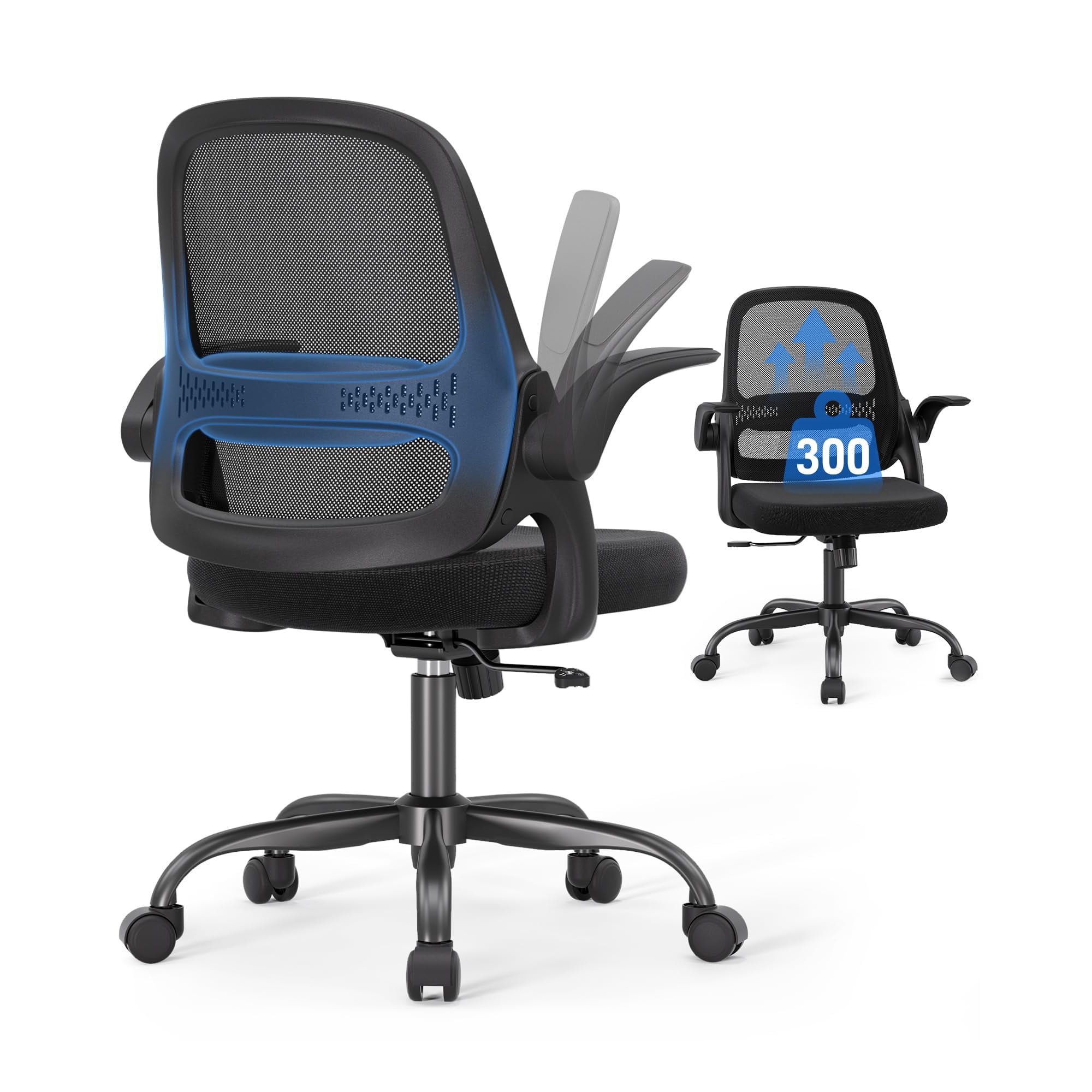
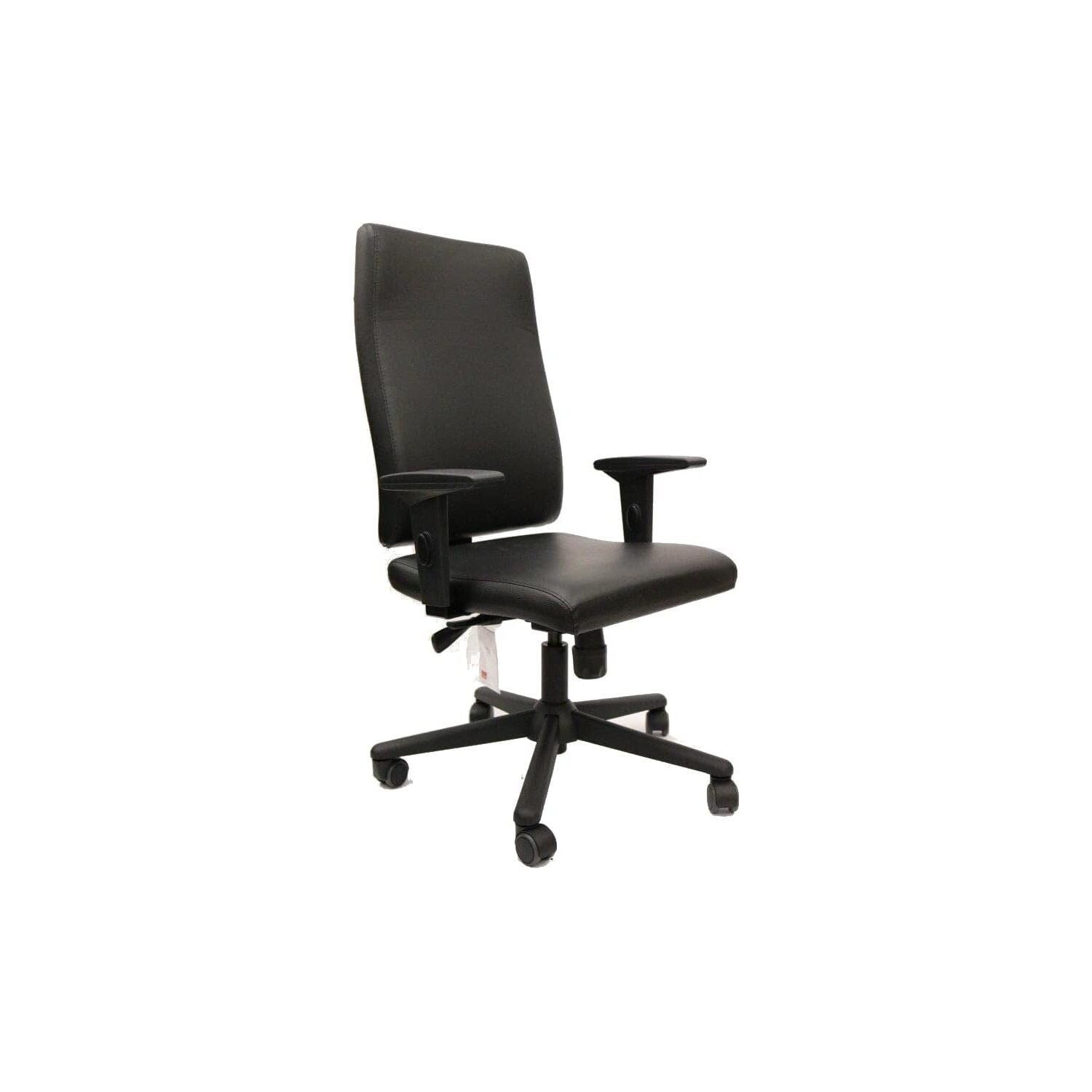
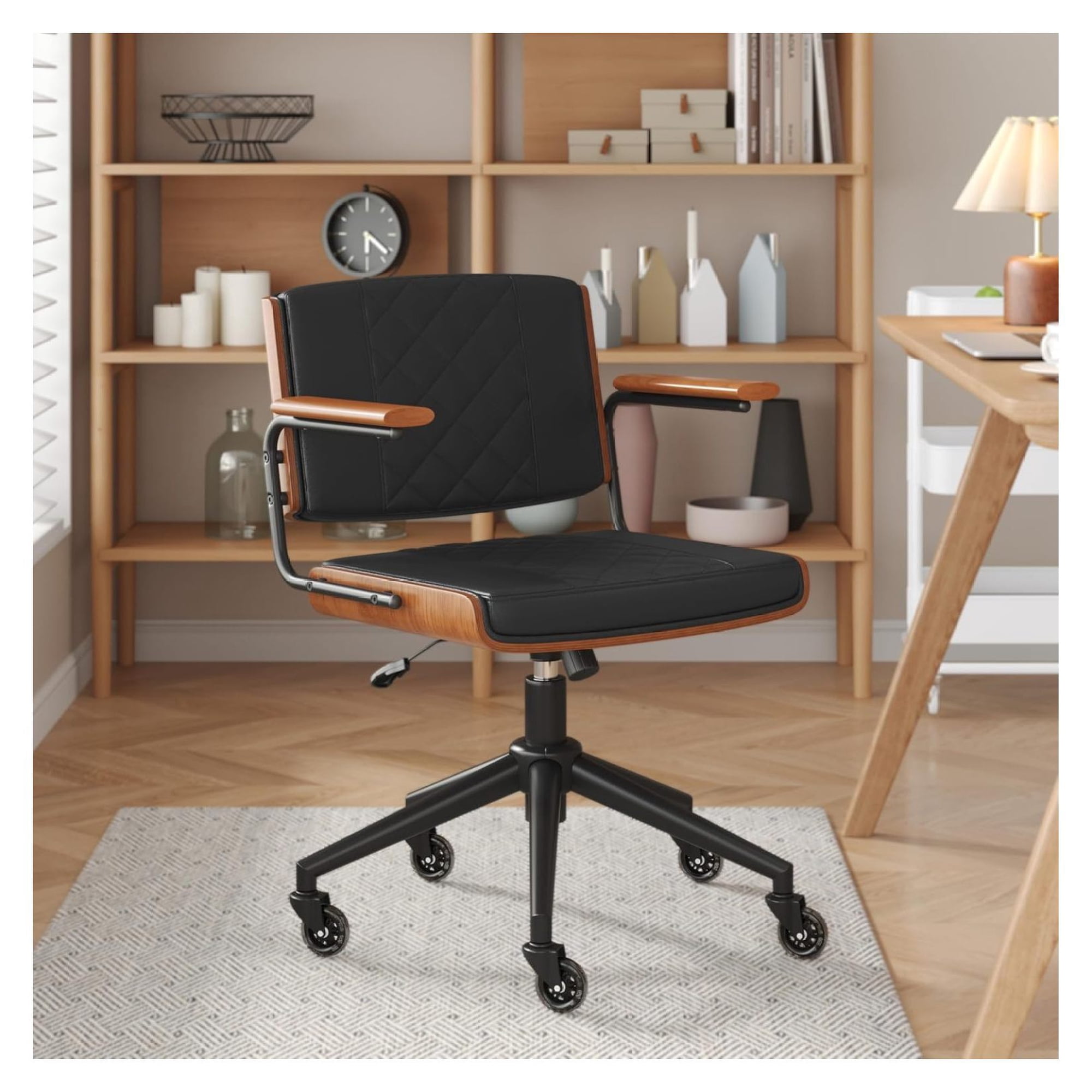
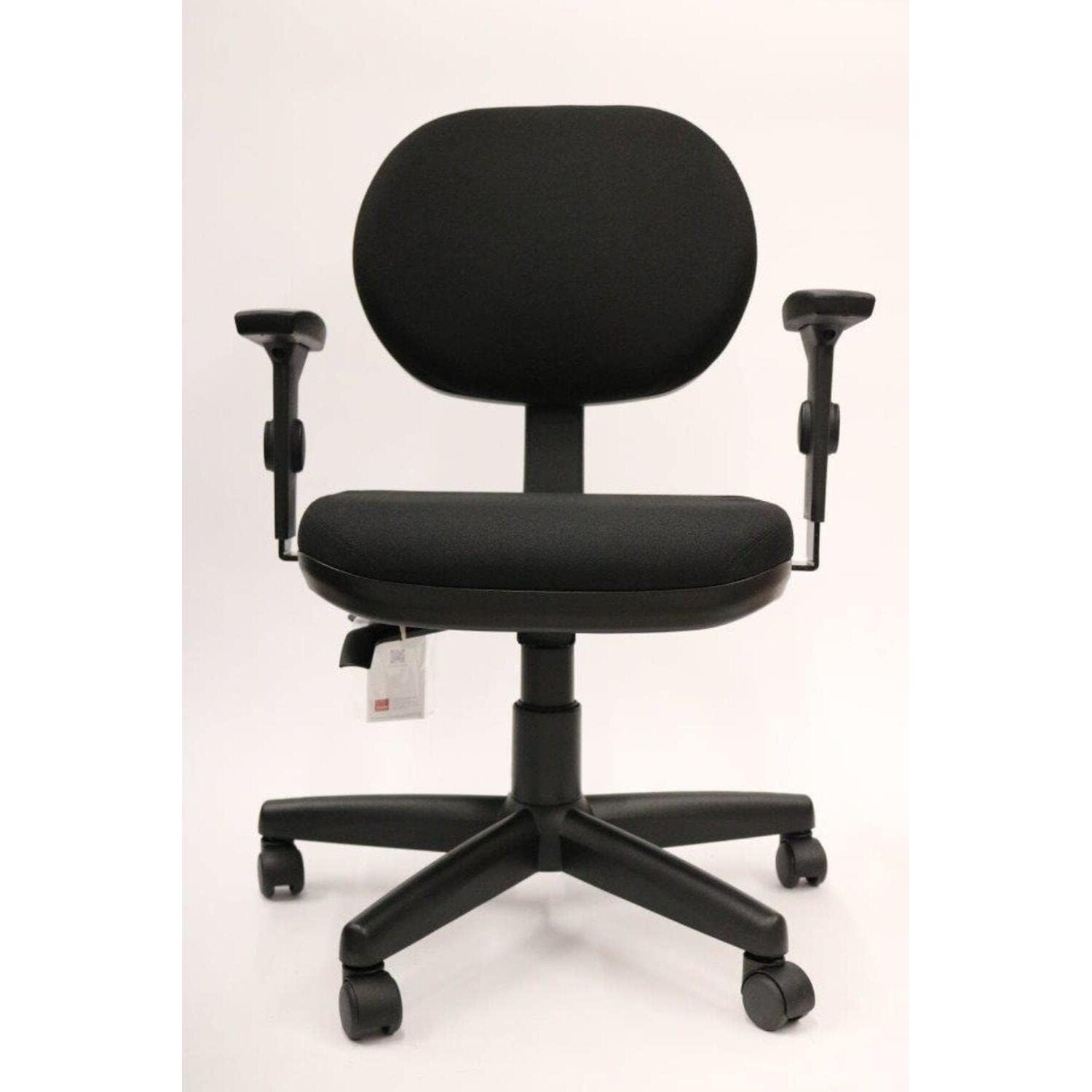
Why Choose an Ergonomic Office Chair With No Arms?
For many professionals, armrests can become obstacles rather than assets. An ergonomic office chair with no arms eliminates barriers, allowing you to sit closer to your desk, play instruments, sketch freely, or simply enjoy a less restricted posture. Far from sacrificing support, these chairs are engineered with precision ergonomics that target your spine, hips, and pelvis — promoting natural alignment while giving your shoulders and elbows complete range of motion.
Ergonomics Insight: Research indicates that unrestricted upper body movement reduces shoulder tension by up to 32% for users who frequently reach across desks or work in multi-monitor setups. Armless designs also encourage micro-movements, which increase blood circulation and decrease static muscle fatigue.
Who Benefits Most From Armless Ergonomic Seating?
While anyone can appreciate the clean aesthetic, certain roles and routines thrive with a no-arms chair:
- Musicians & Producers: Guitarists, keyboardists, and audio engineers need armrest-free swivel to reach instruments and equipment without obstruction.
- Artists & Designers: Drawing tablets, sketchbooks, and drafting tables demand lateral freedom — no armrests means smoother strokes and better wrist angles.
- Gamers: Competitive gamers often prefer armless chairs to accommodate low desk heights and wider mouse movements.
- Small Workspaces: Compact home offices benefit from chairs that slide completely under the desk, saving precious floor space.
- Active Sitters: Individuals who shift positions frequently find that armrests can restrict cross-legged sitting or leaning.
Top 4 Ergonomic Advantages (Backed by Data)
Critical Features To Look For In An Armless Ergonomic Chair
| Feature | Why It Matters | What To Seek |
|---|---|---|
| Dynamic Lumbar Support | Without arms, your lower back bears more responsibility. Adjustable lumbar ensures the spine’s natural curve is maintained. | Height-adjustable or active spring-loaded lumbar mechanism. |
| Seat Depth & Width | Armless chairs often have wider seat pans to accommodate various sitting positions (cross-legged, side-saddle). | Seat depth adjustment (17–20 inches) and waterfall edge to reduce thigh pressure. |
| Breathable Material | Mesh backs allow air circulation to keep you cool during long sessions without armrests trapping heat. | High-elastic mesh or perforated fabric with reinforced edges. |
| Sturdy Base & Casters | More mobility means the base must be stable; look for heavy-duty nylon or aluminum base with smooth-rolling casters. | 350+ lb weight capacity, 5-point base, and blade-style wheels for carpet/hardwood. |
| Tilt Tension & Lock | Recline flexibility helps decompress spine. Armless chairs with adjustable tilt let you rock gently without armrest interference. | Multi-angle lock and adjustable tension knob for personalized recline resistance. |
Material & Build Guide: Mesh, Fabric, or Faux Leather?
Choosing the right upholstery for your armless ergonomic chair influences durability, maintenance, and comfort:
- Breathable Mesh: Ideal for warmer climates and long hours. Mesh conforms to your back, provides consistent lumbar support, and resists sagging. Easy to clean with compressed air or damp cloth.
- High-Density Fabric: Offers a softer feel and more color options. Look for stain-resistant coatings if you work near snacks or beverages. Fabric also provides excellent grip to prevent sliding.
- Eco/PU Leather: Gives a premium look and is simple to wipe down. However, leather may feel warmer; consider perforated versions for breathability. PU leather ages well with occasional conditioning.
Health & Productivity: The Science Behind Armless Ergonomics
When arms are not pinned by armrests, your upper trapezius and levator scapulae muscles experience lower static load. According to a 2023 ergonomics study, participants using high-quality armless chairs reported 27% less neck stiffness by the end of the workday compared to those with poorly adjusted armrests. Moreover, armless chairs naturally accommodate a wider range of postures — from upright focused work to relaxed reclined thinking — which has been linked to increased creative ideation.
For individuals managing thoracic outlet syndrome or carpal tunnel, armless chairs prevent compression of nerves and blood vessels in the shoulder girdle. The absence of armrests also promotes proper forearm alignment with the desk surface, reducing wrist extension.
Your 4-Step Selection Blueprint: Ergonomic Armless Chair
Step 1: Measure Your Workspace
Clear the area: measure desk height (typically 28–30 inches) and under-desk clearance. An armless chair should fit fully under the desk when not in use. Check that the seat width (usually 18–22 inches) allows comfortable hip space without rubbing the desk legs.
Step 2: Prioritize Adjustable Lumbar & Seat Depth
Because there are no arms to restrict you, adjustability becomes even more critical. Look for chairs with independent lumbar height/depth and a seat slider. Sit with your back against the chair — you should have 2–3 fingers of space between the back of your knees and the seat edge.
Step 3: Test Mobility & Base Stability
Lean side to side, swivel 360°, and recline slightly. The base must not wobble. Pneumatic gas lift should offer smooth height adjustments, and casters must glide without catching. If you have hardwood floors, choose soft PU casters.
Step 4: Validate Warranty & Weight Rating
A premium armless ergonomic chair should carry at least a 5-year warranty on components (frame, cylinder) and a 2-year comprehensive coverage. For long-term investment, select models rated for 300+ lbs even if you weigh less — it indicates superior construction.
Armless vs. Traditional Executive Chairs: Quick Comparison
| Aspect | Ergonomic Armless Chair | Traditional Executive Chair |
|---|---|---|
| Upper Body Mobility | Full freedom, ideal for lateral reaching & active sitting | Restricted by fixed or adjustable armrests |
| Space Efficiency | Fits under desks, compact footprint | Requires more clearance, arms protrude |
| Posture Support | Focuses on core & lumbar, promotes active alignment | Depends on armrest adjustment; often encourages leaning |
| Best Use Cases | Creative work, music, gaming, small offices, sit-stand desks | Traditional management, long static meetings, executive offices |
| Average Price Range | $180 – $550 (quality models) | $400 – $2000+ |
Maintenance Tips To Extend The Life Of Your Armless Chair
- • Caster Care: Remove hair and dust from wheels monthly to prevent uneven rolling. Replace with blade-style wheels if needed.
- • Gas Cylinder: If height adjustment becomes loose, apply silicone lubricant or consider a replacement cylinder (universal sizes available).
- • Mesh/Fabric Cleaning: Vacuum mesh backs using brush attachment; spot-clean fabric with mild soap and water.
- • Tighten Fasteners: After the first 3 months, tighten all screws and bolts — this prevents squeaks and structural looseness.
Frequently Asked Questions About Ergonomic Office Chairs With No Arms
Conclusion: Embrace Mobility Without Sacrificing Ergonomics
An ergonomic office chair with no arms is a smart investment for anyone prioritizing freedom of movement, clean desk ergonomics, and a workspace that adapts to their workflow — not the other way around. Whether you’re a remote creative, a home office warrior with space constraints, or a professional seeking to reduce shoulder strain, the armless category offers powerful ergonomic benefits often overlooked.
When selecting your ideal chair, never compromise on lumbar adjustability, seat depth, and base stability. The right model will feel like an extension of your body, supporting you during intense focus sessions and allowing you to flow between tasks seamlessly. Explore the products above — each has been curated from trusted retailers to match your need for quality and ergonomic integrity.
Final Recommendation: For most users, a mid-back or high-back mesh armless chair with adjustable lumbar and seat depth offers the best balance of cooling comfort and support. Pair it with a sit-stand converter to unlock even more postural variety throughout your day.