
Why "Comfortable" and "Adjustable" Are Inseparable
Imagine trying to drive a car where the seat is fixed for someone a foot taller than you. Your back would ache, your legs would cramp, and your focus would vanish within minutes. Yet, millions of people sit in static office chairs every day, wondering why they can't seem to get comfortable. The answer is simple: comfort is not one-size-fits-all. It's a personal equation that changes with your height, weight, and work habits. This is where the comfortable adjustable office chair becomes not just a purchase, but an investment in your well-being.
A truly comfortable chair is a chameleon. It adapts to you, not the other way around. It provides a dynamic foundation that supports your body through long strategic meetings, intense coding sessions, or creative brainstorming. According to a study by the Occupational Safety and Health Administration (OSHA), proper ergonomic seating can reduce work-related musculoskeletal disorders by up to 60%. This statistic alone highlights that the path to comfort is paved with adjustability.
Key Insight: Don't confuse a soft, cushy chair with a comfortable one. A marshmallow feels soft, but it offers zero support. A comfortable adjustable office chair provides the right balance of resilient support and plushness, all customizable to your unique anatomy.
The Anatomy of an Adjustable Office Chair: What to Look For
Walking into the world of ergonomic chairs can feel like stepping into a cockpit. Levers, knobs, and mechanisms everywhere. But each adjustment serves a specific purpose. Understanding this "anatomy" will empower you to make the right choice. Let's break down the key components of a comfortable adjustable office chair and why they matter.
1. The Foundation: Seat Pan Adjustments
The seat is your base of operations. If it's not right, nothing else will be.
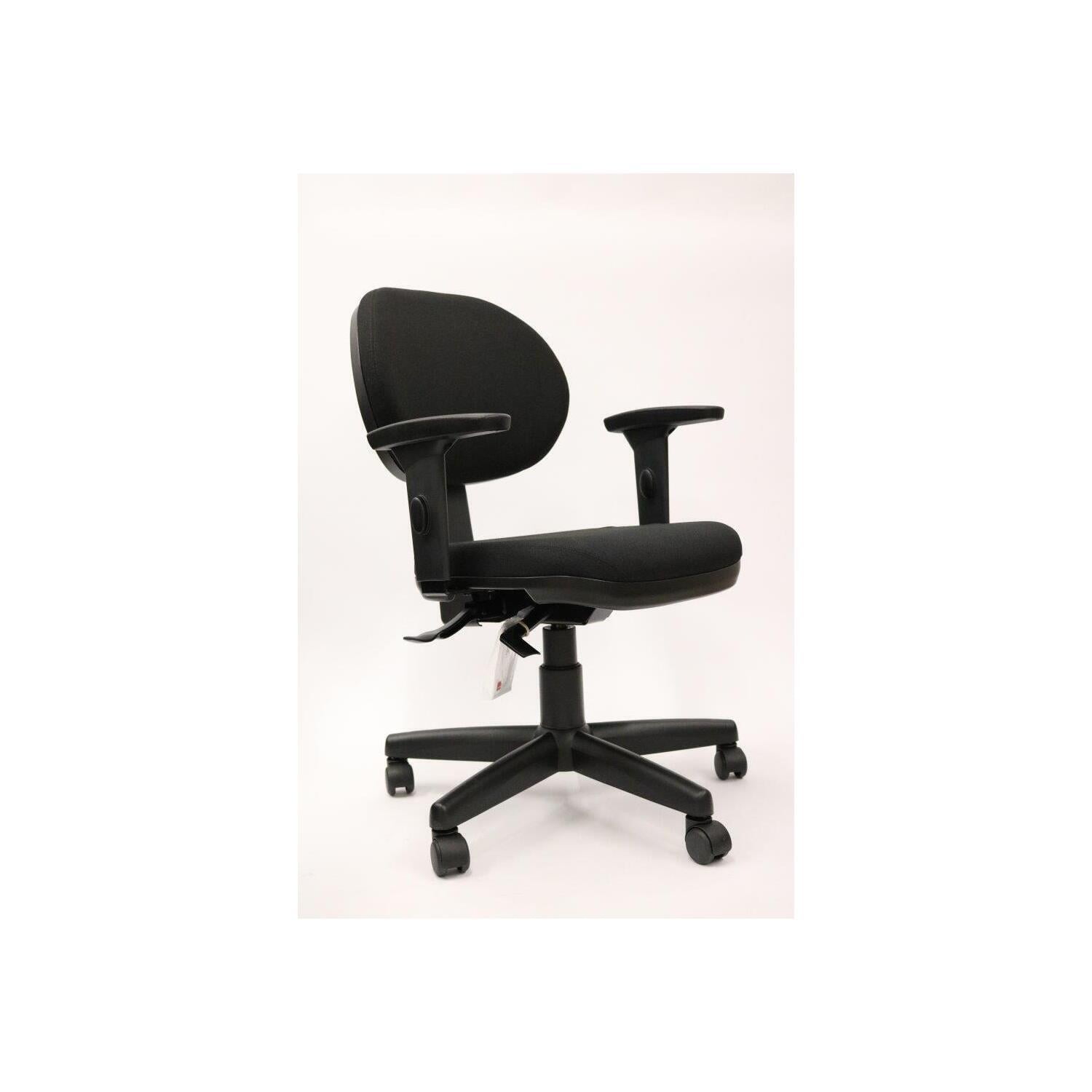
- Seat Height (Pneumatic Lift): This is non-negotiable. Your feet should rest flat on the floor, with your thighs parallel to the ground. This ensures proper blood flow and reduces pressure on your thighs. Look for a cylinder with a wide range to accommodate different desk heights.
- Seat Depth (Slider): This is a game-changer often overlooked. A seat depth adjustment allows you to slide the seat pan forward or backward. The goal is to have about 2-3 fingers width between the back of your knee and the seat edge. This supports your thighs fully without cutting off circulation. If the seat is too deep, it will press into your calves; too shallow, and your thighs are unsupported.
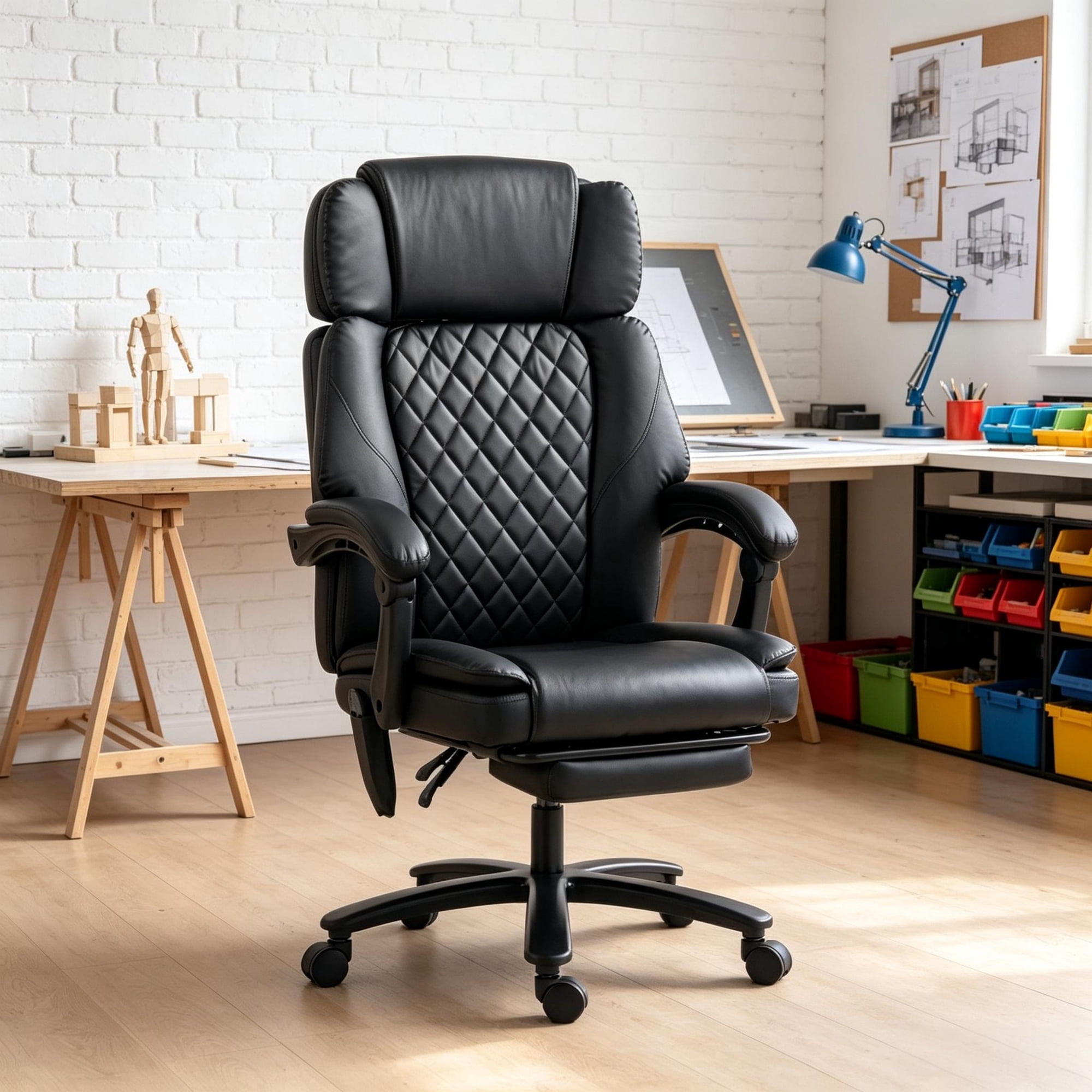
- Waterfall Edge: While not an "adjustment," this design feature is crucial. A seat with a gently sloping front edge (like a waterfall) reduces pressure on the underside of your thighs, preventing that numb or "pins and needles" feeling after long hours.
2. The Backbone: Backrest & Lumbar Support
This is the heart of an ergonomic chair. It's designed to maintain the natural S-curve of your spine.
- Adjustable Lumbar Support (Height & Depth): This is arguably the most important feature for combating back pain. The curve of your lower back needs support. Look for a chair that allows you to move the lumbar pad up and down (height) to hit the right spot on your spine. Even better is depth adjustment, which controls how much the support pushes into your back, allowing you to dial in the exact amount of pressure.
- Backrest Height Adjustment: Some chairs have a separate backrest that can be raised or lowered. This is particularly useful for taller individuals who need support higher up on their spine, or for those who prefer a smaller backrest for more freedom of movement.
- Recline Mechanism (Multi-Lock & Synchronous Tilt): Static sitting is the enemy. A good recline mechanism allows your chair to move with you. A multi-lock feature lets you lock the backrest at various angles. A synchronous tilt mechanism is even better; as you lean back, the seat pan tilts slightly forward, keeping you stable and preventing the feeling of being tilted backward or having your feet leave the floor. This promotes "dynamic sitting," where your body is in constant, healthy motion.
3. The Support System: Armrest Adjustments
Your arms should rest comfortably, with your shoulders relaxed, not hunched. Armrests are often the most-used adjustment, and for good reason.
- 4D or 5D Armrests: This is the gold standard for adjustability. "4D" typically refers to adjustments in four directions:
- Height: Up and down to match your desk surface.
- Width: Slide left and right to bring them closer or farther from your body.
- Depth: Move forward and backward to support your forearm, not just your elbow.
- Pivot (Angle): Swivel or angle the armrest pad to match your natural wrist position, especially useful for typing.
4. The Motion: Tilt Tension and Locking Mechanisms
These controls dictate how the chair moves and resists your movements.
- Tilt Tension Knob: This controls the resistance you feel when leaning back. Think of it as the "stiffness" of the recline. A simple twist allows you to adjust it so a heavier person doesn't fall back too quickly, and a lighter person can recline without needing Herculean effort.
- Tilt Lock: This allows you to lock the chair in an upright position or anywhere within the recline range. This is useful for focused desk work or when you need to sit formally for a meeting.
The Comfort Equation: Matching Adjustments to Your Body
To help you visualize how these adjustments work together, here’s a simple guide:
| Your Physical Need | Primary Adjustment to Look For | Secondary Adjustment to Enhance Comfort |
|---|---|---|
| Preventing Leg Numbness | Seat Depth Adjustment (Slider) | Waterfall Edge Design |
| Eliminating Lower Back Ache | Adjustable Lumbar (Height + Depth) | Synchronous Tilt Mechanism |
| Reducing Neck & Shoulder Tension | 4D Armrests (Height, Width, Depth, Pivot) | Adjustable Headrest |
| Encouraging Healthy Movement | Multi-Lock Recline & Tilt Tension | High-Quality Casters (for easy movement) |
Beyond the Levers: How Materials Affect Comfort
Adjustability provides the structure, but materials provide the feeling. The two work in tandem.
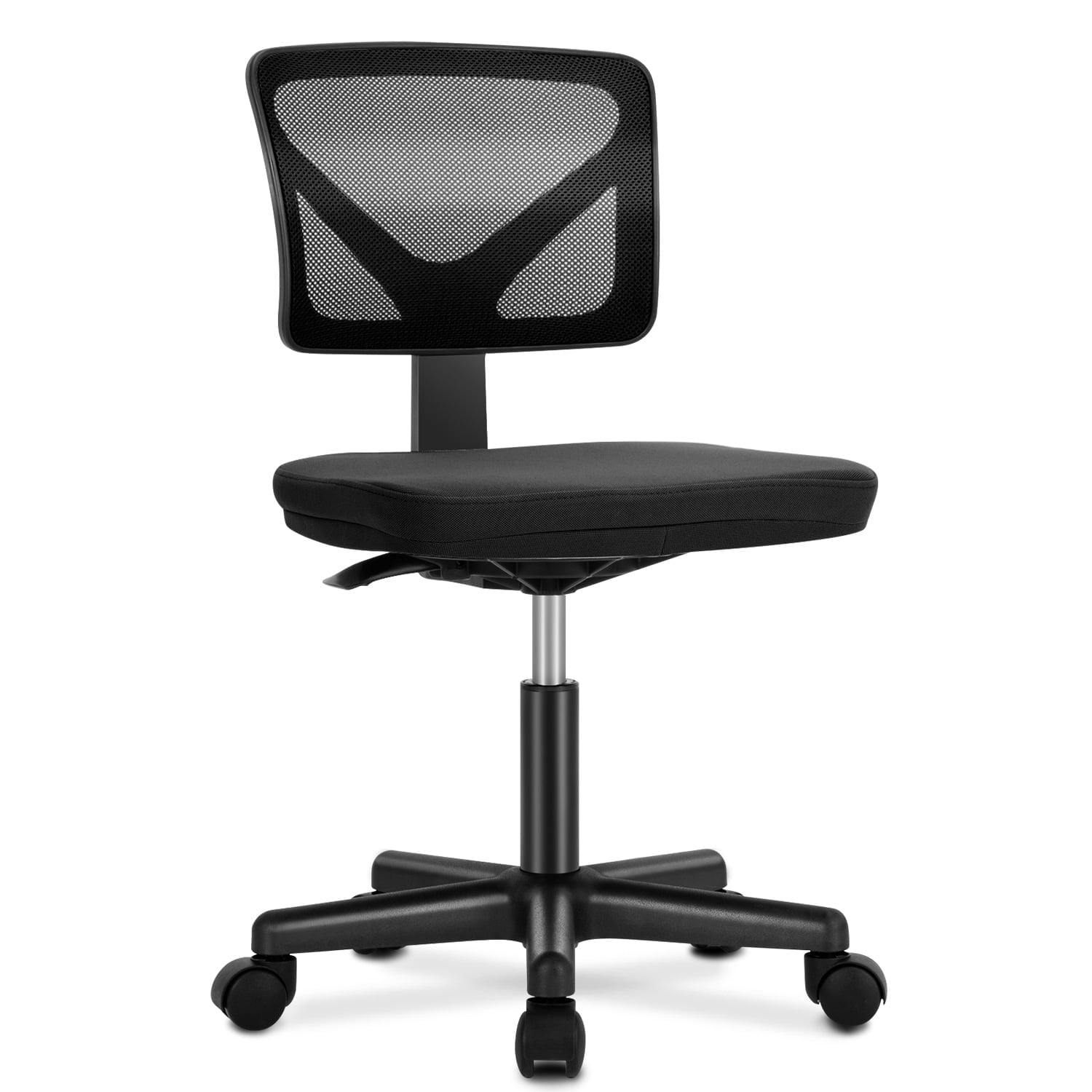
- Mesh Backs: If you tend to run warm or live in a hot climate, a breathable mesh backrest is your best friend. It prevents that sweaty, sticky feeling by allowing air to circulate. Modern high-quality mesh is also incredibly durable and provides excellent, tension-based support.
- High-Density Foam: Don't be fooled by a seat that feels plush for five minutes. Look for seats made with high-density foam. It's firmer initially but resists sagging and maintains its supportive shape for years. It's like a good mattress—it supports you evenly rather than letting you sink into a hammock.
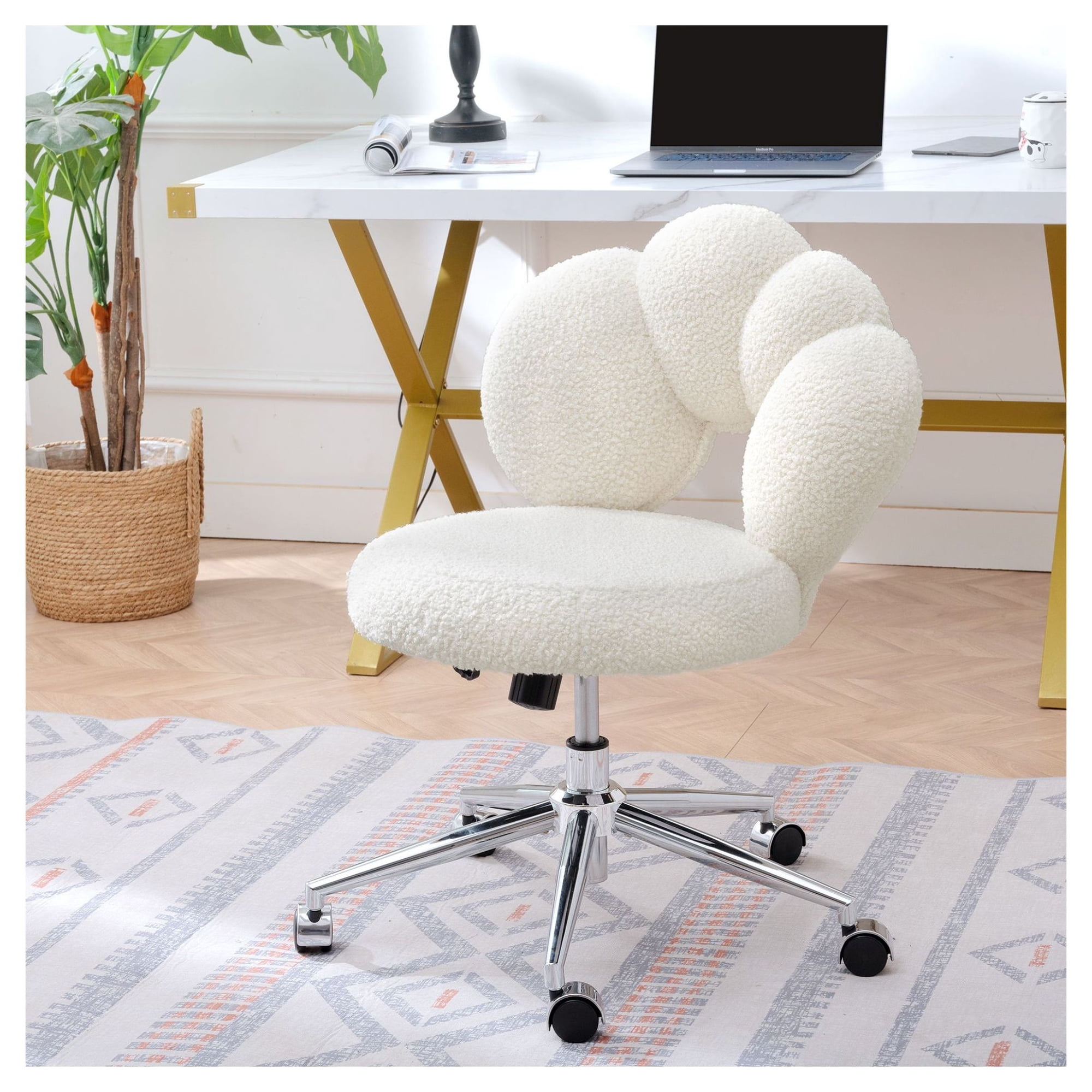
- Upholstery: Breathable fabrics can add a layer of softness. For a premium feel, some chairs offer leather or leatherette, which can be easier to clean but may not breathe as well as fabric or mesh.
Frequently Asked Questions About Comfortable Adjustable Office Chairs
Conclusion: Your Body Will Thank You
Choosing a comfortable adjustable office chair is one of the most impactful decisions you can make for your professional life and long-term health. It's not about buying a piece of furniture; it's about building a supportive environment that allows you to focus, create, and lead without the distraction of physical discomfort.
Remember the key pillars of adjustability: seat depth, lumbar support, armrests, and recline mechanisms. Think about your own body's needs. Do you run hot? Prioritize mesh. Do you have existing back issues? Make adjustable lumbar your non-negotiable feature. By understanding the anatomy of these chairs, you're now equipped to look beyond marketing hype and find a chair that truly fits.
Final Thought: Test, if possible, and always read reviews from people with similar body types and work habits. A chair is a tool, and the right tool makes all the difference. Invest in your comfort today, and your body will thank you for years to come.