

Why a Smart Investment in a Budget Home Office Chair Pays Off
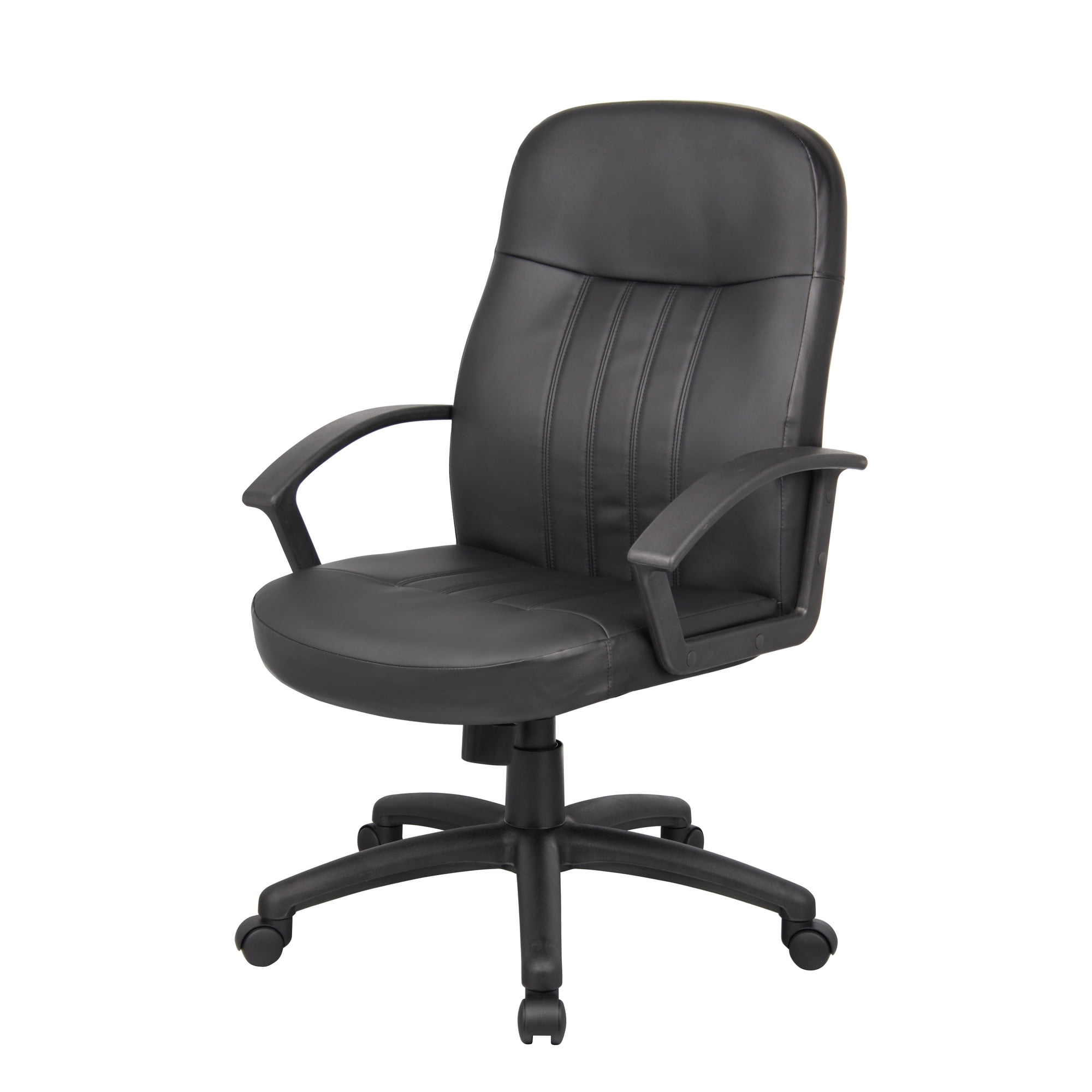
For millions of remote workers and freelancers, the home office is the new corporate headquarters. Yet many rely on kitchen chairs, sofas, or hand-me-downs that lead to back pain, fatigue, and lost productivity. The good news: you don't need to spend $1,000 to get a supportive, comfortable seat. The modern budget home office chair market has exploded with options that cleverly combine essential ergonomics with accessible price tags.
Remote Work Reality: According to a recent survey, over 65% of remote workers report some form of musculoskeletal discomfort. Upgrading to a proper budget ergonomic chair reduces daily discomfort by nearly 50% and improves concentration — a return on investment that goes beyond dollars.
Core Ergonomic Features You Can Afford
Contrary to old assumptions, "affordable" doesn't mean "uncomfortable." The best budget chairs now incorporate these features:
- Adjustable Seat Height: Ensures your thighs are parallel to the floor and your feet flat — non-negotiable for proper posture.
- Lumbar Support (Built-in or Pillow): Many budget chairs come with a contoured backrest or a detachable lumbar cushion to fill the natural curve of your spine.
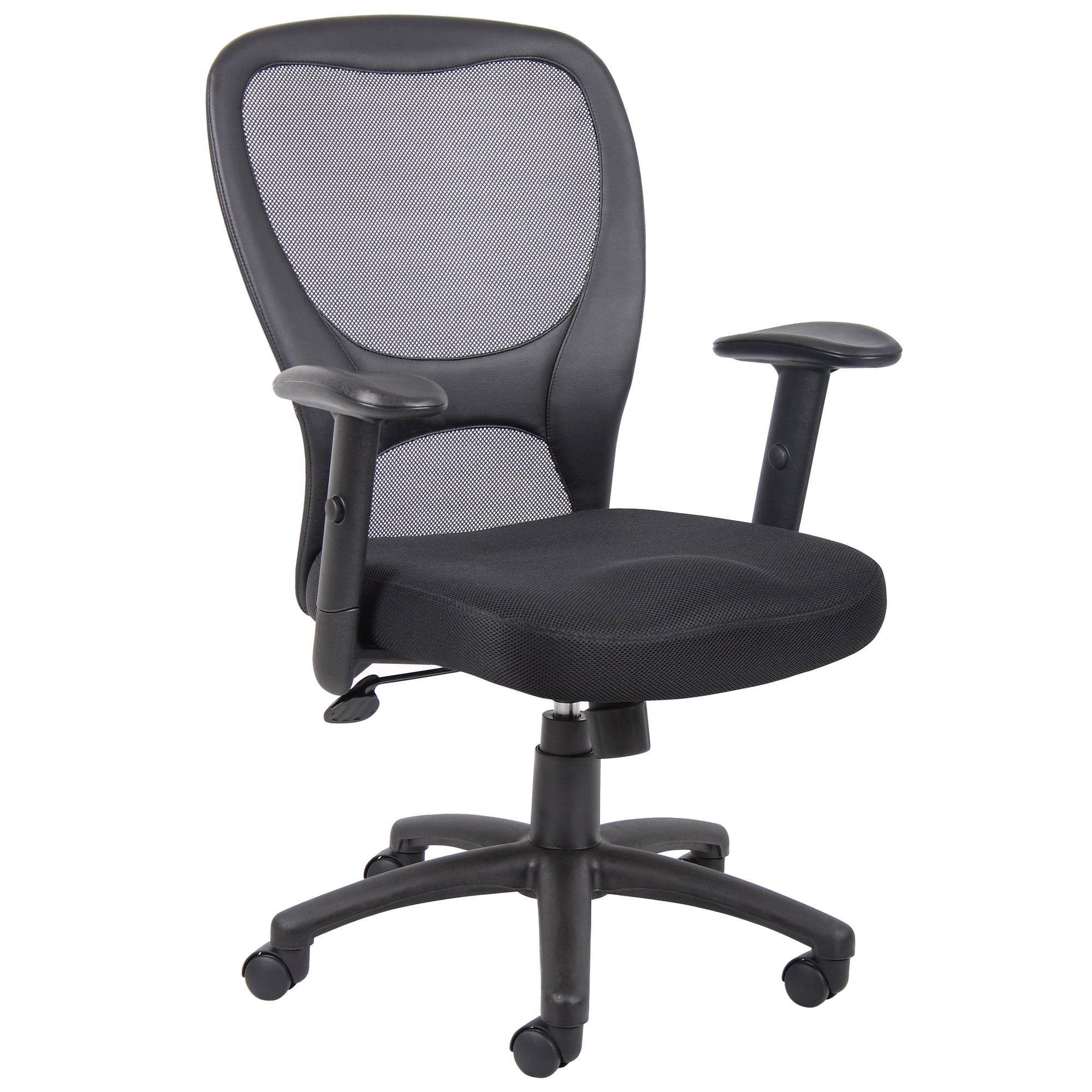
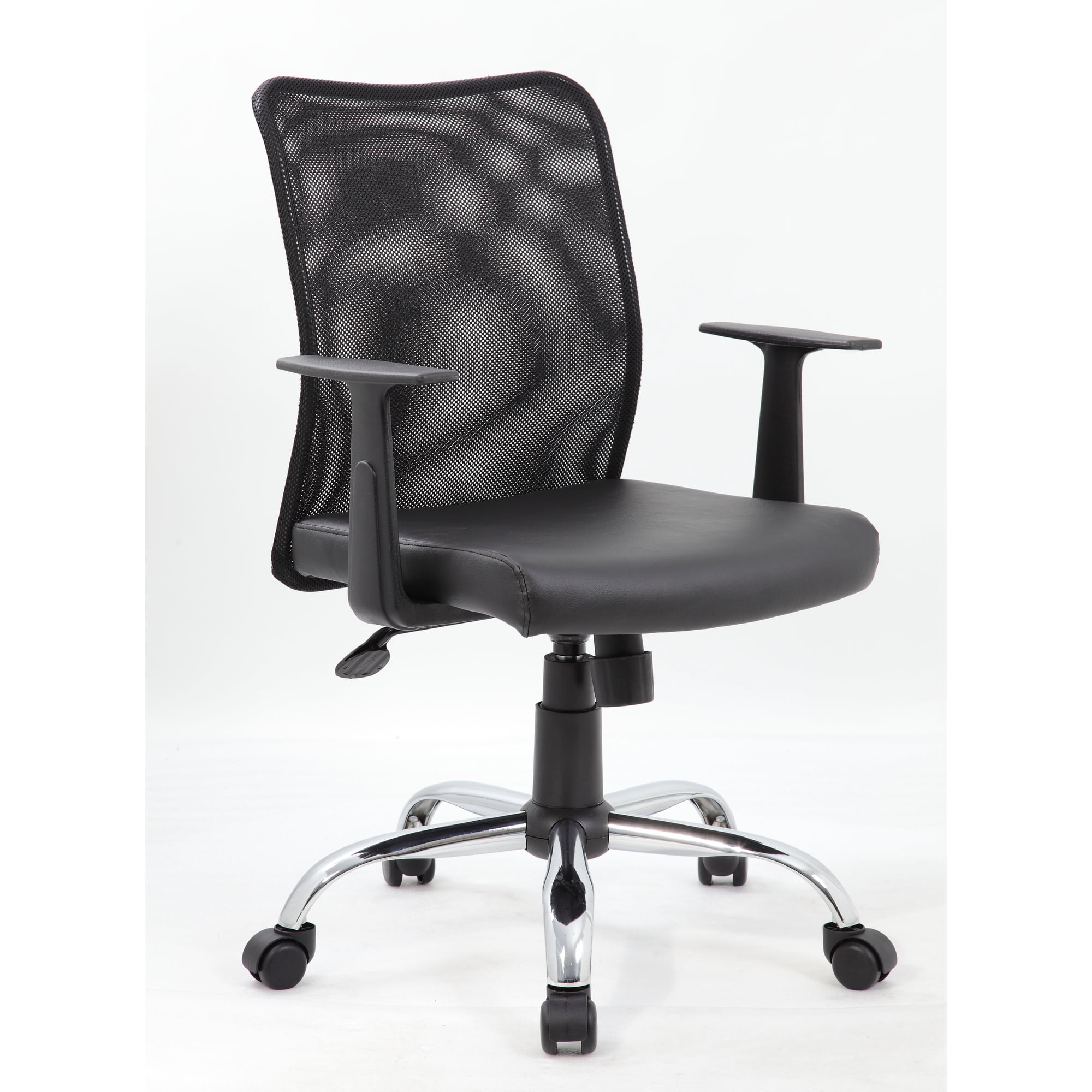
- Breathable Materials: Mesh backrests are now common in sub-$200 chairs, preventing heat buildup during long video calls.
- Padded Seat Depth: High-density foam cushions provide adequate padding to avoid pressure points, even with extended sitting.
- Swivel and Rolling Casters: Essential for mobility around a compact home desk, allowing you to reach files or switch screens effortlessly.
Myth-Busting: Budget vs. Premium
Let's address the elephant in the room: "Will a budget chair just fall apart in a year?" The truth is that build quality varies widely, but reputable brands in the $120–$250 range now offer steel frames, durable gas lifts, and 3–5 year warranties. While they won't have the polished aluminum bases or 4D armrests of luxury models, they reliably perform the core function: supporting your body through an 8-hour workday. Think of it like a reliable sedan versus a luxury sports car — both get you where you need to go; one just does it with extra features.
What You Get in a Quality Budget Chair
- • Pneumatic height adjustment
- • Tilt tension control or locking recline
- • Breathable mesh or durable fabric upholstery
- • 250–300 lb weight capacity (standard)
- • Smooth-rolling casters (safe for hardwood)
Trade-Offs to Expect
- • Armrests may be fixed or 1D adjustable
- • Seat cushion may use standard foam (compresses over time)
- • Plastic components instead of full-metal frame
- • Limited color or premium leather options
Smart Shopping Guide: How to Pick Your Budget Chair
Step 1: Measure Your Space & Body
- Desk Height: Standard desks are 28–30 inches tall. Your chair should allow your elbows to rest at a 90-degree angle.
- Seat Width: If you're a larger frame, look for chairs with seat widths of at least 20 inches.
- Back Height: For tall users, consider mid-back or high-back budget options that support the entire spine.
Step 2: Prioritize Adjustability Over Aesthetics
When on a budget, prioritize function. A chair with adjustable height, seat tilt, and lumbar support will serve you better than a 'pretty' chair with fixed features. Armrests that adjust at least up/down can also relieve shoulder strain during long typing sessions.
Step 3: Check Weight Capacity & Materials
Look for chairs with a Class 3 or Class 4 gas lift and a metal base for enhanced stability. Mesh backs offer longevity and airflow, while bonded leather may look premium but can peel after 1-2 years in hot climates. Fabric is often a safe middle ground.
Budget Tiers Explained: Where to Invest
Entry-Level
Basic task chairs. Good for light, part-time use. Expect fixed arms and minimal lumbar.
Smart Value
Sweet spot for full-time remote workers. Mesh backs, adjustable lumbar, reliable mechanisms.
Premium Budget
Approaching mid-range features: 3D armrests, better foam density, longer warranties.
Long-Term Comfort: Making Your Budget Chair Last
To extend the life of your investment:
- Assemble correctly: Tighten all bolts and screws every 6 months to prevent wobbling.
- Use a seat cushion: Adding a memory foam cushion can refresh an older seat and improve posture.
- Clean regularly: Vacuum mesh and fabric to avoid dust buildup that degrades fibers.
- Lubricate moving parts: A dab of silicone spray on the tilt mechanism keeps motion smooth.
A well-maintained budget chair can comfortably serve you for 4–6 years — making the cost-per-day negligible compared to the health benefits of proper seating.
Pro Insight: Ergonomic experts agree that the most critical factor is not the price tag but how well the chair matches your body and habits. A $150 chair with proper lumbar and seat height adjustment will outperform a poorly fitting $500 chair every time.
Frequently Asked Questions About Budget Home Office Chairs
Conclusion: Smart Seating for the Modern Home Office
Creating a productive home office doesn't demand a corporate budget. The modern budget home office chair market offers impressive ergonomics, reliable construction, and style — all tailored to the remote worker's needs. By focusing on adjustability, proper materials, and matching the chair to your unique body dimensions, you can secure years of comfortable, pain-free sitting without financial strain.
Entry-level chairs ($70–$120) offer basic support and are perfectly adequate for 2–4 hours daily.
Invest in the $150–$250 tier with mesh back, adjustable lumbar, and padded seat to maintain energy and focus throughout the workday.
Seek budget-friendly big-and-tall models with reinforced frames and extended weight capacities — often available under $300.
Remember: your chair is the unsung hero of your work-from-home setup. Choose wisely, maintain it well, and your back — and your bank account — will thank you. Explore the top picks above to find your perfect match.