
Why "The Most Ergonomic Office Chair" Is More Than Just Comfort
Imagine sitting in a chair that seems to disappear because it fits you so perfectly. That’s the promise of true ergonomics. Unlike standard office chairs that force a one-size-fits-all posture, the most ergonomic office chair acts as a personalized seating system. It’s engineered to support the human body’s natural alignment, reduce strain on the lumbar spine, and encourage dynamic sitting—allowing you to move naturally while staying productive.
According to recent studies from the Occupational Safety and Health Administration, poor seating is responsible for over 60% of work-related musculoskeletal disorders. Investing in an ergonomic chair isn't just about luxury; it’s a strategic move to safeguard your long-term health and mental clarity. Whether you're a remote worker, a CEO, or a creative professional, the right ergonomic seat can elevate your daily output by minimizing fatigue and distraction.
🔍 Did You Know? The global ergonomic office chair market is projected to reach $25 billion by 2030, driven by increasing awareness of spinal health. Premium ergonomic chairs often incorporate features like 4D armrests, adjustable lumbar depth, and synchronized tilt mechanisms that mimic the body’s natural pivot points.
Core Elements That Define True Ergonomic Excellence
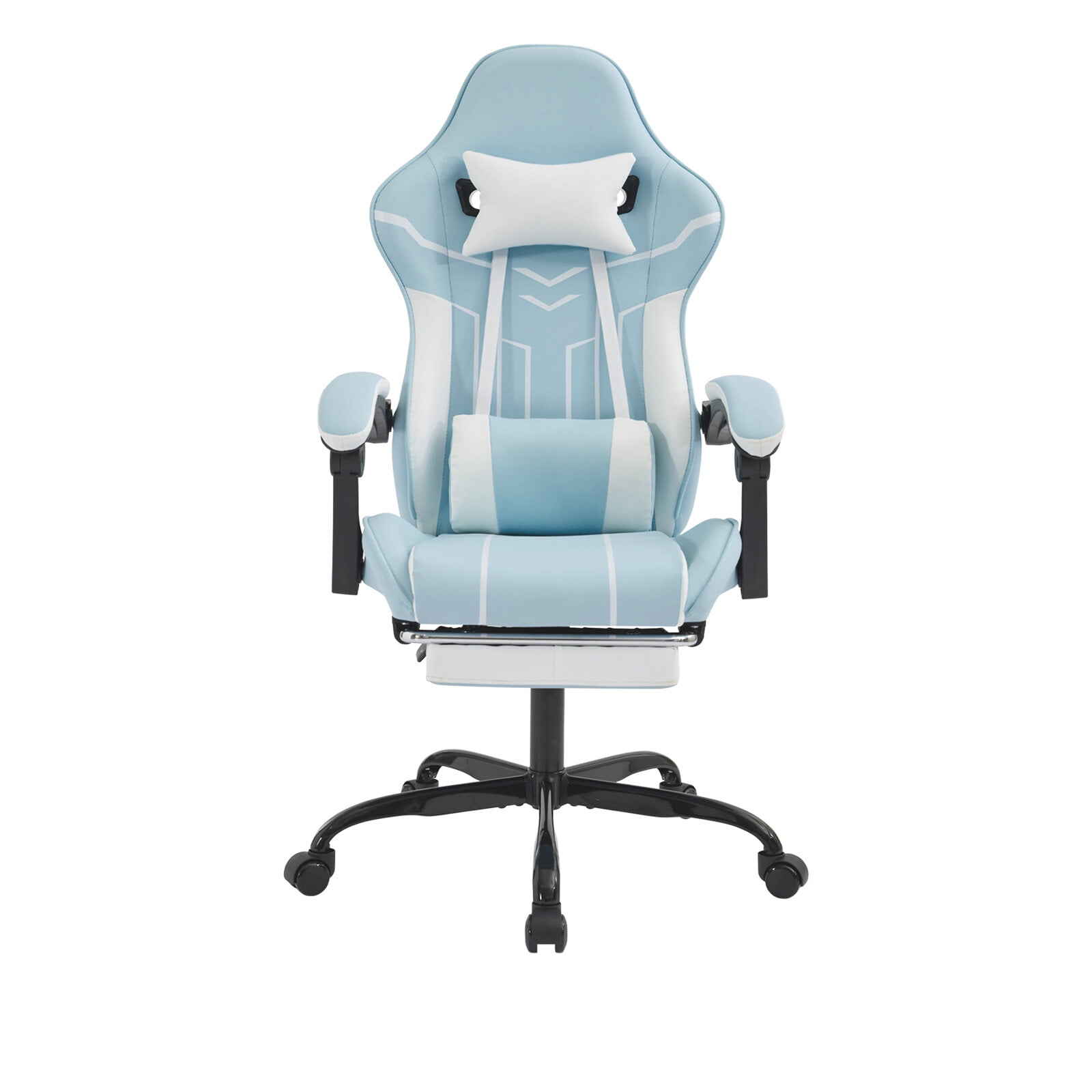
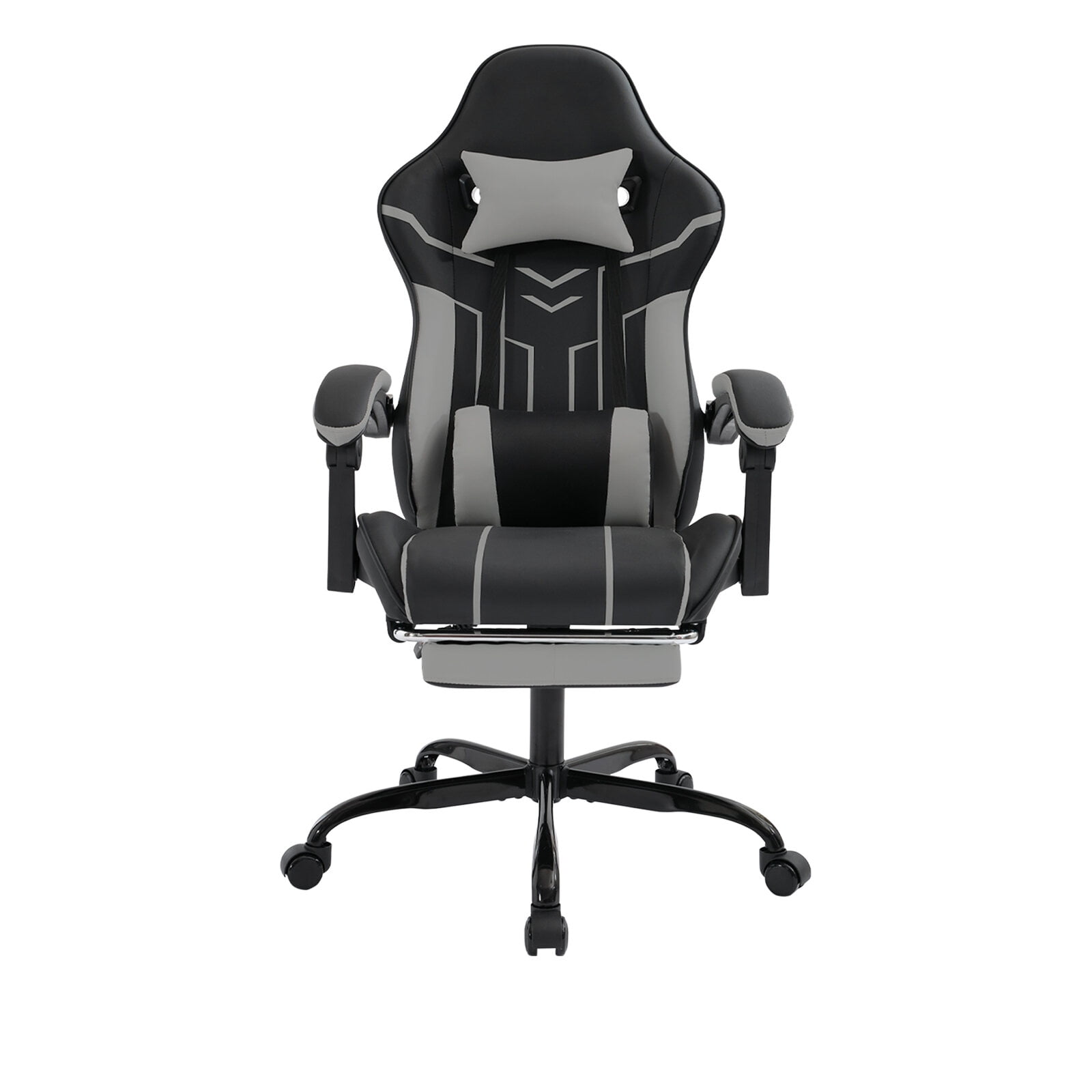
Not all chairs labeled "ergonomic" deliver the same benefits. The most ergonomic office chair combines these non-negotiable components:
- Dynamic Lumbar Support: Independent height and depth adjustment to fit the natural curve of your spine. Some advanced chairs even feature inflatable air lumbar bladders for precision comfort.
- Seat Depth Adjustment: A sliding seat pan ensures proper thigh support without cutting off circulation behind the knees.
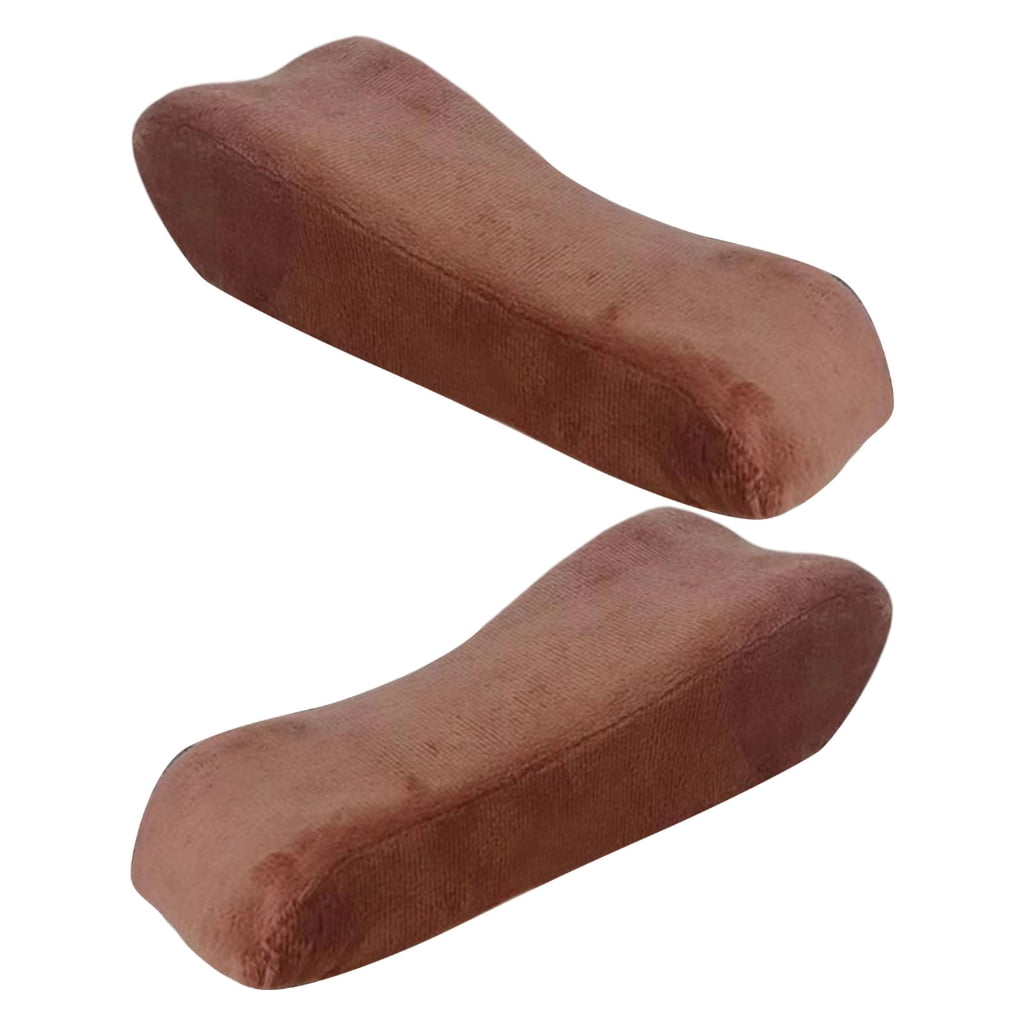
- Multi-Dimensional Armrests: 4D armrests that move up/down, in/out, pivot, and slide forward/backward to support shoulders and reduce neck tension.
- Synchronized Tilt Mechanism: Allows the seat and backrest to move in a natural ratio, keeping feet planted while reclining and maintaining visual alignment with your monitor.
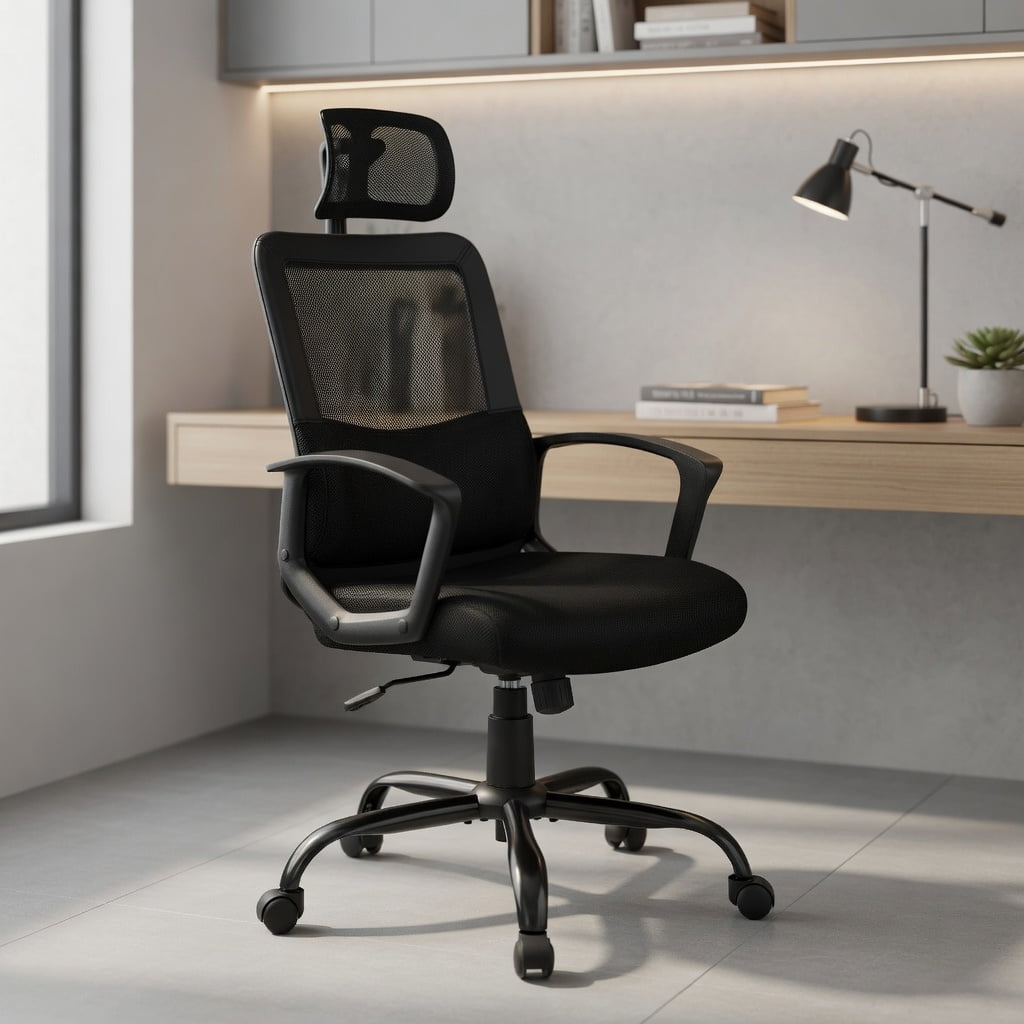
- High-Quality Mesh or Breathable Material: Premium mesh backs conform to spinal movements while dissipating heat, reducing sweat and discomfort during long sessions.
- Weight Capacity & Build Quality: Robust Class-4 gas lift, reinforced base, and 300–400 lb capacity ensure stability and longevity.
✔ Posture Correction
Proper ergonomic design encourages a neutral pelvic tilt, reducing slouching and preventing "tech neck" and rounded shoulders.
✔ Circulation & Energy
Waterfall seat edges and adjustable depth prevent pressure on the popliteal area, boosting circulation and reducing afternoon lethargy.
✔ Injury Prevention
By accommodating micro-movements, the best chairs help reduce the risk of repetitive strain injuries and chronic back issues.
✔ Focus & Productivity
Comfort eliminates physical distractions, allowing deeper concentration and less need for breaks due to discomfort.
Comparing Ergonomic Chair Types: Mesh vs. Fabric vs. Leather
| Material Type | Ergonomic Benefit | Best Suited For | Durability |
|---|---|---|---|
| Premium Mesh (Back + Seat) | Unmatched breathability, adaptive flex, self-cooling | Warm climates, long hours, active sitters | 7–12 years with good tension retention |
| Fabric Upholstery | Soft feel, retains warmth, variety of textures | Cooler offices, comfort-focused users | 5–8 years (requires stain protection) |
| Leather / Faux Leather | Easy cleaning, classic look, firm support | Executive settings, easy-wipe maintenance | 8–15 years (top-grain leather) |
How to Select the Most Ergonomic Office Chair for Your Body Type
Ergonomics is highly personal. Follow this actionable checklist to ensure the chair meets your unique needs:
- Measure Your Workstation: Seat height should allow your forearms to rest parallel to the floor while typing. For standing desks, ensure the chair supports high-height adjustment if needed.
- Check Lumbar Adjustability: Sit in the chair and adjust lumbar support until it fills the hollow of your lower back without creating pressure. Depth adjustment is vital for tall individuals.
- Test Seat Depth: With your back against the backrest, you should have 2–3 fingers of space between the seat edge and the back of your knees. If not, seek models with seat slider.
- Evaluate Armrest Movement: 3D or 4D armrests allow you to set them so elbows are at 90°, shoulders relaxed, and arms can move freely without hunching.
- Consider Recline & Tension: The best ergonomic chairs offer tilt tension adjustment and multiple lock positions to promote postural shifts without compromising support.
💡 Pro Ergonomic Tip: Even the most advanced ergonomic chair works best when combined with movement. Adopt the 20-20-20 rule: every 20 minutes, look 20 feet away for 20 seconds, and stand or stretch for 1 minute. Use the chair’s recline to shift your spine angle periodically.
Long-Term Health & ROI: Why Premium Ergonomic Seating Pays Off
Viewing an ergonomic chair as an expense misses the bigger picture. Research published in the Journal of Occupational Rehabilitation indicates that employees using high-quality ergonomic seating report a 28% reduction in absenteeism due to back-related issues. For business owners, equipping teams with ergonomic chairs often yields a return on investment within 12–18 months through improved productivity and lower healthcare costs. For individuals, it means years of pain-free work and enhanced quality of life.
The most ergonomic office chair is an instrument of well-being. Features like forward tilt help maintain an active posture when working intensely, while a built-in headrest supports the cervical spine during relaxation. When testing a chair, pay attention to ease of adjustment: if you struggle to tweak settings, it may discourage you from using them correctly.