
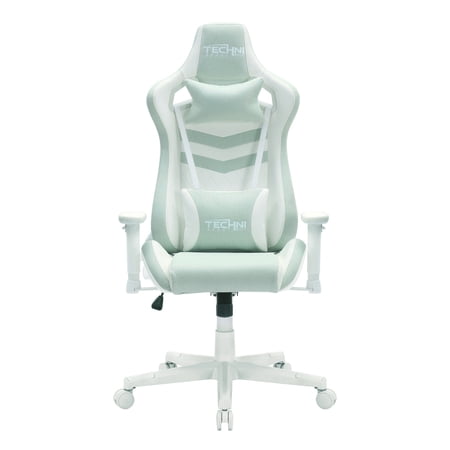
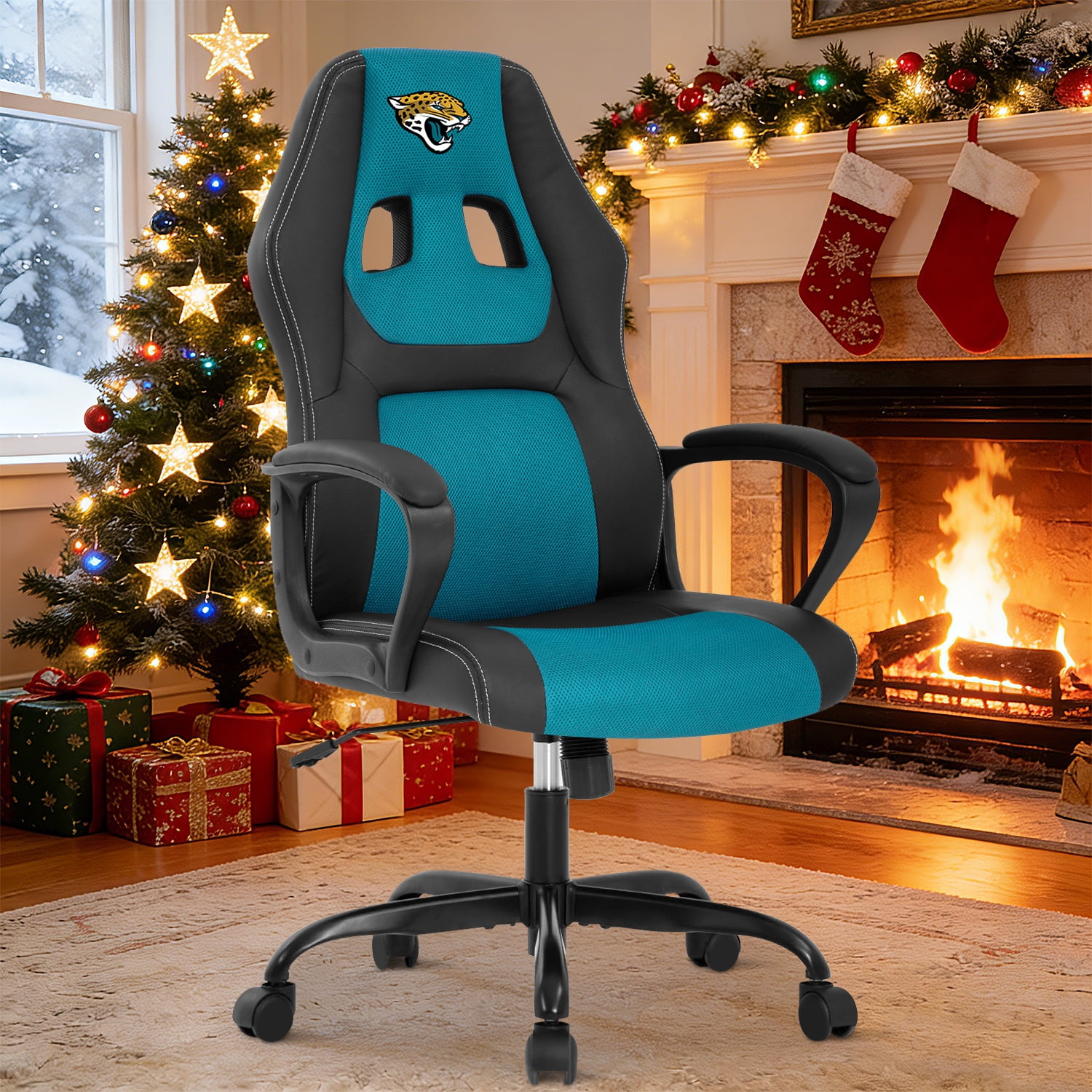
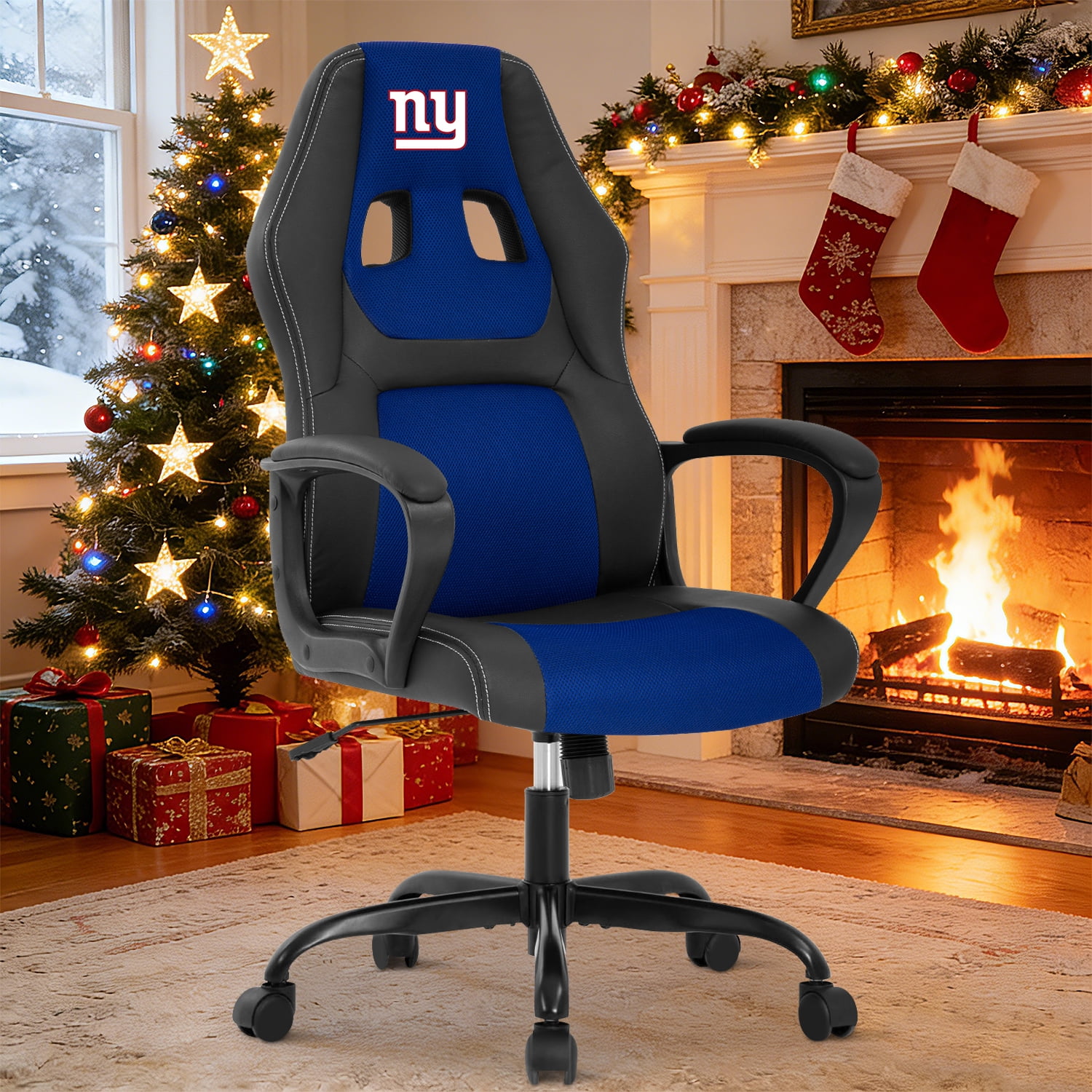
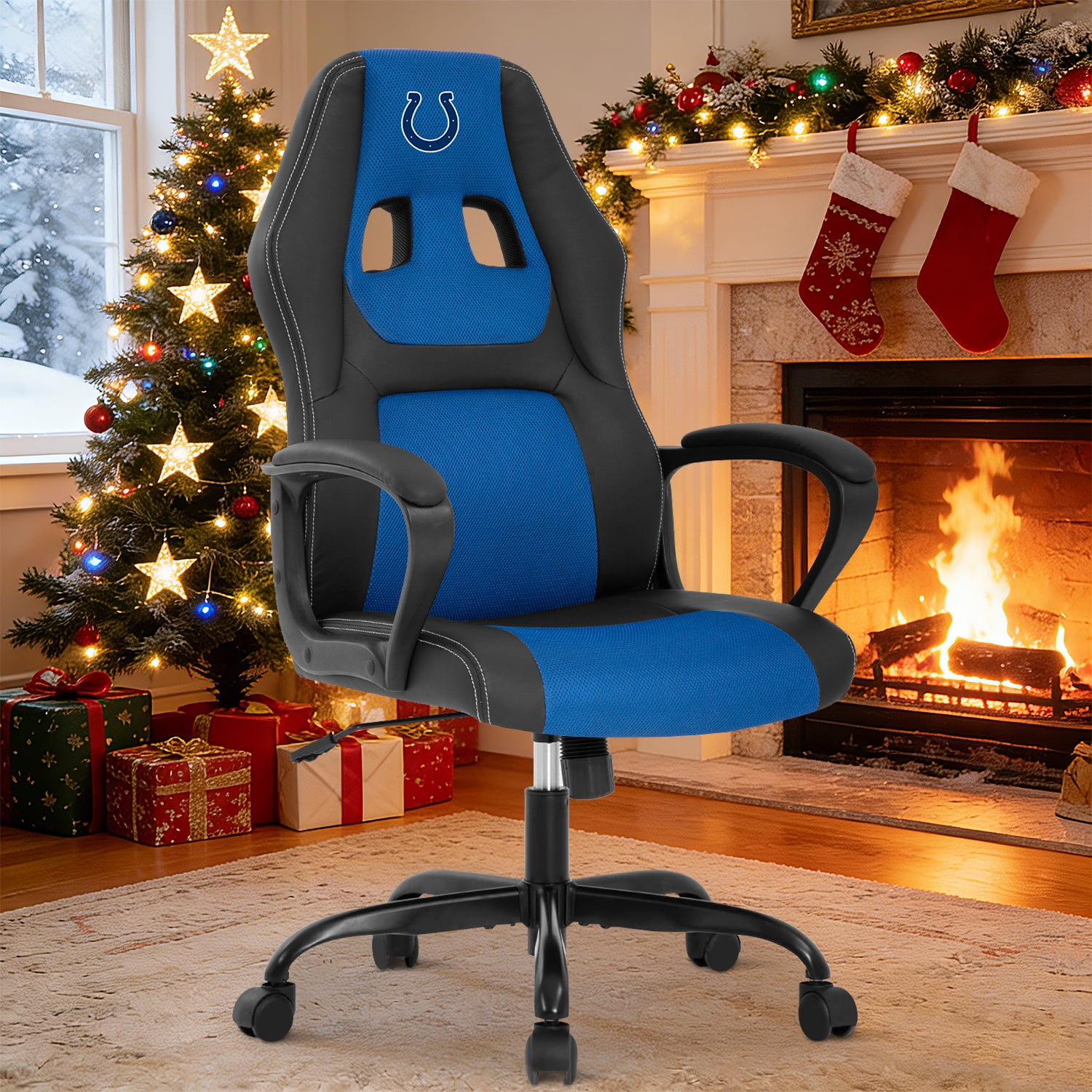
The Ultimate Guide to Choosing Your PC Office Chair
Your PC is the center of your digital world. But without a proper chair to support you, even the most powerful setup can lead to fatigue, discomfort, and long-term health issues. A high-quality PC office chair is not just a piece of furniture; it's an essential component of your workstation that directly influences your productivity, focus, and physical well-being. Unlike standard chairs, these are engineered for the unique demands of a computer user, providing support for your back, neck, shoulders, and arms during hours of mouse and keyboard use.
Did You Know? The average person spends over 2,000 hours per year in their PC chair. Investing in a high-quality ergonomic model can reduce the risk of musculoskeletal disorders by over 50% and improve daily productivity by up to 20%.
Key Features of a Superior PC Office Chair
A dedicated PC office chair goes beyond basic seating. Here are the critical elements that define a top-tier model:
- Adjustable Lumbar Support: Dynamic support for the lower back that moves with you, preventing slouching and maintaining the spine's natural curve during long sessions.
- Seat Depth and Height Adjustment: Allows you to customize the seat pan so your thighs are fully supported without pressing against the back of your knees, promoting healthy circulation.
- 3D or 4D Armrests: Armrests that adjust up/down, left/right, pivot, and slide forward/backward. This ensures your arms and shoulders are relaxed at a 90-degree angle, reducing strain on the neck and upper back.
- Breathable Material (Mesh vs. Fabric vs. Leather): Mesh provides maximum airflow, keeping you cool. High-quality fabric offers a balance of comfort and durability. Leather provides a classic, premium look but can be less breathable.
- Robust Recline Mechanism: A tilt mechanism that allows you to lean back and shift positions throughout the day. Look for multi-lock tilt positions and adjustable tilt tension to control the resistance.
- High-Density Foam Padding: The seat cushion should be made of high-density foam that retains its shape and support over years of use, rather than flattening out after a few months.
PC Office Chair vs. Gaming Chair: What's the Difference?
This is a common dilemma for many. While the lines are blurring, there are distinct differences that can help you decide which is best for your needs.
| Feature | PC Office Chair | Gaming Chair |
|---|---|---|
| Primary Design Goal | Ergonomics, Posture Correction, Health | Aesthetics, Aggressive Style, "Racing" Feel |
| Materials | Often breathable mesh, high-quality fabric | Typically PU leather, faux leather, sometimes fabric |
| Adjustability | Extensive: Lumbar, seat depth, 4D armrests, tilt tension | Good: Height, recline, 2D armrests, often includes a lumbar pillow |
| Backrest Style | Flat, contoured to follow spine shape | High-back with bolstered wings for a "hugged" feeling |
| Best For | Long workdays, programming, productivity, users with back pain | Streamers, competitive gamers, users wanting a specific aesthetic |
Choosing the Right PC Chair for Your Body Type
One size does not fit all. The best chair for you depends heavily on your physical dimensions.
For Tall Individuals (6'2" and above)
Prioritize chairs with a high backrest for head and neck support. Look for a larger seat depth (20"+) and a pneumatic cylinder that provides a high seat height range. Consider a model with an adjustable headrest.
For Petite Individuals (5'5" and below)
Seat depth is crucial. You need a chair with a seat depth that adjusts to a shallow setting to avoid pressure behind the knees. Look for armrests that can be adjusted to be closer together and a lower minimum seat height.
For Heavier Individuals (250 lbs and above)
Weight capacity is non-negotiable. Look for chairs rated for 300-400 lbs or more. This ensures the chair is built with a reinforced metal frame and a larger, more stable base. A wider seat pan is also essential for comfort.
For Users with Back Pain
Focus on chairs with active or dynamic lumbar support that moves with you. A synchronous tilt mechanism, where the seat and backrest move together, is excellent for maintaining spinal alignment while reclining.
Material Deep Dive: Finding the Right Feel
The material of your PC office chair affects not only comfort but also durability and maintenance. Here's a closer look.
Breathable Mesh
Mesh chairs are the top choice for those who sit for long hours. They offer unparalleled airflow, preventing heat buildup and sweating. The material also provides a supportive, slightly flexible surface that conforms to your shape. However, some find mesh less plush than foam-filled chairs. Modern high-end mesh chairs use premium, elastic mesh that doesn't sag over time.
High-Quality Fabric
Fabric chairs offer a balance of comfort, warmth, and a professional look. They are generally more affordable than leather and come in a wide variety of colors and textures. Look for fabrics that are stain-resistant and durable. The padding underneath is just as important; high-density foam is key to preventing the seat from flattening.
Genuine or PU Leather
Leather chairs project a sense of luxury and are easy to wipe clean, making them a popular choice for executive offices. Genuine leather is highly durable and becomes softer with age, while PU (polyurethane) leather is a more affordable synthetic option that mimics the look. The main drawback is breathability; they can get hot and sticky during long sessions. They also require more care to prevent cracking in dry environments.