
Why Armrests Define True Ergonomic Comfort
When setting up a productive workspace, most people focus on seat cushion or back support—but your ergonomic office chair with armrests plays an equally vital role. Think of armrests like the steady rails on a staircase: they offer stability, reduce unnecessary effort, and guide your posture into a natural, relaxed position. Without them, your shoulders carry the burden of holding your arms up all day, leading to tension headaches and fatigue.
Ergonomics Insight: Studies from the Human Factors and Ergonomics Society show that adjustable armrests can reduce shoulder muscle strain by up to 34% when correctly positioned. For professionals spending 7+ hours seated, this small adjustment yields major health benefits.
The Anatomy of Superior Armrests
Not all armrests are created equal. A quality ergonomic office chair with armrests provides adjustability that matches your unique body mechanics. Here’s what separates basic from exceptional:
- Height Adjustment: Essential to keep elbows at a 90° angle, preventing shoulder shrugging.
- Width Adjustment: Accommodates different shoulder widths and allows closer positioning to the body.
- Depth/Pivot: Lets you slide armrests forward/backward or rotate inward, critical for typing and mousing tasks.
- Soft Padding: High-density foam or gel-infused pads prevent elbow pressure points during long sessions.
Health & Productivity Benefits: More Than Just Comfort
Investing in the right armrests is an investment in your wellbeing. Here's how a well-designed ergonomic chair transforms your daily experience:
⬇️ Shoulder Tension Reduction
Properly positioned armrests support the weight of your arms, allowing shoulder muscles to relax. This reduces the risk of chronic trapezius strain and tension headaches.
⌨️ Wrist & Forearm Alignment
When armrests are at the correct height, your wrists stay straight while typing, preventing carpal tunnel triggers and keeping your hands in a neutral position.
🪑 Improved Posture Automatically
Armrests act as a "posture reminder". When your arms are supported, your spine naturally aligns, and you're less likely to slouch toward the screen.
⚡ Energy Conservation
Unsupported arms drain energy. With armrests, your body uses less muscular effort, translating into higher focus and sustained energy levels throughout the day.
Choosing Your Perfect Armrest Configuration
Your work style dictates the armrest features you need. Use this quick guide to match your habits with the right chair:
| Work Activity | Recommended Armrest Type | Why It Matters |
|---|---|---|
| Intense Typing / Data Entry | 4D Adjustable (height, width, depth, pivot) | Allows precise positioning so your wrists remain straight and elbows stay close while typing rapidly. |
| Graphic Design / Mouse-Heavy Work | 3D with width + pivot | Enables you to rotate armrests inward for better mouse support and reduced radial deviation. |
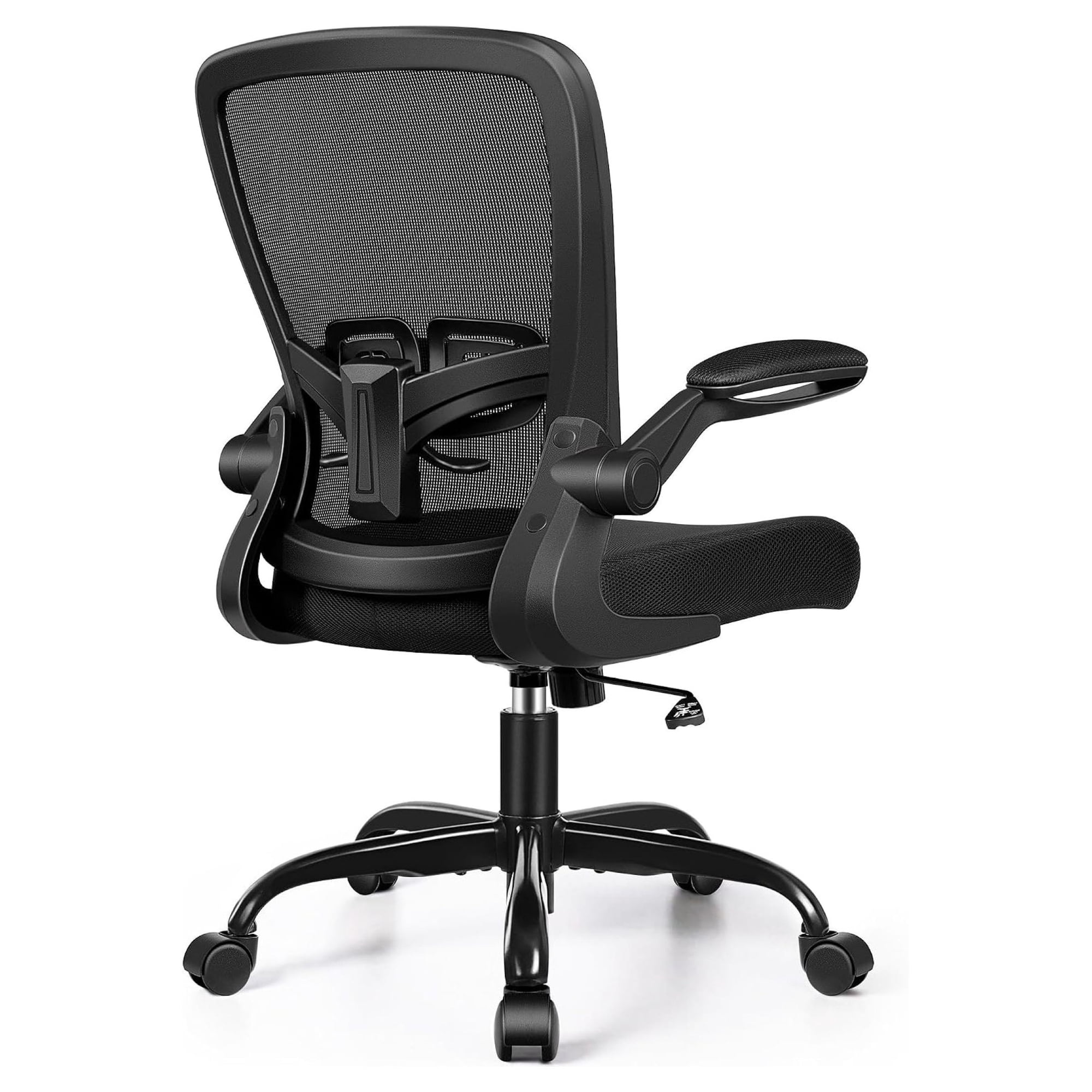
| Multi-Tasking / Frequent Writing | Flip-up or retractable armrests | Gives flexibility to move armrests out of the way when you need to lean in or write on paper. |
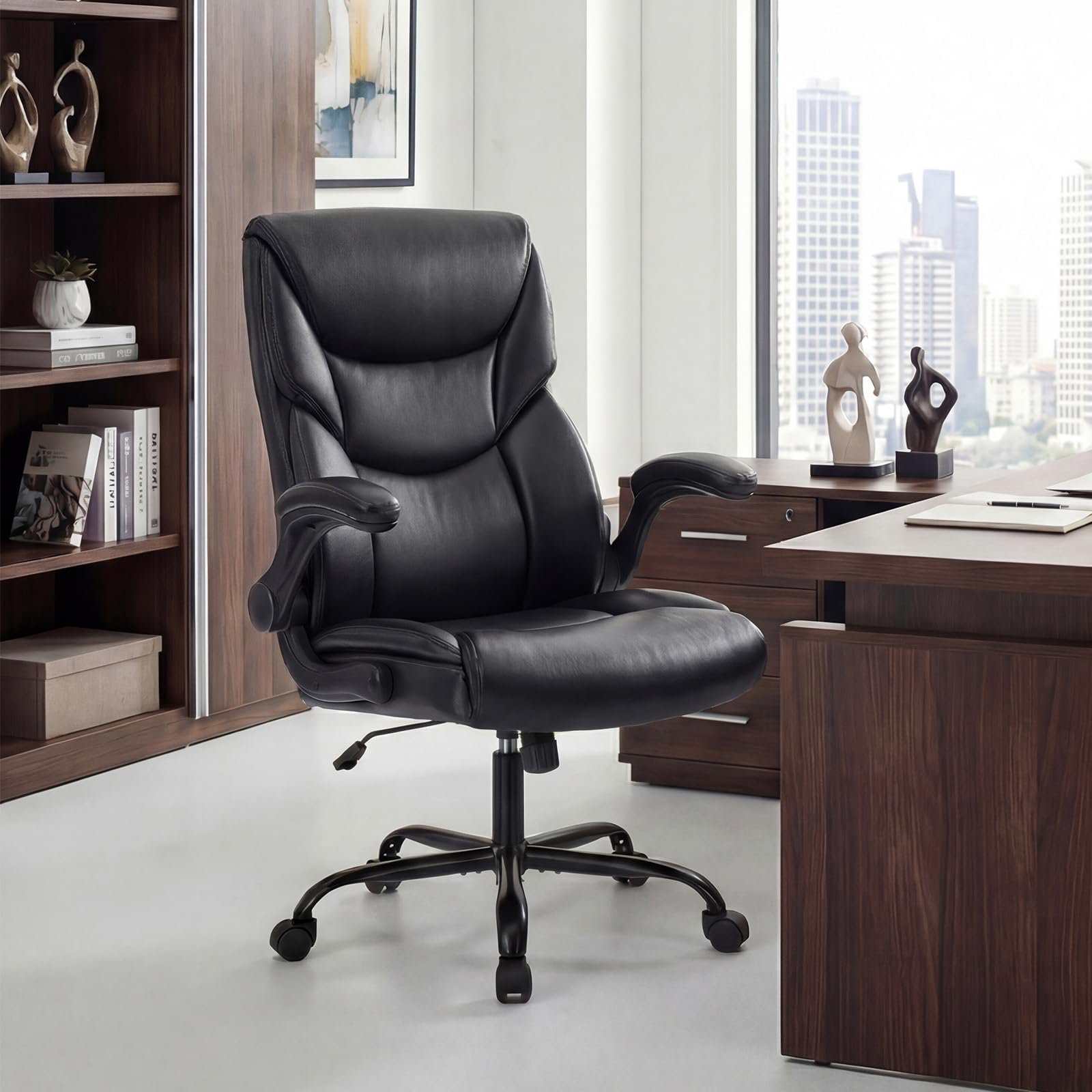
| Big & Tall Users | Extra-wide 4D armrests with reinforced frame | Wider spacing ensures proper support for broader shoulders and heavier usage cycles. |
Materials & Durability: Built to Last
The armrests on your ergonomic chair endure constant contact. Here’s what to look for in terms of longevity and comfort:
- PU (Polyurethane) Padding: Durable, easy to clean, and resistant to cracking. Premium chairs often use "memory foam" layered PU for pressure relief.
- Fabric-Wrapped: Soft and breathable but may require occasional cleaning. Ideal for cooler climates and a premium feel.
- Hard Plastic with Soft-Touch Coating: Budget-friendly but less forgiving; usually found in entry-level ergonomic chairs.
- Metal Arm Frames: Indicates superior structural integrity, especially for chairs rated for 300+ lbs capacity.
Remember, the mechanism underneath matters as well. Look for chairs with durable steel or reinforced nylon arm mechanisms that can withstand daily adjustments without loosening over time.
Common Mistakes When Choosing Armrests
Even with good intentions, shoppers often overlook these pitfalls. Avoid them to ensure you get the best ergonomic experience:
- Choosing Fixed Armrests: Fixed armrests rarely match individual body proportions, leading to awkward posture or forcing you to sit too far from the desk.
- Ignoring Desk Compatibility: If your desk has a keyboard tray, ensure armrests can slide under it. Measure clearance before buying.
- Overlooking Armrest Padding Width: Narrow, hard armrests can cause elbow pain. Look for pads at least 3 inches wide with contouring.
- Skipping Test-Sit: Whenever possible, test the adjustability knobs. Smooth, intuitive mechanisms are a sign of quality engineering.
Comparison Insight: A fully adjustable ergonomic office chair with armrests (4D) typically costs 20-40% more than a chair with fixed armrests. However, the return on investment in terms of reduced medical costs and enhanced daily output makes it a wise long-term choice. Many corporations now mandate 4D armrests for employees in high-performance roles.
Setting Up Your Armrests for Optimal Support
You’ve chosen the chair—now it's time to perfect the fit. Follow these five steps to dial in your armrests correctly:
- Start with Seat Height: Adjust so your feet are flat on the floor and thighs parallel to the ground.
- Relax Your Shoulders: Let them hang naturally, then raise the armrests until your elbows form an angle slightly greater than 90 degrees.
- Set Width: Bring armrests inward so they sit just under your elbows without forcing your arms out wide.
- Adjust Depth: Slide the armrests forward so they support the forearm area but don’t bump the desk edge when you move forward.
- Test Pivot (if available): Slightly rotate the armrests inward if you feel your wrists leaning outward while typing.
Re-evaluate these settings every few months or after any change in desk setup—your body will thank you.