
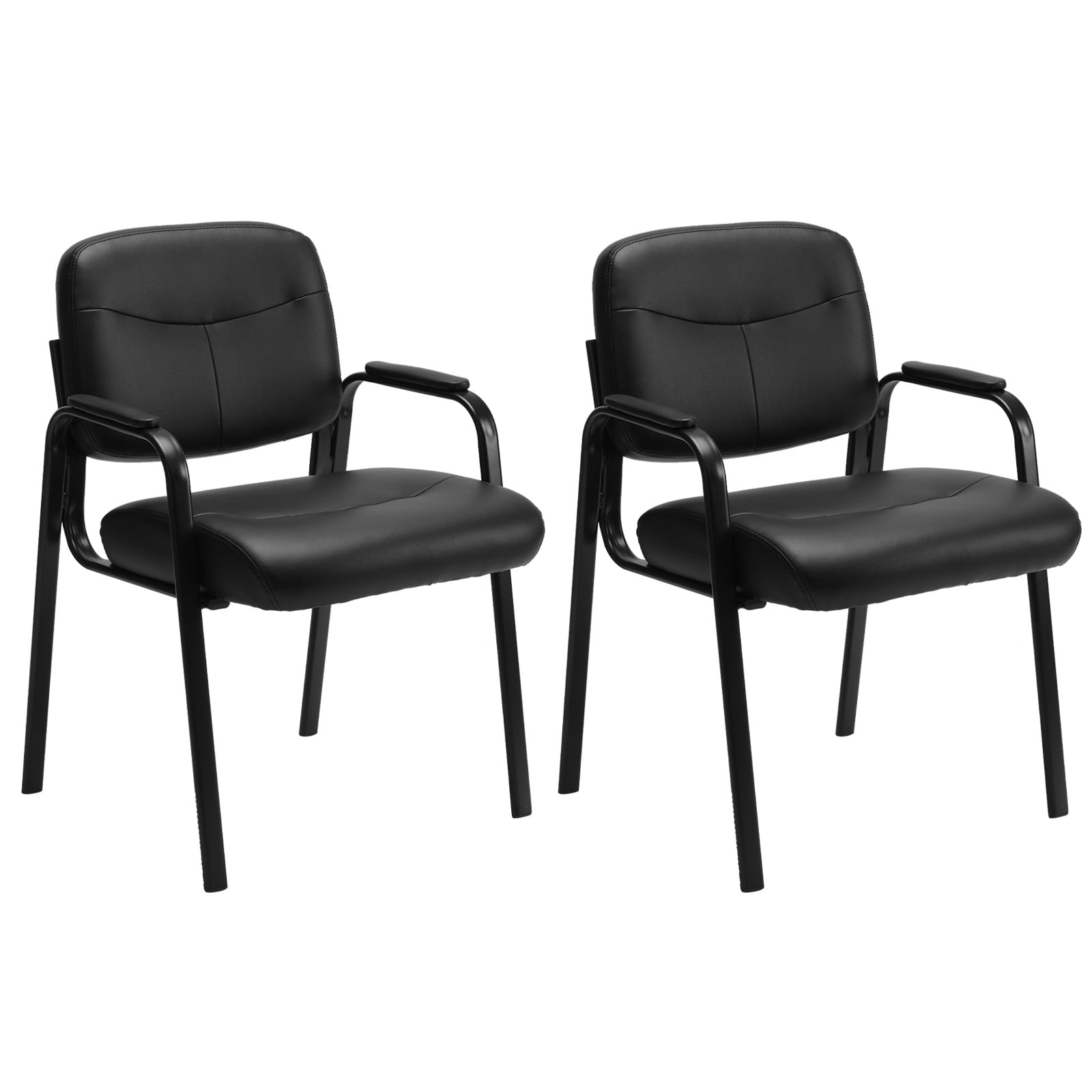
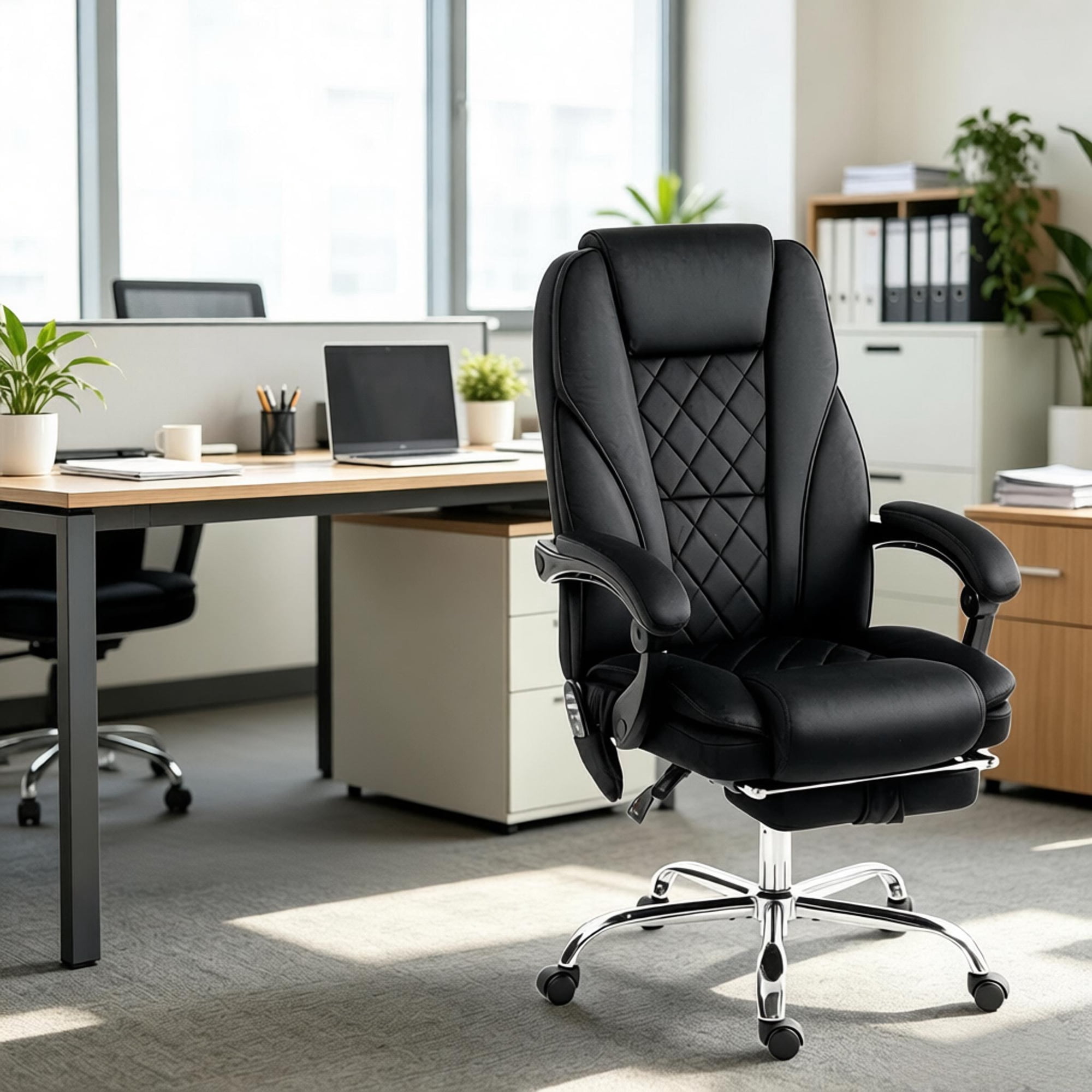
Why Consider an Office Chair Under $100?
Setting up a home office or upgrading your workspace can feel expensive. But the truth is, you don't need to spend $500 or more to get a supportive, comfortable chair. The office chair less than 100 category has expanded significantly, offering solid ergonomics, breathable materials, and adjustable features that rival pricier models in basic functionality. For freelancers, students, and even corporate professionals setting up satellite offices, these chairs represent the sweet spot between cost and comfort.
Smart Investment Insight: According to home office surveys, nearly 65% of remote workers use chairs priced under $150. Choosing the right model under $100 can reduce back strain by up to 30% compared to standard dining chairs, directly impacting your productivity and daily energy levels.
What to Expect in the Sub-$100 Range
Modern manufacturing has made quality seating accessible. Here's what you'll typically find in today's budget-friendly office chairs:
- Height-Adjustable Pneumatic Lift: Almost all models include a gas lift for customizing seat height (usually 16" to 21" range).
- Contoured Seat Cushion: High-density foam or molded foam provides essential pressure distribution.
- Breathable Mesh Backs: Mid-back or full mesh designs promote airflow and reduce sweat during long work sessions.
- Basic Lumbar Support: Many chairs feature built-in lumbar curves or small pads to support the lower spine.
- Swivel & Smooth Casters: 360-degree rotation and nylon wheels suitable for carpet or hard floors.
- Durable Frame Construction: Steel or reinforced nylon bases rated for 250–300 lbs.
💡 Smart Shopping Tip
Look for chairs with a tilt lock or tension control — even at under $100, this feature allows you to rock back or lock the chair in an upright position, enhancing both comfort and posture control. Also, check for padded armrests (or adjustable armrests when available) to reduce shoulder tension.
Key Ergonomic Features to Prioritize
When evaluating options, focus on these elements to maximize your health and comfort:
| Feature | Why It Matters | What to Look For Under $100 |
|---|---|---|
| Seat Depth & Width | Prevents thigh pressure and ensures adequate support for various body types. | Look for seats at least 18" wide; waterfall edge design improves circulation. |
| Lumbar Support | Maintains natural spinal curve and reduces lower back fatigue. | Integrated lumbar curve or adjustable lumbar pillow in mesh chairs. |
| Backrest Height | Mid-back support is typical for budget chairs; some offer high-back options. | Mid-back (16"–20" tall) is sufficient; ensure it supports shoulder blades. |
| Armrests | Reduces shoulder strain and offers resting points for forearms. | Padded fixed or flip-up armrests; adjustable ones are a bonus. |
| Caster Quality | Ensures smooth movement without floor damage. | Dual-wheel casters or soft-rolling nylon casters for hard floors. |
Material Comparisons: Mesh vs. Fabric vs. Bonded Leather
Under $100, you'll encounter three main upholstery types. Each has trade-offs:
🔹 Mesh Back + Fabric Seat
🔹 Padded Fabric (Full)
🔹 Bonded Leather/PU Leather
Who Benefits Most from a Budget Office Chair?
An office chair less than 100 is an excellent choice for:
- Students and Remote Learners: Long hours of study demand proper posture without overspending.
- Home Office Beginners: Those setting up their first dedicated workspace appreciate affordability with functionality.
- Part-Time Telecommuters: If you work from home 2–3 days a week, a quality budget chair meets needs effectively.
- Guest or Secondary Workstations: Perfect for spare rooms or occasional use without compromising ergonomics.
- Startup Offices: Outfitting a new office on a lean budget while providing decent seating.
Comparing Features Across the Price Spectrum
To set realistic expectations, here's how chairs under $100 compare to higher-end models ($300+):
| Feature | Under $100 | Premium ($300+) |
|---|---|---|
| Lumbar Adjustability | Fixed or basic sliding pillow | Dynamic, multi-directional adjustable |
| Armrest Adjustability | Fixed or flip-up only | 4D (height, width, angle, pivot) |
| Seat Depth Adjustment | Rare; fixed depth | Slider mechanism for thigh support |
| Material Longevity | 2–5 years typical | 8–12 years with warranty |
| Tilt Mechanism | Basic tilt lock or tension knob | Synchro-tilt, multi-position lock |
Assembly & Maintenance Tips
Getting the most from your affordable chair starts with proper setup and care:
1. Unbox and Organize Parts
Lay out all components: base, casters, gas lift, seat, backrest, and screws. Verify against the manual.
2. Install Casters into Base
Press firmly until they click. Avoid hammering; rotate to ensure smooth movement.
3. Attach Gas Lift & Mechanism
Insert the gas cylinder into the base, then attach the tilt mechanism to the seat. Tighten bolts evenly.
4. Secure Backrest & Armrests
Follow sequence recommended in instructions. Use provided Allen keys; hand-tighten then final snug.
5. Test All Adjustments
Check seat height lever, tilt lock, and swivel function before regular use. Re-tighten after first week.
Final Thoughts on Maximizing Value
The best office chair less than 100 is one that matches your body type, work style, and space. While you may not get premium leather or synchronized tilt, today's budget models incorporate ergonomic essentials that keep you comfortable during focused work. By reading user reviews, focusing on warranty information, and selecting reputable brands, you can find a chair that supports both your posture and your wallet. Remember, your seating choice is a direct investment in your daily well-being and productivity.