
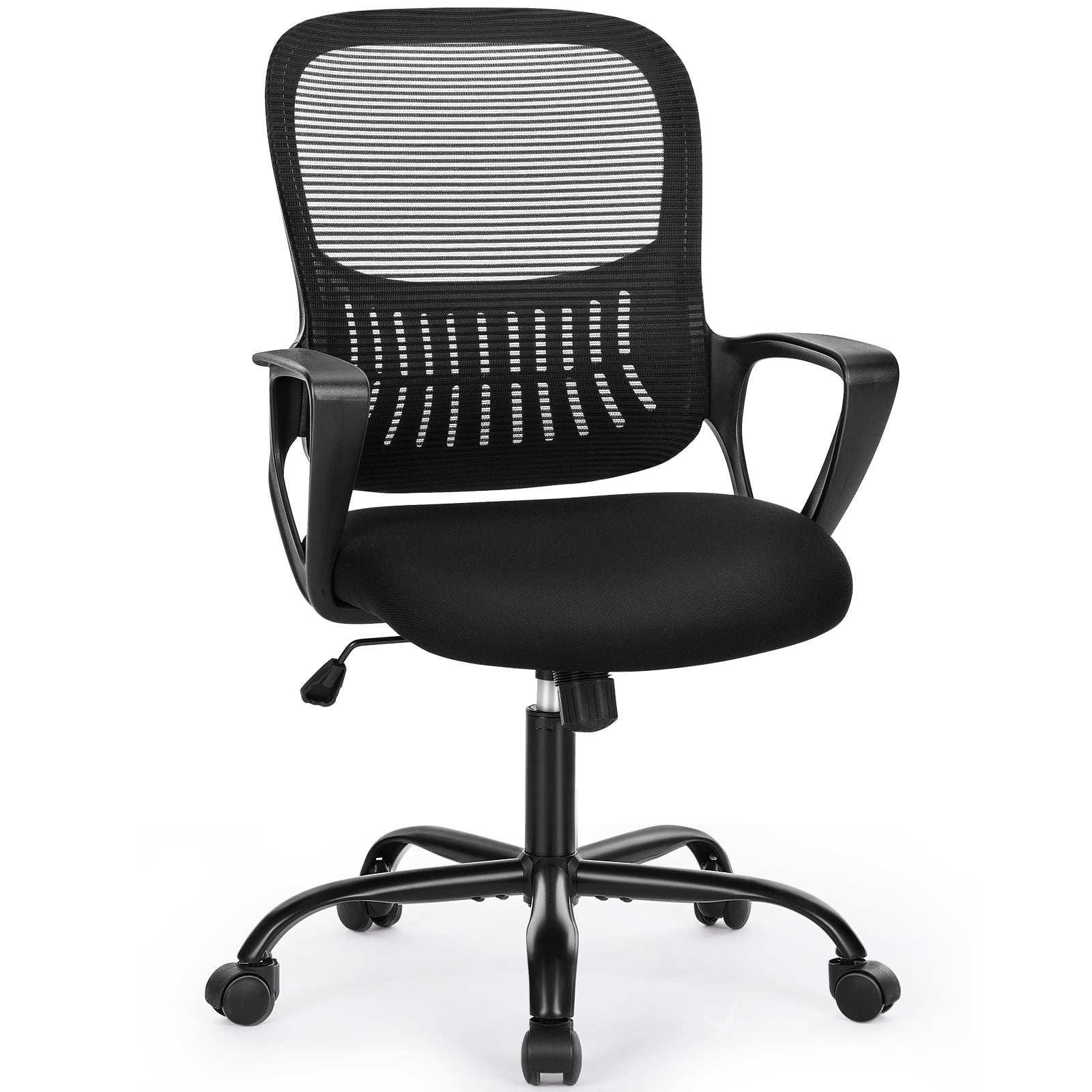

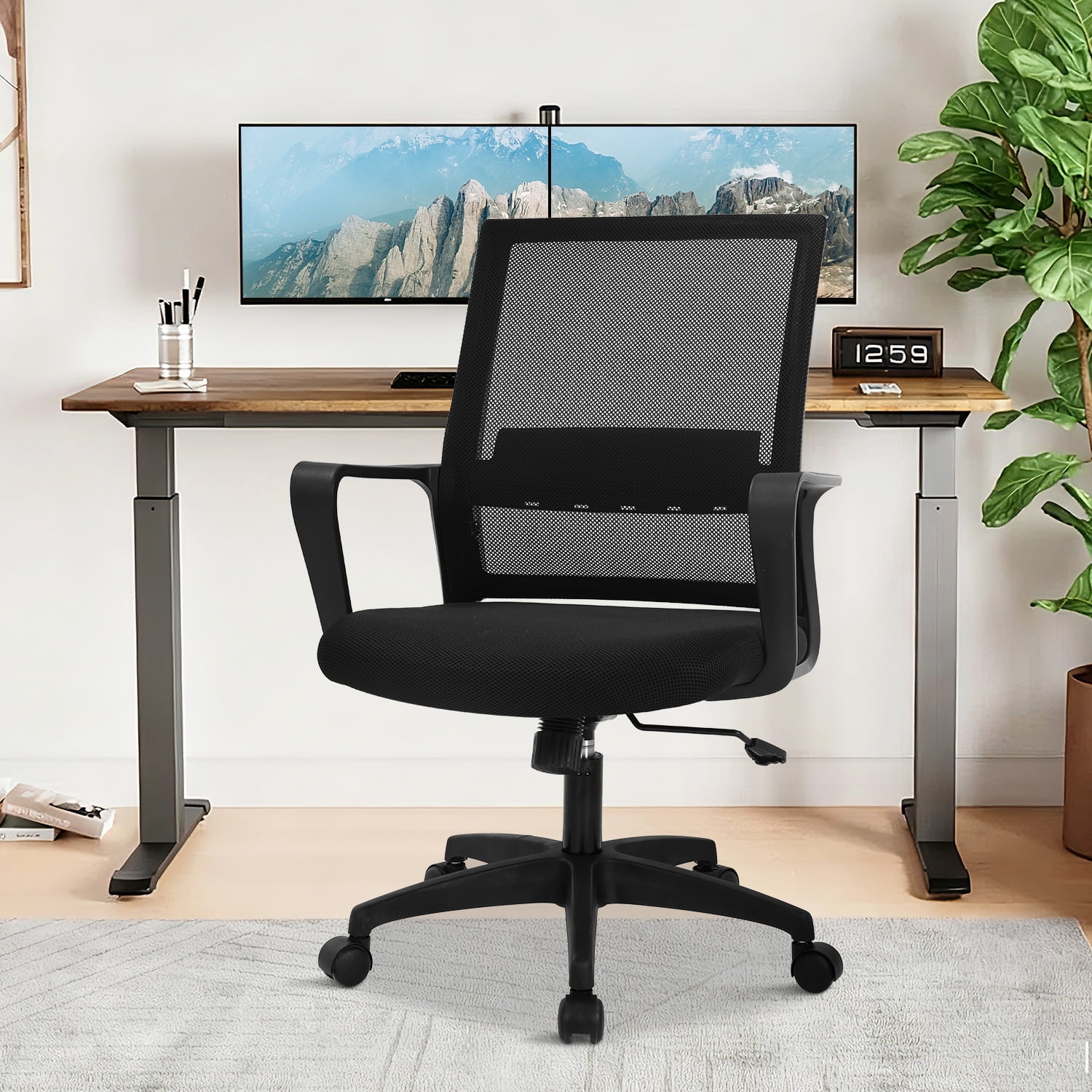
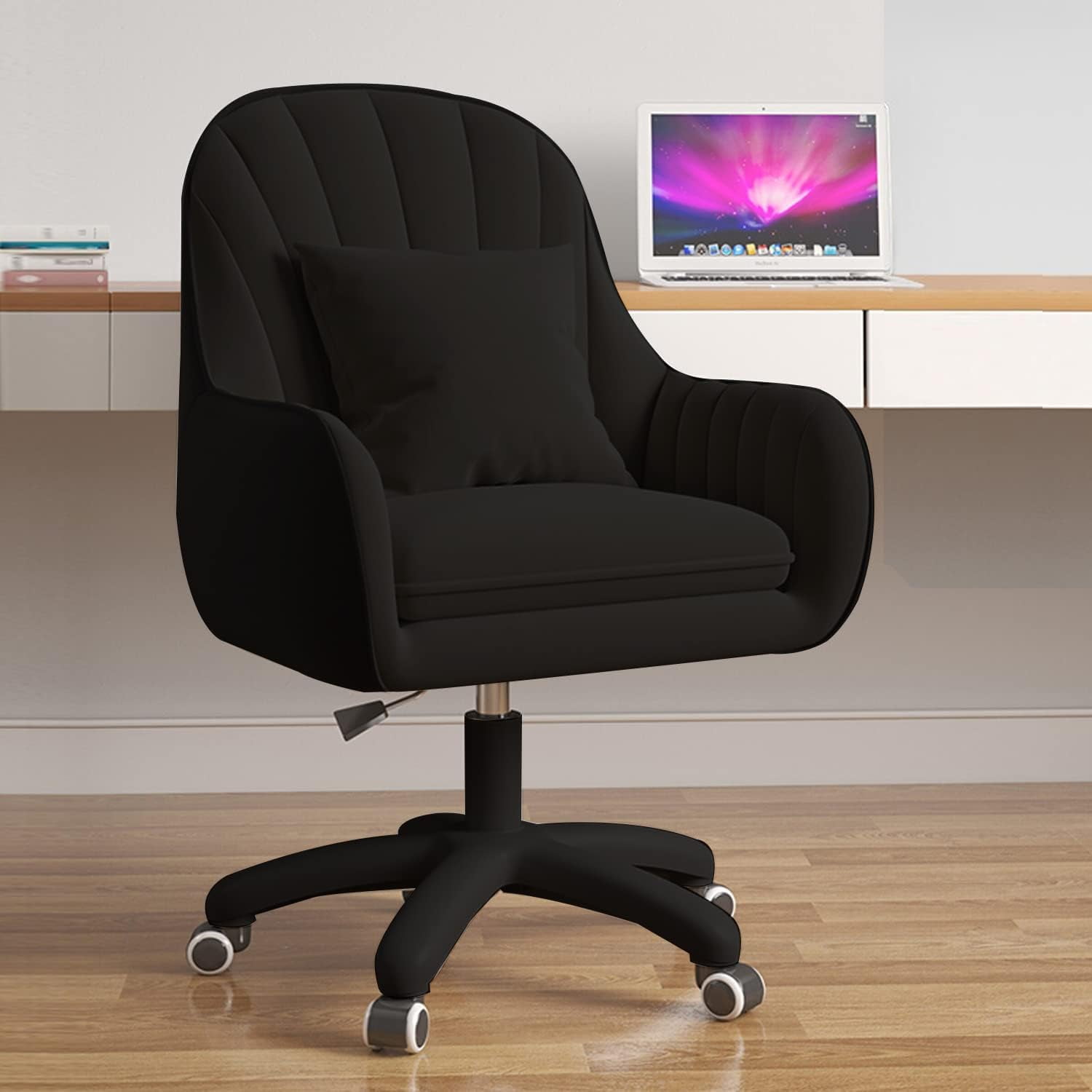
Why Your Home Office Computer Chair Defines Your Workday
In the era of remote and hybrid work, the home office computer chair has become the cornerstone of productivity and well-being. Unlike a traditional office chair in a corporate setting, your home chair must adapt to varied tasks—from deep-focus work to video calls—while blending seamlessly into your personal space. A poorly chosen chair can lead to chronic back pain, decreased energy, and even long-term postural issues.
Remote Work Insight: A 2024 survey revealed that 74% of remote workers experience some form of discomfort due to inadequate seating. Investing in an ergonomic home office computer chair reduces musculoskeletal complaints by nearly 60% and enhances daily output by an average of 2.3 productive hours per week.
Key Ergonomic Features to Look For
Not all chairs are created equal. When shopping for a home office computer chair, prioritize these essential mechanisms to protect your health:
- Adjustable Seat Height: Ensures your knees are at a 90-degree angle and feet flat on the floor, preventing circulation issues.
- Lumbar Depth & Height Adjustment: Dynamic lumbar support that contours to your spine's natural curve, essential for preventing lower back fatigue.
- Seat Depth Glide: Allows the seat pan to slide forward/backward, providing proper thigh support without pressing behind the knees.
- Multidimensional Armrests (4D): Armrests that move up/down, pivot, and slide reduce shoulder tension and support relaxed typing posture.
- Recline Tension & Lock: A tilt mechanism that lets you lean back smoothly and lock at desired angles encourages movement and spinal disc hydration.
Choosing the Perfect Home Office Computer Chair: A Comparative Guide
Understanding how different elements interact helps you make a confident decision. The table below outlines crucial specifications tailored for home office use.
| Feature | Why It Matters at Home | Recommended Specs |
|---|---|---|
| Breathability | Home offices vary in climate; airflow prevents sweat and discomfort during long sessions. | High-quality mesh back or perforated upholstery; foam with cooling gel layer. |
| Base & Casters | Hardwood floors vs. carpet — smooth-rolling wheels protect flooring and enable silent movement. | Dual-wheel polyurethane casters (soft rollerblade style) rated for floor type; aluminum or reinforced nylon base. |
| Weight Capacity | Home use often involves various body types; sturdy build ensures safety and longevity. | Minimum 275 lbs; heavy-duty options up to 400 lbs for durability. |
| Headrest Support | Essential for passive recline during calls or thinking periods to reduce neck strain. | Adjustable height and angle headrest, preferably with forward/back tilt. |
Health & Performance Benefits of an Ergonomic Home Office Chair
Spinal Alignment
Reduces disc pressure by distributing weight evenly, minimizing sciatica risks.
Improved Circulation
Contoured seat edge prevents compression behind the knees, reducing numbness.
Mental Clarity
Discomfort-free sitting boosts cognitive endurance and decision-making speed.
Energy Conservation
Less fidgeting and posture correction means sustained energy through the afternoon.
How Your Home Office Computer Chair Affects Work-Life Balance
Transitioning work into a residential space blurs boundaries. A dedicated ergonomic chair serves as a psychological anchor—signaling “work mode” while protecting your physical boundaries. Unlike makeshift seating (dining chairs or couches), a proper home office computer chair helps maintain separation, reducing burnout and promoting post-work relaxation.
Moreover, aesthetics matter. Modern home office chairs now feature clean lines, neutral fabrics, and compact footprints that complement interior design without sacrificing adjustability. The goal is to create a workspace that feels professional yet inviting.
- Compact Designs: Ideal for small apartments; chairs with slim profiles and no bulky armrests.
- Eco-Friendly Materials: Many brands now use recycled fabrics and sustainable wood bases — aligning with conscious consumer values.
- Acoustic Neutrality: Chairs with silent casters and no squeaky mechanisms ensure quiet video calls.
Your 5-Step Blueprint for Selecting the Ideal Home Office Computer Chair
Step 1: Map Your Work Style
- Stationary Focus: If you rarely move, prioritize plush cushioning and deep recline for micro-breaks.
- Active Multi-Tasker: Opt for chairs with responsive tilt mechanisms and breathable mesh.
- Video-Heavy: Choose a model with a subtle headrest and quiet, stable armrests.
Step 2: Measure Your Physical Space
Clear the area under your desk. Ensure the chair’s base and recline clearance fit within your room layout. For compact spaces, consider chairs with flip-up arms or a narrower back width.
Step 3: Match Materials to Your Environment
• Leather/Vegan leather: Easy to clean, suits minimalist/modern decor.
• Mesh: Perfect for warmer climates or if you run hot.
• Fabric: Adds warmth and texture; ideal for cozy home offices.
Step 4: Test Adjustability Virtually or In-Store
Check that seat depth, armrest width, and tilt tension can be adapted to your unique frame. Many chairs offer at least 3 adjustment points; premium ones offer 5+ for micro-customization.
Step 5: Align Warranty and Return Policy
Since you’ll be spending hundreds of hours in the chair, ensure the manufacturer provides at least a 5-year frame warranty and a 30-day risk-free trial to confirm comfort.
Frequently Asked Questions About Home Office Computer Chairs
Conclusion: Elevate Your Work-From-Home Experience
Selecting the right home office computer chair is a strategic investment in your health, productivity, and overall quality of life. By focusing on ergonomic essentials like adjustable lumbar support, seat depth, and breathable materials, you create a workspace that not only looks professional but also actively supports your body throughout the day.
Final Recommendation by User Profile
Prioritize a chair with 4D armrests, dynamic lumbar, and seat depth adjustment. Budget $600–$1,200 for long-term reliability and health benefits.
A mid-range ergonomic mesh or fabric chair with solid lumbar and recline lock offers excellent value ($300–$700).
Look for chairs with a narrow back, flip-up arms, and a compact base without compromising on seat comfort. Many brands now offer stylish yet supportive small-footprint designs.
Remember: the best home office computer chair is one that you can adjust to your unique anatomy. Take time to explore the models above, read real-user experiences, and never underestimate the power of a proper trial period. Your back—and your productivity—will thank you.