
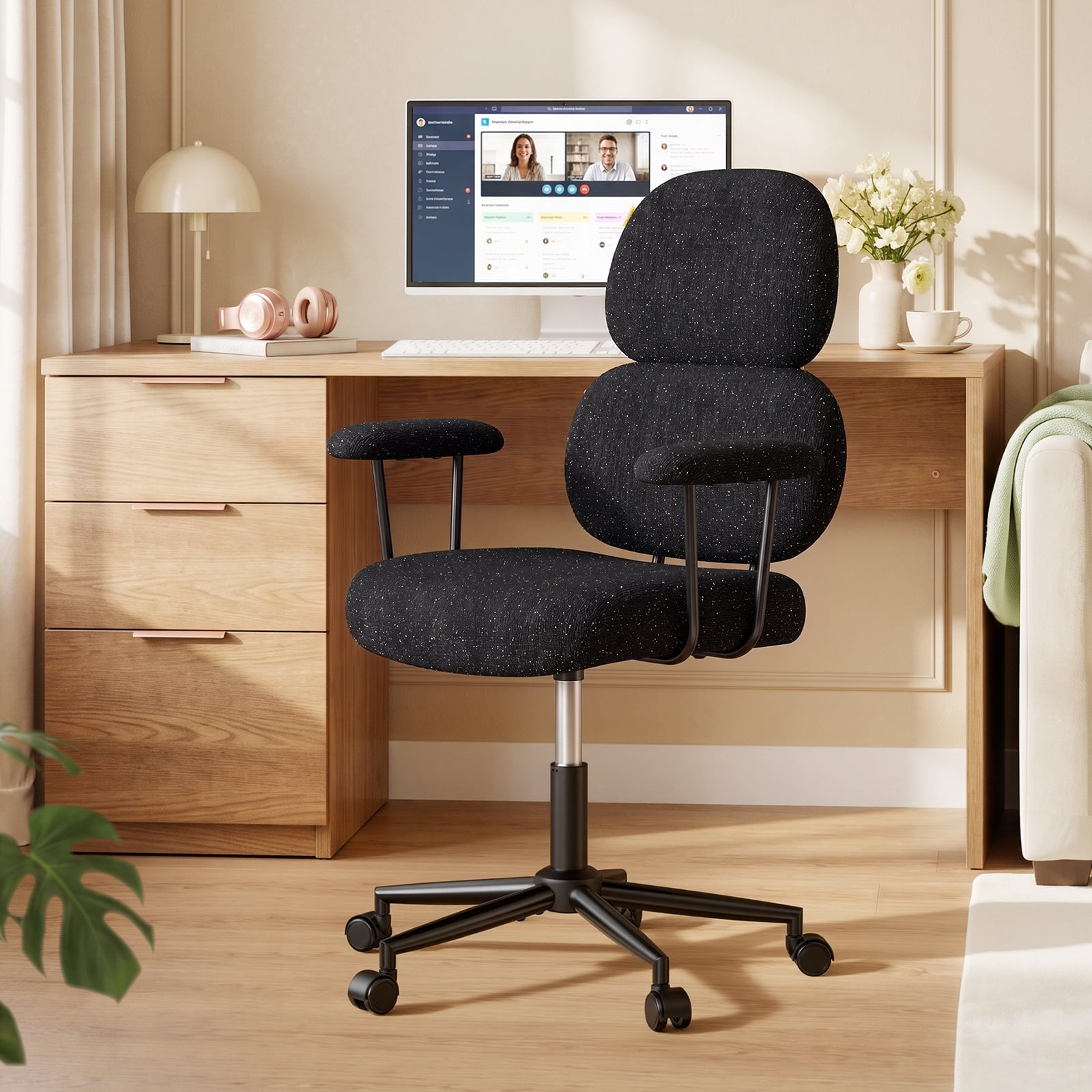
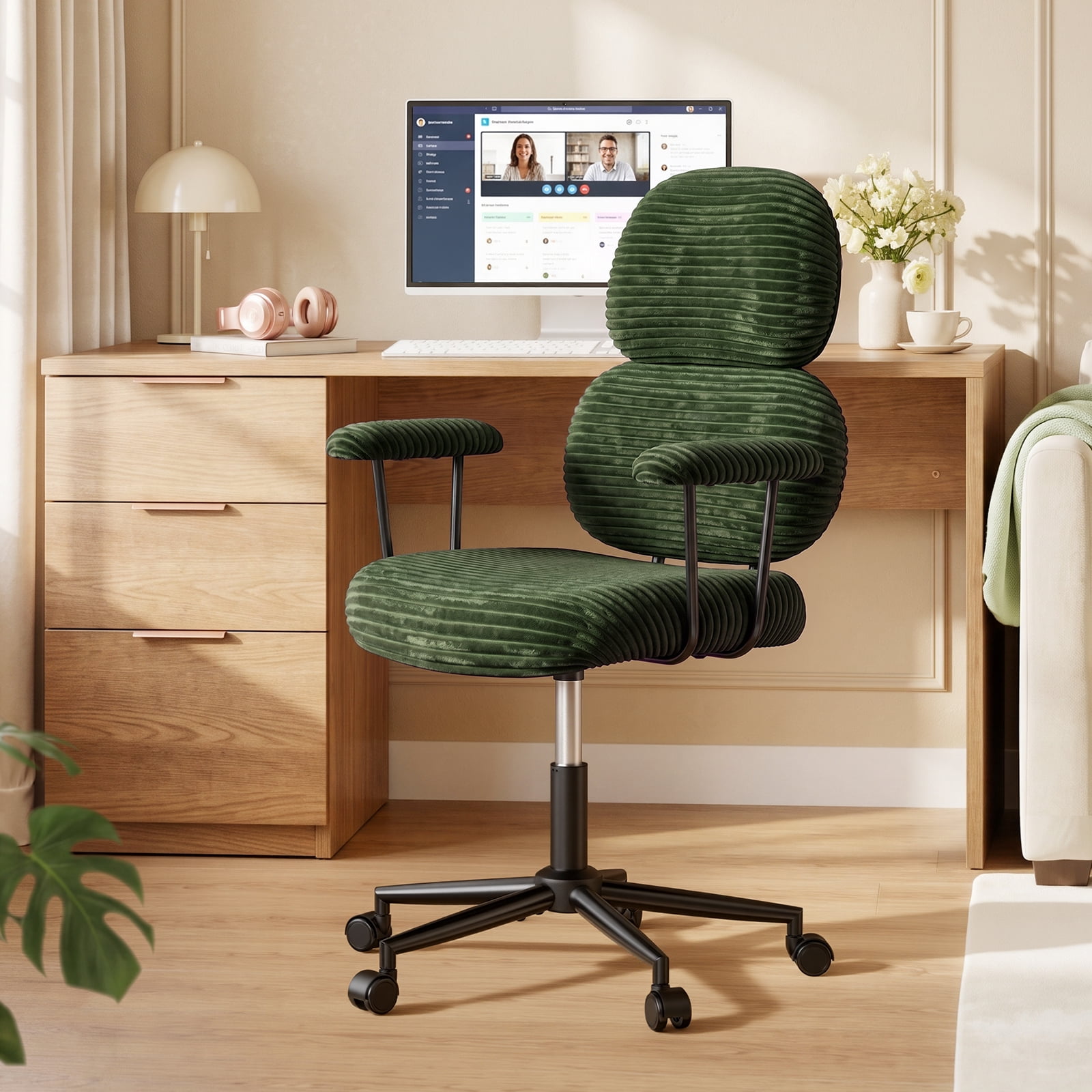
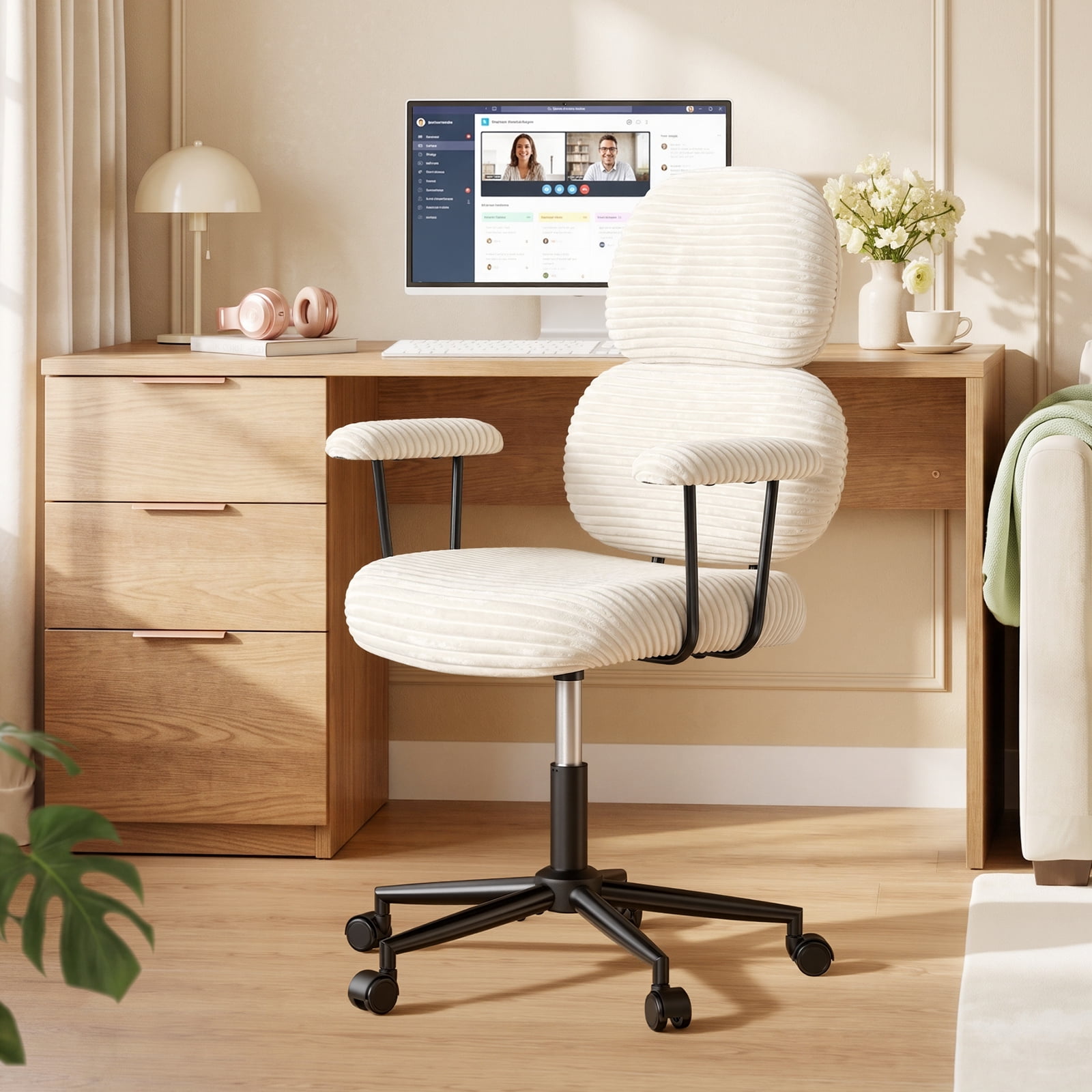
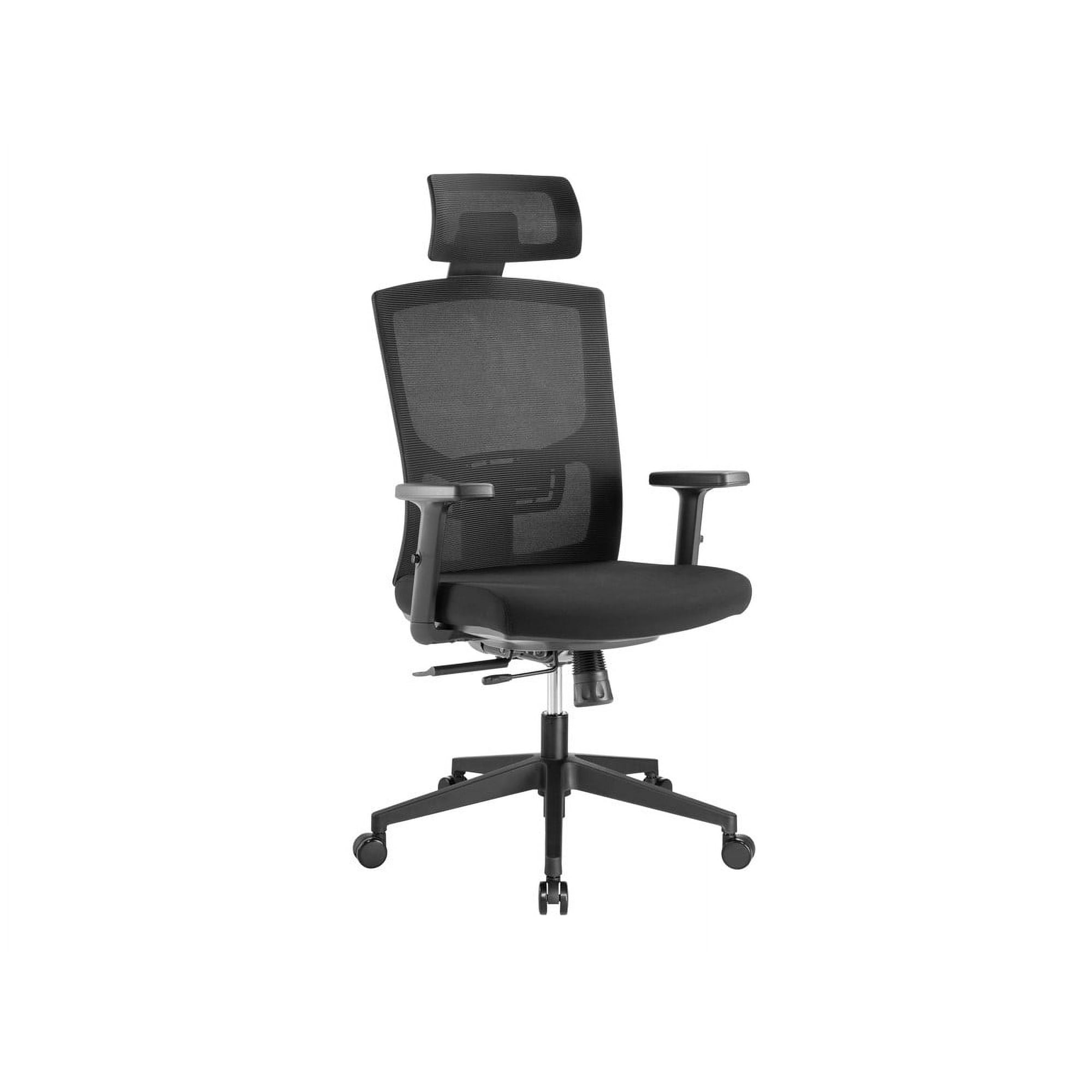
Why Your Choice of Office Chair for WFH Matters More Than Ever
The shift to working from home has blurred the lines between our professional and personal lives. Your kitchen table or that stiff dining chair might have worked for a week, but as remote work becomes a permanent fixture, your body is sending you signals. Back aches, stiff necks, and restless legs are not just part of the job—they are signs that your seating is failing you. Think of your office chair as the foundation of your home office. Just like a good pair of shoes supports you on a long walk, a high-quality office chair for WFH supports you through long hours of deep focus, video calls, and strategic planning.
According to a study by the American Chiropractic Association, back pain is one of the most common reasons for missed work, and poor seating is a major contributor. Investing in a dedicated ergonomic chair is not an expense; it's an investment in your long-term health and daily productivity. A chair designed for WFH adapts to your body, not the other way around, ensuring you can end your workday feeling as energized as you started.
Did you know? Research from the National Institutes of Health indicates that using an ergonomic chair with proper lumbar support can reduce spinal disc pressure by up to 35% compared to a standard, non-adjustable chair. For the average remote worker spending 8+ hours seated, this is a game-changer for preventing chronic back issues.
Decoding the Perfect WFH Chair: Features That Make a Difference
Not all office chairs are created equal, especially when your "office" is also your sanctuary. A corporate boardroom chair might look impressive, but a WFH chair needs to be a chameleon—adapting to various tasks, from intense typing to relaxed reading, and fitting into your home's aesthetic. Let's break down the essential features of a top-tier work-from-home chair.
1. Ergonomic Adjustability: Your Chair's Custom Fit
The hallmark of a great WFH chair is its ability to be tuned to your unique body shape. You wouldn't wear a one-size-fits-all suit, so why sit in a one-size-fits-all chair? Here’s what to look for:
- Adjustable Lumbar Support: This is non-negotiable. It fills the gap in your lower back, maintaining the spine's natural 'S' curve. Look for chairs where you can adjust both the height and the depth of the lumbar support.
- Seat Depth Adjustment: A seat that's too long will cut off circulation behind your knees. A seat that's too short won't support your thighs. The ability to slide the seat pan forward or backward ensures proper support for your leg length.
- 4D Armrests: Your arms should rest comfortably with your shoulders relaxed. 4D armrests move up/down, left/right, forward/backward, and even pivot. This allows you to keep your elbows at a 90-degree angle, preventing shoulder strain.
- Tilt Tension and Lock: You need the freedom to lean back and stretch. Adjustable tilt tension controls how easily the chair reclines, while a lock mechanism lets you fix your preferred recline angle for tasks like reading or thinking.
2. Material Science: Leather vs. Mesh for the Home Environment
Your home's climate and your personal style play a huge role in material choice. It's not just about looks; it's about comfort over a 9-hour workday.
Breathable Mesh
- Superior Airflow: Ideal for warmer homes or if you run hot. Mesh prevents that sticky, sweaty feeling.
- Modern Aesthetic: Fits well in contemporary, minimalist home office designs.
- Low Maintenance: Generally easy to wipe clean and doesn't show wear as quickly as fabric.
Premium Leather/Fabric
- Luxurious Comfort: Leather softens over time and molds to your body. High-quality fabric offers a cozy, warm feel.
- Professional Look: Instantly elevates the look of your home office, perfect for video calls.
- Durability: Top-grain leather can last for decades with simple care, making it a long-term investment.
3. The "Home" Factor: Mobility and Floor Protection
Your home office floor is probably not the same as a corporate office's. Whether you have hardwood, laminate, or a plush carpet, your chair's casters matter.
- Hardwood Floor Casters: Look for chairs with soft rubber or polyurethane casters. These are non-marking and roll smoothly without scratching your beautiful floors.
- Carpet Casters: For thicker carpets, larger casters with a wider surface area prevent the chair from sinking in and make rolling easier.
- Chair Mat Alternative: If you don't want a bulky plastic mat, ensure your chosen chair has floor-friendly wheels. Some premium chairs even offer rollerblade-style wheels for ultimate smoothness on hard floors.
4. Space-Saving and Aesthetics
Unlike a large corporate office, your home office might share space with a bedroom or living area. The chair's footprint matters.
- Compact Designs: Chairs with a smaller base or those that tuck neatly under a desk are invaluable for tight spaces.
- Style Integration: Your chair should complement your home decor. From sleek black mesh to cozy velvet or classic brown leather, the right chair can be a stylish addition to your room, not an eyesore.
5. Health Benefits: More Than Just Comfort
A dedicated WFH chair actively contributes to your physical well-being in ways a standard chair cannot.
Reduced Sedentary Risk
Encourages micro-movements and posture shifts, keeping your metabolism slightly more active than slouching.
Improved Focus
When you're not distracted by an aching back or numb legs, your cognitive resources are freed up for work. Comfort directly fuels concentration.
Spinal Health
Maintains the spine's natural alignment, reducing the risk of herniated discs and chronic back pain commonly associated with remote work.
Better Posture Habits
A good chair trains your body to sit correctly, creating muscle memory that improves your posture even when you're not in the chair.
Your WFH Chair Selection Checklist
Use this step-by-step guide to navigate the options and find your perfect match.
Step 1: Measure Your Space and Yourself
- Desk Height: Measure from the floor to the underside of your desk. You need a chair whose maximum seat height is lower than this to slide in comfortably.
- Your Measurements: Note your height and weight. This determines the size of the chair back and the required weight capacity.
Step 2: Define Your Work Style
Do you sit perfectly still while typing for hours, or do you shift, bounce, and lean back frequently? Your style dictates the chair's required features.
Step 3: Set a Realistic Budget
Your chair is a long-term asset. Here's what you can expect at different price points.
Entry-Level
Basic ergonomics, good for shorter workdays or part-time WFH.
Mid-Range
The sweet spot. Offers multiple adjustments, better materials, and solid build quality.
Premium
High-end ergonomics, superior materials (like Italian leather or advanced mesh), and extensive warranties.
Luxury
Custom-fit solutions, exotic materials, and design pieces that are also engineering marvels.