
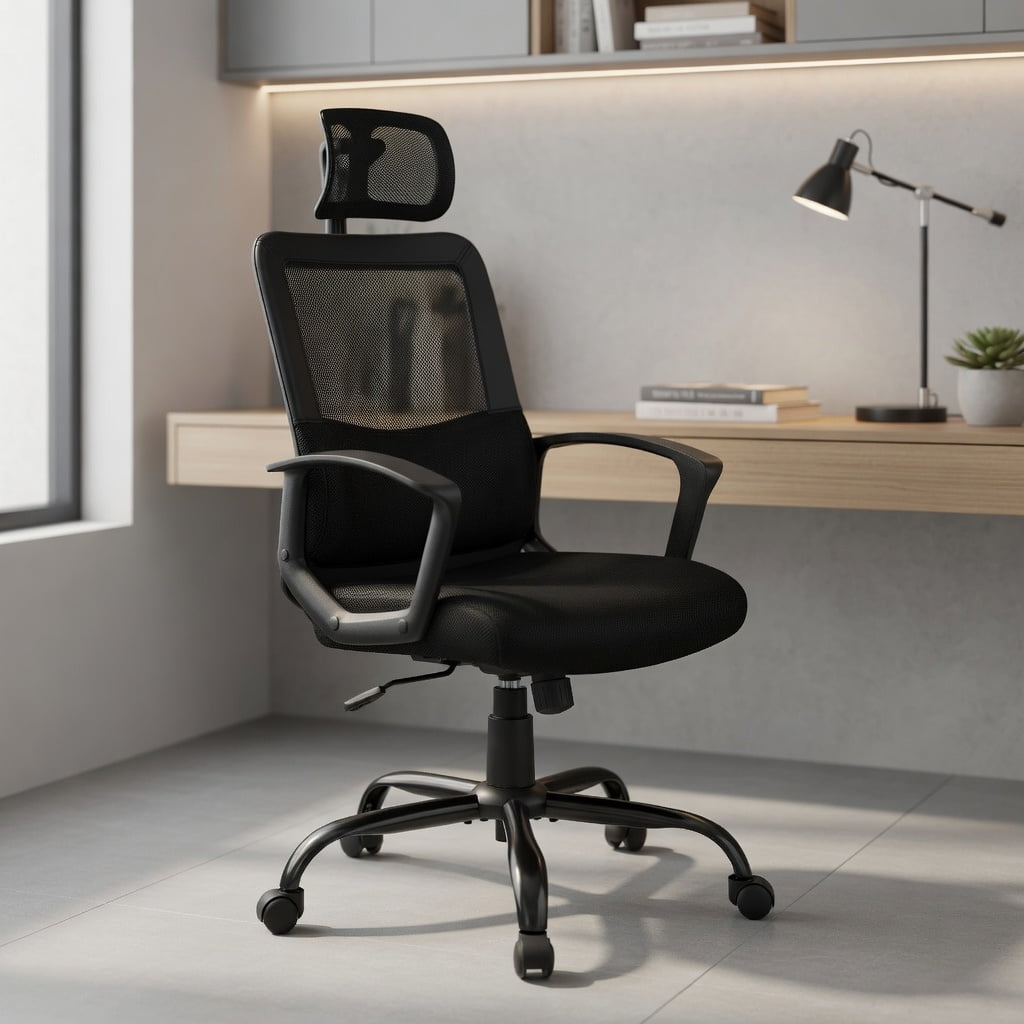
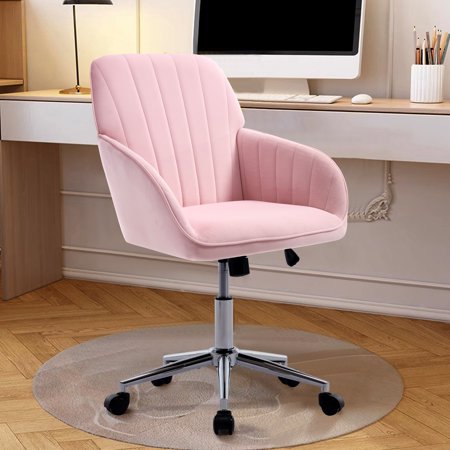
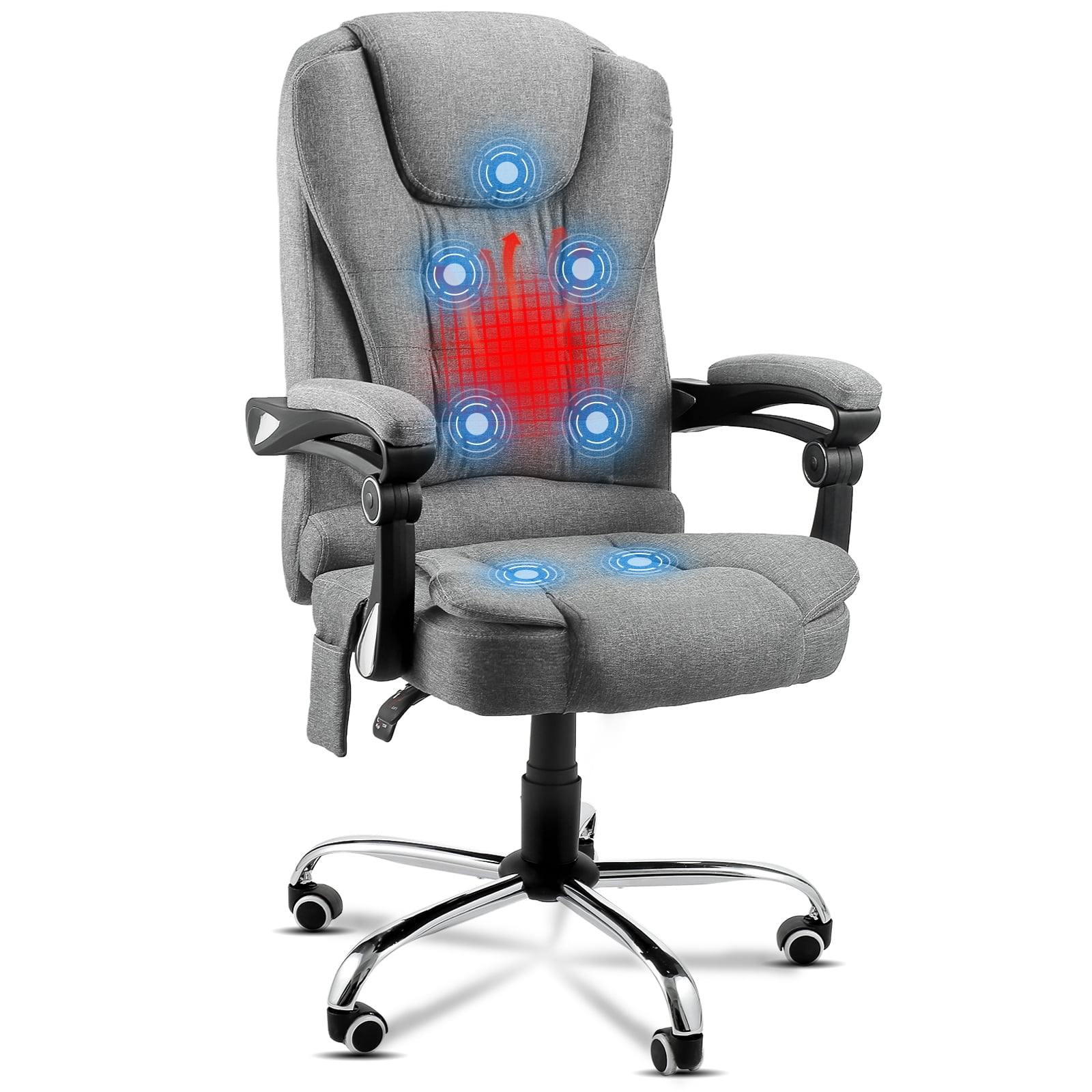
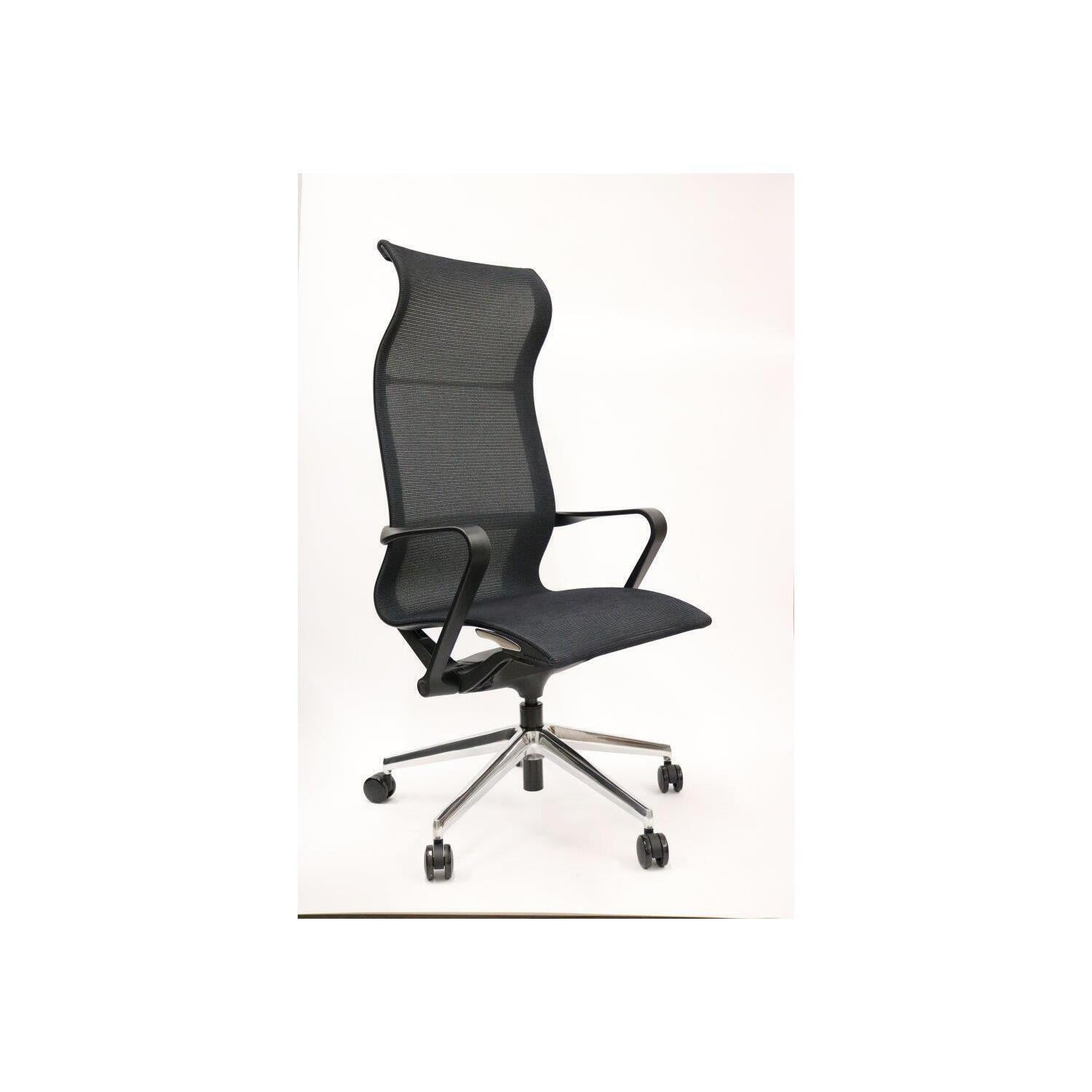
Understanding Sciatica and Your Office Chair
Imagine your sciatic nerve as a major information superhighway running from your lower back, through your hips and buttocks, and down each leg. When this highway gets compressed—often by a herniated disc, bone spur, or tight piriformis muscle—the result is the sharp, shooting pain, numbness, or tingling known as sciatica. For the millions who experience it, the standard 9-to-5 desk job can become a daily battle. The good news? Your office chair doesn't have to be the enemy. In fact, the right ergonomic office chair for sciatica can be your most powerful weapon in managing and alleviating this condition.
Unlike a regular task chair, an ergonomic chair designed with sciatica in mind acts like a precision tool. It doesn't just provide a place to sit; it actively encourages a posture that minimizes nerve impingement. It supports the natural S-curve of your spine, distributes your weight evenly to avoid pressure points, and allows for dynamic movement that keeps your body from stiffening. Think of it as a 24/7 support system that works while you work. In this guide, we'll explore the specific features that matter most, helping you make an informed choice that leads to more comfortable and productive workdays.
The Sciatica-Static Sitting Connection
Prolonged static sitting is a primary trigger for sciatic flare-ups. According to a study published in the *Spine Journal*, individuals who sit for more than eight hours a day have a significantly higher risk of developing lower back and nerve-related issues. When you sit, your hip flexors shorten, and your pelvis can tilt backward, flattening the natural curve of your lower back. This posture directly increases pressure on the intervertebral discs and the exiting nerve roots that form the sciatic nerve. An effective ergonomic chair counteracts this by providing the tools to maintain a neutral spine position.
5 Non-Negotiable Features of an Ergonomic Chair for Sciatica Relief
Selecting a chair for sciatica is about more than just comfort; it's about therapeutic support. Here are the critical features you must evaluate, each playing a distinct role in protecting the sciatic nerve.
1. Advanced Lumbar Support: The Foundation of Relief
Lumbar support is not a one-size-fits-all feature. For sciatica, you need support that targets the specific curve of your lower spine. Look for chairs that offer both height-adjustable and depth-adjustable lumbar support. Height adjustment ensures the support pad hits the correct part of your back (usually the small of your back). Depth adjustment pushes the support forward or backward, filling the gap between your back and the chair. This is crucial for maintaining a slight inward curve (lordosis), which keeps the spine stacked and reduces pressure on the discs. Some high-end chairs feature inflatable lumbar bladders for micro-adjustable support.
- • Dynamic Lumbar: Some chairs have lumbar systems that move with you as you recline, ensuring continuous support.
- • Contour vs. Pad: A contoured backrest that mimics the spine's shape often distributes pressure better than a simple pad.
- • Material Matters: Firm, yet pliable support is ideal. It should be strong enough to hold you in place but soft enough to be comfortable.
2. Seat Depth and Waterfall Edge: Releasing Hamstring Tension
Tight hamstrings are a common contributor to sciatic pain because they attach to the pelvis and can pull it out of alignment. The seat depth of your chair plays a critical role here. When the seat is too long, it presses against the back of your knees, which can compress nerves and restrict blood flow. More importantly, it forces you to scoot forward, losing back support and tightening your hamstrings. The ideal seat depth allows you to place your back firmly against the backrest while leaving 2 to 3 finger widths of space between the back of your knee and the seat edge. This is facilitated by a "waterfall edge"—a front of the seat that curves gently downward. This design reduces pressure on the underside of the thighs, promoting better circulation and allowing your hamstrings to remain relaxed.
3. Pelvic (Sacral) Support: The Sciatica Sweet Spot
While lumbar support focuses on the curve, sacral support focuses on the very base of the spine. The sacrum is the triangular bone that connects your spine to your pelvis. When you sit, especially on a flat or poorly designed seat, your pelvis can roll backward (posterior pelvic tilt). This flattens the lower back and narrows the spaces where the sciatic nerve roots exit the spine. A chair with a pronounced sacral support, or a separate adjustable sacral pad, helps tilt the pelvis slightly forward. This encourages a neutral spine position and opens up the intervertebral foramina, giving the sciatic nerve more room. Think of it as creating a stable foundation for your entire spine.
4. Adjustable Tilt Tension and Lock: Encouraging Dynamic Sitting
"Dynamic sitting" is the concept of moving while you sit, and it's a game-changer for sciatica. A chair that allows you to recline and rock gently changes the angle of your hips and spine, preventing the stiffness that comes from being locked in one position. The key is an adjustable tilt tension mechanism. This controls how much force is needed to recline. You should be able to adjust it so you can move back comfortably with minimal effort, but with enough resistance that you don't feel like you're falling backward. Being able to slightly recline (10-15 degrees) can significantly reduce disc pressure. Look for a chair with a multi-position tilt lock so you can find and lock in a healthy, supportive recline angle for focused work.
- Synchro-tilt mechanism: This advanced feature links the backrest and seat tilt at a specific ratio (e.g., 2:1 or 3:1), keeping you properly aligned as you recline.
- Knee-tilt mechanism: The entire seat pivots from a point near your knees, allowing your feet to stay flat on the floor even when reclined, which is excellent for leg circulation.
- Center-tilt mechanism: The chair pivots from a central point, which can sometimes lift your feet off the floor if not balanced correctly.
5. Seat Material and Contouring: Eliminating Pressure Points
The material and shape of the seat pan are your first line of defense against pressure points. Avoid rock-hard seats or those that are overly plush and allow you to sink in uncontrollably. The goal is a high-density foam or a foam-gel hybrid that provides firm, even support. The seat should be contoured to cradle your hips and thighs without creating hard edges. A "seat pan contour" that is slightly concave helps distribute your weight across a larger surface area, reducing peak pressure on the ischial tuberosities (the sitting bones) and the surrounding soft tissues. Breathable materials like high-quality mesh or perforated leather are also vital, as they prevent heat and moisture buildup, which can exacerbate skin sensitivity and discomfort.
Memory Foam Pitfalls
While initially comfortable, memory foam can conform too much, creating a "hammock effect" that puts pressure on the hips and thighs. Look for chairs that use memory foam as a top layer over a high-density foam core for better support.
Mesh Benefits
A high-quality mesh seat is often an excellent choice for sciatica. It conforms slightly to your shape, provides excellent breathability, and offers consistent tension that supports without sinking.
Contoured Foam
Molded foam with a pronounced pelvic contour can help guide your hips into a neutral position, much like a bucket seat in a car guides your body.
Avoiding the Sciatica Trap: Common Mistakes When Buying a Chair
Many people inadvertently worsen their sciatica by choosing chairs based on looks or price alone. Here’s what to avoid:
- • The "Saggy Bottom" Seat: Avoid cheap chairs where the foam compresses quickly. A sagging seat tilts your pelvis backward, a direct path to sciatic pain.
- • Fixed Armrests: Armrests that are too high force you to shrug your shoulders, leading to upper body tension that travels down the spine. Too low, and you'll slump. Always choose 3D or 4D adjustable armrests.
- • Ignoring the 90-90-90 Rule: Your feet should be flat on the floor (or footrest), knees at a 90-degree angle, and hips at a 90-degree angle. A chair must be adjustable enough to help you achieve this posture.
- • The "One-Position" Mentality: Don't lock your chair in an upright position forever. Use the recline to change your posture throughout the day.
Research-Backed Benefits
According to research from the *Occupational Safety and Health Administration (OSHA)*, proper ergonomic seating can reduce worker discomfort by up to 60%. A study in the journal *Applied Ergonomics* found that chairs with synchronized movement and adjustable lumbar support significantly decreased reports of lower back and leg pain among office workers over a 12-month period. For those with chronic conditions like sciatica, these features are not just conveniences; they are necessities.
Frequently Asked Questions About Ergonomic Chairs for Sciatica
Conclusion: Investing in a Pain-Free Future
Living with sciatica requires a proactive approach to your environment, and your office chair is the cornerstone of that environment at work. The right ergonomic office chair for sciatica is more than a purchase; it's an investment in your daily comfort, long-term spinal health, and overall productivity. By prioritizing features like advanced lumbar support, proper seat depth, sacral support, and dynamic tilt mechanisms, you transform your desk from a source of pain into a place of focused work. Remember, no single chair works for everyone, so use this guide as your roadmap. Consider your specific body type, the nature of your pain, and your work habits. Test chairs when possible, and don't hesitate to invest in a model that offers the precise adjustments you need. Your back—and your future self—will thank you for it.