
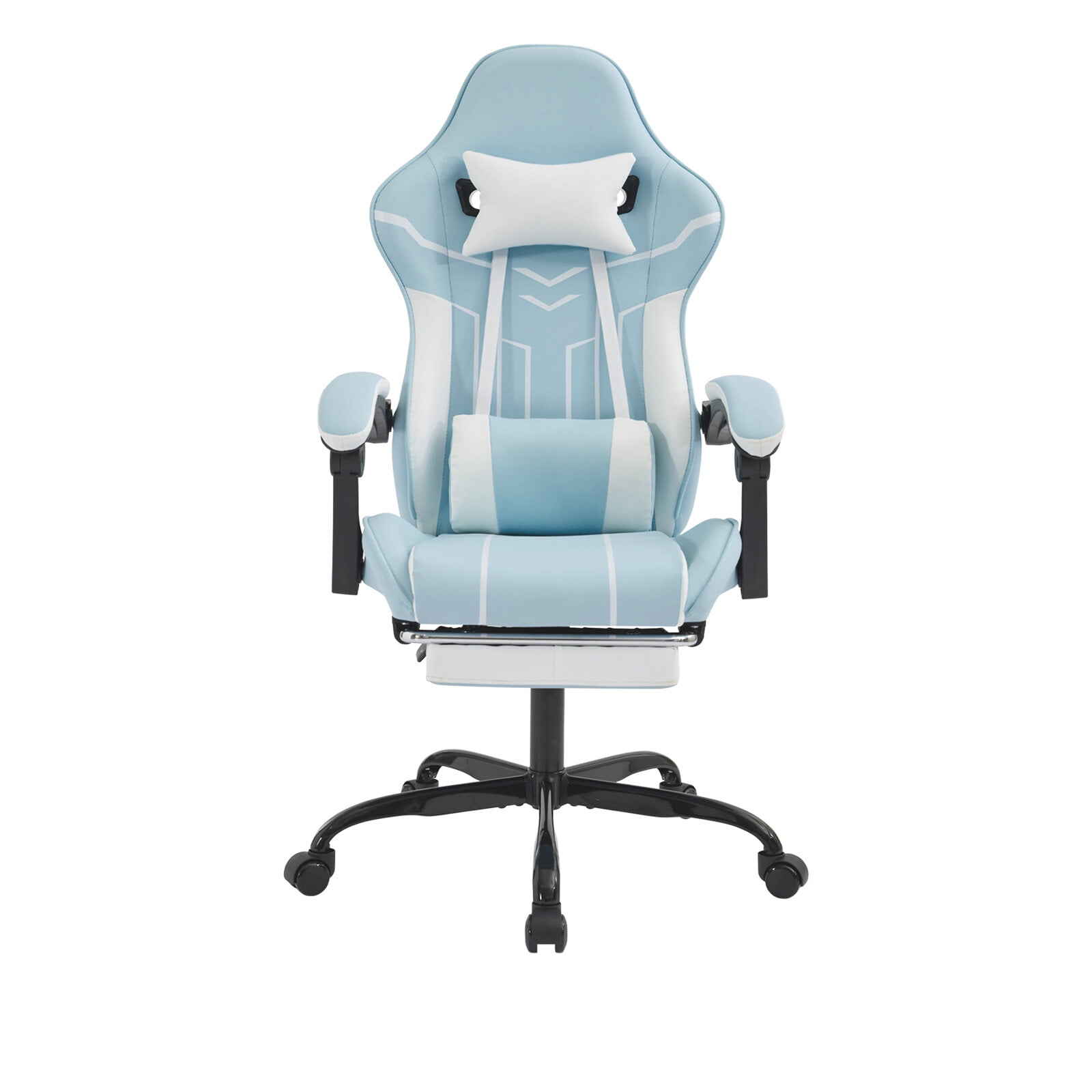
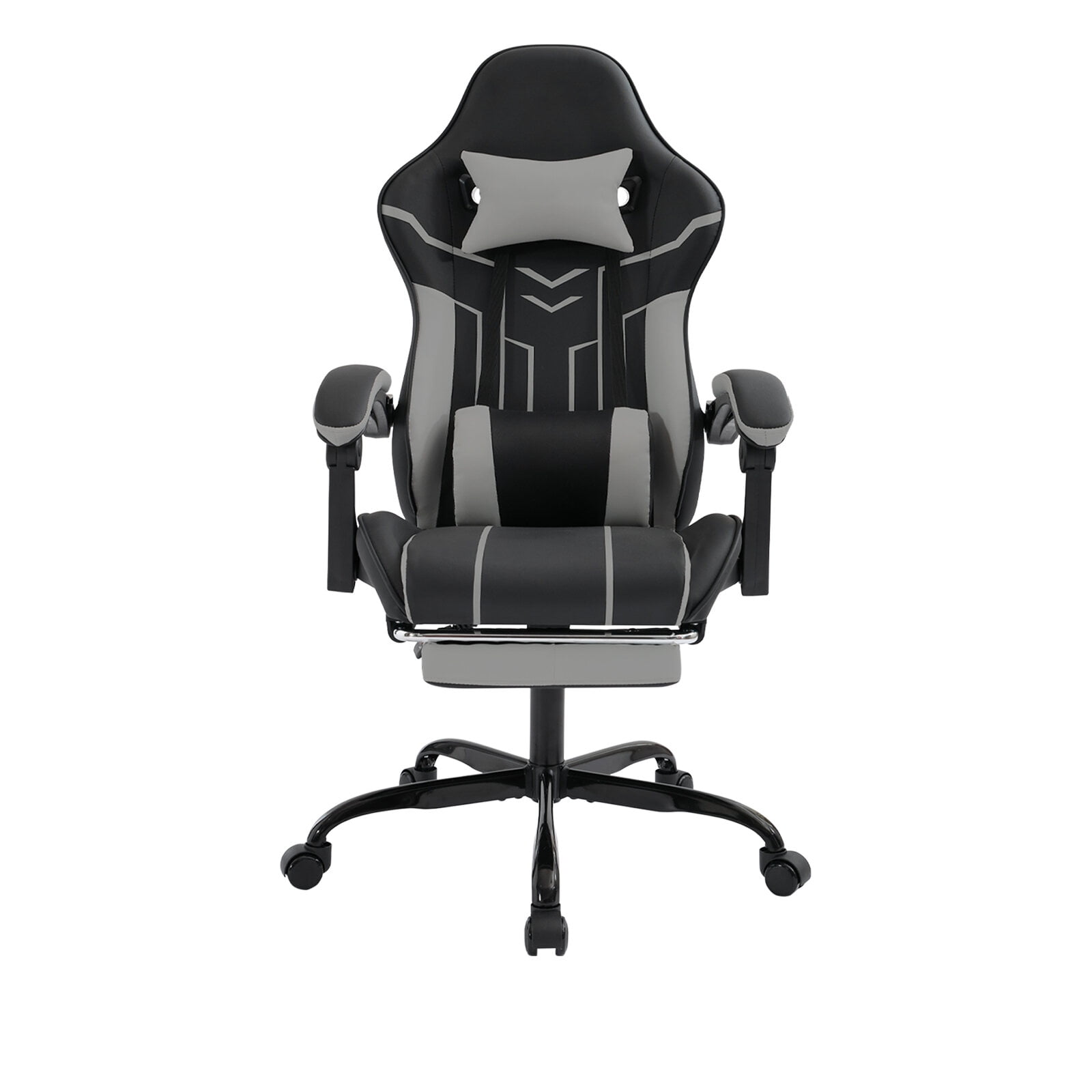
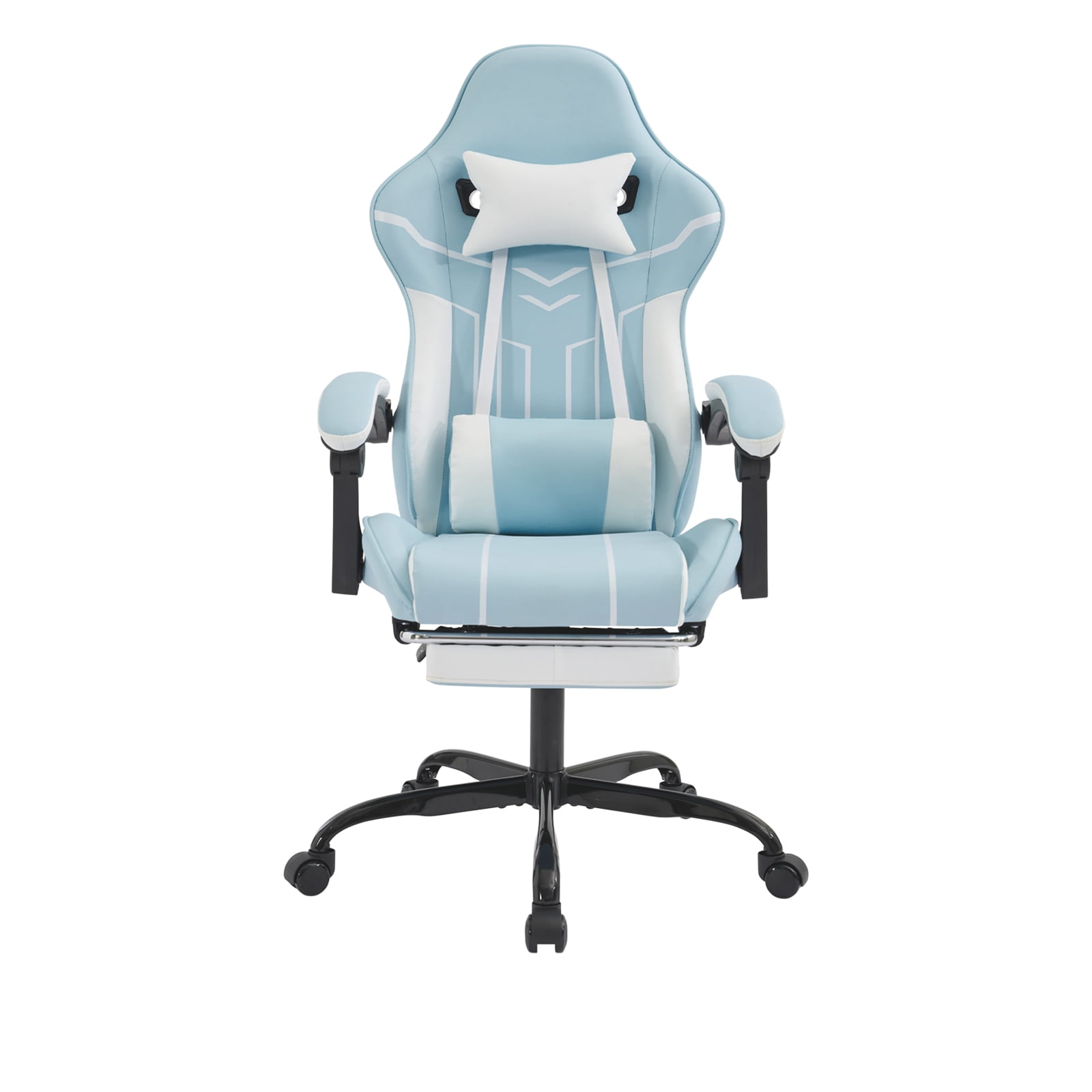
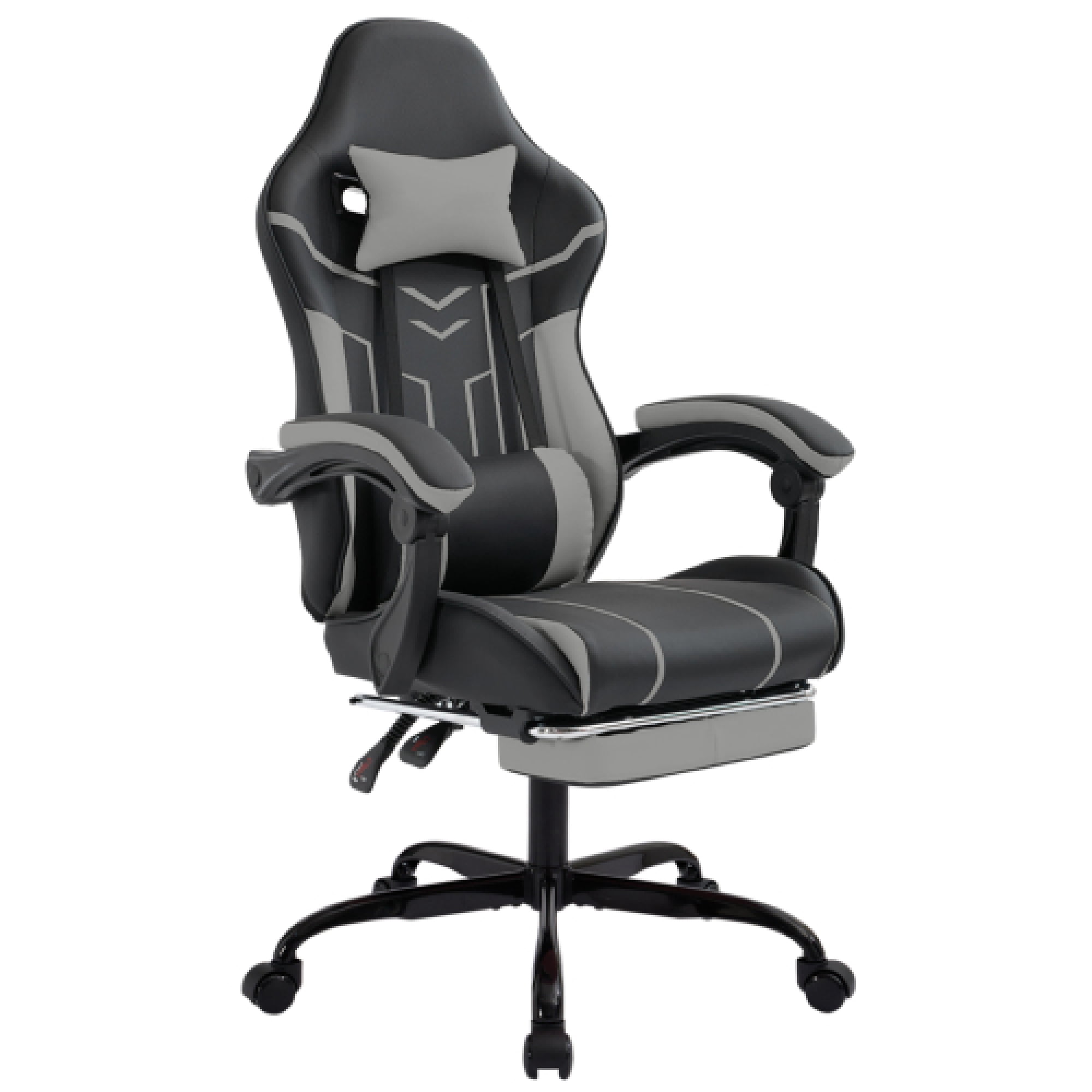
Why Your Desk Setup Deserves an Ergonomic Computer Office Chair
Imagine wearing shoes that are half a size too small all day. That’s what sitting in a non-ergonomic chair feels like for your spine—except you do it for years. An ergonomic computer office chair isn't a luxury; it's the foundation of a healthy workstation. Unlike generic seating, these chairs are engineered with adjustability to match your unique body dimensions, keeping your joints aligned and muscles relaxed. According to the Occupational Safety and Health Administration (OSHA), proper ergonomic seating can reduce work-related musculoskeletal disorders by up to 60%. This guide dives deeper than a typical list—we’ll explore the biomechanics, material science, and smart shopping strategies so you can invest wisely.
1. The “Goldilocks” Principle: Why One-Size-Fits-All Fails
Think of your body as a complex hinge system. A chair that’s too deep forces you to slouch; too shallow and your thighs lack support. Ergonomic chairs thrive on micro-adjustments: seat depth, lumbar prominence, armrest width. Just like a tailored suit, the right fit eliminates pressure points. Key adjustments to look for:
- Seat depth slider: lets you position the edge 2–3 fingers from the back of your knee.
- Height-adjustable lumbar (both up/down and in/out): mimics the natural inward curve of your lower spine.
- 4D armrests: move up/down, sideways, forward/back, and pivot to support elbows at 90°.
- Tilt tension and lock: you can rock gently (dynamic sitting) or lock upright for focused typing.
A 2021 study in the Journal of Physical Therapy Science noted that workers using chairs with all these adjustments reported 47% less lower back discomfort after 4 weeks.
2. Lumbar Support: Not Just a Pillow, But a Posture Coach
Ever notice how cheap chairs have a fixed hump that never hits your sweet spot? Genuine ergonomic lumbar support is active, not passive. Two main types dominate:
- Dynamic (self-adjusting): a flexible backrest that moves with you, common in mesh chairs like the popular Herman Miller Aeron clones but found in mid-range brands too.
- Adjustable-pad systems: a physical pad you raise/lower and increase/decrease depth, often with a knob or lever. This is ideal for people with specific lumbar curves or past injuries.
Data insight: A Cornell University ergonomics lab found that proper lumbar support reduces spinal disc pressure by roughly 35% compared to slouching. When you sit, your lumbar spine should feel “filled” — not pressed forward, but gently supported.
3. Material Matters: Mesh vs. Fabric vs. Hybrid – the Microclimate Effect
Your chair’s upholstery affects both comfort and longevity. But beyond “leather looks executive,” the science of moisture and heat matters. For an ergonomic computer office chair, we recommend:
Breathable, contours to shape, easy to clean. Ideal if your office runs warm. Look for “pellicle” or “suspension” mesh — it doesn’t sag.
Soft, available in colors, often with slight stretch. Some have moisture-wicking properties. Best for cooler environments.
Combines breathability where you need it (back) with cushioning under thighs. A popular compromise.
Avoid bonded leather in hot climates — it can crack and doesn’t breathe. Genuine leather is durable but expensive and retains temperature.
4. The “Sitting is Dynamic” Myth: Chairs That Move With You
Static sitting is the enemy. Your ideal ergonomic chair should encourage micro-movements. Here’s where mechanisms come in:
- Synchro-tilt: the seat and backrest move together at a ratio (usually 2:1 or 3:1), keeping your feet flat while reclining. This reduces shirt pull and keeps your eyes at monitor level.
- Forward tilt: tilts the seat pan forward slightly for intense desk work — opens the hip angle, reducing pressure.
- Multi-position lock: lets you recline and lock anywhere from 90° to 130° for thinking mode or casual meetings.
A study from the University of Waterloo found that people who used chairs with dynamic movement features shifted posture 30% more often, leading to less fatigue.
5. Size, Weight, and Proportions: Getting Your Perfect Fit
Ergonomic chairs often come in sizes (A, B, C or 1,2,3). This is critical for heavier or taller users. Quick sizing checklist:
- Seat width: your hips and thighs should fit comfortably without pressing against armrests or edges.
- Weight capacity: standard ~275 lb; plus-size options go to 400 lb. Always pick a chair with capacity 20% above your weight for safety and durability.
- Backrest height: mid-back (supports up to shoulders) or high-back (includes headrest). If you’re over 6’2”, a high-back or an adjustable headrest is advisable.
Pro tip: measure your popliteal length (back of knee to butt) and choose a seat depth that’s 2–3 inches shorter.
6. Long-Term Value: Warranty & Replacement Parts
A true ergonomic office chair is an investment. Look for brands that offer minimum 5-year warranty on parts (10–12 years for mechanisms). Why? Pneumatic cylinders, casters, and tilt mechanisms wear out. Reputable manufacturers sell replacement parts, extending chair life to 10+ years. Avoid chairs where the gas lift isn’t standard size — you’ll be stuck if it breaks.
Quick Feature Benchmark: What to Expect by Price Tier
| Price Range | Adjustability Level | Typical Materials | Warranty |
|---|---|---|---|
| $150 – $300 | Height, tilt, basic lumbar | Fabric / mesh, plastic base | 1–2 years |
| $300 – $600 | Seat depth, 3D arms, lumbar depth | Quality mesh, reinforced nylon | 3–5 years |
| $600 – $1,200 | 4D arms, synchro-tilt, forward tilt | High-end mesh / premium fabric, aluminum base | 5–12 years |
| $1,200+ | Fully customizable, often size-specific | Knitted mesh, eco-friendly materials, polished aluminum | 12+ years |
*prices are approximate and for guidance only.
Frequently Asked Questions — Ergonomic Computer Office Chair
Final Verdict: Invest in Your Most Valuable Asset — Your Body
Choosing an ergonomic computer office chair is one of the most impactful decisions for your work-from-home setup or corporate office. It’s not about picking the most expensive model, but the one that fits your body type, work habits, and environment. Use the checklist above: verify lumbar adjustability, ensure breathable materials, and never underestimate the power of a good warranty. Your future self — free from nagging back pain and full of energy at 5 p.m. — will thank you.
Remember: even the best chair can’t replace movement. Stand up, stretch, and walk every 45–60 minutes. Think of your chair as a supportive base, not a cage. Combine it with a sit-stand desk if possible, and you’ve built a workstation for longevity.