
Why Your Desk and Chair Must Work as a Team
Imagine a race car with a powerful engine but flat tires — that’s what a premium chair feels like on the wrong desk. The desk and chair for office use are not independent purchases; they are partners in your daily workflow. Research from the National Institute for Occupational Safety and Health (NIOSH) indicates that mismatched workstations increase the risk of musculoskeletal disorders by up to 50%. A thoughtfully paired desk and chair, on the other hand, can boost focus by reducing physical distractions. This guide goes beyond individual reviews: we help you build a cohesive, ergonomic, and stylish workspace.
DID YOU KNOW? 73% of remote workers admit to using a makeshift desk (kitchen counter, coffee table) with a standard chair. Within six months, 68% report new back or neck discomfort. A proper desk and chair for office use isn't a luxury — it's a health necessity.
The Anatomy of a Perfect Desk-Chair Relationship
Selecting a desk and chair in isolation is like buying shoes without checking if they fit both feet. Here’s how they interact:
1. Height Harmony: The 90-Degree Rule
The golden rule: when sitting, your elbows should form a 90-degree angle while typing, and your feet should rest flat. This requires a chair with adjustable seat height and a desk of appropriate height.
- Standard desk height: 28" to 30" – suits most people with an adjustable chair.
- For tall individuals (>6'2"): Look for desks at 30"-32" or use a riser. Pair with a chair offering extra seat height.
- Sit-stand desks: They offer ultimate flexibility, but require a chair that quickly adjusts to variable heights.
2. Depth and Clearance: Legroom Matters
A common mistake is buying a deep desk (30"+ depth) without checking if the chair allows proper recline without hitting your knees. Your chair needs seat depth adjustment so there’s 2-4 finger gaps between the seat edge and your calves. Meanwhile, the desk should have sufficient under-desk clearance (at least 28" wide and 24" deep for knee movement).
3. Visual & Material Cohesion
While ergonomics is king, a mismatched aesthetic can subtly affect your professional mindset. Here’s a quick material compatibility guide:
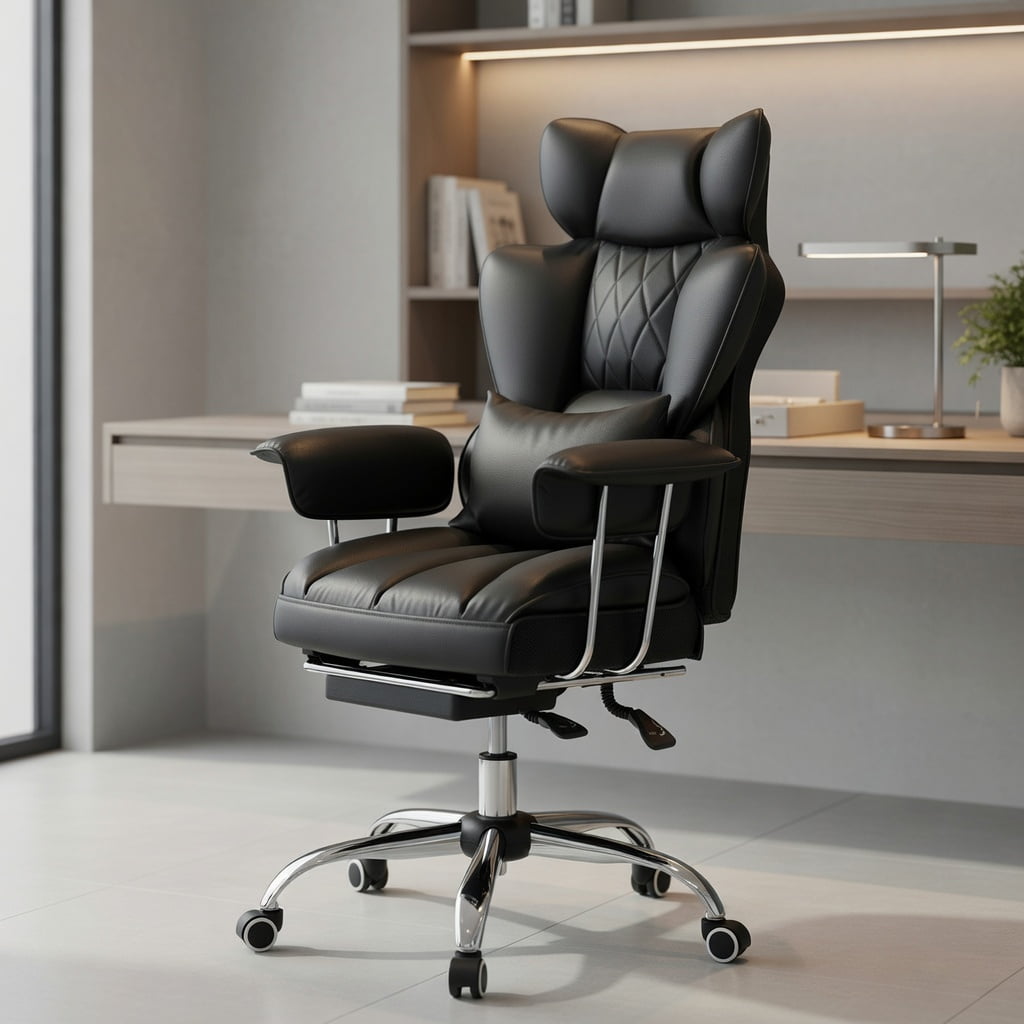
Classic, executive, timeless.
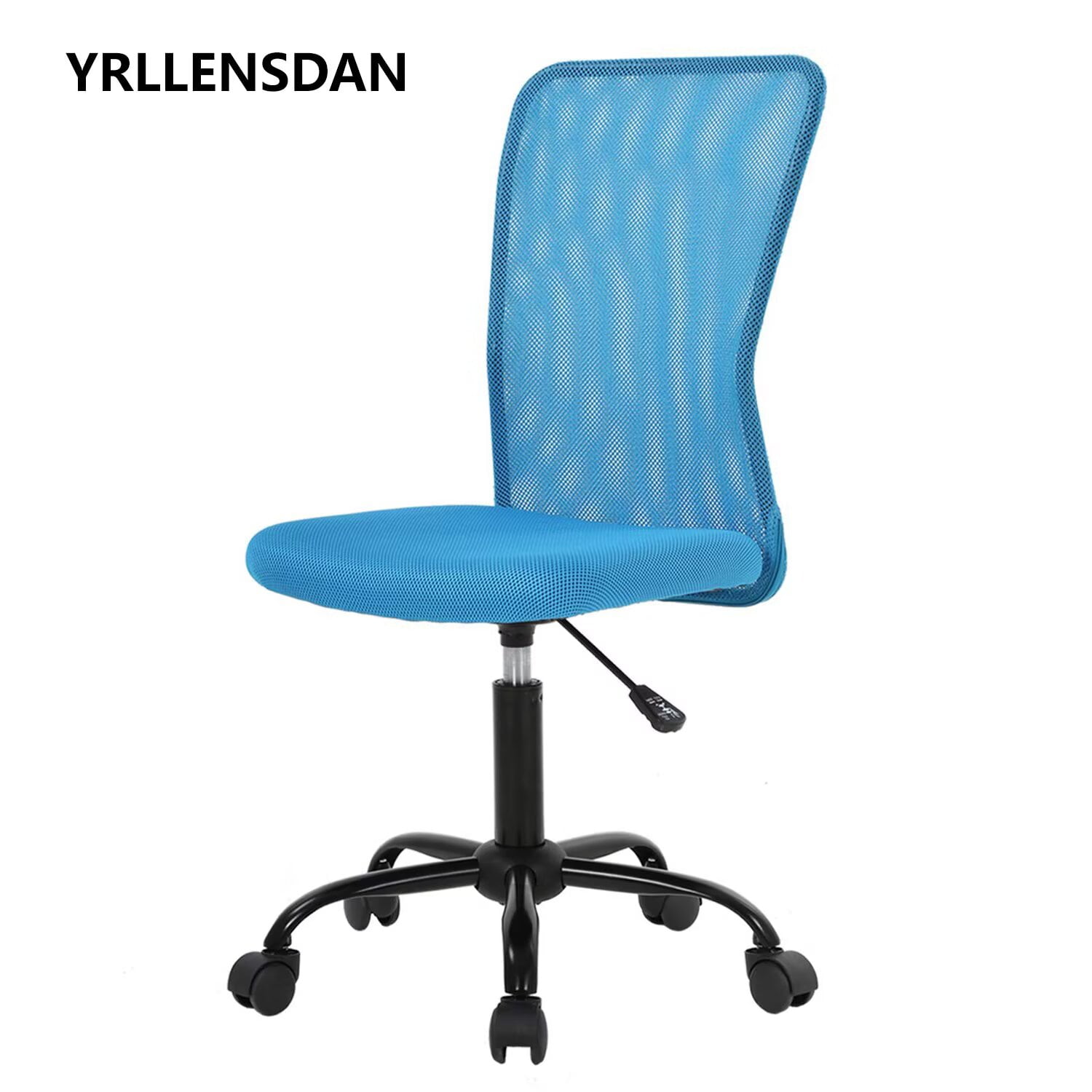
Modern, airy, space-efficient.
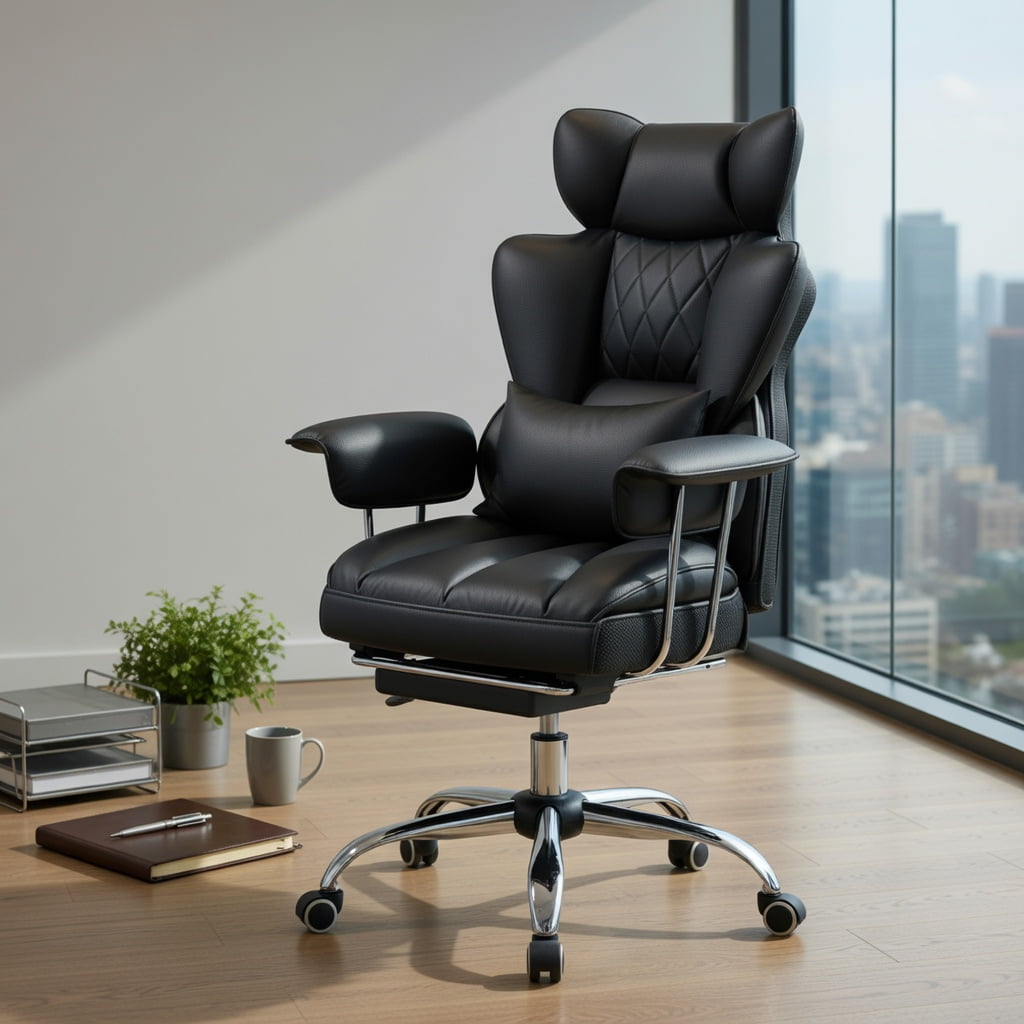
Industrial chic, durable, casual.
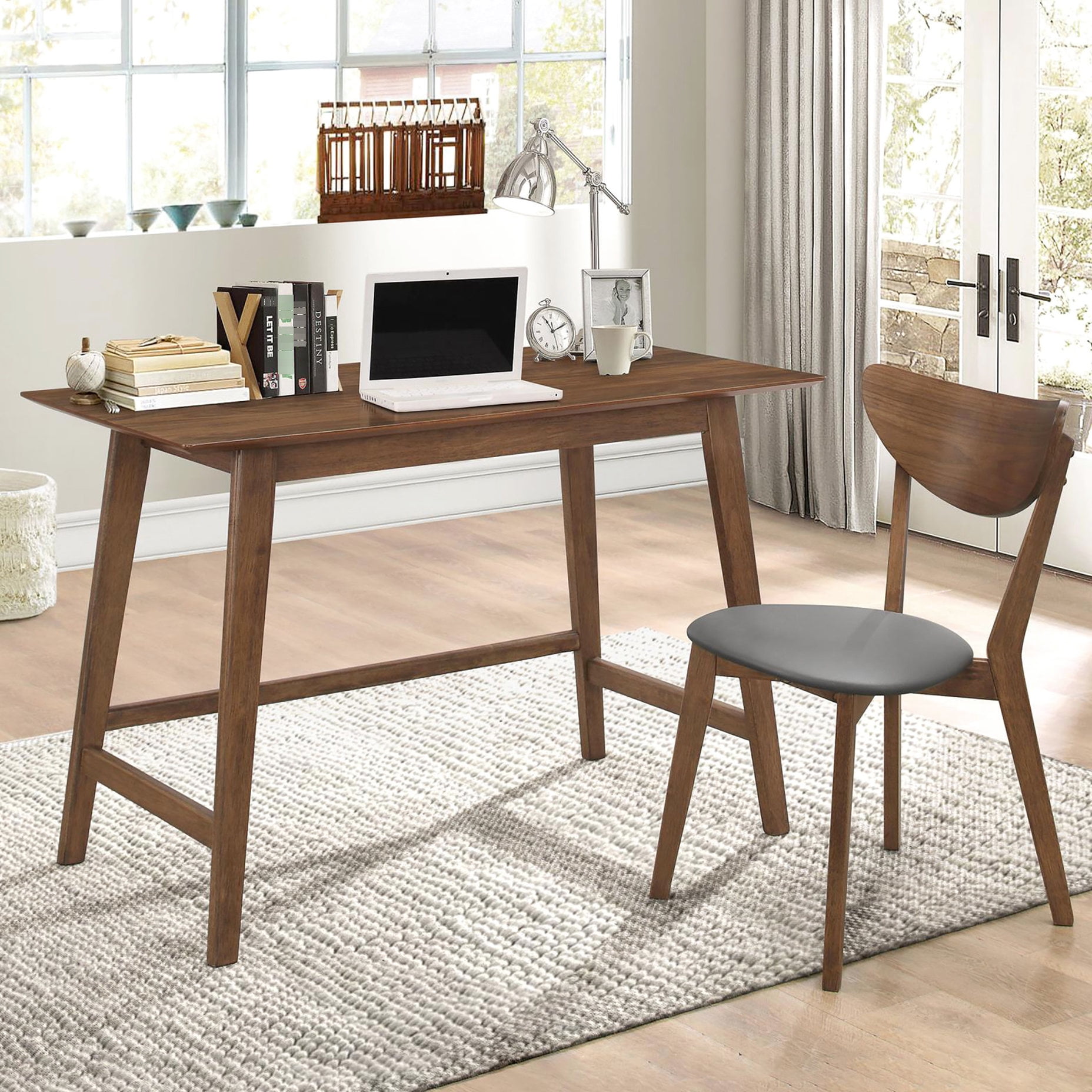
Scandinavian, clean, versatile.
4. Step-by-Step: How to Test a Desk-Chair Combo Before You Buy
- Sit in the chair at its lowest and highest settings – ensure the range works with the desk height.
- Simulate typing for 5 minutes – your wrists should not bend upward; the desk edge should be soft or have a wrist rest.
- Recline fully – check if the chair hits the desk or cabinet; you need 2-3 inches of clearance behind.
- Roll and swivel – if the desk has a modesty panel, ensure it doesn’t block chair armrests.
- Check stability – the chair should not wobble on the floor type, and the desk should not shake during typing.
According to Ergotron’s 2023 Workplace Survey, employees who had a choice in their desk and chair pairing reported 33% higher job satisfaction and 28% less eye strain (due to proper monitor height alignment relative to chair).
5. Special Scenarios: Small Spaces & Multipurpose Rooms
For apartments or shared rooms, a compact desk and chair for office use is vital. Look for desks with built-in storage (shelves or drawers) to eliminate extra furniture, and chairs that can tuck completely under the desk when not in use. Folding desks paired with lightweight but supportive chairs (like a well-designed task chair without bulky wings) can transform a corner into a productive zone and back again.
Think of your desk and chair as a dance partner. If one leads too aggressively (desk too high, chair too low) or steps on the other’s toes (armrests hitting the desk), the dance of productivity becomes a struggle. The right pair glides through your workday, letting you focus on the task, not the tools.
Desk and Chair Combinations by Work Style
Not all jobs are the same. Here’s how to tailor your pair based on what you do:
You need a desk with a clean, professional backdrop (perhaps a rising desk to stand during calls) and a chair with a headrest for neck support during long talks. Mesh chairs reduce heat buildup. A desk with cable management keeps the view tidy for video.
Large desk surface for spreading materials or a drawing tablet. Chair with forward tilt function helps lean into work. Consider a drafting chair if you use a high drawing desk.
Sturdy desk (at least 60" wide) to hold monitors, and a chair with 4D armrests to support arms at monitor height. Lumbar support is critical for long seated stretches.
Ergonomics Beyond the Basics: Fine-Tuning Your Pair
Even the best desk and chair for office need fine-tuning. Use these quick adjustments:
- Monitor height: top of screen at or slightly below eye level. Use a riser if the desk is low.
- Keyboard position: flat or negative tilt; if desk is too high, a keyboard tray is a game-changer.
- Footrest: if after adjusting the chair your feet dangle, add a footrest – don't let legs swing.
- Armrest alignment: they should just touch the desk edge without lifting your shoulders.
Many ask: "Is a gaming desk and chair ok for office work?" Absolutely, if ergonomics are built-in. Gaming chairs often have high backs and thick padding, suitable for long hours, but ensure the desk is at the correct height.
Frequently Asked Questions: Desk and Chair for Office
Conclusion: Build Your Command Center
Choosing the right desk and chair for office is a personal journey. There is no single "best" pair — only the best pair for your body, work style, and space. Remember that this duo will support thousands of hours of your professional life. Prioritize adjustability, test the combination (even virtually using specs), and never settle for a mismatch that causes discomfort. Whether you opt for a sleek modern set or a heavy-duty traditional combo, ensure they work in harmony. Your back, your focus, and your productivity will thank you.
Explore the products above — each desk and chair selection is linked to Walmart’s catalog for easy purchase. Happy pairing!