
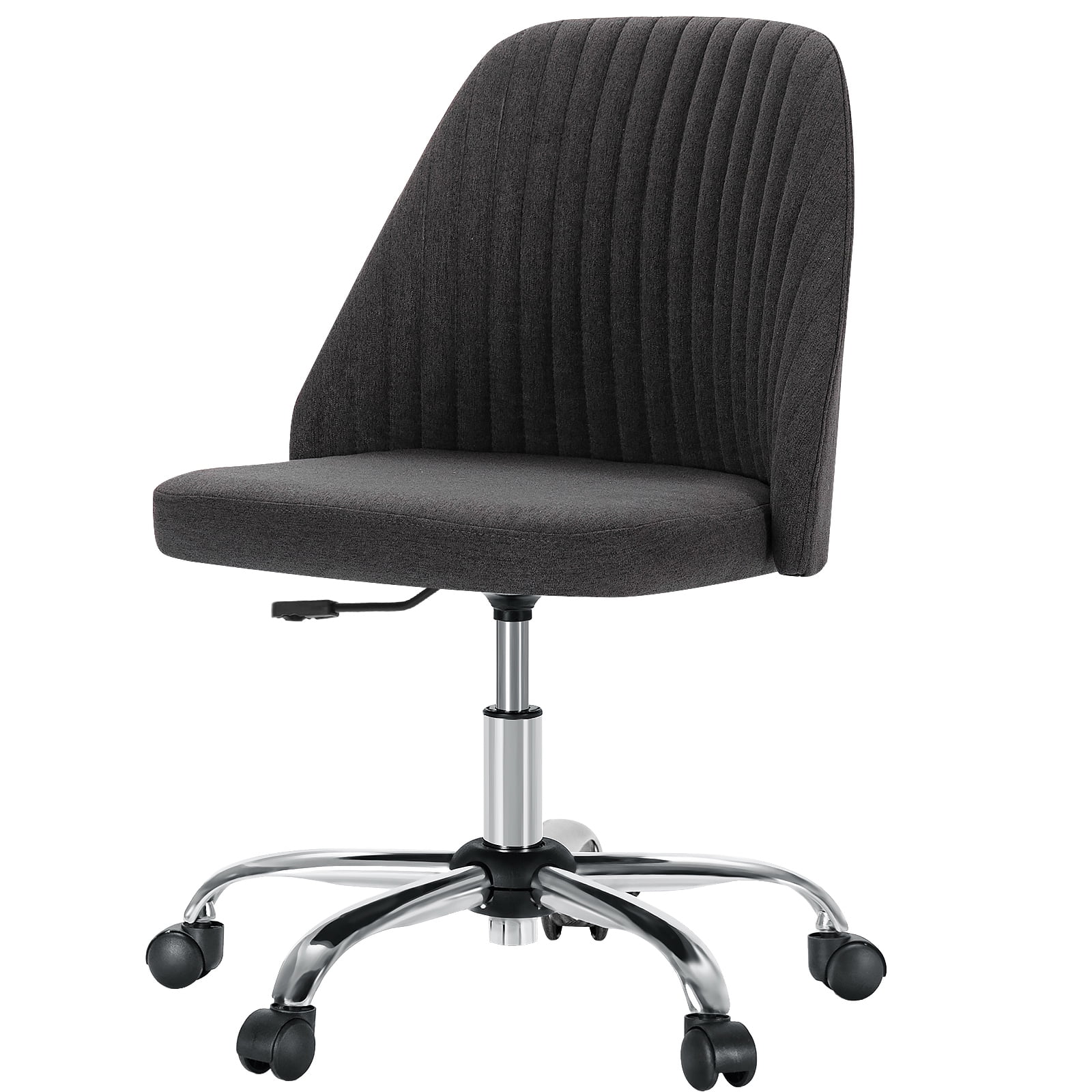
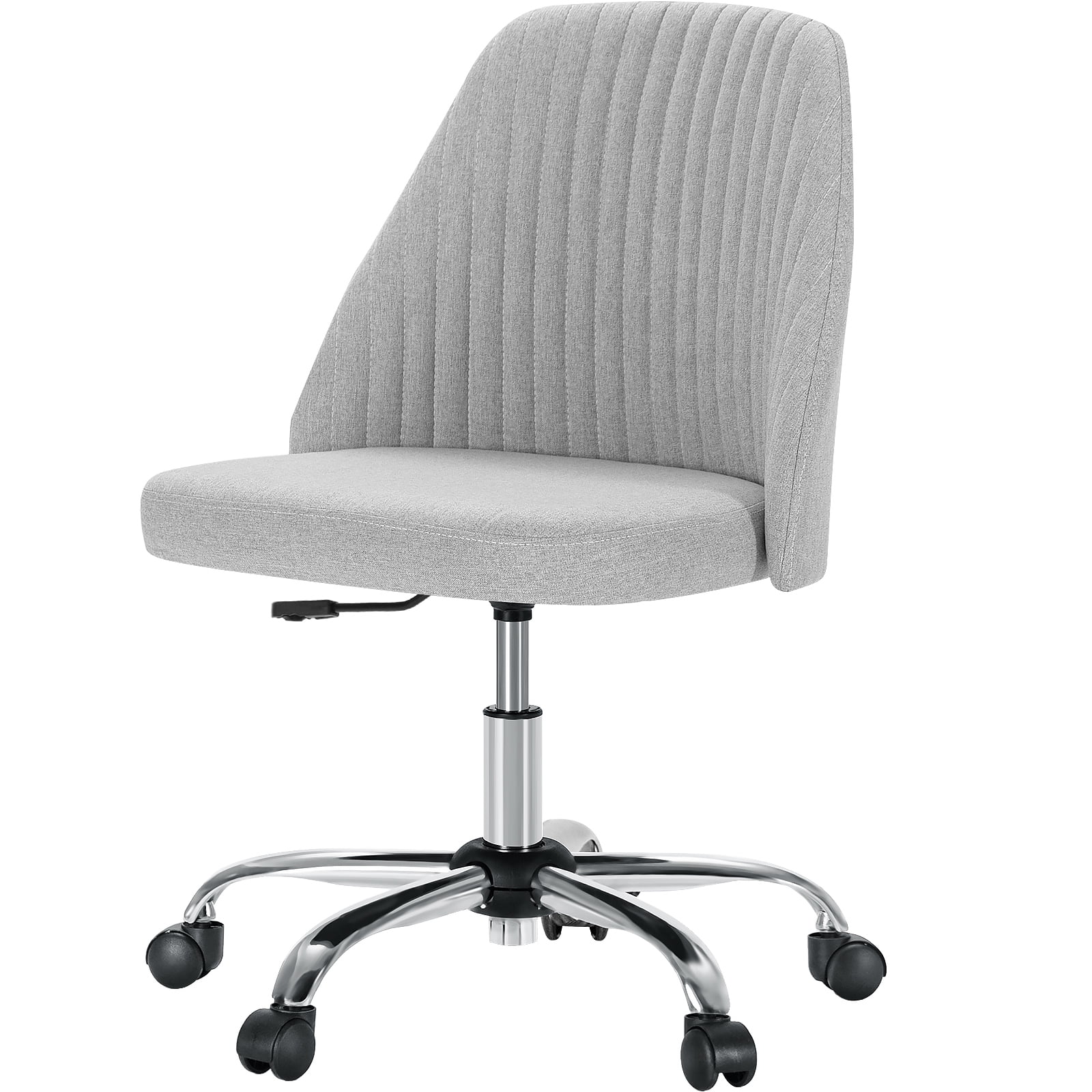
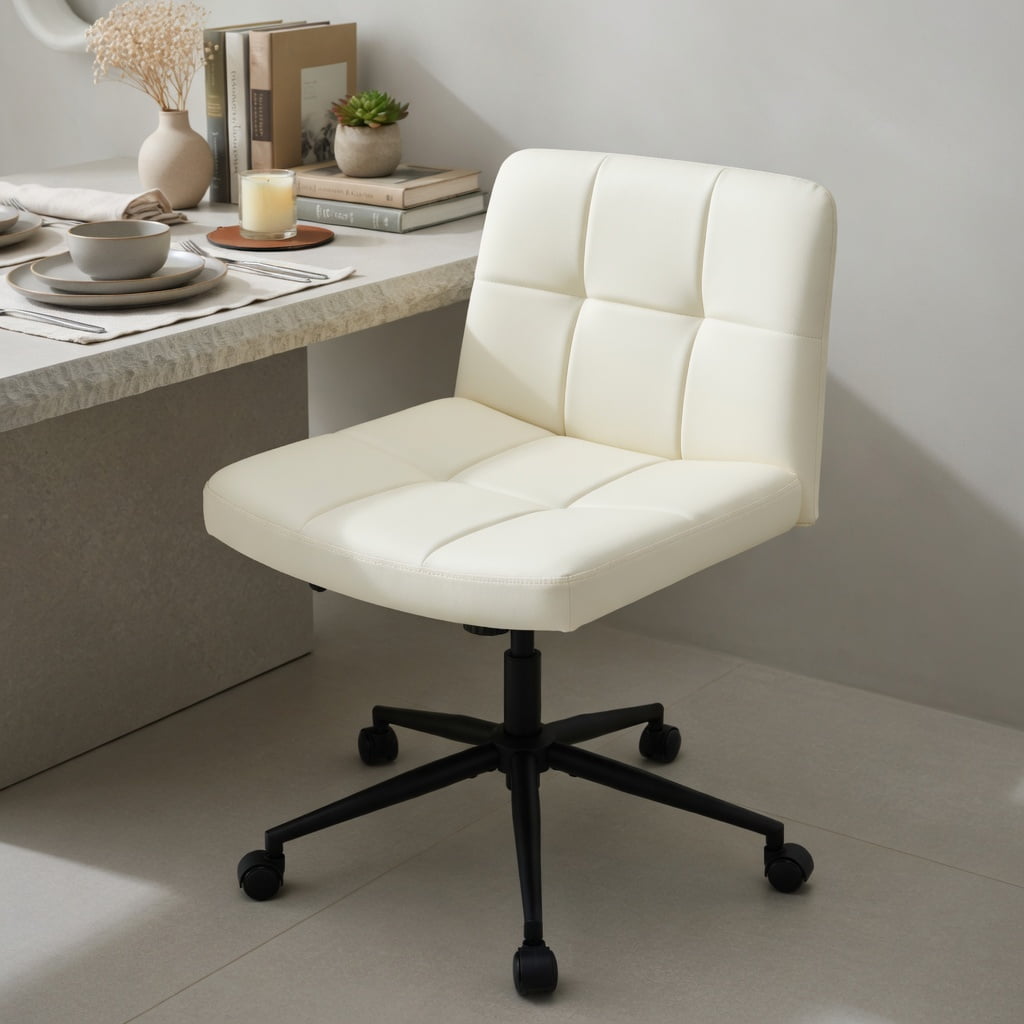
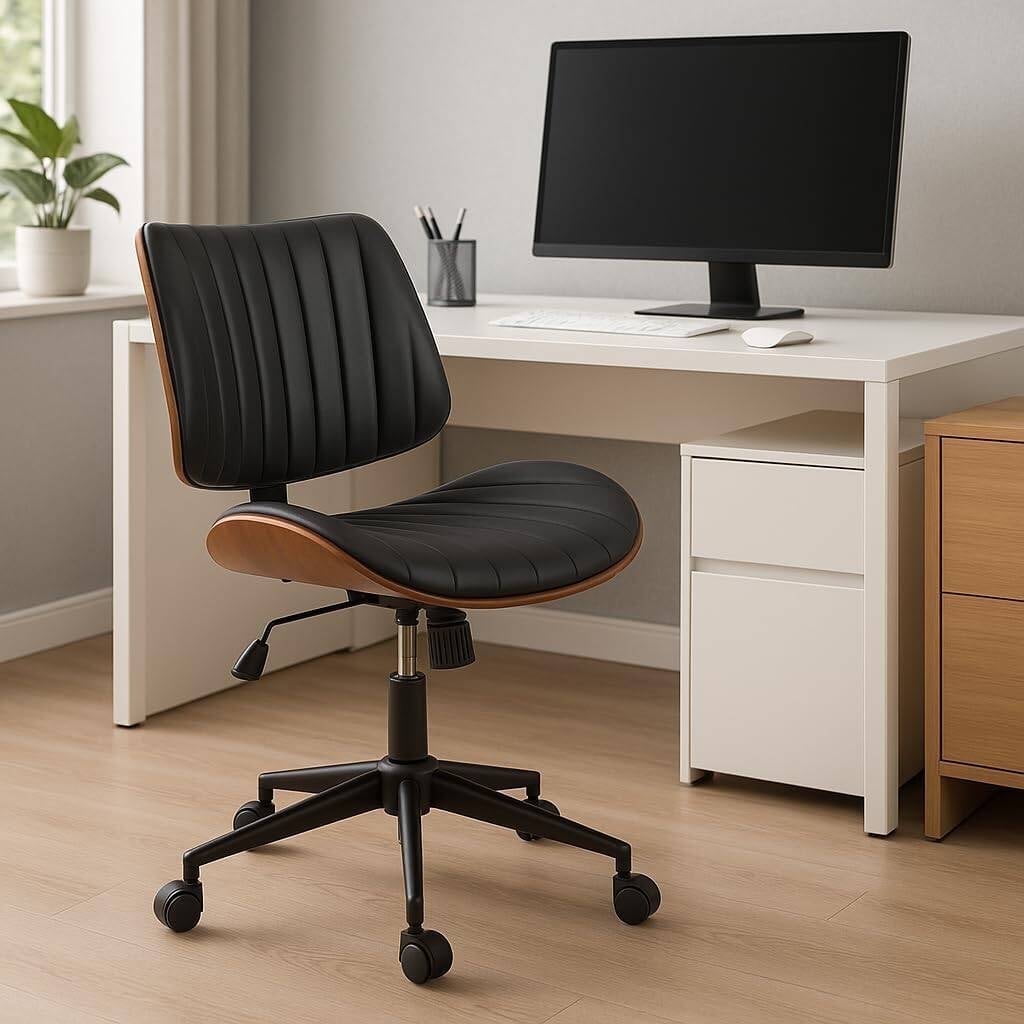
Unleash Your Workspace: The Case for Armless Office Chairs With Wheels
Imagine an office chair that doesn't box you in. A seat that lets you swivel to grab a file, roll to a meeting across the room, or tuck completely under your desk when not in use. This is the promise of armless office chairs with wheels. They strip away the bulk to deliver pure, unhindered mobility. For professionals in compact home offices, creative studios, or multi-functional spaces, these chairs are not just an alternative—they're a strategic advantage. According to a recent workspace survey by the International Interior Design Association, 68% of remote workers cite "space efficiency" as their top priority, and armless mobile seating directly addresses this need.
But choosing the right one is more than just picking a chair without arms. You need to balance ergonomics, wheel type, material durability, and your specific daily tasks. Think of an armless chair like a precision tool: a surgeon's scalpel versus a multi-tool. It's designed for a specific range of motions—quick pivots, easy storage, and unrestricted arm movement. In this guide, we'll explore the unique benefits, key features, and real-world scenarios where these chairs shine, helping you make an informed decision that boosts both your comfort and productivity.
The Anatomy of Freedom: Key Features of Armless Rolling Chairs
When arms are removed, other components must work harder to provide support. Here’s what to look for in a quality armless chair with wheels, broken down by its core systems.
• The "Backbone" of the Chair: Lumbar Support Without Arms
Without armrests to lean on, your back bears more responsibility for posture. This makes the backrest design absolutely critical. Look for chairs with integrated, adjustable lumbar support. A simple fixed curve isn't enough for long hours. The best armless chairs feature a mechanism that allows you to increase or decrease the prominence of the lumbar support, conforming to the natural S-curve of your spine. Some premium models use a tension-adjustable mesh or a flexible polymer frame that dynamically moves with you, providing constant support whether you're typing or leaning back to think.
• The Foundation: Base, Casters, and Stability
A chair without arms can sometimes feel less stable when you shift your weight to one side. Therefore, a robust five-star base is non-negotiable. It should be made of durable nylon or polished aluminum. The wheels, or casters, are equally important. You'll typically find two types: hard floor casters (often with a soft polyurethane coating to protect wood or tile) and carpet casters (designed to roll smoothly on pile). For an armless chair, smooth-rolling casters are essential because you'll likely be moving around more. A 2019 study in "Applied Ergonomics" noted that poor caster quality increases the force required to move, leading to user fatigue—a problem amplified in an armless design where you can't use armrests to help push.
• Seat Design: The Waterfall Edge and Depth Adjustment
With no arms to shift your position, the seat pan's design dictates long-term comfort. A waterfall edge—where the front of the seat curves gently downward—is vital. It relieves pressure on the backs of your thighs, promoting healthy blood circulation to your legs. For taller users, look for a model with seat depth adjustment. This allows you to slide the seat pan forward or backward, ensuring there's a 2-3 finger gap between the back of your knee and the seat edge. This prevents the seat from cutting into your legs, a common source of discomfort in fixed-seat armless chairs.
Essential Features Checklist for Armless Chairs:
- Adjustable Height: Pneumatic lift to match your desk level (usually 16" to 21").
- Tilt Mechanism: A synchro-tilt or knee-tilt mechanism that allows the seat and back to move together, keeping you supported in recline.
- Breathable Material: Mesh backs are ideal for airflow; fabric or bonded leather seats offer cushioning. Choose based on your climate and preference.
- Caster Quality: Ensure they are rated for your floor type to ensure smooth, quiet rolling.
- Weight Capacity: Look for a rating that exceeds your weight for a safety margin—typically 275 lbs is standard, but heavy-duty options go to 400+ lbs.
Who Needs an Armless Chair? Real-World Scenarios
The decision to go armless often comes down to specific use cases. Here are three scenarios where these chairs excel:
Benefits: Why "Less" Can Be "More"
🚀 Mobility Like a Sports Car
Just as a sports car is built for agility with a low center of gravity, a well-designed armless chair lets you pivot and roll with minimal effort. It's your agile transport around the workspace.
📦 Space Efficiency Like a Murphy Bed
When not in use, it disappears. An armless chair slides under the desk, reclaiming valuable floor space, much like a Murphy bed folds away to transform a room.
🎨 Unrestricted Movement Like a Painter's Easel
An easel doesn't restrict an artist's brush strokes. Similarly, an armless chair allows your arms and shoulders to move freely, perfect for tasks that require a wide range of motion.
Armless vs. Traditional Office Chairs: A Quick Comparison
| Feature | Armless Chair With Wheels | Traditional Chair With Arms |
|---|---|---|
| Space Footprint | Minimal; tucks under desks. | Larger; arms often hit desk/console. |
| Mobility & Swivel | Unrestricted 360° movement. | Arms can limit range if near surfaces. |
| Arm/Shoulder Freedom | Complete freedom for wide tasks. | Provides resting spots but can confine. |
| Posture Reliance | Relies heavily on back support. | Arms offer additional support points. |
| Best Use Case | Small spaces, creative work, multitasking. | Long typing sessions, relaxed sitting. |
Frequently Asked Questions About Armless Office Chairs With Wheels
Conclusion: Is an Armless Rolling Chair Your Next Move?
Choosing an armless office chair with wheels is a decision to prioritize movement, space, and flexibility. While they may not offer the resting spots that traditional armchairs do, their ability to transform a cramped workspace into an agile command center is unmatched. For the guitarist sketching riffs between emails, the designer pivoting from monitor to drawing board, or the remote worker in a micro-apartment, these chairs are not just a compromise—they're the ideal solution.
Remember to focus on the fundamentals: robust lumbar support, a comfortable waterfall seat, high-quality casters for your floor type, and a weight capacity that ensures durability. By doing so, you'll find a chair that doesn't just fill a space, but actively contributes to a more dynamic and productive workday. The right armless chair is an invitation to move, to adapt, and to work without physical barriers.