
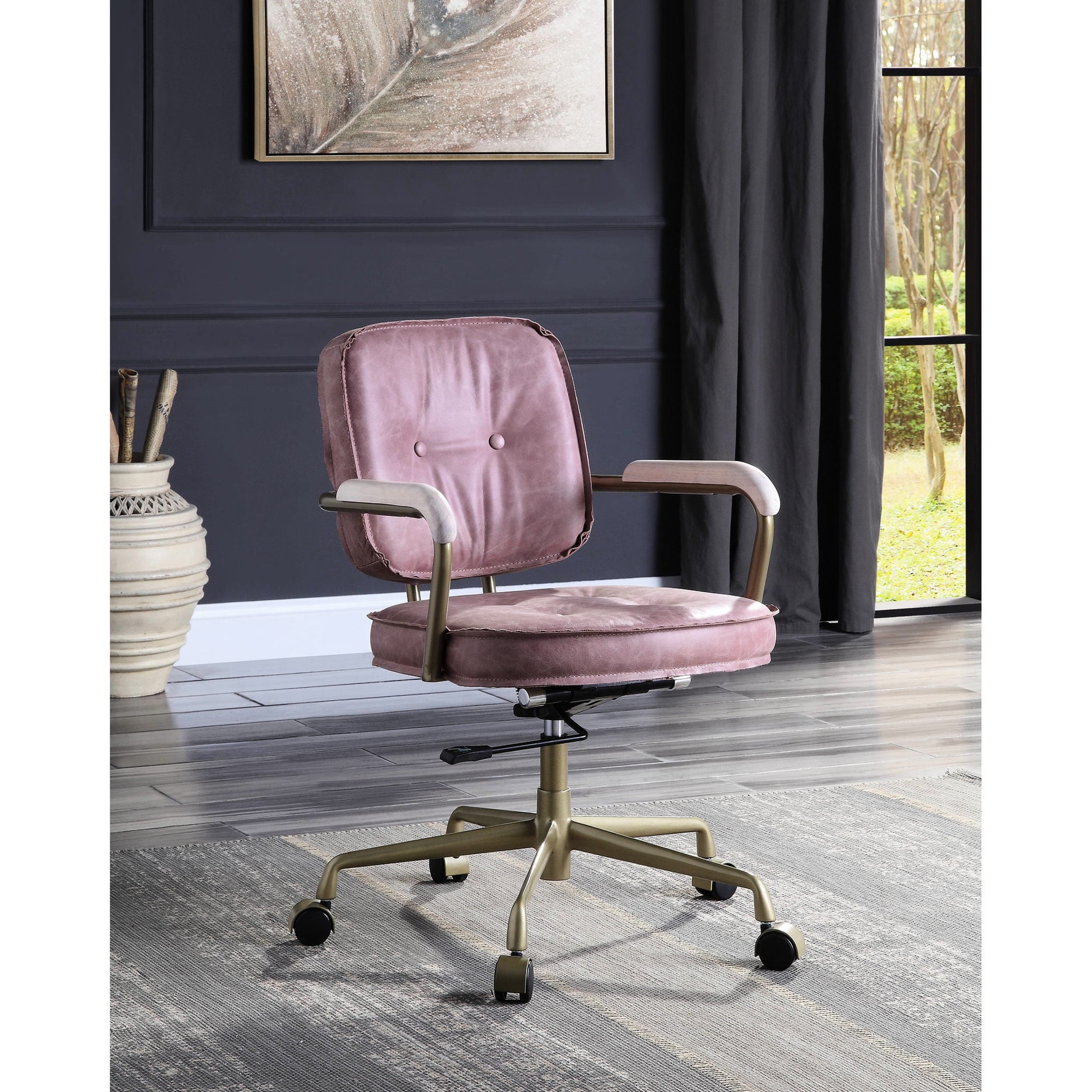

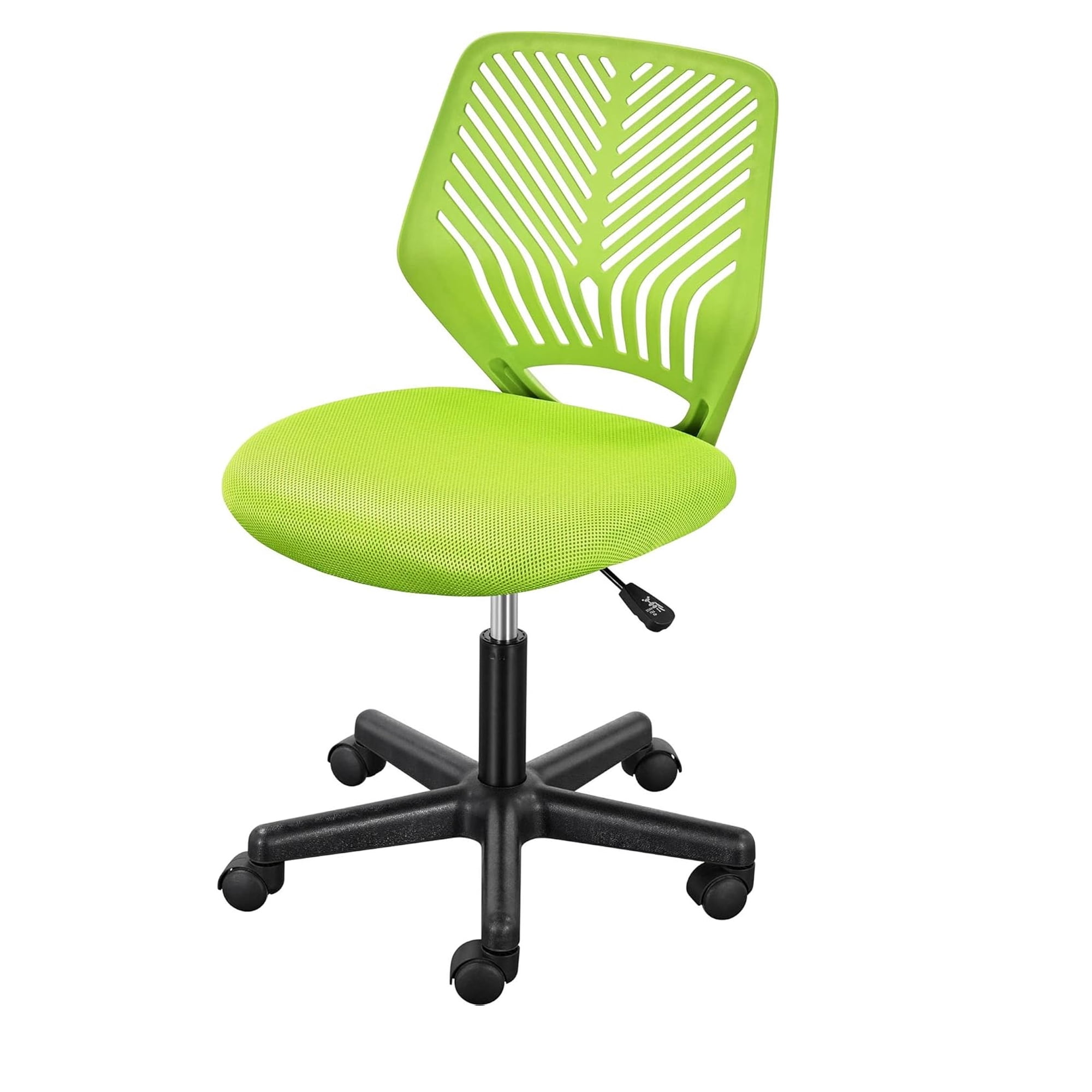
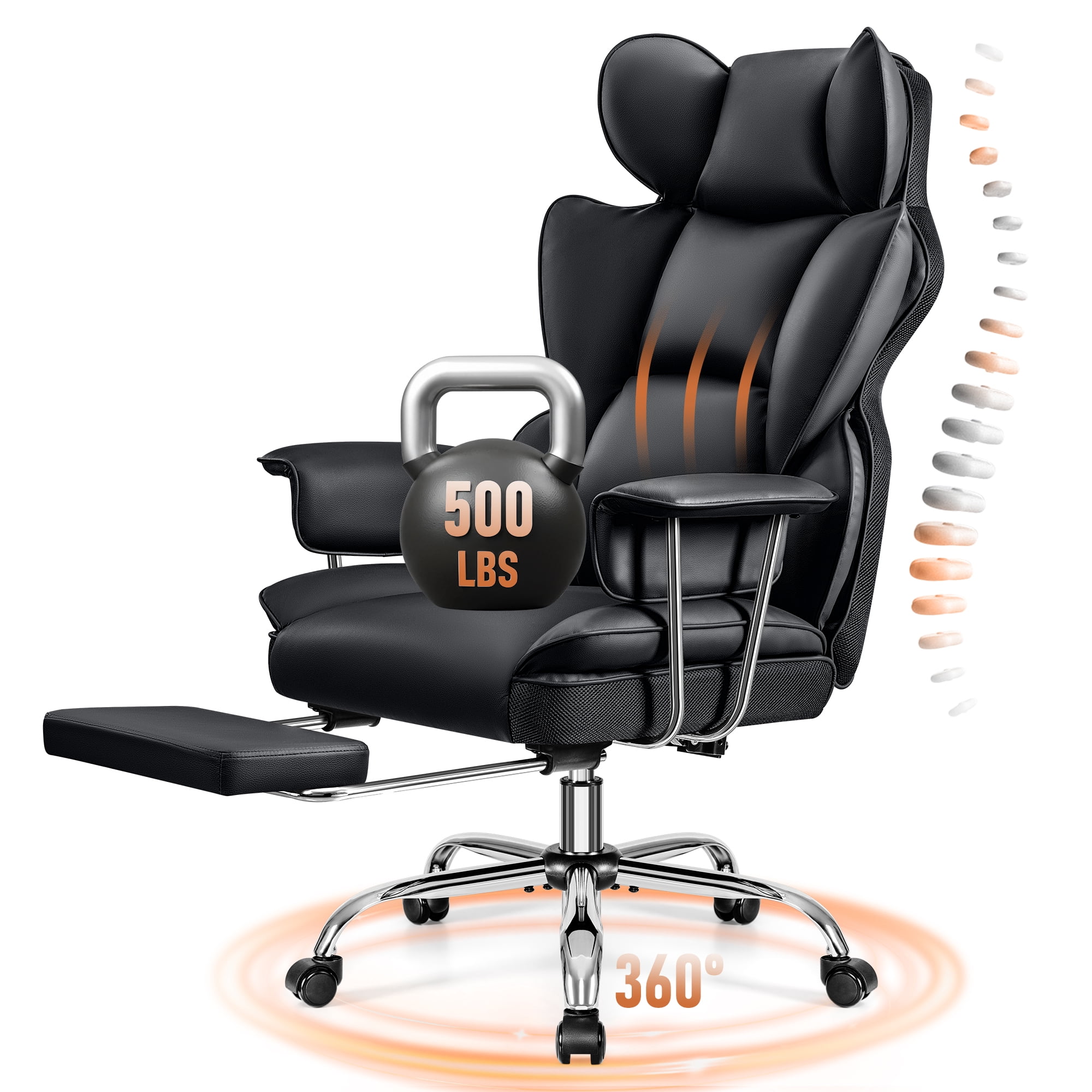
Why Your Chair Choice Matters for 10‑12 Hour Workdays
Imagine running a marathon—you wouldn’t do it in worn‑out sneakers. The same logic applies to your workday. If you routinely sit for 10 to 12 hours, your office chair becomes the single most important tool for your productivity and physical well‑being. A subpar chair doesn’t just cause discomfort; it can lead to chronic back pain, stiff neck, and decreased focus. According to the Occupational Safety and Health Administration (OSHA), prolonged sitting with poor support increases the risk of musculoskeletal disorders by more than 50%. This guide dives deep into what makes a chair truly capable of handling marathon sitting sessions—so you can work longer without hurting.
Did you know? A study published in the Journal of Physical Therapy Science found that workers using ergonomic chairs with adjustable lumbar support reported 43% less lower back pain after 8 weeks compared to those using standard task chairs. For 10‑12 hour users, the difference is even more dramatic.
Anatomy of a True 10‑12 Hour Office Chair
Not every “ergonomic” chair can sustain you through a double shift. A genuine long‑hours chair is engineered with specific components that work in harmony. Below we break down the critical systems.
1. The Seat: Your Foundation for Endurance
The seat is where the battle against fatigue begins. Look for:
- High‑density foam (at least 2.5” thick) that resists flattening. Standard foam often bottoms out after a few months of 10‑hour use.
- Waterfall edge – a curved front that relieves pressure on thighs and improves blood circulation to your legs.
- Seat depth adjustment (slide forward/back) so you can maintain a 2‑3 finger gap between the seat edge and the back of your knees. This prevents circulation restriction.
Many budget chairs neglect depth adjustment, but for 12‑hour days, it’s non‑negotiable. A seat that’s too short or too long forces your pelvis into an unstable position.
2. Backrest & Lumbar: Your Spinal Guardian
During long hours, your spine’s natural S‑curve tends to collapse into a C‑curve (slouching). A superior backrest counteracts this with:
- Separate adjustable lumbar support – not just a fixed bump. You need both height and depth (protrusion) adjustment to fill the curve of your lower back.
- Backrest height adjustment or a tall back that supports the entire thoracic spine. A headrest is optional but helpful for leaning back during micro‑breaks.
- Synchronous recline mechanism – this allows the seat and backrest to move at a ratio (usually 2:1 or 3:1), so you can recline without your feet lifting off the floor. It encourages movement, which is vital for spinal disc health.
Pro Tip: Look for a recline tension knob that you can adjust while seated. Being able to dial in the right resistance encourages you to change positions throughout the day—something spine specialists call “dynamic sitting.”
3. Material Matters: Breathability & Durability
After hour six, a non‑breathable chair becomes a sweat trap. Here’s how materials compare for 12‑hour marathons:
- Premium mesh (3D or 4D): The gold standard for all‑day airflow. Modern mesh is resilient and provides contouring support. Best for backrests; seats often combine mesh with foam padding for comfort.
- High‑quality fabric: Breathable and soft, but check the fabric’s “rubbing resistance” (Martindale rating). For 12‑hour use, look for >50,000 cycles.
- Leather / bonded leather: Can get sticky and hot unless it’s perforated. If you prefer leather, choose chairs with a mesh back or perforated inserts.
4. Armrests: 4D Adjustability Is a Game Changer
For 10‑12 hour sessions, fixed armrests cause shoulder and neck strain. You need armrests that adjust in four directions:
- Height – so elbows rest at 90°.
- Width – to bring them close to your body when typing.
- Depth (fore/aft) – so they align with your natural reach.
- Pivot (angle) – some allow rotation for better wrist support.
Armrests that get in the way are worse than none. 4D adjustability lets you customize them to your exact tasks—whether typing, reading, or taking a call.
5. Base and Casters: Stability for Long Hours
A wobbly base is distracting and unsafe. For heavy daily use:
- Choose a heavy‑duty aluminum or steel base (nylon can crack over time).
- Casters should match your floor. Soft rubber casters (often called “roller blade style”) glide quietly on hardwood and carpet. For 12‑hour use, ensure they are rated for smooth rolling to avoid fatigue from constant repositioning.
How to Test a Chair for 12‑Hour Readiness (Checklist)
When you’re evaluating a chair (in store or via reviews), use this 5‑point marathon checklist:
☑ The 15‑Minute Sit
Sit for at least 15 minutes. Do you feel any pressure points? The chair should feel comfortable immediately, not “break‑in” later.
☑ Lumbar Independence
Adjust the lumbar support. Can you feel it pressing into the right spot of your lower back? It should stay put when you move.
☑ Recline Smoothness
Lean back. Does the movement feel jerky? A quality mechanism moves smoothly and supports you at any angle.
☑ Seat Edge Test
Sit forward. The front edge should be padded and rounded, not digging into your thighs.
☑ Armrest Stability
Push down on the armrests. They should not wobble or flex excessively.
Recline Mechanisms: Which One Suits Marathon Sitting?
Understanding the difference saves you from backache:
- Knee‑tilt mechanism: The whole seat tilts forward/backward. Good for active sitting but can feel unstable for some.
- Synchronous mechanism: Backrest and seat move together in a fixed ratio. This is the preferred choice for 10‑12 hour chairs because it keeps your feet planted and supports natural movement.
- Multi‑function / sliding seat: Combines seat slide with recline. Best for tall users or those needing precise seat depth.
Whatever mechanism you choose, ensure it has an infinite lock or a tension adjustment that lets you rock freely.
Frequently Asked Questions About 10‑12 Hour Office Chairs
Final Verdict: Invest in Your Most Productive Asset
Choosing a chair for 10‑12 hour days isn’t about luxury—it’s about protecting your body and sustaining high performance. The right chair pays for itself within months through fewer sick days, better focus, and reduced discomfort. Prioritize independent lumbar adjustment, seat depth control, and breathable mesh over brand names or superficial looks. Test the chair if possible, and always check the warranty (at least 5 years on parts, 10 on frame). Your future self—sitting comfortably at 6 PM without an aching back—will thank you.
Remember: even the best chair can’t replace movement. Stand up, stretch, and walk briefly every hour. Combine that habit with a quality 10‑12 hour office chair, and you’ve built a workspace that truly works for you.