

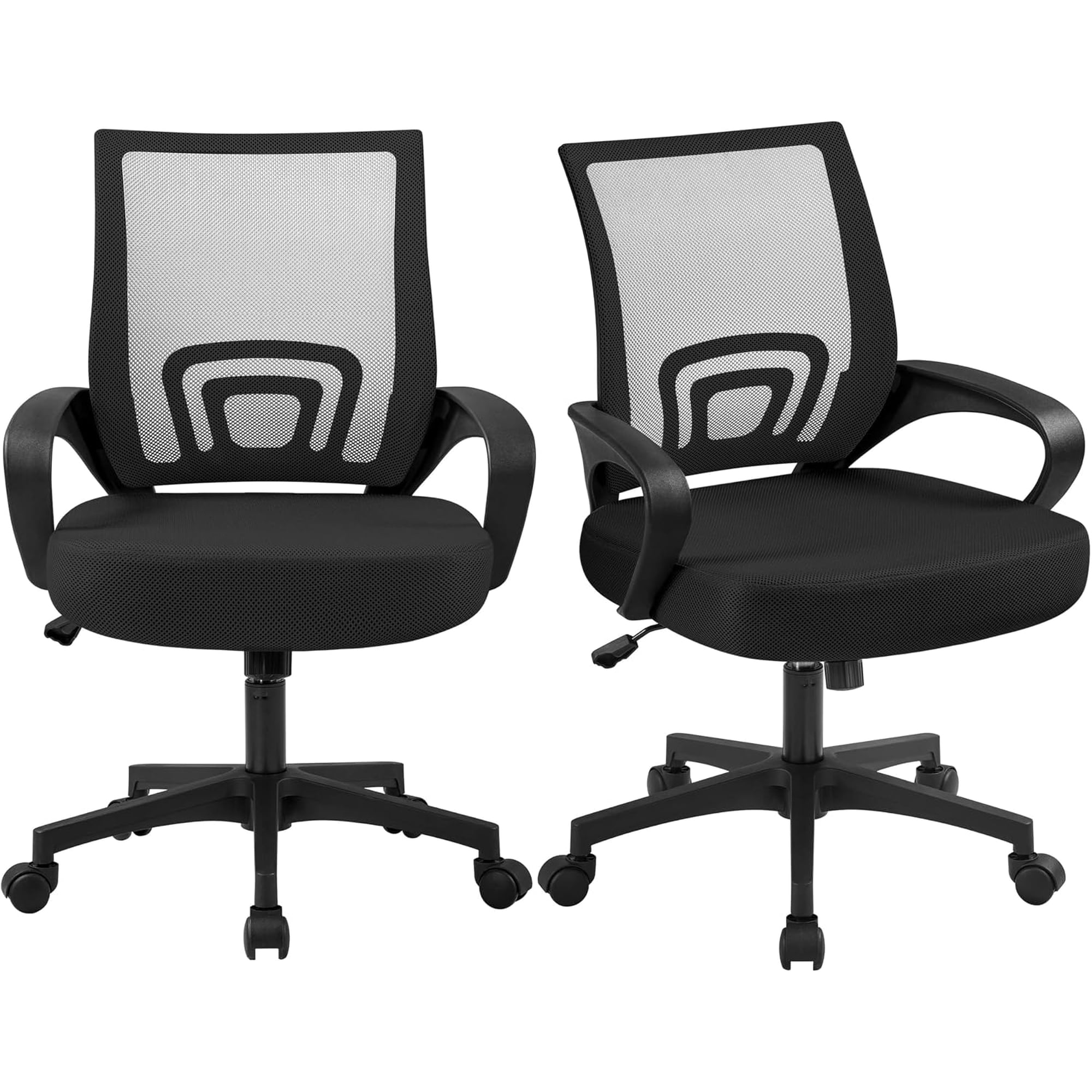
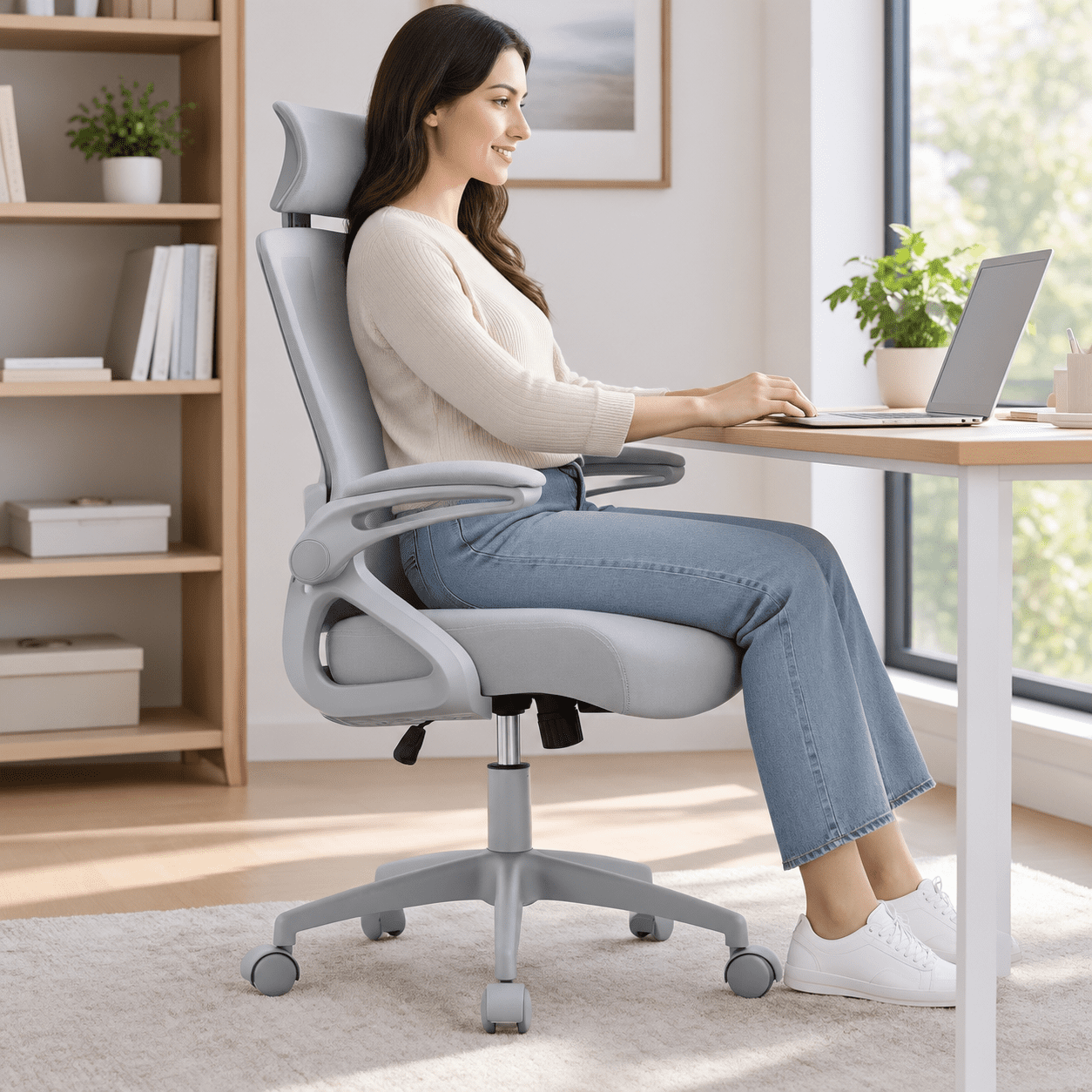
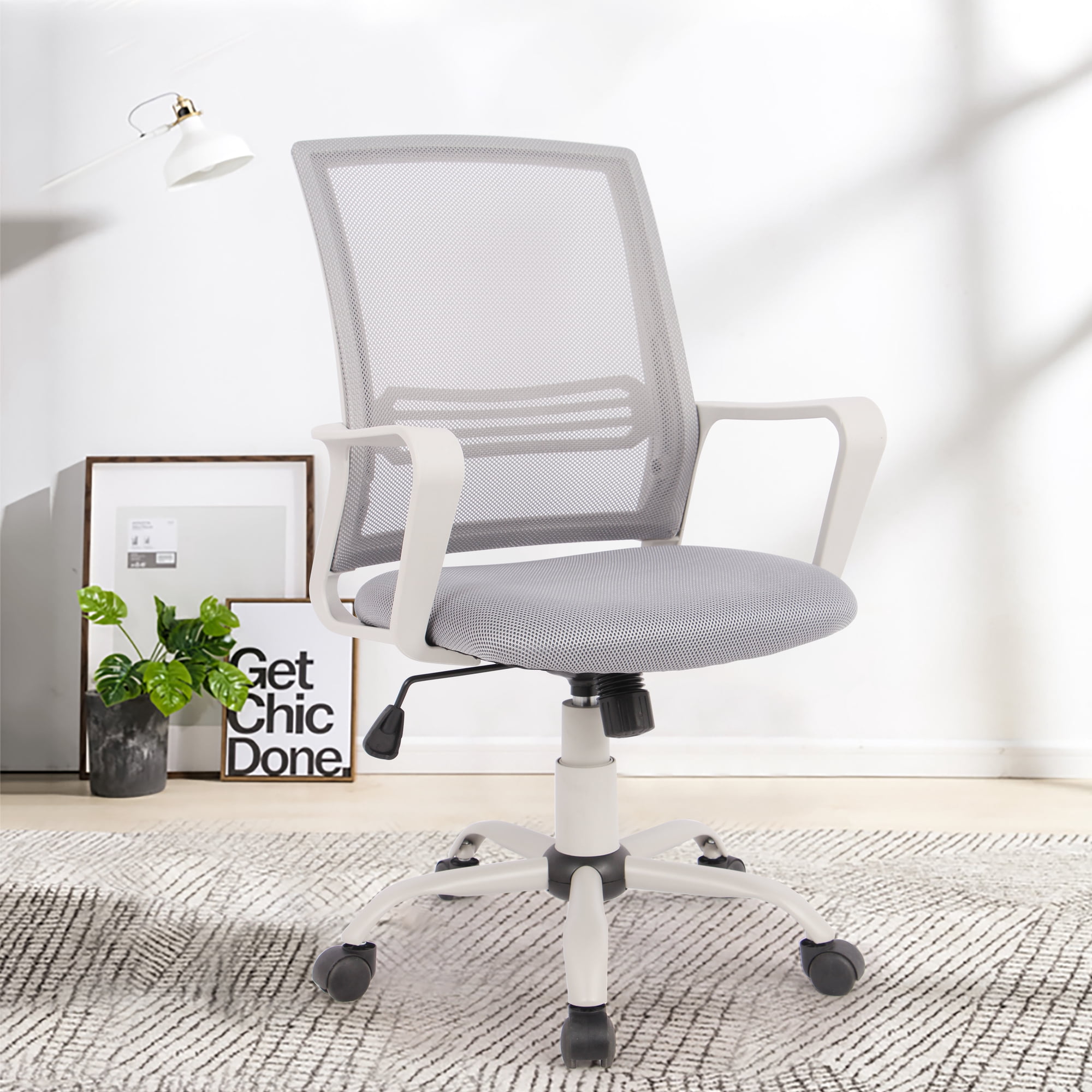
Why Choose Office Depot Chairs with Lumbar Support?
If you spend hours at a desk, you know that a comfortable chair isn't a luxury—it's a necessity. Office Depot chairs with lumbar support are specifically engineered to provide essential back support, helping you maintain proper posture and reduce the risk of chronic back pain.
Ergonomic Insight: Studies show that proper lumbar support can reduce spinal disc pressure by up to 30%. A chair with adjustable lumbar support encourages a neutral sitting position, which minimizes muscle fatigue and boosts overall productivity.
Key Features of Lumbar Support Chairs from Office Depot
Office Depot offers a wide range of ergonomic chairs that cater to different body types and workspaces. Here are the standout features to look for:
- Adjustable Lumbar Pad: Move the support up or down to match your spine's natural curve.
- Contoured Backrest: Designed to cradle your back and promote healthy alignment.
- Breathable Mesh or Cushioned Fabric: Keeps you cool and comfortable during extended use.
- Multi-Directional Armrests: Reduce shoulder strain and support relaxed typing posture.
- Sturdy Base and Smooth Casters: Provides stability and easy mobility across various floor types.
How Lumbar Support Enhances Your Workday
Lumbar support isn't just about comfort—it's about long-term health and performance. Here's how it makes a difference:
Reduces Lower Back Pain
Supports the natural inward curve of your spine, relieving pressure on discs and muscles.
Improves Posture
Helps you sit upright, reducing slouching and associated neck and shoulder pain.
Boosts Focus
When you're comfortable, you can concentrate better and work more efficiently.
Prevents Long-Term Injury
Proper support helps avoid chronic conditions like sciatica and herniated discs.
Choosing the Right Office Depot Chair for Your Needs
Selecting the perfect chair involves more than just picking the most expensive model. Consider your daily routine, body type, and workspace. Use this guide to make an informed choice:
| User Profile | Recommended Chair Type | Key Lumbar Features |
|---|---|---|
| Desk Workers / 8+ hours | High-back ergonomic mesh chair | Adjustable lumbar height & depth, seat slide, tilt lock |
| Home Office / Light Use | Mid-back cushioned chair | Fixed lumbar pad, basic tilt tension, padded armrests |
| Big & Tall Users | Extra-wide heavy-duty chair | Reinforced lumbar support, wider backrest, higher weight capacity |
| Hot Climates / Active Users | Mesh back with breathable seat | Ventilated lumbar area, moisture-wicking fabric, adjustable lumbar |
Material and Build Quality: What Matters
Office Depot chairs come in various materials, each with its own benefits. Understanding these can help you choose a chair that fits your style and practical needs.
Mesh-Back Chairs
- Breathability: Excellent airflow prevents sweating.
- Flexibility: Conforms to your back for customized support.
- Lightweight: Easy to adjust and move around.
- Modern Look: Sleek and professional appearance.
Limitations
- Less Cushioning: May feel firm for some users.
- Durability: Mesh can stretch or tear over time.
- Cleaning: Dust can accumulate in mesh openings.
Fabric/Padded Chairs
- Plush Comfort: Soft and inviting for long hours.
- Variety: Available in many colors and textures.
- Warmth: Cozy in cooler office environments.
Limitations
- Stain Risk: Susceptible to spills and dirt.
- Maintenance: Requires regular vacuuming and occasional professional cleaning.
- Heat Retention: Can feel warm in summer.
Leather/Faux Leather Chairs
- Premium Aesthetic: Elegant and sophisticated.
- Easy to Clean: Wipes down easily with a damp cloth.
- Durable: Resists wear and tear well.
Limitations
- Temperature Sensitivity: Can become hot or cold depending on room temp.
- Cost: Generally more expensive than fabric.
- Environmental Impact: Faux leather may not be as breathable.
Step-by-Step Guide to Adjusting Your Lumbar Support
To get the most out of your Office Depot chair, proper adjustment is key. Follow these simple steps:
Step 1: Sit Back Fully
Ensure your back is flush against the backrest. This positions your spine correctly for the lumbar support to work.
Step 2: Adjust the Lumbar Height
Locate the lumbar adjustment knob (often on the side of the backrest). Turn or slide it until the curve aligns with your lower back, just above your belt line.
Step 3: Set the Lumbar Depth
If your chair has depth adjustment, turn the knob to increase or decrease the projection. You should feel firm support without pressure.
Step 4: Test and Refine
Lean back and forth. The support should feel snug but not intrusive. Readjust as needed until you find the sweet spot.
Lumbar Support vs. General Back Support: What's the Difference?
It's important to distinguish between general back support and dedicated lumbar support. While a chair with a high backrest offers some support, lumbar support specifically targets the lower spine—the area most prone to pain from sitting. Office Depot chairs with explicit lumbar support features provide targeted relief that generic chairs simply can't match.
Pro Tip: If you already have a standard office chair, you can add an aftermarket lumbar support cushion. However, built-in adjustable lumbar support offers better integration and durability.