
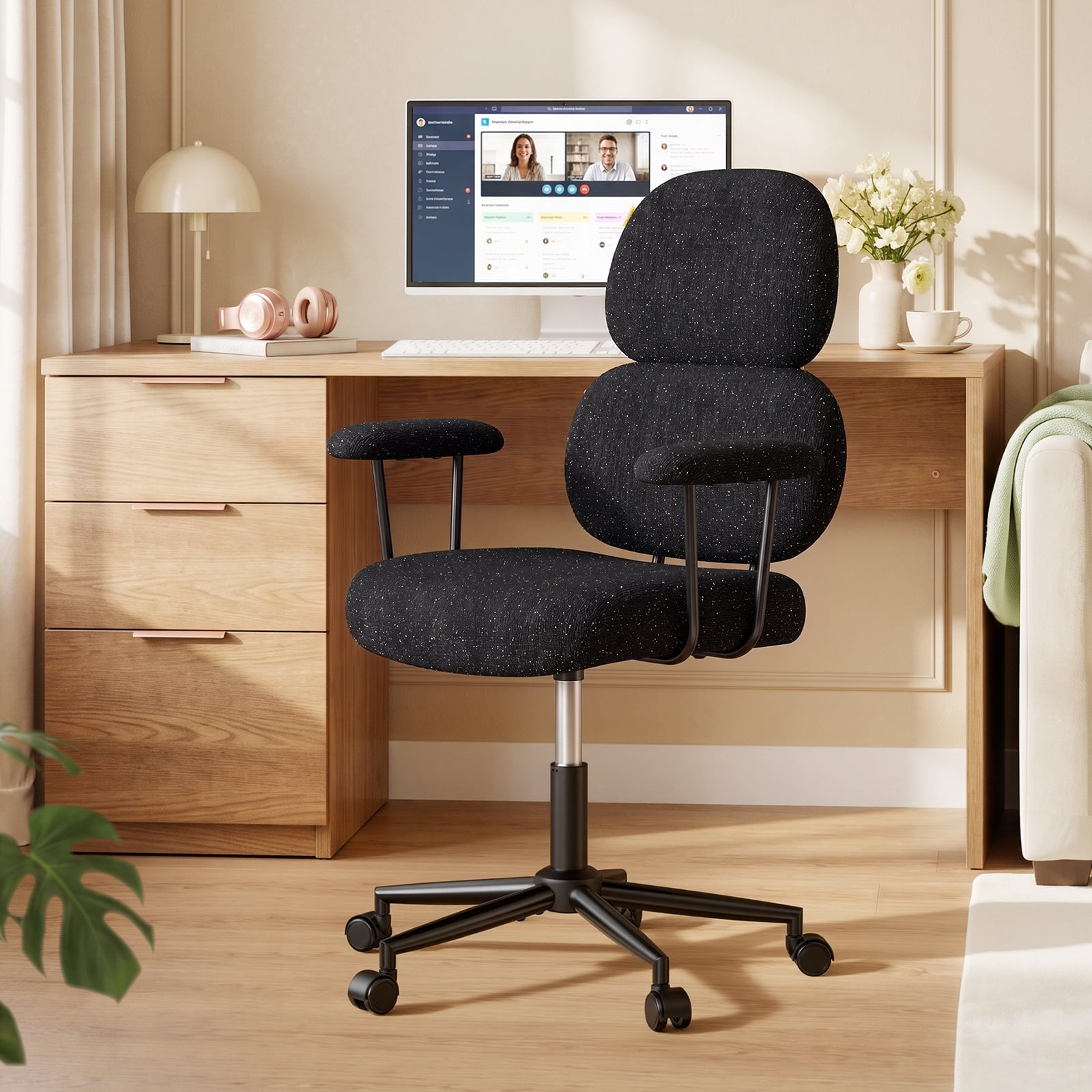
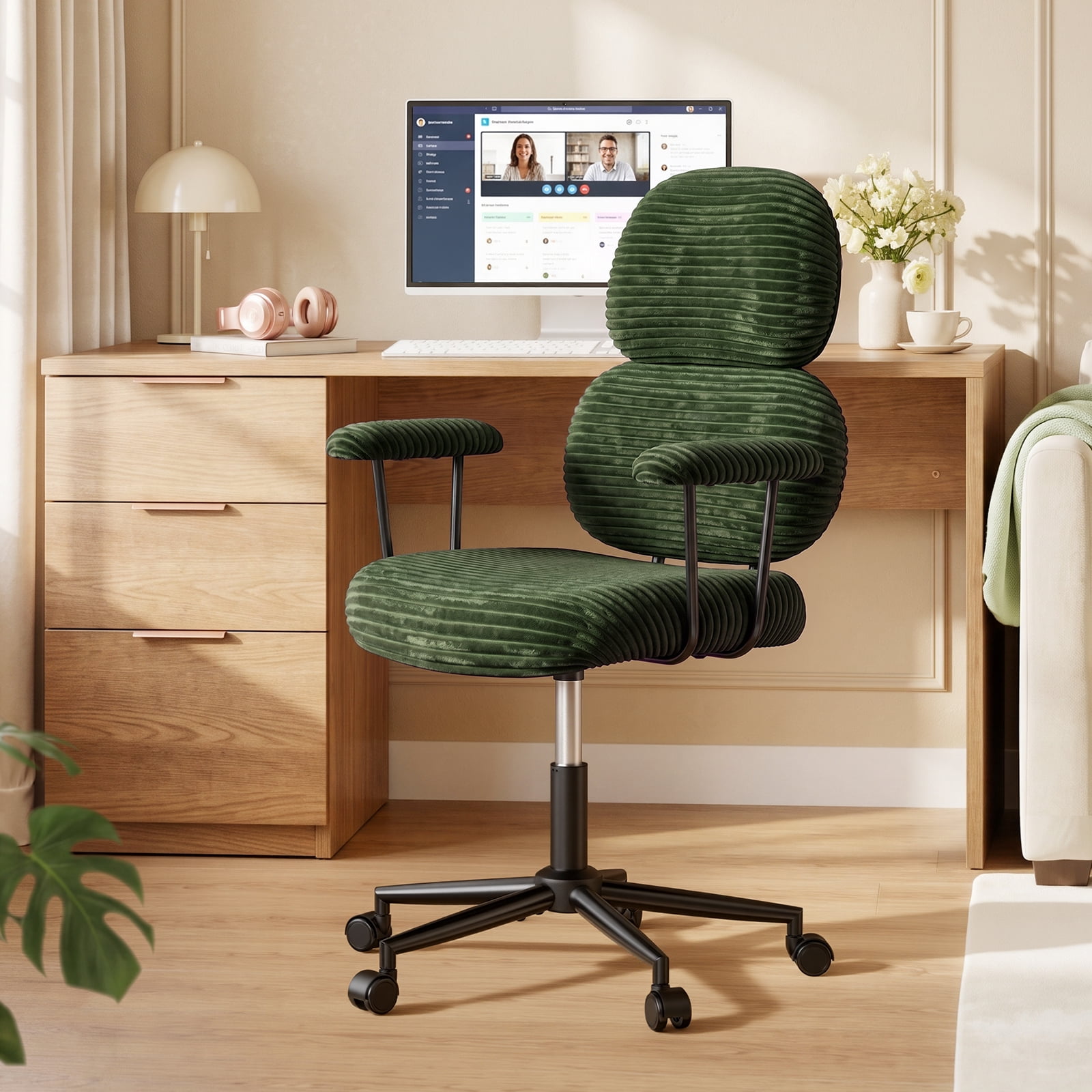
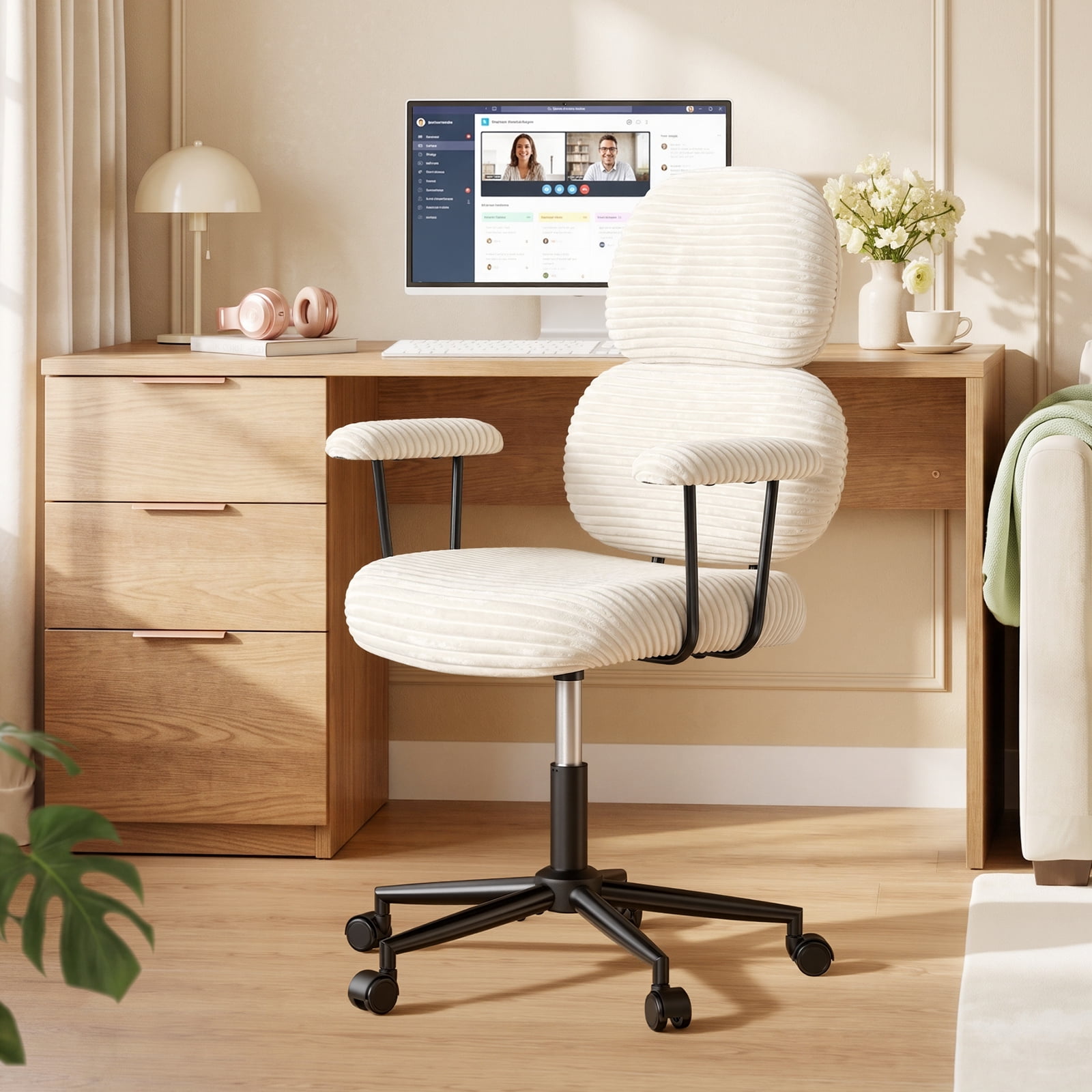
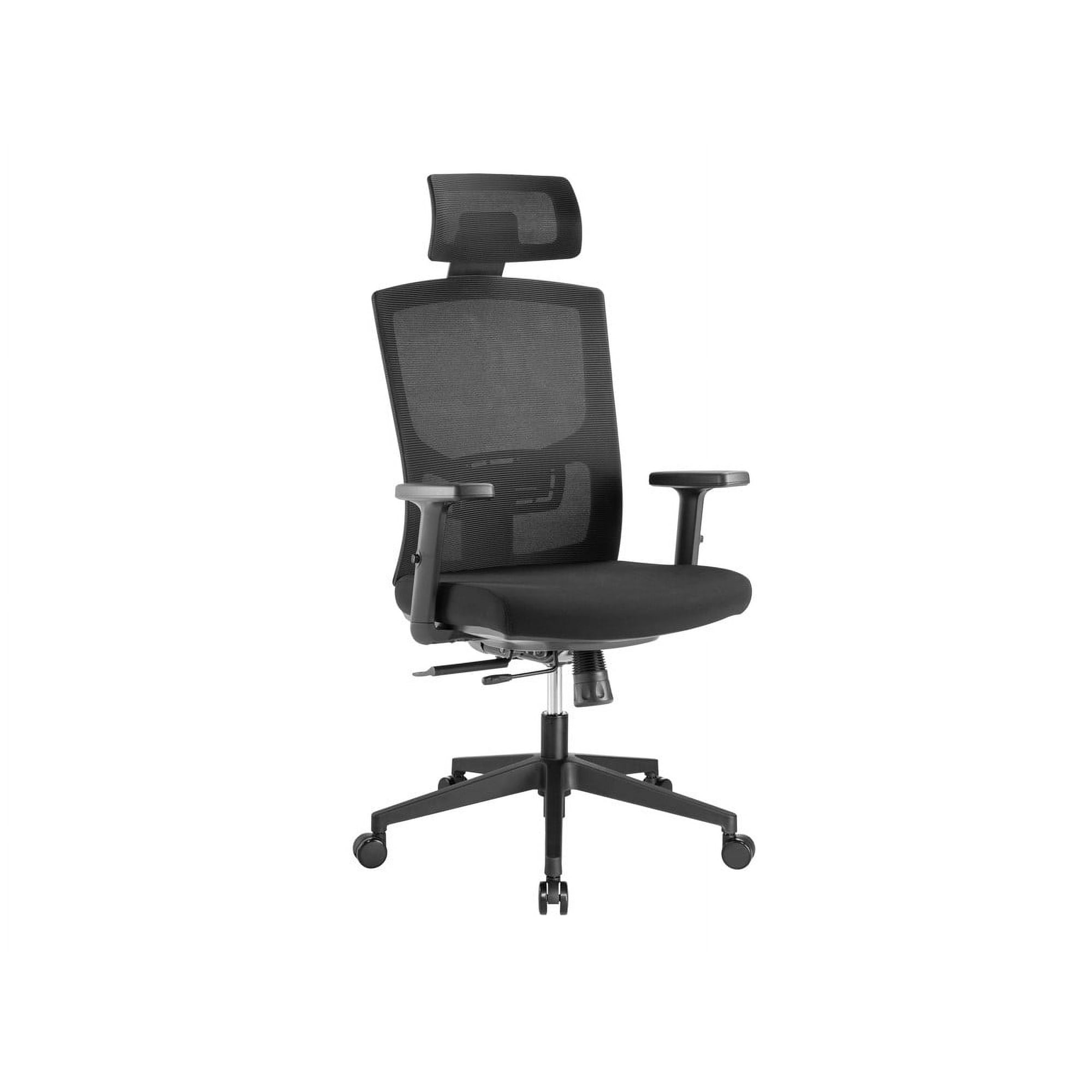
Why Your WFH Setup Demands a Dedicated Office Chair
The shift to working from home has blurred the lines between our personal and professional lives. For many, the "office" is now the kitchen table, a corner of the living room, or a makeshift desk in the bedroom. While the flexibility is a dream, the furniture often isn't. Using a dining chair or a worn-out sofa for eight hours a day is a fast track to back pain, stiffness, and plummeting productivity. This is where a dedicated office chair for WFH transforms from a luxury into a necessity.
A quality WFH chair isn't just about a place to sit; it's an ergonomic tool designed to support your body's natural posture, encourage movement, and keep you comfortable through back-to-back Zoom calls and deep-focus work sessions. Think of it like this: a runner wouldn't run a marathon in flip-flops, so why would you tackle a workday on a subpar seat? Investing in the right chair is investing in your long-term health and daily performance.
Decoding the WFH Chair: Beyond the Basics
While all office chairs share a common purpose, the demands of a work-from-home environment are unique. Your chair needs to be a chameleon: supportive enough for intense work, comfortable enough for a quick break, and stylish enough not to clash with your home decor. Let's break down the key elements that make a chair truly WFH-ready.
Ergonomics: Your Body's Best Friend at Home
Ergonomics is the science of designing a workspace to fit the user, not the other way around. For your WFH chair, this translates to adjustability. You shouldn't have to adapt to the chair; the chair should adapt to you.
- Adjustable Lumbar Support: This is non-negotiable. It fills the gap between your lower back and the chair, maintaining the spine's natural inward curve. Look for chairs with both height and depth adjustment for a truly personalized fit.
- Seat Depth Adjustment: A seat that's too long will press against the back of your knees, cutting off circulation. A seat that's too short won't support your thighs. A sliding seat pan allows you to find the perfect "2-3 finger gap" between the edge of the seat and the back of your knee.
- 4D Armrests: Your arms shouldn't dangle or be forced into a hunch. Armrests that adjust in height, width, depth, and angle allow you to keep your shoulders relaxed and your elbows at a comfortable 90-degree angle while typing.
- Tilt Tension and Lock: The ability to recline and lock the chair at various angles promotes dynamic sitting—changing your posture throughout the day. Adjustable tilt tension lets you control how much force is needed to recline.
Material World: Choosing the Right Fabric for Your Home
The material of your office chair wfh affects comfort, durability, and even your home's aesthetic.
Mesh: The Breathable Performer
Mesh chairs, particularly with a mesh back, are incredibly popular for WFH. They allow air to circulate freely, preventing that sweaty, sticky feeling after long hours. A fabric home office chair with a mesh back offers a great compromise: breathability where you need it most, with a softer seat cushion.
Fabric: The Cozy Classic
Fabric chairs come in a vast array of colors and textures, making them easy to match with your home decor. High-quality, tightly woven fabric is durable and comfortable. However, it can trap heat and is more susceptible to stains, so consider your environment—especially if you enjoy a coffee while you work.
Leather and Faux Leather: The Professional Touch
Leather chairs project a classic, executive feel. They are easy to wipe clean, making them a good choice if you have pets or kids. The trade-off is breathability; they can feel cold when you first sit down and warm after prolonged use. For a home office where you host video calls, a leather chair can elevate your professional image.
Matching Your WFH Chair to Your Space
Your home office isn't a generic cubicle; it's a part of your home. The chair needs to fit the space physically and stylistically.
- For Small Spaces: Consider a chair with a smaller footprint. A small wooden office chair or a sleek, armless design can be a great fit. Some chairs even have flip-up armrests, allowing you to slide them completely under a desk when not in use.
- For Multi-Functional Rooms: If your office is also a guest room or living area, the chair's aesthetics matter more. A stylish cute and comfortable office chair in a velvet or a unique color can double as accent furniture.
- For the Dedicated Home Office: Here, you can prioritize ergonomics above all else. A fully featured ergonomic chair, even if it looks purely functional, will serve you best. Look for options with high backs and advanced lumbar systems.
The WFH Reality: Long Hours and Your Health
The average remote worker spends over 7 hours a day seated. This sedentary behavior has well-documented health risks. A good chair is your first line of defense. A comfortable high-back office chair provides head and neck support, encouraging you to lean back and relax your spine. Chairs with a waterfall edge on the seat prevent pressure on the thighs, promoting better blood circulation. Some WFH warriors even opt for office chairs with a knee rest or other alternative designs to vary their posture throughout the day. The key is to find a chair that not only supports you when you're sitting upright but also accommodates moments of rest and movement.
Frequently Asked Questions About Office Chairs for WFH
Conclusion: Your WFH Journey Starts with the Right Seat
Choosing the right office chair wfh is one of the most impactful decisions you can make for your remote work life. It's a decision that affects not just your physical comfort, but also your focus, energy levels, and overall well-being. By understanding the key ergonomic features, choosing a material that suits your home and climate, and matching the chair to your space, you're building a foundation for a healthier, more productive career from home.
Don't rush this decision. Take the time to assess your needs, read reviews, and if possible, test a few models. Remember, the perfect chair is out there waiting to support you through every deadline, every video call, and every moment of inspiration in your home office.