
Why Invest in an Office Chair Designed for Sleeping?
Imagine closing your eyes for 15 minutes, fully supported by plush padding, a gentle recline, and a footrest that cradles your legs—then waking up refreshed, focused, and ready to lead. That’s the power of an office chair to sleep in. More than just a seat, it’s a productivity tool that acknowledges human biology: our energy naturally dips midday.
Research Insight: NASA studies on pilots and astronauts found that a 26-minute nap improved performance by 34% and alertness by 54%. With a dedicated napping office chair, you can harness these benefits without leaving your desk.
Key Features That Transform a Desk Chair into a Sleep Sanctuary
Not every office chair can double as a nap station. The best models include specific design elements that bridge work and rest:
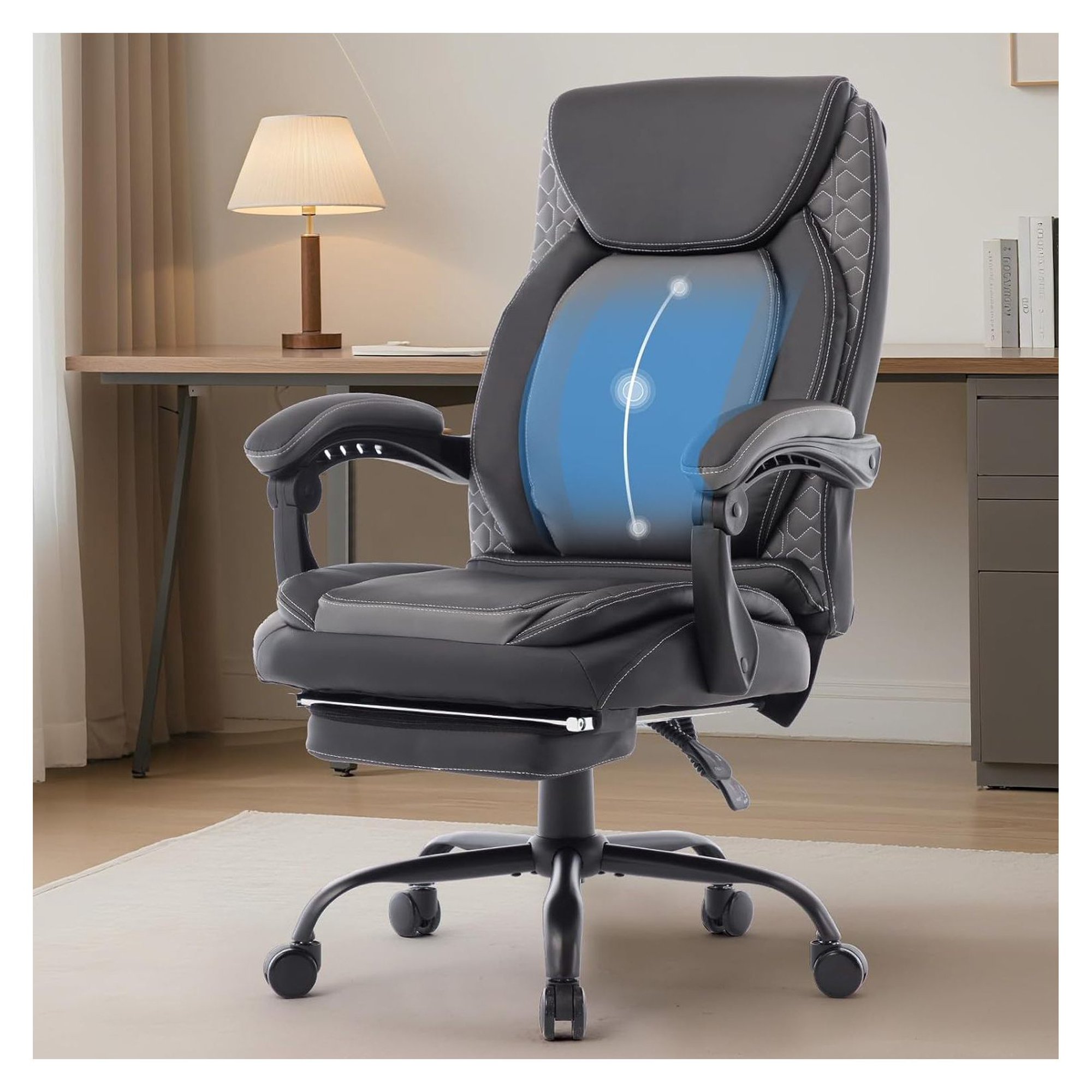
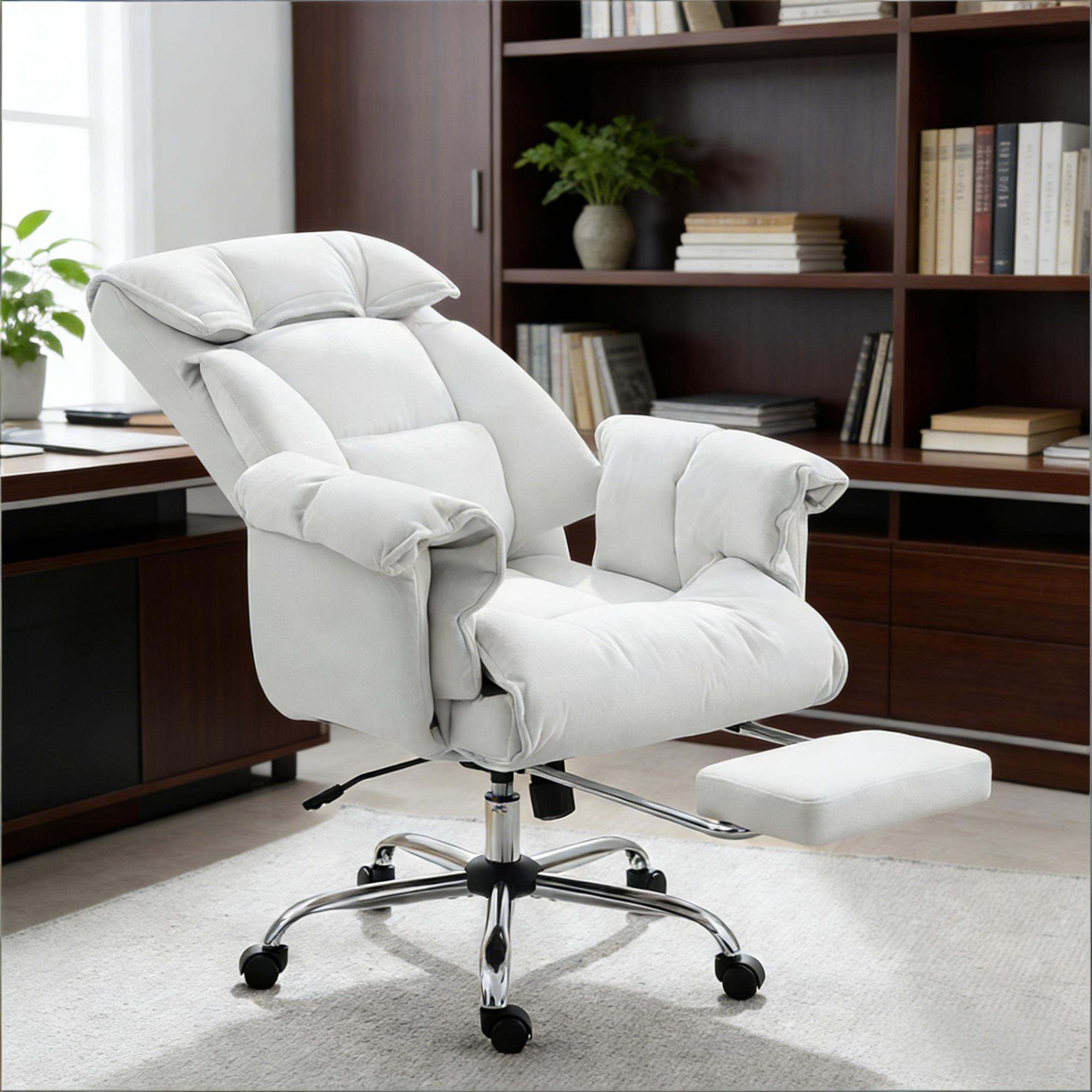
- Deep Recline Mechanism (up to 180°): Allows you to lie almost flat, reducing spinal pressure and mimicking a zero-gravity position.
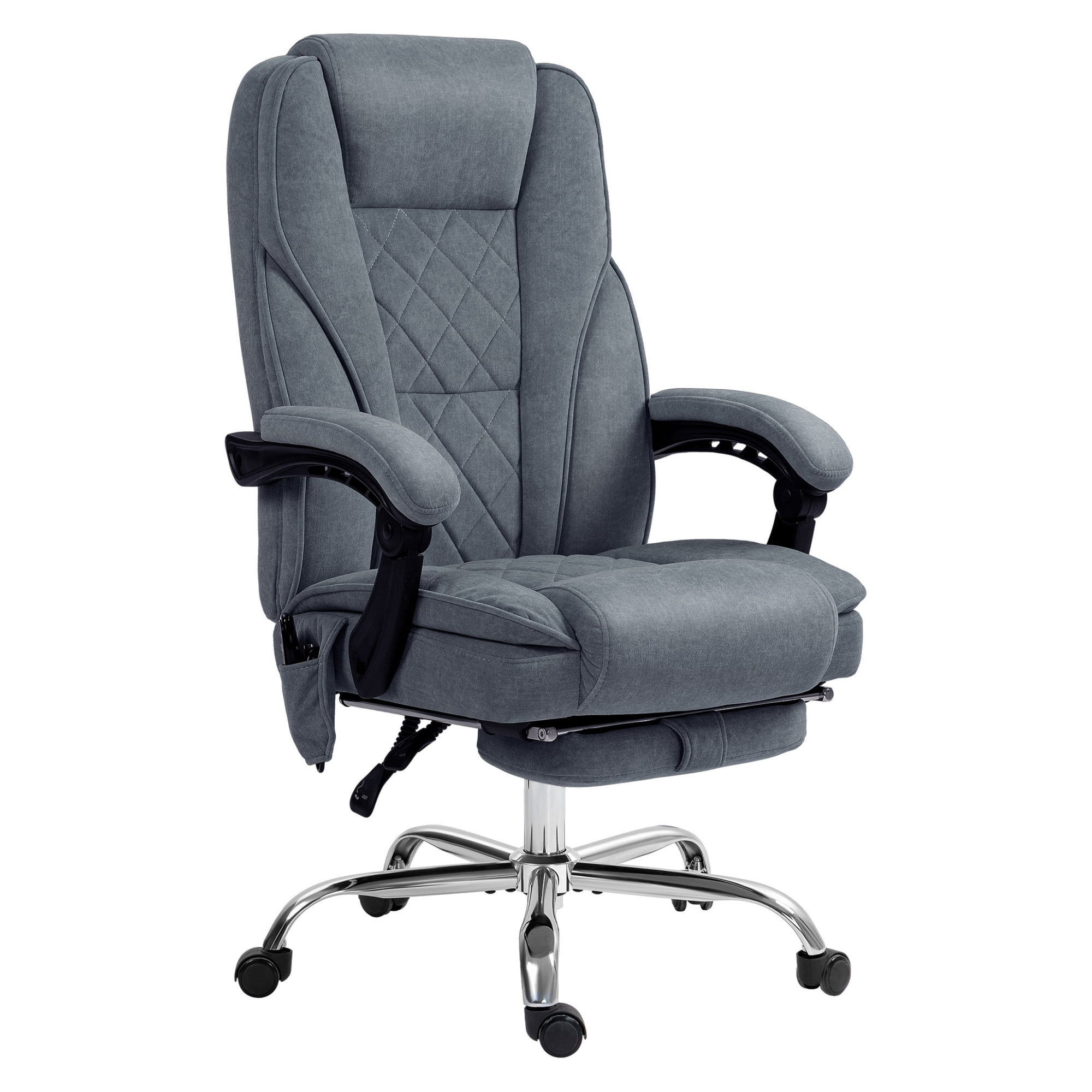
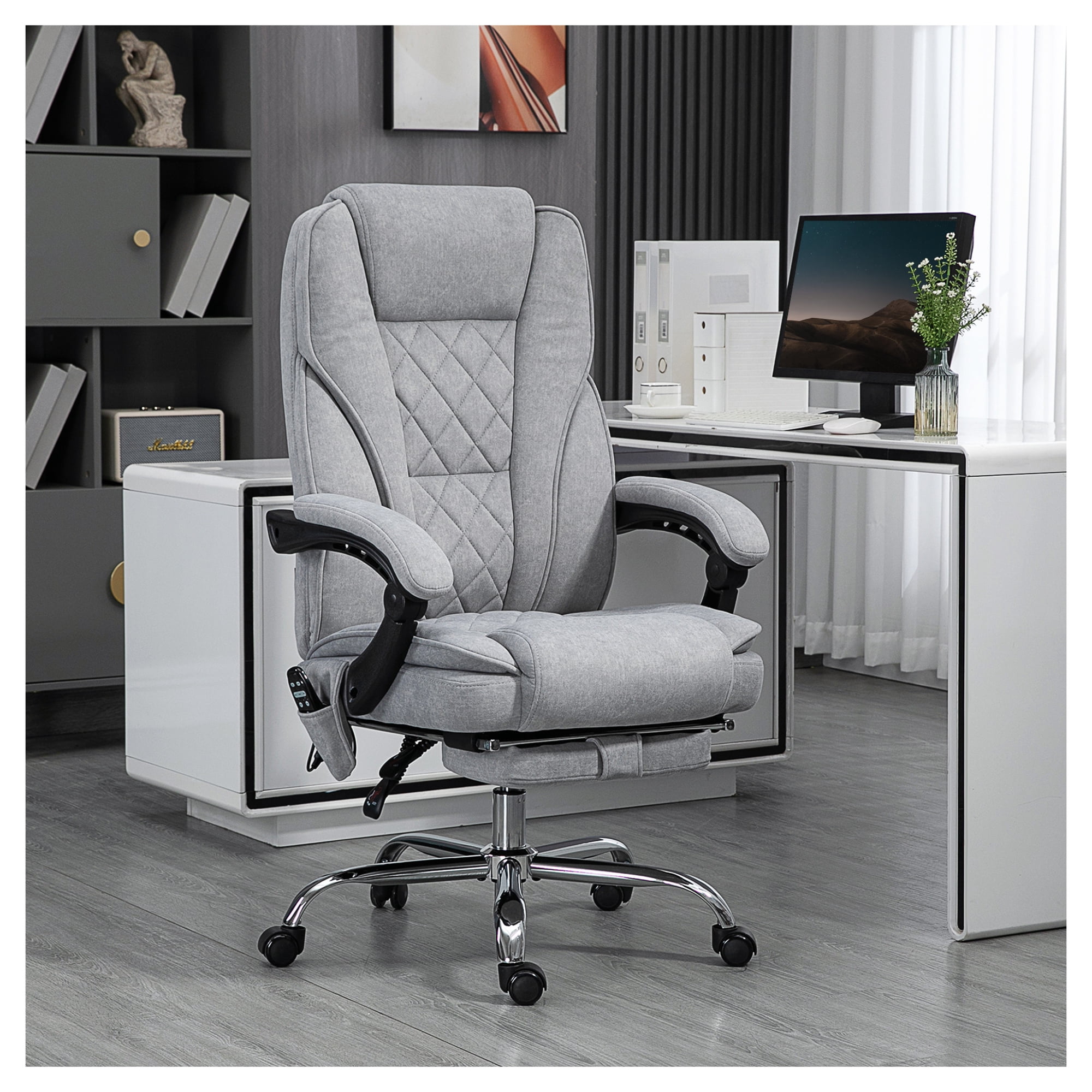
- Retractable or Fold-Out Footrest: Provides complete lower body support, preventing dangling legs and improving circulation.
- Multi-Dimensional Headrest: Adjustable height and angle keep your neck aligned during rest, preventing stiffness.
- Plush, High-Density Foam: Softer than typical office chairs yet supportive enough for long work sessions; prevents pressure points.
- Padded Armrests with Width Adjustment: Offers a comfortable place to rest arms while napping or working, enhancing overall coziness.
- Sturdy Base & Smooth Casters: A five-point metal base ensures stability when reclined, and silent casters let you glide to a quiet corner.
Ergonomics Meets Relaxation: The Dual-Purpose Advantage
A common misconception is that ultra-comfortable chairs sacrifice ergonomic support. However, modern hybrid models use zoned cushioning: firmer in the lumbar area to promote good posture during work, plus softer in the shoulders and seat for relaxation. The recline lock system lets you set custom angles—from upright typing to full nap mode. According to ergonomists, chairs that offer tilt tension control and seat depth adjustment are ideal for both active work and passive rest, reducing the risk of musculoskeletal disorders.
💡 Cognitive Recharge
Short naps improve memory consolidation, creativity, and problem-solving ability. A suitable chair ensures you fall asleep faster and wake without grogginess.
🧘 Stress Reduction
Reclining lowers cortisol levels. Combining a quiet workspace with a supportive chair creates a mini-retreat for mental reset.
🦵 Circulation & Posture
Elevating legs via a footrest reduces lower back strain and improves blood flow. No more numb feet or stiff necks after a quick rest.
🏢 Professional Aesthetics
Modern napping chairs feature sleek leather, breathable mesh, or elegant fabric—blending seamlessly with executive offices and home workspaces.
Material Choices for Napping Comfort: What Works Best?
The material of your sleep-friendly office chair affects breathability, maintenance, and tactile comfort. Here's a breakdown to help you decide:
Leather & Faux Leather
Pros: Easy to clean, sophisticated look, durable. Cons: May feel warm during long naps; requires conditioning. Best for: traditional offices where style is paramount.
Premium Fabric / Velvet
Pros: Soft, cozy, breathable, available in many colors. Cons: Stains more easily, requires occasional upholstery cleaning. Best for: home offices and creative spaces where warmth is valued.
High-End Mesh
Pros: Excellent airflow, supportive, modern. Cons: Less plush; may need extra padding for napping. Best for: hot climates or users who prioritize temperature regulation.
For a true "sleep in" experience, many users prefer hybrid designs: leather or fabric seating surfaces with mesh backrests to combine luxury with ventilation.
Top Considerations When Selecting Your Napping Office Chair
1. Recline Angle & Locking Mechanism
Look for chairs that recline at least 135°, with 150°–180° being ideal for sleeping. A multi-angle lock allows you to stop at any position, ensuring safety and personalized comfort.
2. Headrest and Neck Support
A contoured, height-adjustable headrest is non-negotiable. Without it, your neck may strain during naps. Some premium models include magnetic or pivot headrests for perfect alignment.
3. Seat Depth and Cushioning
Seat depth should allow 2-4 fingers between the back of your knees and the seat edge. Thick foam (4-6 inches) prevents bottoming out and mimics a mattress feel.
4. Footrest Integration
Retractable footrests are common, but verify that they extend far enough for your height. Some chairs offer a pop-out footrest that hides under the seat, maintaining a clean look.
5. Weight Capacity & Base Construction
Since reclining shifts center of gravity, choose a chair with a Class 4 gas lift and a steel base. Capacity should be at least 300 lbs for stability and durability.
| Feature | Basic Office Chair | Sleep-Optimized Chair |
|---|---|---|
| Recline Range | 90–110° | 135–180° with lock |
| Footrest | None | Retractable/extendable |
| Headrest | Optional basic | Adjustable 2D/3D with plush padding |
| Cushion Thickness | 2–3 inches | 4–6 inches high-density foam |
| Ideal Use | Focused work | Work + power naps, relaxation |
Power Napping Best Practices with Your Chair
Having the right chair is only half the equation. To maximize the benefits of your office chair for sleeping, follow these tips:
- Set a timer: Limit naps to 10–20 minutes to avoid sleep inertia (grogginess).
- Create a micro-environment: Use an eye mask, noise-canceling earbuds, or a light blanket to signal rest.
- Maintain posture: Even while reclining, keep your spine neutral. Adjust the headrest so your ears align with your shoulders.
- Schedule strategically: Nap between 1:00 PM – 3:00 PM when circadian rhythms naturally dip.
- Hydrate: Drink water before napping to avoid waking up with a headache.
Conclusion: Invest in Rest, Reap Productivity
An office chair to sleep in is not a luxury—it’s a strategic upgrade for the modern professional. Whether you work from home or manage a corporate team, integrating restorative naps into your day improves decision-making, creativity, and overall well-being. By selecting a chair with deep recline, robust support, and premium materials, you create a versatile workstation that adapts to your energy cycles. Don’t just sit—rejuvenate.
Final recommendation: Prioritize models with at least 150° recline, a padded footrest, and an adjustable headrest. Test the recline mechanism for smoothness and ensure the chair feels stable even at full tilt. Your future self—well-rested and focused—will thank you.