
Your Guide to a Pain-Free Upper Body at Work
Imagine your neck and shoulders as the suspension bridge of your body. When the cables (muscles) are constantly tense and misaligned, the whole structure suffers. For millions of office workers, the daily grind leads to a specific kind of agony: a stiff neck, burning shoulders, and tension headaches. The root cause often lies in a mismatch between your body and your chair. Neck and shoulder support for office chair isn't a luxury—it's a biological necessity for sustained focus and long-term health.
Did you know? The average adult head weighs 10-12 lbs. For every inch your head moves forward from neutral posture, the weight on your neck and upper back muscles nearly doubles. At 3 inches forward, your muscles bear the equivalent of a 30-lb load. A supportive chair counteracts this.
1. The Anatomy of "Upper Body Ergonomic" Support
Most people focus on lower back support, but the chain reaction starts higher. When your chair lacks proper upper back contour, your shoulders roll forward, and your neck cranes toward the monitor. Here’s what to look for:
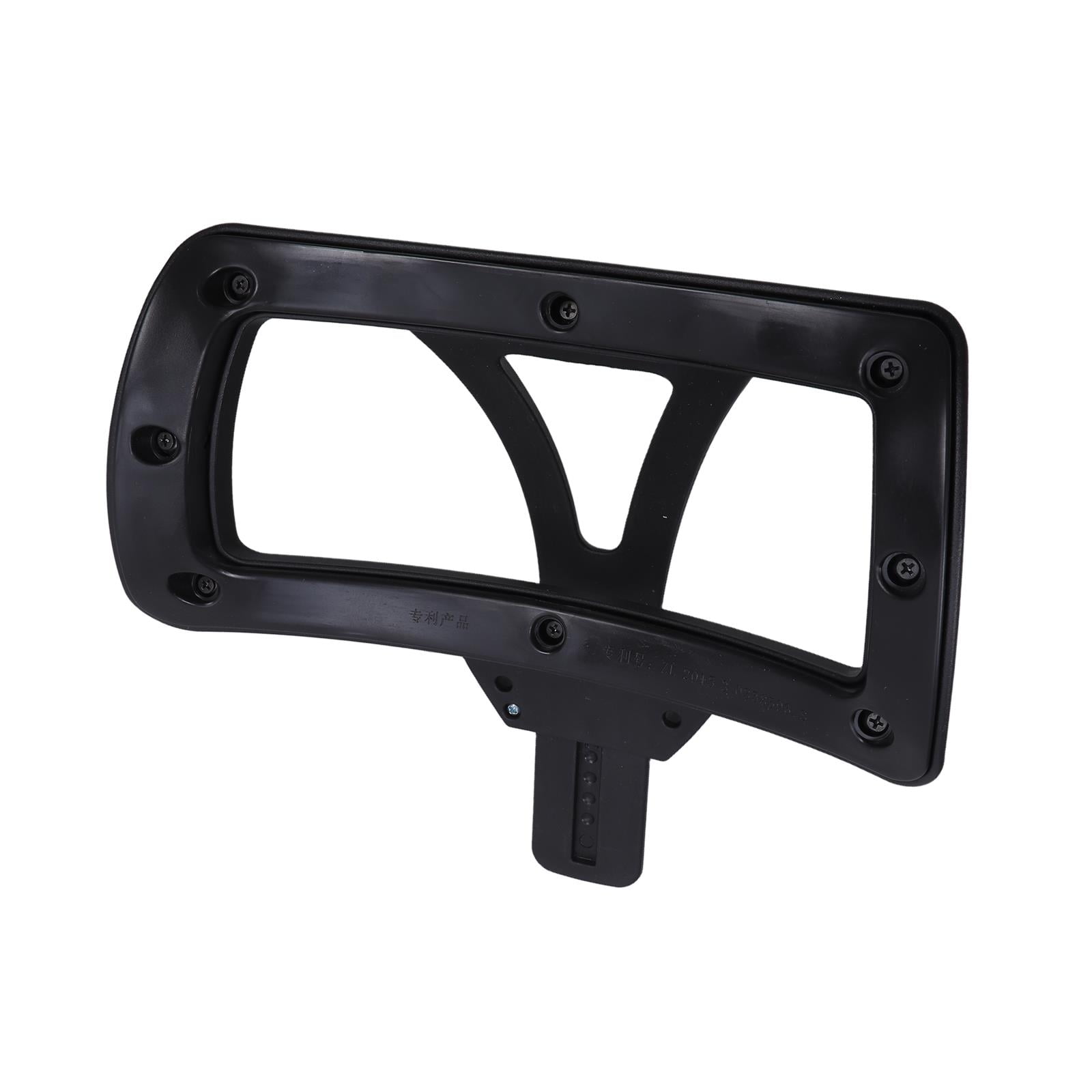
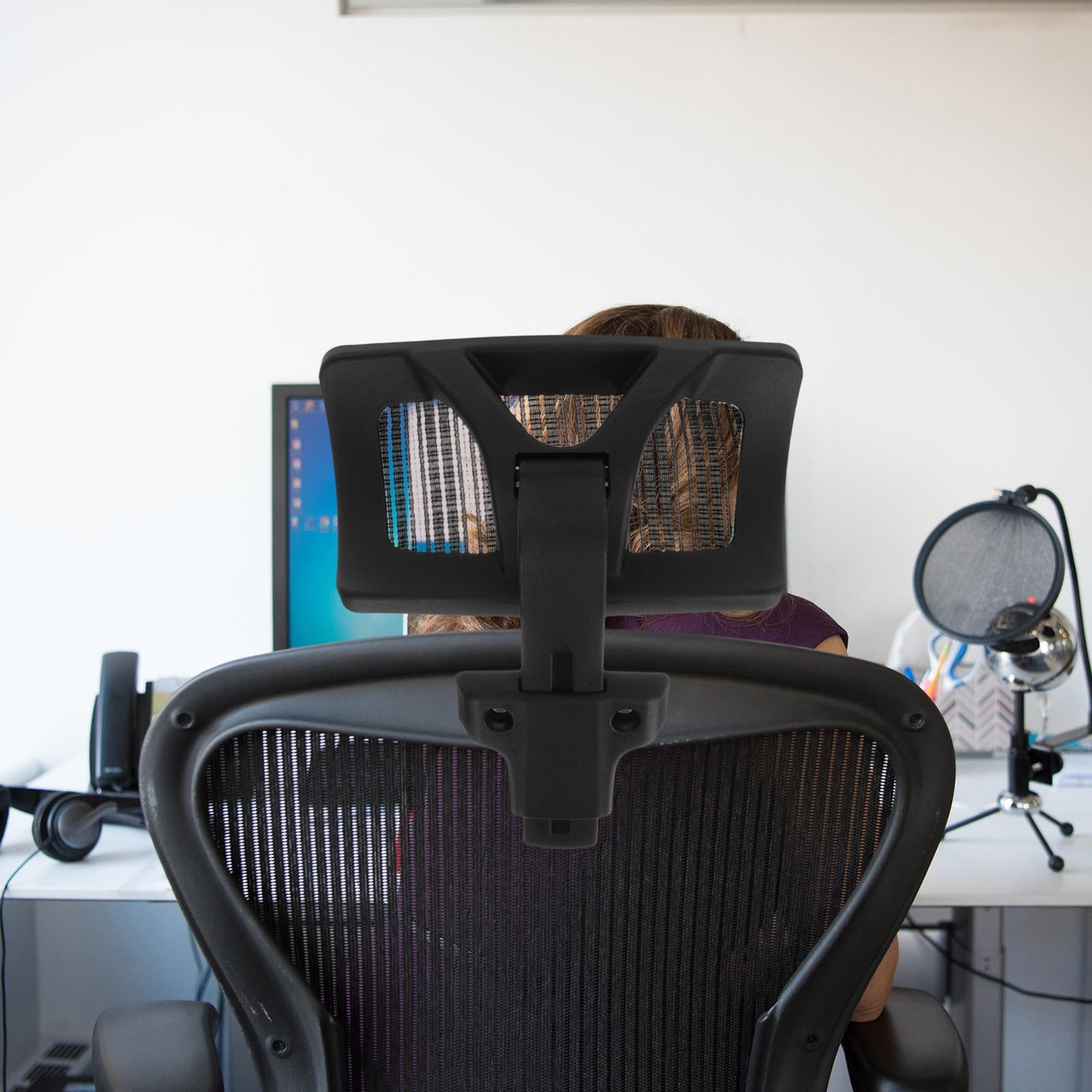
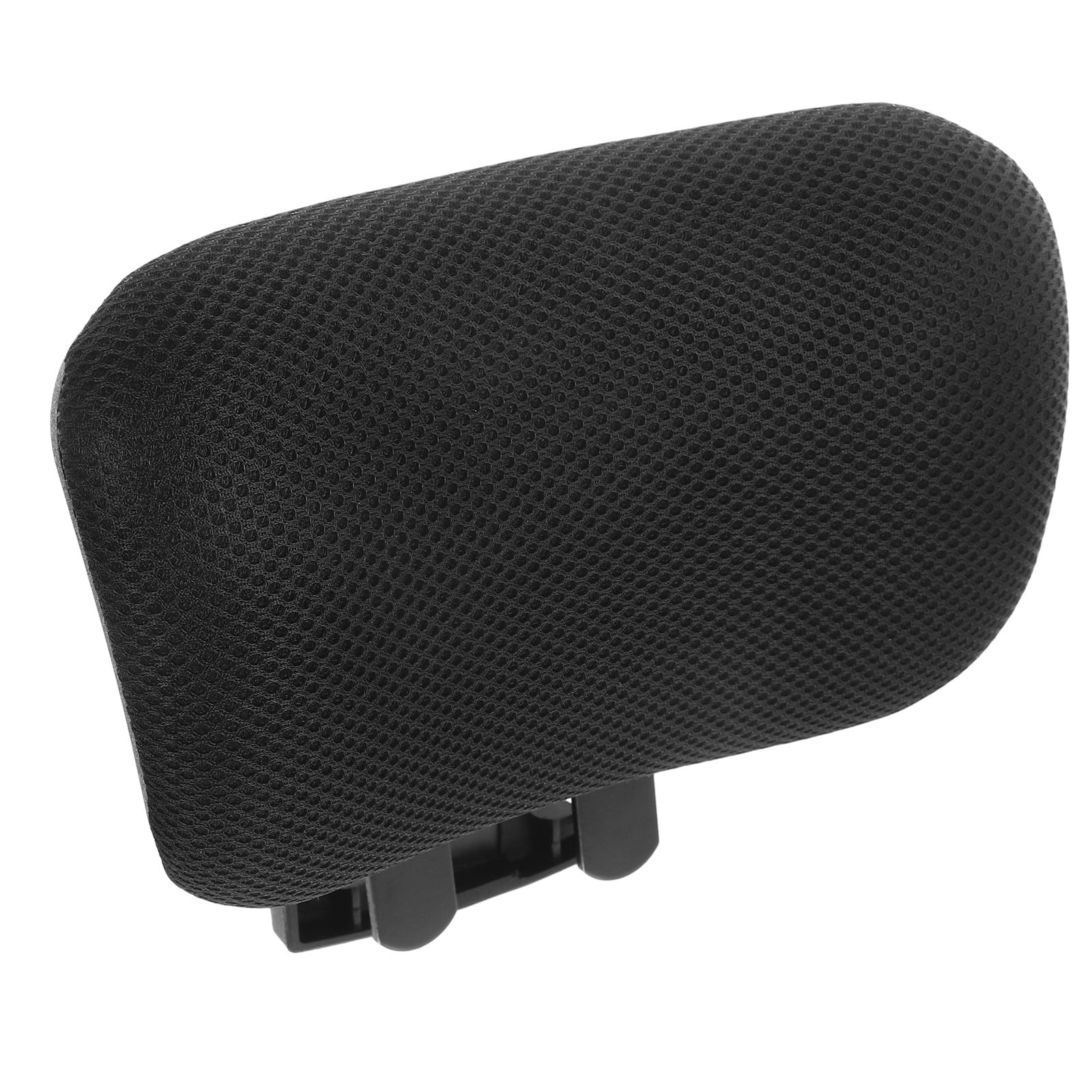
- Adjustable headrest (3D preferred): Height, angle, and sometimes depth adjustment ensure the headrest cradles the natural curve of your cervical spine, not just the back of your skull.
- Armrests that move with you (4D): Armrests that adjust height, width, depth, and pivot angle allow your shoulders to relax instead of hiking up toward your ears.
- Shoulder pivot point: Some high-end chairs have a backrest that pivots at the shoulders, allowing natural scapular movement while maintaining support.
- Synchro-tilt mechanism: This lets your back recline while your feet stay planted, reducing pressure on the upper body.
Why "One Size Fits All" Fails for Shoulders
Shoulder width and neck length vary dramatically. A fixed headrest might poke you in the wrong spot. Look for chairs marketed with "adaptive" or "bionic" backrests that mimic the spine's S-shape. The best ones have a separate lumbar adjustment that indirectly influences shoulder posture.
2. Beyond the Chair: The 3-Pillar Strategy
A great chair is pillar one. But to truly eliminate neck and shoulder strain, consider this three-part framework:
Pillar 1: Dynamic Seating
Chairs with forward-tilt function engage your core and naturally lift your chest, aligning shoulders.
Pillar 2: Monitor Height
Top of screen at eye level. Laptops need risers. Looking down is the #1 cause of "tech neck."
Pillar 3: Micro-Movements
Every 30 minutes, roll your shoulders back and gently tilt your head side-to-side. Your chair should move with you.
3. Material Science & Its Impact on Upper Body Comfort
Mesh, leather, or fabric—how does material affect your neck and shoulders?
High-End Mesh
- Breathability: Prevents sweat, which can cause fidgeting and poor posture.
- Flexibility: Mesh backrests often contour to shoulder blades, providing dynamic support.
- Durability: Doesn't sag like foam, maintaining shoulder alignment for years.
Leather / PU
- Luxury feel: But can be slippery—you may slide forward, rounding shoulders.
- Maintenance: Requires care; cracking can create pressure points.
- Best for: Executive settings where looks matter, but ensure it has a headrest.
4. Step-by-Step: How to Test a Chair for Neck Support
Before you buy (or right now, with your current chair), run this quick 2-minute test:
- Sit naturally and close your eyes. Relax your shoulders. Open your eyes—where is the top of your monitor? Ideally, it's level with your eyebrows.
- Check headrest placement: Lean back slightly. Does the headrest contact the curve of your neck (just below the skull), or does it push your head forward? It should feel like a gentle cradle, not a shove.
- Armrest test: With arms relaxed, elbows at 90 degrees. Armrests should just lightly touch your elbows. If you have to raise your shoulders to use them, they're too high.
- Recline and breathe: Recline to 110-120 degrees. Can you type comfortably? Your head should stay aligned with your torso, not jut forward.
Quick Recommendation Matrix
• If you have broad shoulders: Look for a chair with a wider backrest and adjustable armrest width.
• If you're tall (6'2+): Ensure the headrest extends high enough; some chairs have 'tall' versions.
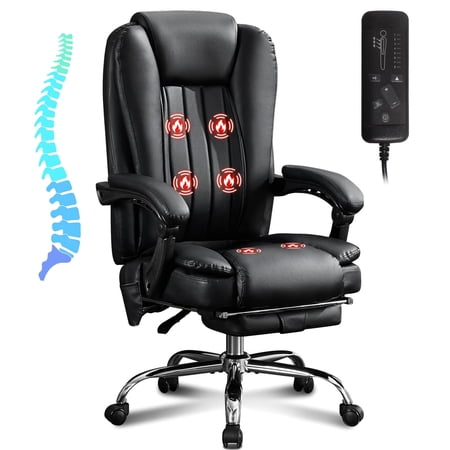
• If you have chronic tension: Chairs with built-in lumbar massage can relax upper traps via muscle chain reaction.
5. Real-World Data: The Impact of Proper Support
A 2023 study in the Journal of Ergonomics found that participants using chairs with adjustable head and arm supports reported a 47% reduction in upper trapezius muscle activity after 4 weeks. Another survey by the American Chiropractic Association noted that 68% of office workers with neck pain linked it to inadequate chair support rather than just workstation setup.
Frequently Asked Questions: Neck & Shoulder Support
Conclusion: Invest in Your Upper Body Wellbeing
Your neck and shoulders are the messengers of stress and poor ergonomics. Choosing an office chair that prioritizes these areas isn't just about comfort—it's about preserving your mobility and focus for years to come. Look for adjustability in the headrest, armrests, and backrest recline. Pair that chair with smart monitor placement and regular movement. The result? Fewer headaches, better breathing, and a calmer nervous system. Use the affiliate grid above to explore models that fit your body, and take the first step toward a pain-free workday.