
Why Your Back is Begging for a Better Office Chair
Think of your office chair not as a piece of furniture, but as the foundation of your workday health. Just like a building needs a solid foundation to withstand stress, your spine needs proper support to endure the 8-10 hours you spend sitting. A poor chair is a recipe for disaster: muscle fatigue, pinched nerves, and chronic pain that follows you home. A great office chair for your back acts as a supportive partner, actively promoting spinal alignment and reducing the silent damage of prolonged sitting.
Key Insight: The human spine is not designed for static sitting. The best chairs for your back are those that move with you, offering dynamic support through adjustable features that encourage micro-movements. This constant subtle adjustment helps keep blood flowing, muscles engaged, and discs hydrated.
The Anatomy of a Back-Saving Office Chair
What separates a standard chair from a true, back-friendly ergonomic marvel? It's all in the details and adjustability. A great chair isn't a one-size-fits-all solution; it's a customizable tool that adapts to your body, not the other way around.
1. Dynamic Lumbar Support
Beyond a simple cushion. Look for adjustable height and depth for the lumbar mechanism. Some premium chairs offer a 'floating' lumbar support that moves as you shift, providing constant contact with your lower back's natural curve.
2. Seat Depth Adjustment
A critical and often overlooked feature. Being able to slide the seat pan forward or backward ensures that you can sit with your back fully against the backrest while leaving a 2-3 finger gap between the back of your knees and the seat edge. This prevents pressure on your sciatic nerve and promotes healthy circulation.
3. Multi-Dimensional Armrests
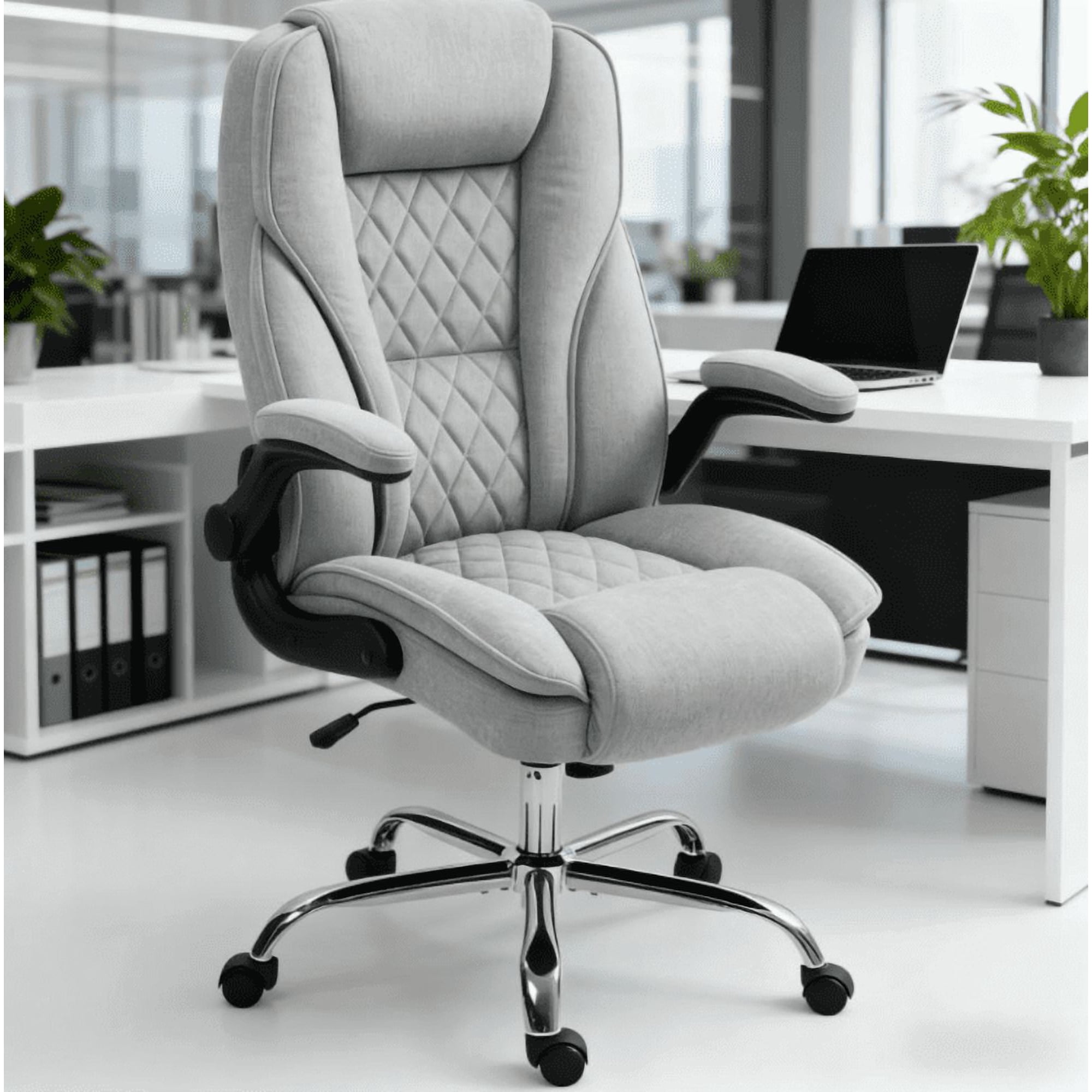
Armrests that only go up and down are a thing of the past. To protect your shoulders and upper back, you need 4D armrests that adjust up/down, in/out, pivot, and slide forward/back. This allows you to bring the support exactly where your arms need it, preventing you from hunching your shoulders.
4. Synchronized Tilt Mechanism
This is the engineering magic that allows the seat and backrest to move in a natural, synchronized ratio (e.g., 2:1) as you recline. It keeps your feet on the floor, your back supported, and opens up your hip angle, drastically reducing pressure on your lumbar discs.
Matching Chair Features to Your Specific Back Needs
Back pain isn't a single condition, and your chair should address your specific issues. Here's a quick guide to help you match the right features to your pain points.
| Type of Discomfort | Key Features to Prioritize | Recommended Adjustment |
|---|---|---|
| Lower Back (Lumbar) Pain | Height and depth adjustable lumbar support, pelvic support | Set lumbar support to fit snugly in the small of your back. Ensure seat depth allows for full back contact. |
| Upper Back & Neck Stiffness | Height-adjustable headrest, 4D armrests, high backrest | Adjust headrest to support the curve of your neck, not push your head forward. Position armrests to support elbows at a 90° angle. |
| Sciatica (Leg/Buttock Pain) | Waterfall seat edge, seat depth adjustment, tilt tension | Ensure a 2-3 finger gap behind the knees. Use a waterfall seat edge to eliminate pressure on the back of the thighs. |
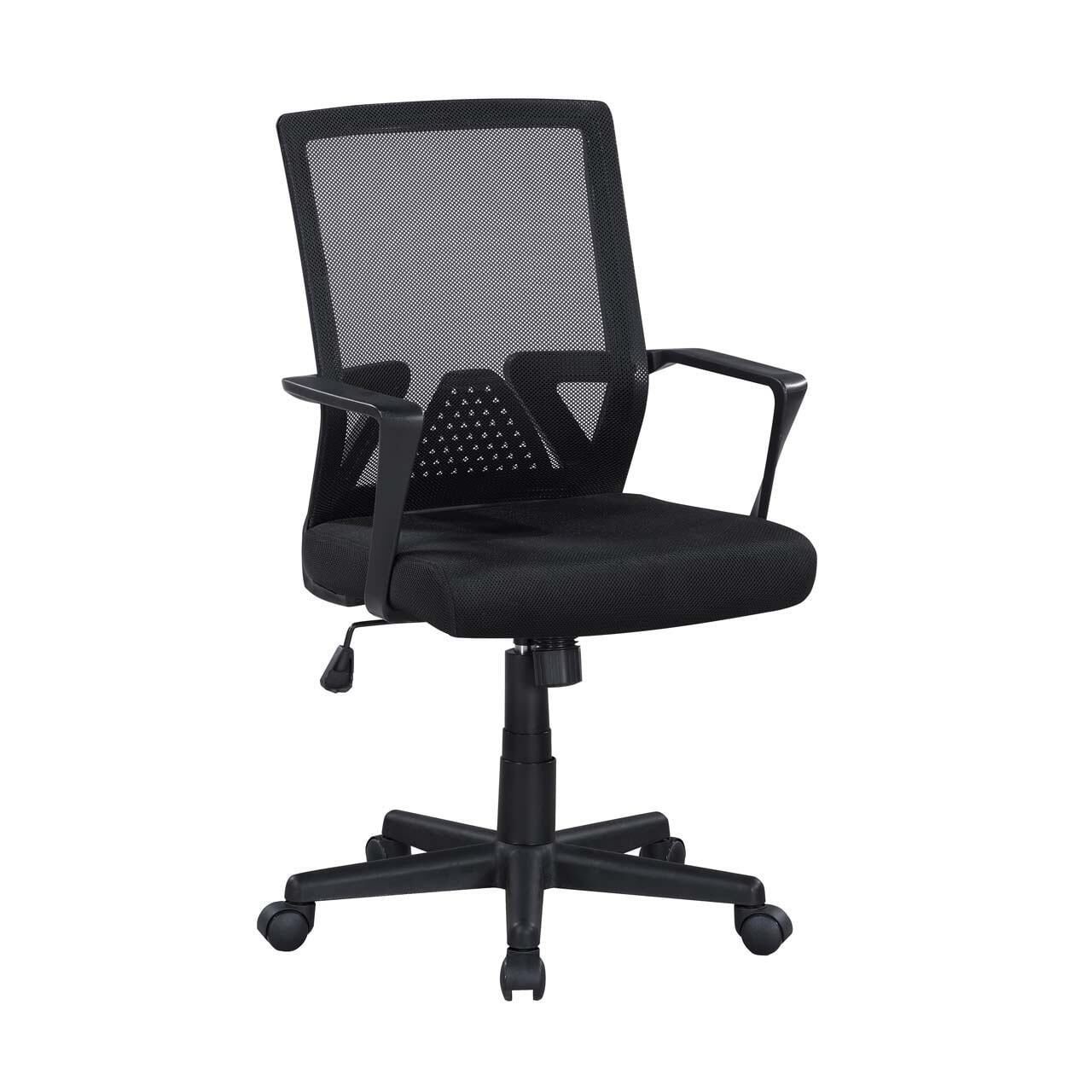
| General Fatigue & Poor Posture | Synchronized tilt mechanism, active lumbar, breathable material | Engage the tilt mechanism to allow for frequent, small postural shifts. A mesh back keeps you cool and engaged. |
Beyond the Chair: Building a Back-Healthy Workspace
While your chair is the centerpiece, creating a truly back-friendly workspace involves a few other key components. Think of it as an ecosystem that supports your spinal health.
- Sit-Stand Desk: Alternating between sitting and standing is one of the most effective ways to combat the negative effects of prolonged static posture. Aim for a 1:1 or 2:1 sit-to-stand ratio.
- Monitor Height: The top of your monitor should be at or slightly below eye level. This prevents you from craning your neck forward, which can lead to "tech neck" and upper back pain.
- Keyboard & Mouse Placement: Keep them close enough that you don't have to reach. Your elbows should stay at your sides, forming a 90-degree angle. Consider an ergonomic keyboard and vertical mouse to keep your wrists in a neutral position.
- Strategic Movement: No chair, no matter how advanced, is a substitute for movement. Set a timer to stand, stretch, or walk for 5 minutes every 30-45 minutes. This "movement snack" is vital for disc health and muscle recovery.