
Why "Comfort" is More Than Just a Feeling
When we talk about a good comfortable office chair, we're not just referring to a soft place to park for a few hours. We're describing a sophisticated tool designed to support your body, enhance your focus, and protect your long-term health. For many professionals, especially those working from home, the search for that perfect chair can feel like a quest for the Holy Grail. But it doesn't have to be. Understanding the science behind comfort is the first step to finding your ideal match.
Ergonomic Insight: Research from the Occupational Safety and Health Administration (OSHA) indicates that ergonomic interventions, like using a proper chair, can reduce the risk of work-related musculoskeletal disorders by up to 60%. Comfort isn't a luxury; it's a critical component of workplace safety and efficiency.
The Anatomy of a Truly Comfortable Chair
A great chair is more than the sum of its parts. Here are the critical features that separate a truly comfortable chair from a merely adequate one. Think of these as the essential ingredients for your daily comfort recipe.
- Dynamic Lumbar Support: Your spine isn't static, so your chair's support shouldn't be either. Look for chairs with adjustable lumbar support that moves with you, filling the gap between your back and the chair to maintain the natural 'S' curve of your spine. This prevents slouching and the fatigue that comes with it.
- Intuitive Adjustability: A comfortable chair is a chair that fits *you*, not the other way around. This includes seat height, seat depth (so the edge isn't pressing into the back of your knees), tilt tension, and multi-dimensional armrests. The best adjustments are easy to reach and allow for micro-adjustments throughout the day.
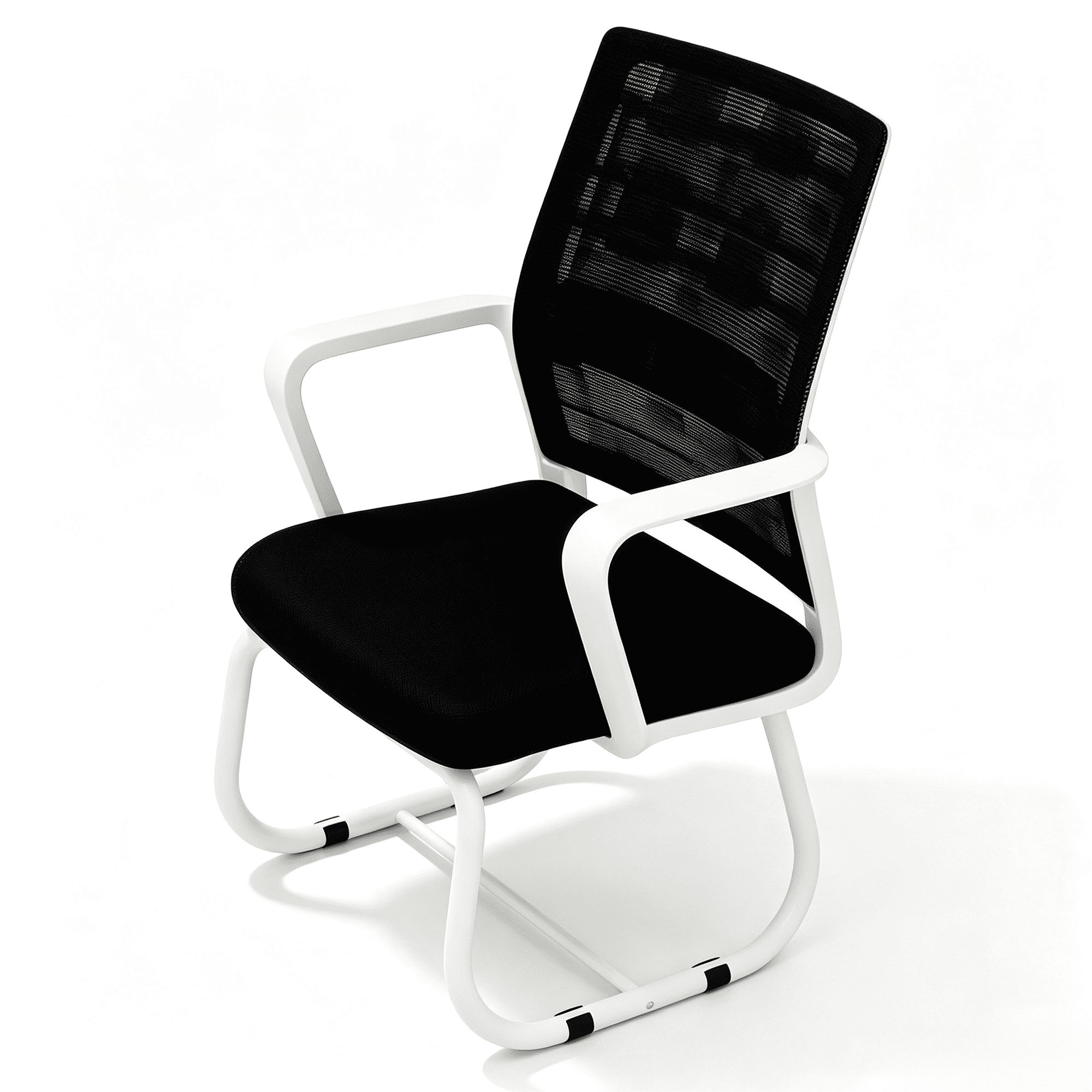
- High-Density Foam or Breathable Mesh: The material determines your experience. High-density foam offers a plush, supportive feel that doesn't bottom out over time. Premium mesh provides incredible breathability, keeping you cool and dry, while also offering a firm, supportive cradle for your back.
- A Synchronized Tilt Mechanism: This is a game-changer for long hours. Instead of just the back moving, the seat and back move together in a ratio that keeps your feet on the floor and maintains your line of sight with the screen. This encourages subtle, healthy movement that keeps your blood flowing.
- Robust Build Quality: A squeaky, wobbly chair is the enemy of comfort. A good comfortable office chair will have a sturdy five-point base made of metal or reinforced nylon, heavy-duty casters that roll smoothly on your floor type, and a gas lift cylinder with a high weight capacity for long-lasting stability.
Choosing Your Material: A Comfort Deep Dive
The material of your chair is one of the most personal choices you'll make. It affects everything from temperature regulation to tactile feel. Let's explore the three main contenders to help you decide which feels right for you.
Premium Mesh
- Best For: Warm climates and those who run hot.
- Feel: Firm, supportive, and "cradling." It doesn't trap heat.
- Long-Term Comfort: Excellent. It maintains its shape and support for years. It's like sitting on a breathable, supportive web.
- Maintenance: Easy to clean with a vacuum or damp cloth.
High-Quality Fabric
- Best For: Plush feel, varied aesthetics, and those who prefer a softer surface.
- Feel: Soft, cozy, and warm. High-density foam underneath provides support.
- Long-Term Comfort: Very Good. The key is the foam density; look for "high-resiliency" foam that won't flatten quickly.
- Maintenance: May require stain-resistant treatment and periodic professional cleaning.
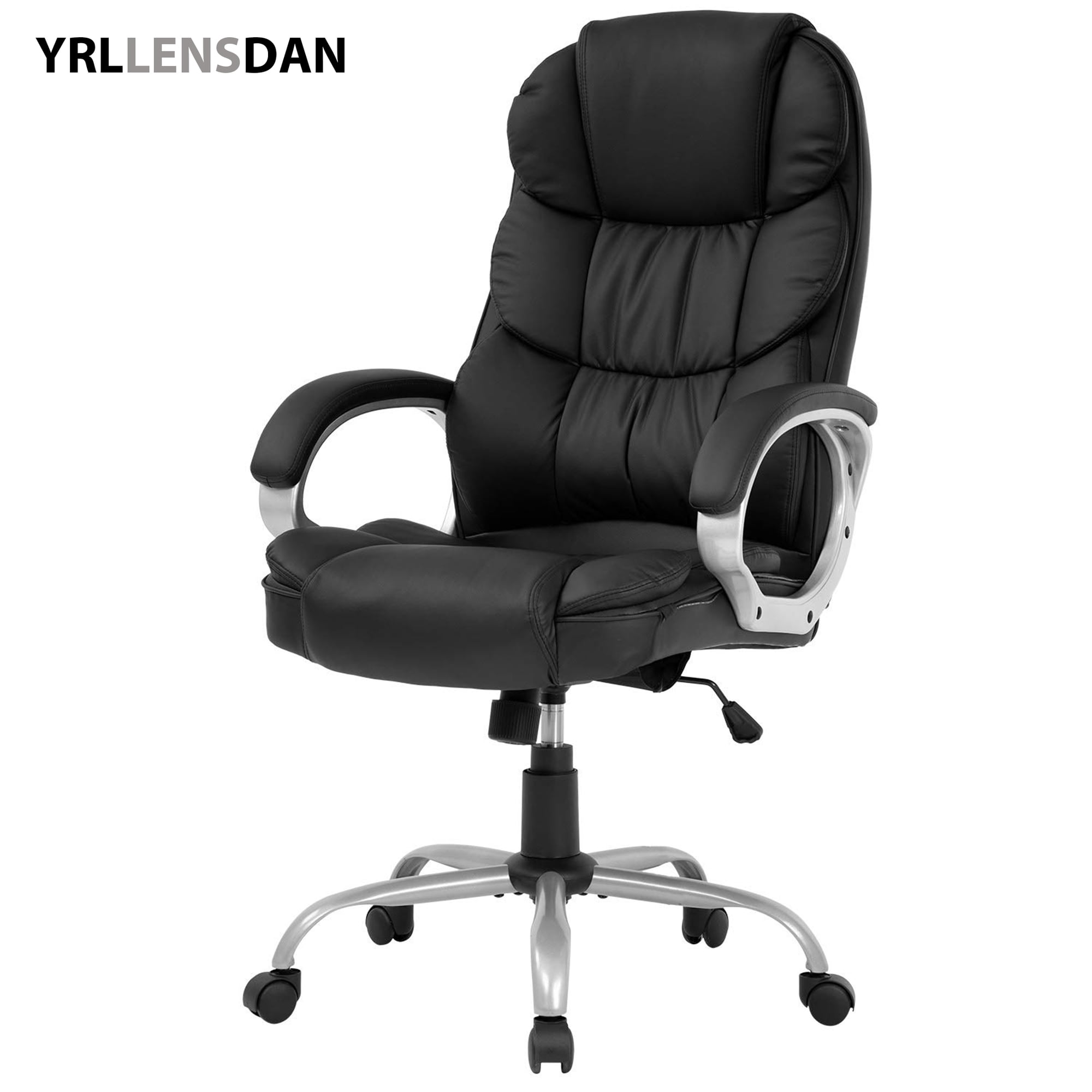
Premium Leather
- Best For: A classic, premium aesthetic and long-term durability.
- Feel: Smooth, sophisticated, and softens with age. Top-grain leather is the gold standard.
- Long-Term Comfort: Excellent durability (10+ years). It conforms to your body over time.
- Maintenance: Requires regular conditioning to prevent cracking. Wipes clean easily.
The "Good" Test: How to Know It's Right for You
Reading reviews is helpful, but nothing beats a personal evaluation. Since you can't always test a chair for a full week before buying, here's a simple checklist to use when you're trying out a chair (either in-store or in your mind based on specs).
The Five-Minute Comfort Test
- 1. The Seat Edge Test: Sit all the way back. Slide your hand between the front edge of the seat and the back of your knee. You should have 2-3 fingers of space. Too little and it will cut off circulation; too much and you'll feel like you're leaning forward.
- 2. The Lumbar Check: Adjust the lumbar support. Does it fit snugly into the curve of your lower back? If the chair doesn't have adjustable lumbar, does the fixed curve align with your spine? If not, it's a deal-breaker.
- 3. The Armrest Angle: With your hands on a mock keyboard, adjust the armrests. Your shoulders should be relaxed (not hunched), and your forearms should be parallel to the floor. Look for 4D armrests (up/down, in/out, pivot, and width) for the ultimate personalization.
- 4. The Recline & Movement: Lean back. Does the chair move with you smoothly? A quality synchronized mechanism will feel fluid and allow you to lock in your preferred angle for thinking or casual reading.
By following this guide, you are no longer just buying a chair; you are investing in a partnership that will support your body and mind for years to come. A good comfortable office chair is the quiet hero of your home office, and now you know exactly how to choose one.