
Why Knowing How to Use Office Chair Matters More Than the Chair Itself
You’ve invested in a high-quality office chair, but are you truly getting the benefits? Research from the Human Factors and Ergonomics Society indicates that up to 73% of office workers use their chairs incorrectly—neutralizing ergonomic advantages. Learning how to use office chair adjustments and posture techniques is the missing link between owning a chair and actually improving your spinal health.
Ergonomic Insight: A study published in the Journal of Physical Therapy Science found that proper chair usage reduces lower back pain intensity by 48% within three weeks—even without replacing equipment. The difference lies entirely in how you use it.
The 5-Step Method to Correctly Use Any Office Chair
Follow this sequential setup every time you sit down. Each step builds on the previous one, creating a balanced ergonomic foundation.
- Start with seat height: Stand in front of your chair. Raise the seat until the highest point touches just below your kneecap. Sit down — your feet should rest flat, thighs horizontal, and knees at roughly 90 degrees.
- Set seat depth: Sit back fully against the backrest. Measure the gap between the front edge of the seat and the back of your knees. You should fit 2 to 3 fingers (about 2 inches). If the gap is larger or smaller, adjust depth.
- Adjust lumbar support: Locate the lumbar control. The support should fit snugly into the curve of your lower back. For chairs with adjustable height/depth, position it exactly at the belt line.
- Configure armrests: Relax shoulders, then lift armrests until your elbows form a 90-degree angle, wrists straight. Forearms should glide effortlessly on armrests without shoulder elevation.
- Fine-tune recline tension & tilt lock: Set recline tension so you can lean back with gentle pressure but still return upright easily. Lock tilt when typing, but unlock for movement breaks.
Common Mistakes When Using an Office Chair (And How to Fix Them)
Even seasoned professionals fall into bad patterns. Let’s correct the most frequent errors:
- Using chair without engaging backrest: Leaning forward creates disc pressure. Fix: Recline slightly and always keep back in contact with the lumbar curve.
- Armrests too high/low: Raised armrests cause shoulder tension; low armrests cause leaning. Fix: Adjust armrests so elbows rest at desk height naturally.
- Seat height too low: Forces knees above hips, straining lumbar. Fix: Raise seat until thighs are parallel or slightly downward slope.
- Static sitting for hours: Even perfect posture becomes harmful without movement. Fix: Use dynamic sitting—change recline angles, stand up every 45 minutes.
- Ignoring headrest adjustment: If your chair has a headrest, position it to support the base of your skull, not the top of head. This reduces neck strain for tall users.
🪑 20-Minute Reset Rule
Set a timer to realign posture: feet flat, spine against backrest, neutral wrists. This small habit prevents slouching accumulation.
🧘♀️ The "Active Sitting" Technique
Use the recline mechanism to shift weight between front and back of pelvis. This engages core muscles and promotes circulation.
📏 Monitor & Chair Synergy
When you use office chair correctly, the top of your screen should be at or slightly below eye level. Align chair height with desk so arms rest at 90°.
Ergonomic Chair Features: How to Use Them Effectively
Modern chairs come with levers, knobs, and mechanisms. Understanding these transforms your experience:
| Feature | How to Use Correctly | Benefit |
|---|---|---|
| Seat Slide (Depth) | Pull lever under seat; slide forward/backward until clearance 2-3 fingers behind knees. | Prevents thigh pressure and promotes blood flow. |
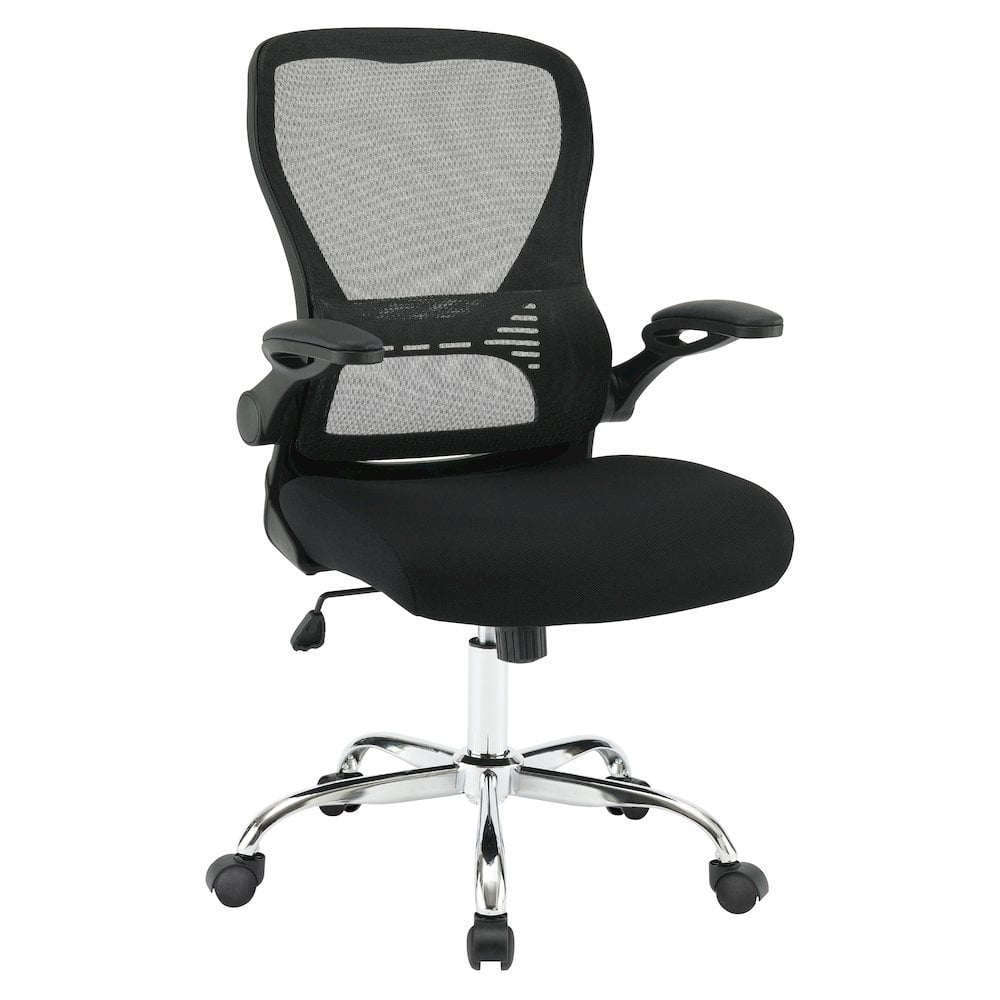
| Multi-Dimensional Armrests | Adjust height, width, pivot so elbows rest comfortably without spreading shoulders. | Eliminates neck and upper back tension. |
| Tilt Tension Knob | Turn clockwise for more resistance, counter-clockwise for easier recline. Set so you can recline smoothly but not flop. | Encourages dynamic movement and reduces fatigue. |
| Forward Tilt | Engage for intense desk tasks; tilts seat slightly forward to open hip angle. | Great for writing or detailed computer work. |
| Lumbar Height/Depth | Align with natural lumbar curve. Depth increases firmness; adjust for snug but not excessive pressure. | Maintains proper spinal alignment during prolonged sitting. |
How to Use Office Chair for Different Body Types
There’s no one-size-fits-all approach. Customizing the chair to your body type is essential.
- Petite users (under 5'4"): Look for chairs with shorter seat depth and lower cylinder range. Use a footrest if feet don’t touch floor after lowering. Prioritize adjustable lumbar that reaches lower back.
- Tall users (over 6'2"): Choose chairs with high backrest and extended cylinder. Headrest should be adjustable. Use seat depth extension to support full thighs.
- Heavier individuals: Ensure chair weight capacity at least 300 lbs. Use chairs with reinforced base and wide seat pan. Always lock casters when standing up for stability.
- Those with pre-existing back pain: Use active recline to shift pressure points. Consider a memory foam lumbar cushion if integrated support feels insufficient.
✅ Daily Office Chair Use Checklist
🎥 Visual Guide: Watch how to adjust and use your office chair in 3 minutes
(Video tutorial: quick ergonomic adjustment walkthrough — visit our YouTube channel for step-by-step demonstration)