
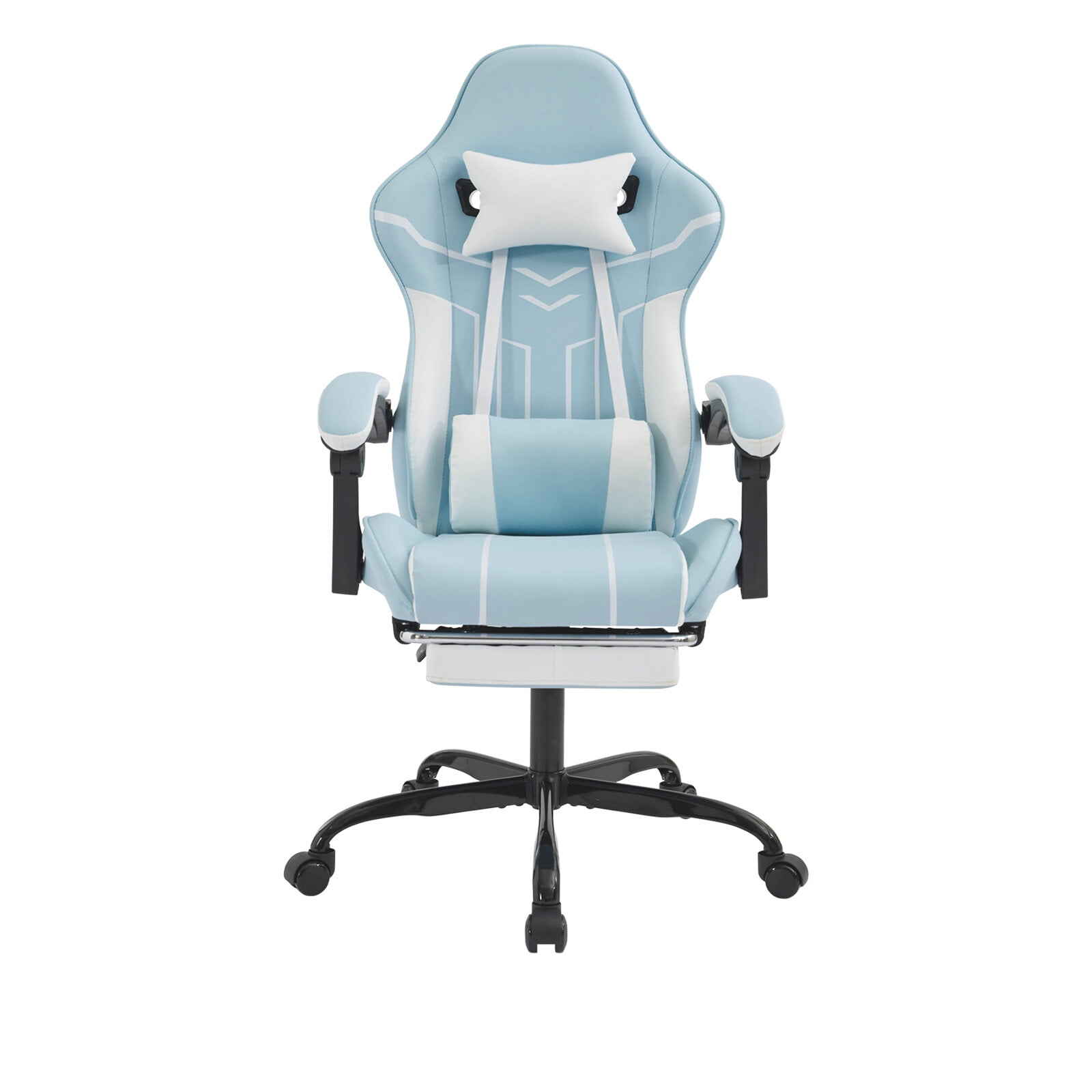
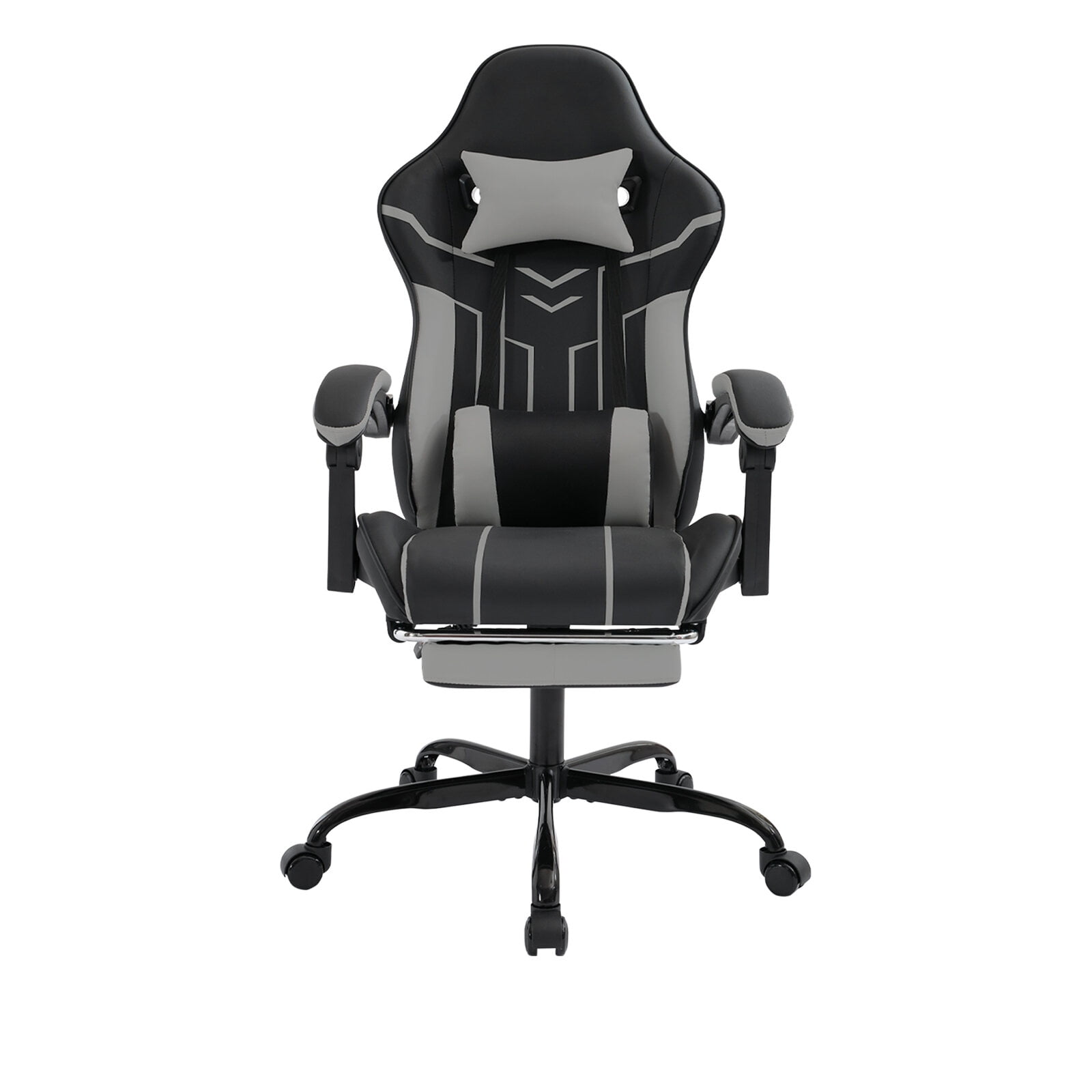
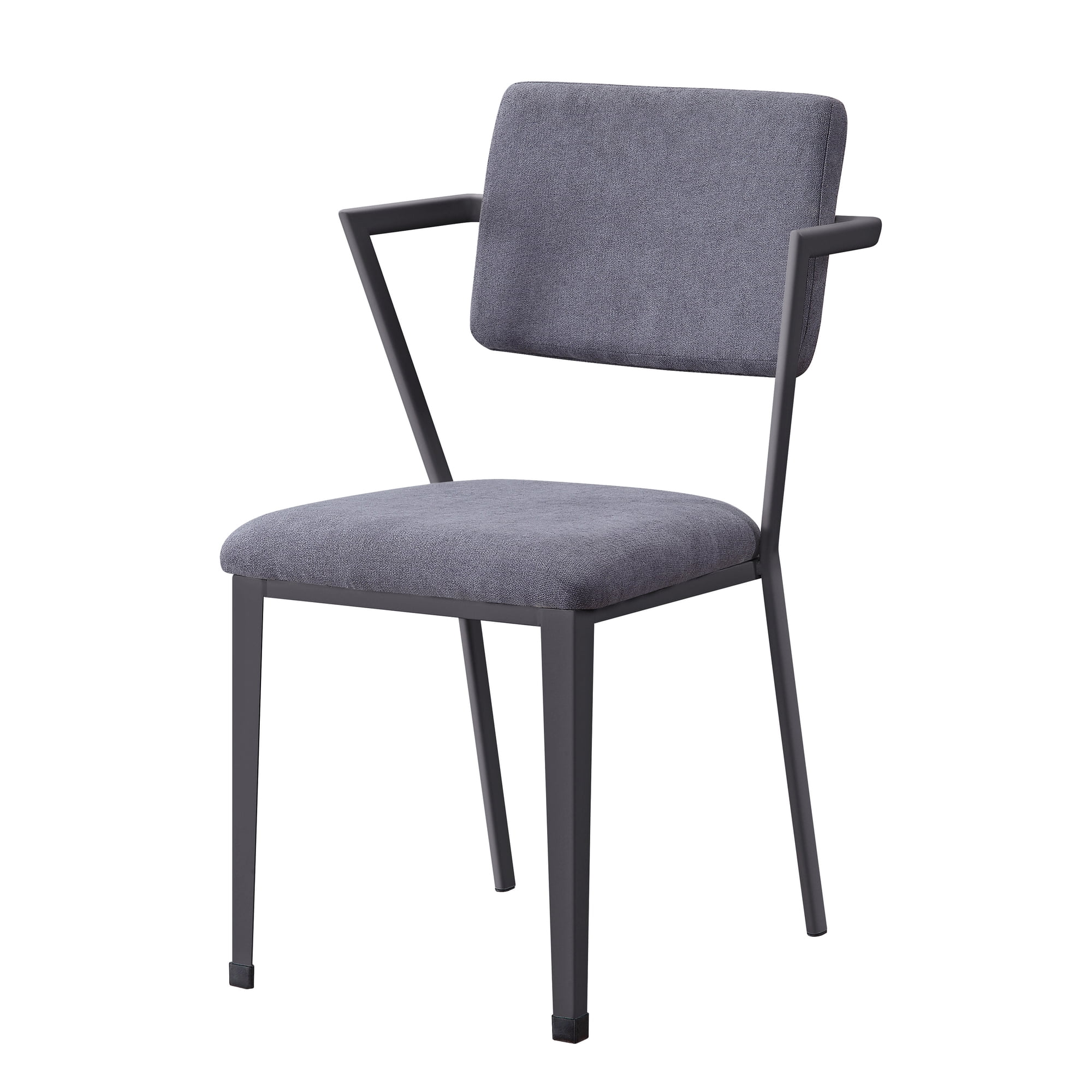
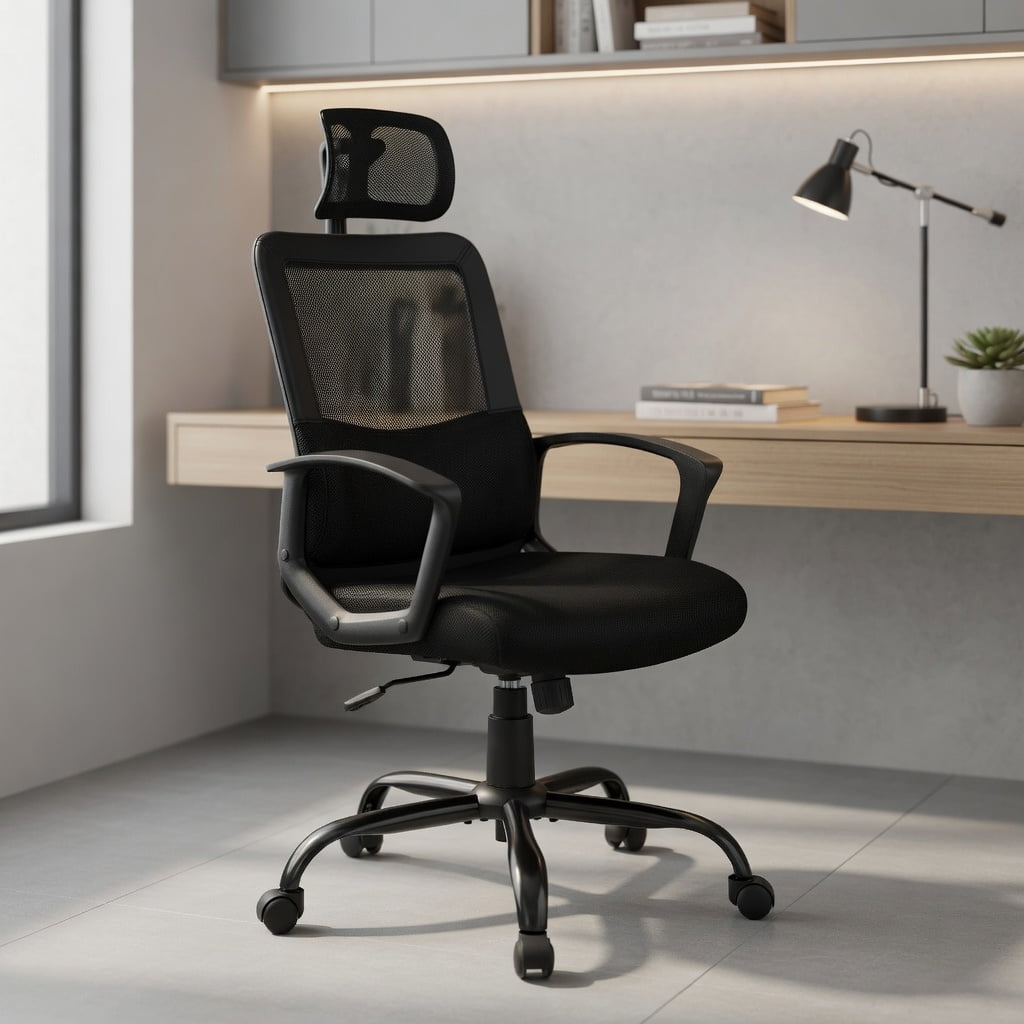
Introduction: Your Backbone of Productivity
Imagine spending eight hours a day in a car with a seat that doesn't adjust—your back would ache, your legs would tire, and your focus would drift. That's exactly what happens when you work from a non-ergonomic office chair. An Office Depot ergonomic chair acts like a well-engineered car seat for your desk, providing the support you need to stay comfortable, focused, and pain-free. Whether you're a remote worker, a manager, or a student, choosing the right ergonomic seat from Office Depot is a pivotal decision for your health and efficiency.
This guide cuts through the noise. We'll explore the key features that make a chair truly ergonomic, compare popular Office Depot models and materials, and give you a clear path to finding the perfect match for your body and budget—all while leveraging the convenience of Office Depot's retail presence.
Did you know? The average person sits for 6.5 to 8 hours per day. Using a chair with proper lumbar support can reduce spinal disc pressure by up to 35%, according to ergonomics research. This isn't just about comfort; it's about long-term spinal health.
Decoding the Office Depot Ergonomic Chair Lineup
Office Depot stocks a vast array of chairs, but "ergonomic" is more than a label. It's a promise of adjustability and support. Let's break down what you should look for and how their popular series stack up.
1. The Anatomy of an Ergonomic Chair: What to Look For
Before diving into specific models, understand the essential components. A chair that merely looks modern isn't necessarily ergonomic. Use this checklist when evaluating any Office Depot ergonomic chair:
- Adjustable Lumbar Support: This is non-negotiable. Look for a chair where the lumbar support moves up/down and in/out. It fills the curve of your lower back, preventing slouching. (e.g., the WorkPro 9000 series has a large, adjustable lumbar pad).
- Seat Depth Adjustment: A seat pan that slides forward and back ensures you have 2-4 finger widths of space between the back of your knees and the seat. This prevents circulation issues. The WorkPro 1000 series often features this.
- Tilt Tension and Lock: You should be able to rock back comfortably and lock the chair in an upright or slightly reclined position. Tilt tension adjusts how much force is needed to recline.
- Adjustable Armrests (3D or 4D): Armrests that move up/down, side-to-side, and pivot allow you to keep your elbows at a 90-degree angle with relaxed shoulders. This prevents neck and shoulder strain.
- Waterfall Seat Edge: A curved, downward-sloping front edge reduces pressure on the thighs and improves blood flow to the legs. Most modern Office Depot chairs incorporate this.
2. Deep Dive: WorkPro® Series – The Ergonomic Powerhouse
The WorkPro line is Office Depot's flagship ergonomic series. Think of it as their answer to high-end ergonomic brands, but at a more accessible price point. Here’s how they differ:
WorkPro® 1000 Series
- Best for: Users who prefer a plush, cushioned seat and back.
- Key Feature: Often features a mesh back for breathability combined with a thick foam seat.
- Adjustability: Typically includes seat height, tilt tension, lock, and adjustable lumbar (via a knob). Armrests are usually height-adjustable.
- Vibe: A blend of classic executive comfort with ergonomic essentials.
WorkPro® 9000 Series
- Best for: Users who want maximum breathability and advanced adjustability.
- Key Feature: Full mesh back and seat (no foam padding on the back), which keeps you cool.
- Adjustability: Steps up with seat depth adjustment, 4D armrests (height, width, depth, pivot), and a more sophisticated lumbar support system.
- Vibe: A high-performance, technical ergonomic chair.
3. Material Matters: Mesh vs. Fabric vs. Faux Leather
Your choice of material dramatically affects comfort, especially during long hours. At Office Depot, you'll find these three main types in their ergonomic chairs.
✅ Mesh (e.g., WorkPro 9000)
Advantages: Unbeatable breathability – air circulates freely, preventing sweat and sticking. It's durable, modern-looking, and provides good contouring support. Best for: Warm climates, people who run hot, and those prioritizing airflow.
🔄 Fabric (e.g., many task chairs)
Advantages: Comfortable, soft, and available in many colors. It's often more budget-friendly than high-end mesh. Limitations: Can trap heat and absorb spills. Best for: Cooler offices, budget-conscious buyers, and those who prefer a softer feel.
💼 Faux Leather (e.g., Sorina)
Advantages: Looks sleek and professional, easy to wipe clean. Limitations: Can get sticky in summer and cold in winter; may crack over time. Best for: Executive settings, client-facing offices, and easy maintenance.
Choosing between mesh and leather is like choosing between a performance running shirt and a stylish leather jacket. The mesh keeps you cool and functional during a long session, while the leather projects a classic image but might feel less breathable.
4. Other Notable Office Depot Ergonomic Models
Beyond WorkPro, Office Depot offers other excellent options under their own brands (like Sorina) and others.
- Office Depot® Sorina Ergonomic Chair: A popular mid-back chair. It's often more compact and affordable. It typically features a mesh back, fabric seat, and essential adjustments (height, tilt, lumbar). A great entry-level ergonomic pick.
- Realspace® Ergonomic Chairs: Realspace is another Office Depot brand. Their ergonomic chairs often focus on a balance between style and function, with options like high backs and bonded leather finishes, appealing to the home office aesthetic.
Frequently Asked Questions About Office Depot Ergonomic Chairs
Conclusion: Your Next Step to a Healthier Workday
Finding the right Office Depot ergonomic chair is a journey of matching your body's needs with the chair's features. Start by identifying what bothers you most—is it lower back ache, neck strain, or just feeling too warm? Then, use that as your guide.
If you value maximum airflow and adjustability, the WorkPro 9000 is a top-tier choice. If you prefer plush comfort with essential support, the WorkPro 1000 won't disappoint. For a budget-friendly start, the Sorina offers great value. The best part? You can visit an Office Depot store, sit in these chairs, and feel the difference yourself. Don't let another day of discomfort drain your energy—invest in a chair that invests in you.
Final Pro Tip: Once you buy your chair, take 10 minutes to read the manual and adjust every lever. A perfectly adjusted chair is the secret to unlocking its full ergonomic potential.