
Why Your Choice of Office Computer Desk Chair Matters More Than You Think
In today's digital age, the average professional spends over 2,000 hours per year seated at a computer. Your office computer desk chair is not just a piece of furniture—it's your primary tool for focus, creativity, and physical well-being. A well-designed chair bridges the gap between comfort and functionality, allowing you to work efficiently without sacrificing your health.
Studies show that using a properly adjusted ergonomic chair can reduce shoulder tension by up to 38% and lower the risk of developing musculoskeletal disorders by 60%. Investing in a quality computer desk chair is investing in your long-term productivity.
Decoding the Anatomy of an Exceptional Computer Desk Chair
Not all office chairs are created equal. When searching for the ideal computer desk chair, focus on these critical components:
- Adjustable Seat Height: Ensures your feet rest flat and thighs are parallel to the floor, promoting healthy circulation.
- Dynamic Lumbar Support: A mechanism that adapts to your spine's natural curve, preventing lower back fatigue.
- Seat Depth Adjustment: Allows you to position the seat pan for optimal thigh support without pressing against the back of your knees.
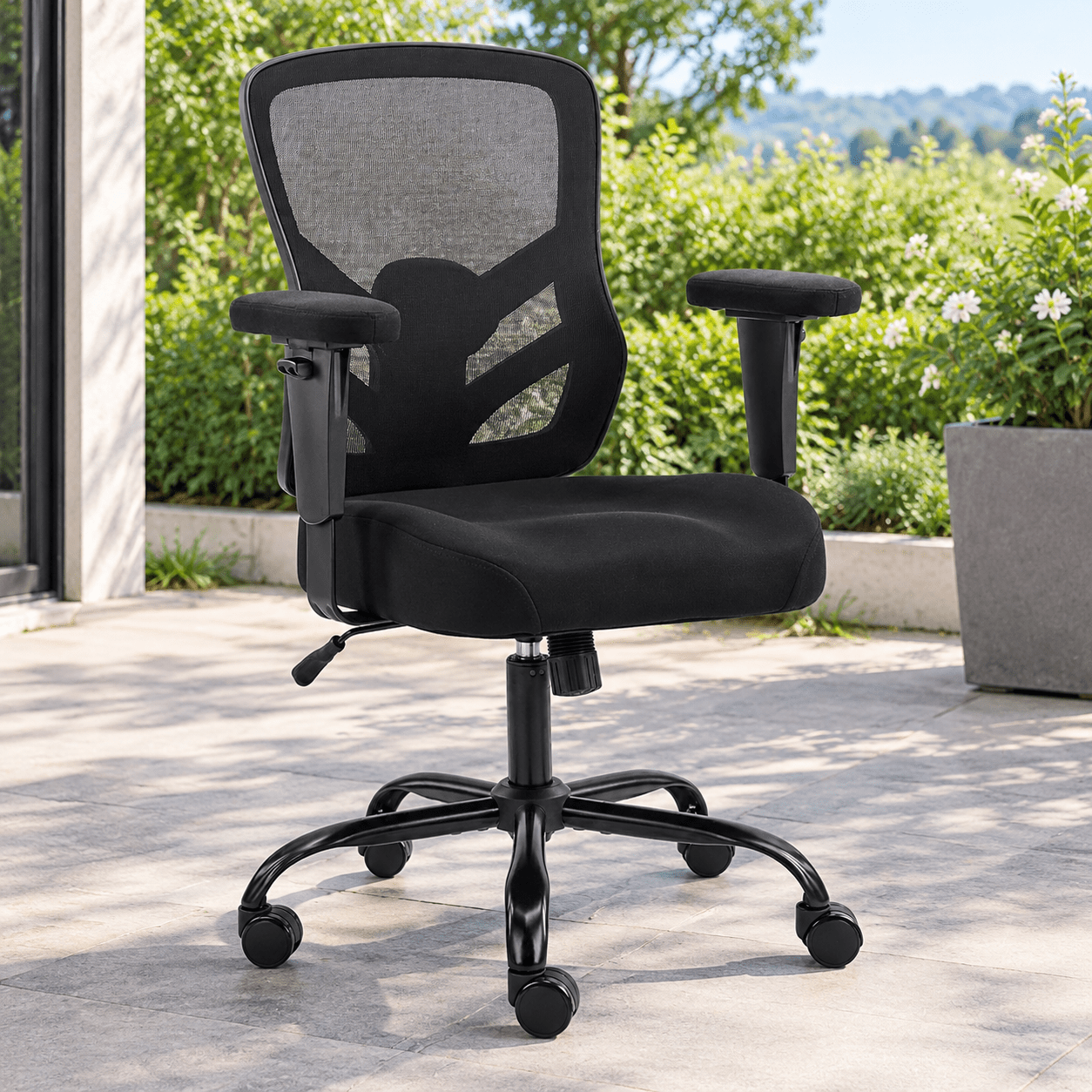
- Multi-Dimensional Armrests (4D): Adjustable height, width, angle, and depth to support your arms and shoulders while typing.
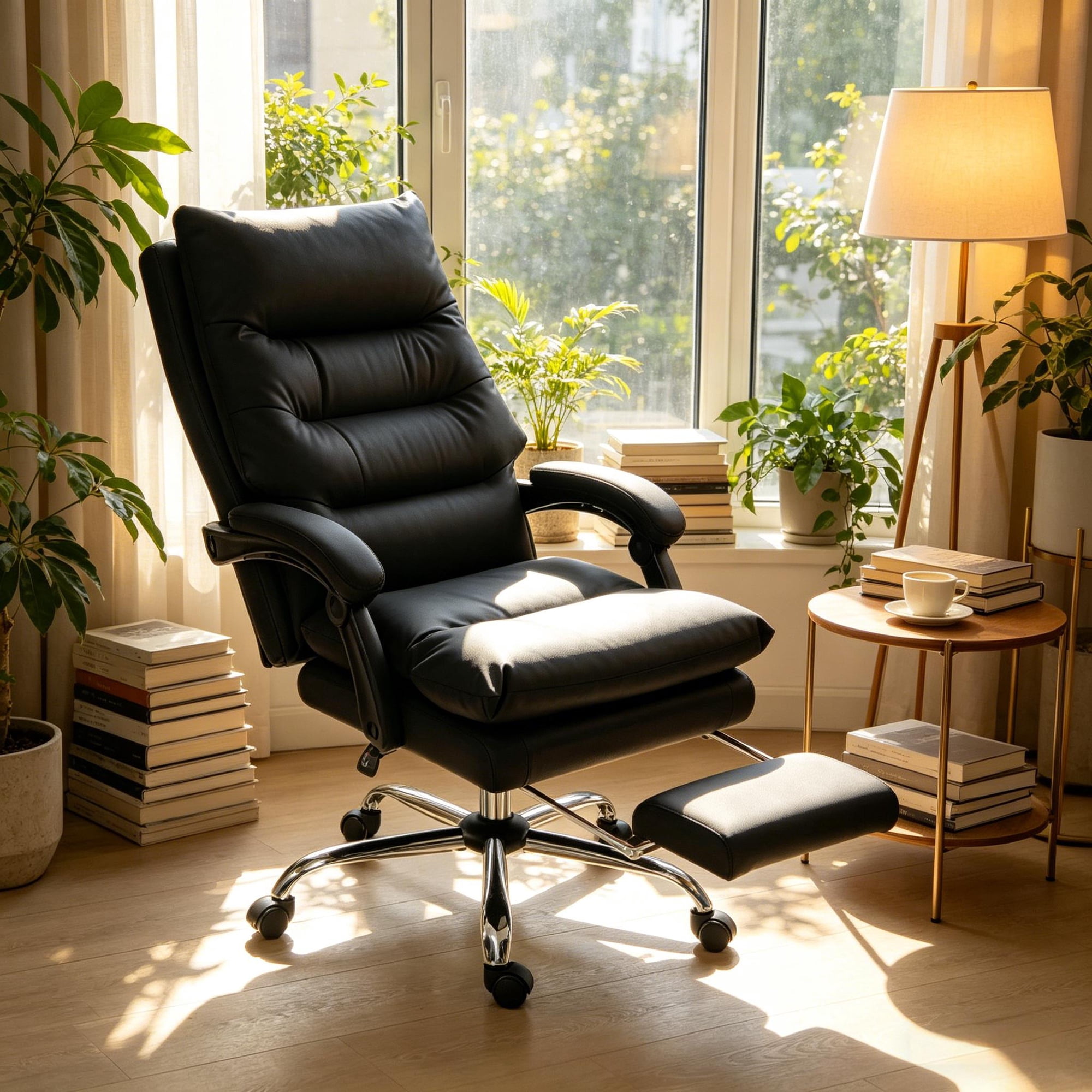
- Tilt Tension & Lock: Enables you to recline comfortably and lock at desired angles, reducing pressure on the spine.
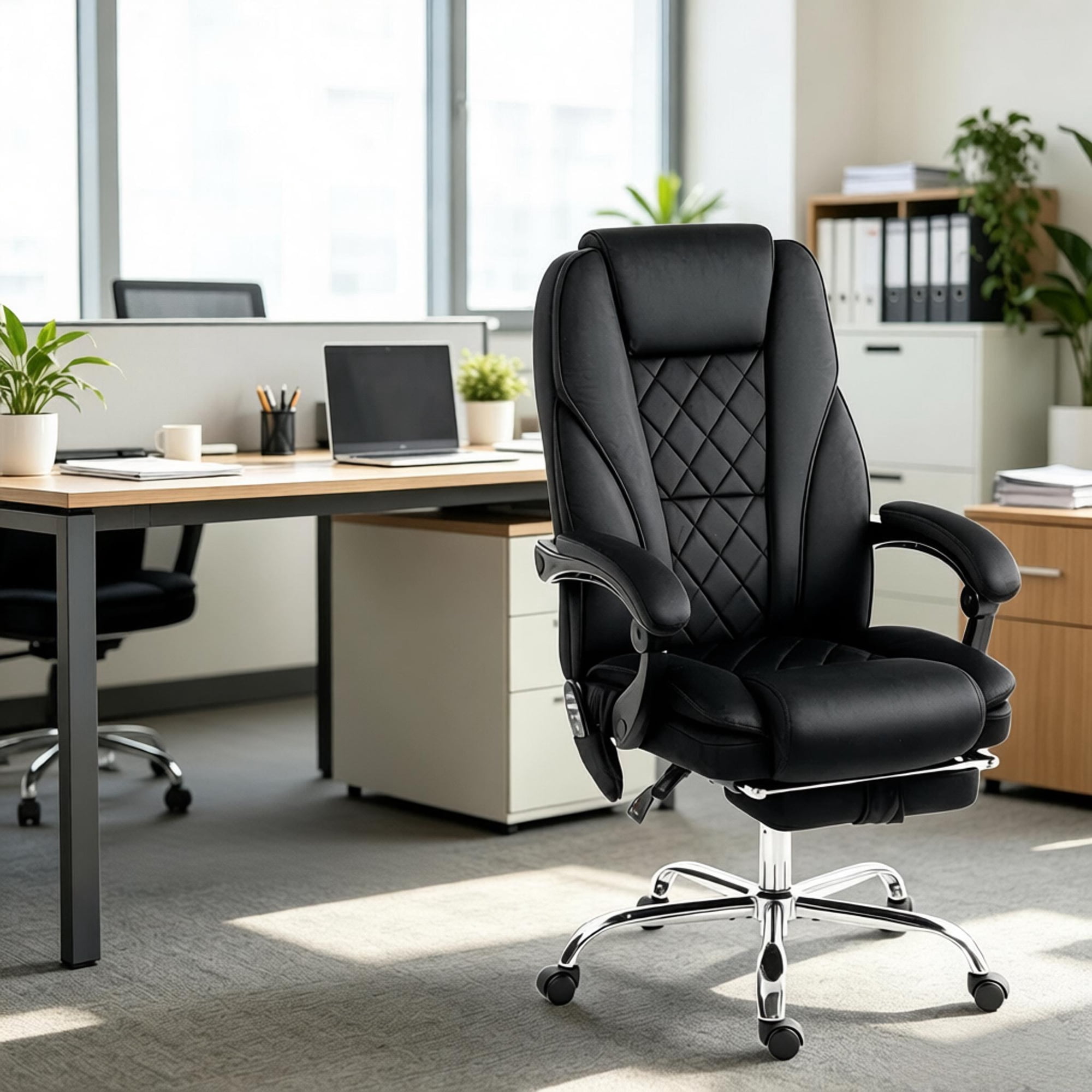
- Breathable Material: Mesh, fabric, or high-quality leather that suits your climate and comfort preferences.
Common Mistakes When Buying an Office Computer Desk Chair
- • Ignoring adjustability: A one-size-fits-all approach leads to discomfort. Always prioritize multiple adjustment points.
- • Overlooking seat width: Ensure the seat pan accommodates your hip width comfortably without feeling cramped.
- • Underestimating casters: Choose casters suitable for your floor type (hard floor, carpet) to ensure smooth movement and protect flooring.
- • Forgetting about warranty: A solid warranty (5+ years) is a sign of manufacturer confidence and protects your investment.
Material Deep-Dive: Finding Your Perfect Match
The material of your computer desk chair influences not only aesthetics but also durability and comfort. Here’s a detailed comparison to guide you:
Breathable Mesh
Ideal for: Hot climates, long working hours, and those who tend to perspire.
Pros: Excellent airflow, lightweight, generally easy to clean, modern look.
Cons: May lack plushness; lower-end mesh can sag over time.
Premium Fabric
Ideal for: Traditional offices, cooler environments, and those seeking soft texture.
Pros: Wide variety of colors, comfortable, quieter than leather.
Cons: Can absorb spills; may trap allergens if not cleaned regularly.
Top-Grain Leather
Ideal for: Executive offices, professional settings, and long-term investment.
Pros: Luxurious feel, durable (10+ years), easy to wipe clean, timeless appeal.
Cons: Higher cost; can be cold in winter and warm in summer without climate control.
PU Leather / Faux Leather
Ideal for: Budget-conscious buyers, home offices with moderate use.
Pros: Affordable, easy to clean, stylish leather-like appearance.
Cons: Less breathable; may peel or crack after 2-4 years.
Step-by-Step Guide to Selecting Your Perfect Office Computer Desk Chair
Follow this structured approach to ensure you pick a chair that meets your unique needs:
- Assess Your Workspace: Measure your desk height, available floor space, and consider the overall office aesthetic. A chair that complements your environment boosts motivation.
- Define Your Daily Tasks: Are you primarily typing, conducting video calls, or doing creative work? For multitasking, prioritize chairs with 4D armrests and smooth swivel capabilities.
- Consider Your Body Type: Tall individuals should look for high-back models with adjustable headrests. Petite users benefit from chairs with shorter seat depths and narrower widths.
- Set a Realistic Budget: While you can find decent chairs under $300, investing in the $500–$1,200 range typically yields superior ergonomics, materials, and longevity. Think of it as a per-year cost over a decade of use.
- Test or Research Thoroughly: If possible, sit in the chair for 20 minutes. Otherwise, read verified reviews focusing on durability, long-term comfort, and ease of adjustments.
- Verify Warranty & Return Policy: A reputable brand offers at least a 5-year warranty on mechanisms and frame. Ensure you have a trial period to confirm the chair suits your needs.
Adjust your new chair systematically: start with seat height, then lumbar, then armrests, and finally tilt tension. Small, gradual adjustments over a few days help you find the sweet spot for all-day comfort.
Frequently Asked Questions About Office Computer Desk Chairs
Conclusion: Elevate Your Work Experience with the Right Computer Desk Chair
Choosing the ideal office computer desk chair is a strategic decision that pays dividends in health, productivity, and professional image. Whether you prioritize breathable mesh for all-day comfort, luxurious leather for a corporate setting, or a versatile fabric chair for a home office, the key lies in understanding your personal needs and investing in quality.
Remember, the best chair is one that disappears from your consciousness—allowing you to focus fully on your work without distraction. Use the insights and comparison tools above to make an informed choice. Your back, neck, and future self will thank you.
Final Recommendation: Prioritize adjustability, test if possible, and view your chair as a long-term investment. A premium office computer desk chair typically outlasts two or three budget alternatives, offering consistent comfort and support throughout its lifespan.