
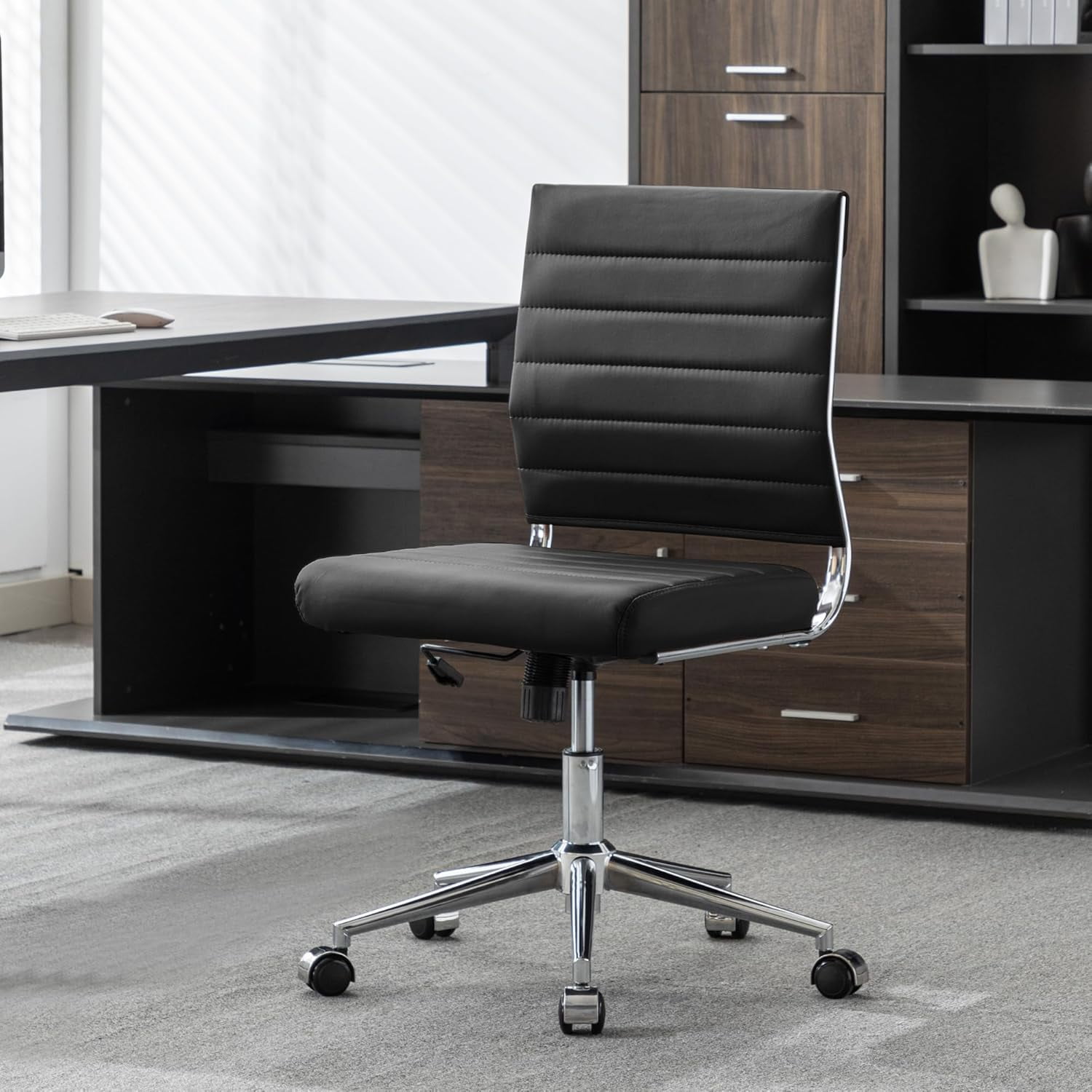
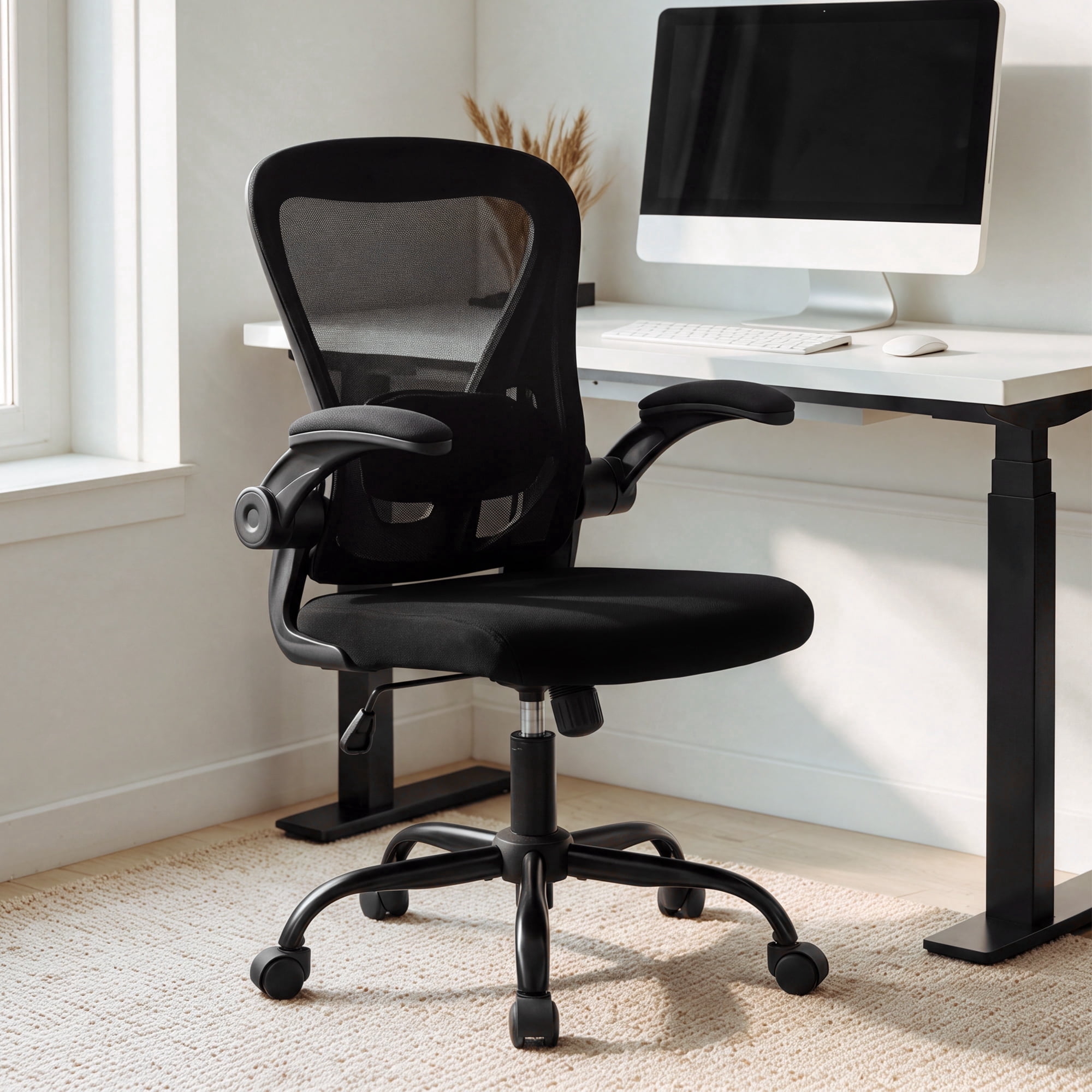
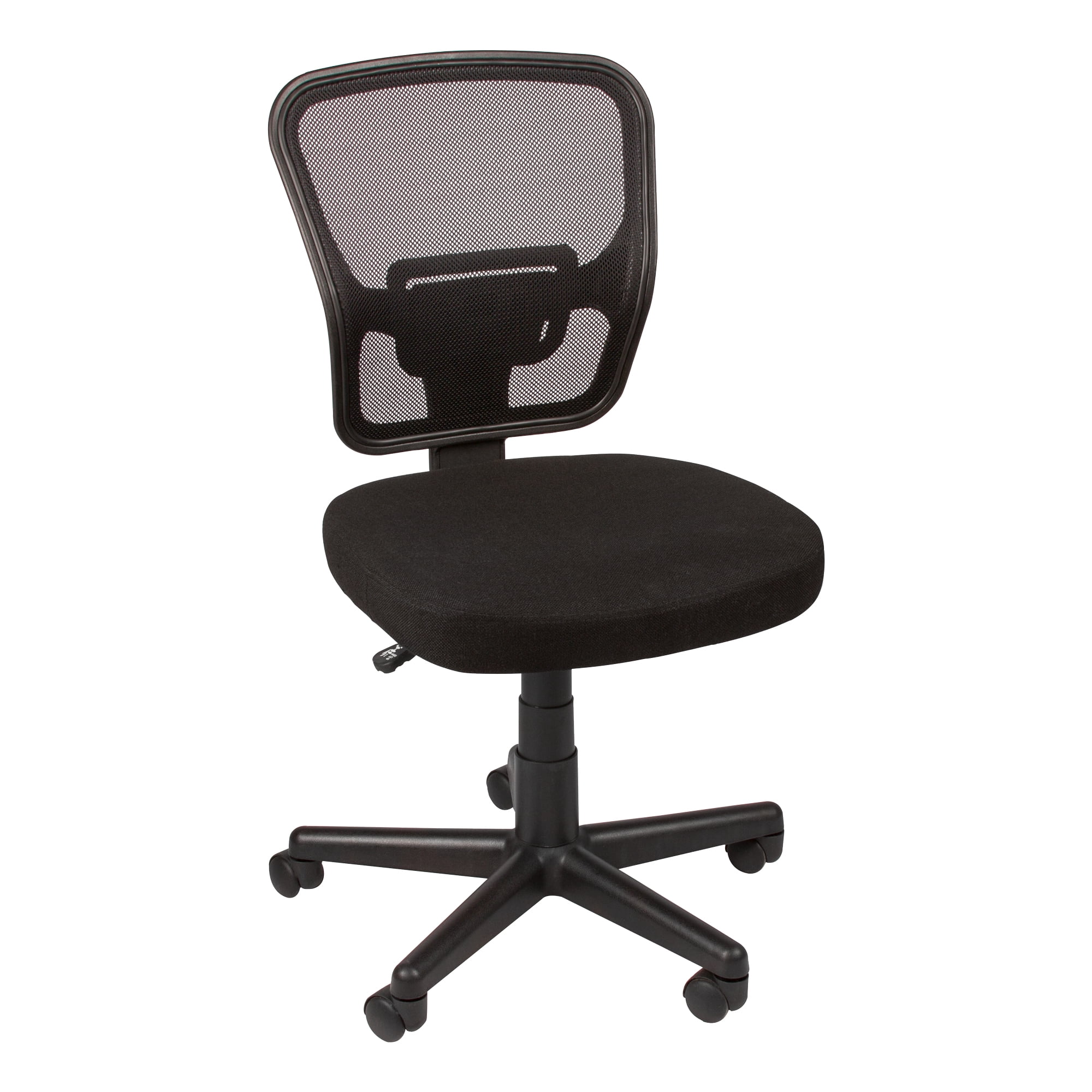
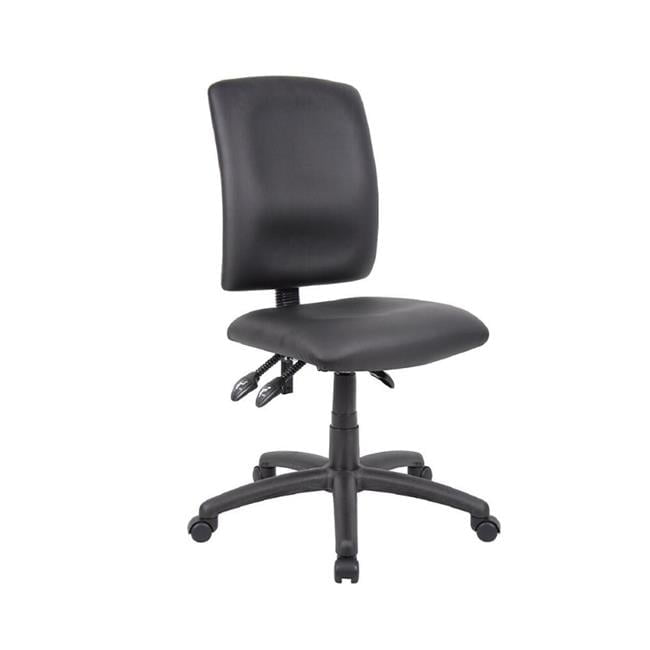
Why Consider an Office Chair Without Back?
Imagine a chair that doesn’t encase you but instead gives you freedom to move, perch, or spin — that’s the charm of a backless office chair. Often overlooked, these seats are the unsung heroes of small spaces, creative studios, and standing-desk setups. They force you to engage your core, slide easily under counters, and can even serve as extra guest seating without visual clutter. In this guide, we’ll explore when a chair without a back makes sense, what features to look for, and how to choose one that won’t leave you aching at the end of the day.
Key Considerations When Buying a Backless Office Chair
Unlike traditional executive chairs, the “no-back” category focuses on simplicity and versatility. But simplicity doesn’t mean sacrificing comfort. Here are the core aspects to evaluate:
1. Seat Design & Ergonomics (Even Without a Backrest)
A well-designed backless chair still supports your body through its seat contour. Look for:
- Contoured seat pan: A slight dip or “bucket” shape helps stabilize your pelvis.
- Waterfall front edge: Reduces pressure behind the knees, improving circulation.
- High-density foam or memory foam: Prevents the seat from flattening after a few months.
- Breathable upholstery: Mesh or perforated fabric keeps you cool; leather/faux leather is easier to wipe clean.
According to a 2023 survey by the American Posture Institute, 68% of users who switched to a backless stool for part of their workday reported less lower-back stiffness — likely due to increased micro-movements.
2. Height Adjustability: The #1 Feature
Because there’s no back to lean on, the correct seat height becomes crucial. Pneumatic lift (gas cylinder) should allow a range roughly from 18” to 24” or higher for drafting applications. For standing desks, you want a “perch” height that lets you alternate between sitting and leaning. Quick tip: measure your desk or counter height before ordering. A chair that’s too low forces you to hunch; too high and your feet dangle.
3. Base & Mobility: Wheels, Glides, or Stationary?
Backless chairs come in three common base styles:
- Rolling casters (wheels): Best for moving between workstations. Choose soft rubber casters for hardwood floors, dual-wheel for carpets.
- Stationary legs (no wheels): Often seen in minimalist wood or metal designs — stable, but you’ll need to lift to move.
- Glides (felt or plastic): Good for light sliding on smooth floors without rolling away.
If you’re using the chair at a drafting table, a footring is a game-changer: it supports your feet when the seat is high. Many backless stools include an adjustable footring.
4. Armrests or No Armrests?
Since the chair has no back, arms (if present) are attached to the seat or base. This can be helpful for leaning or resting elbows during phone calls. However, armrests may prevent you from tucking the chair under a desk. Consider your workflow:
- For typing: Armless lets you get closer to the keyboard.
- For casual use or reception: Padded arms add comfort.
- For labs or studios: Armless is easier to swivel and move.
5. Durability & Weight Capacity
Don’t assume “backless = lightweight duty.” Many industrial-grade stools hold 300–400 lbs. Look for a sturdy metal base (nylon can crack over time) and a gas lift from reputable brands like SUSPA or Stabilus. The table below summarizes typical specs:
| Feature | Drafting Stool | Guest Stool | Active Perch |
|---|---|---|---|
| Typical Height Range | 23"–33" | 18"–23" | 20"–28" |
| Footring | Often yes | Rare | Optional |
| Common Use | Architect, artist | Waiting area | Standing desk |
6. Style & Material: Blending With Your Decor
Backless chairs are often design-forward. You’ll find everything from clear acrylic “ghost” stools to industrial steel and wood, velvet tufted perches, and eco-friendly recycled plastic. Because they lack a back, they visually take up less space — making them ideal for small apartments or minimalist offices. A fuzzy white office chair or a maroon office chair without back can serve as a pop of color.
7. Health Benefits: Active Sitting Explained
A study in the Journal of Ergonomics noted that participants using backless active stools for 2 hours per day reported 22% less hip discomfort compared to static office chairs, thanks to the increased range of motion.
Frequently Asked Questions About Office Chairs Without Back
Final Thoughts: Is a Backless Office Chair Right for You?
An office chair without back isn’t for everyone, but for the right scenario, it’s a brilliant tool. If you work at a standing desk, need flexible guest seating, or run a creative studio where mobility matters, a backless chair offers freedom that traditional chairs can’t match. Focus on sturdy construction, appropriate height range, and seat comfort. And remember: you can always add a small lumbar cushion if you need occasional back support. Browse the top picks above to find a model that fits your space and budget.