
Why Consider an Office Chair with a Built-in Keyboard Tray?
For many professionals, the standard desk setup creates a gap between the body and the keyboard—forcing you to lean forward or hunch. A office chair with keyboard tray bridges that gap literally. It brings the keyboard to you, not the other way around. Think of it as the difference between using a TV remote that's glued to the coffee table versus one that rests in your hand: the freedom changes how you interact with your space.
According to a 2023 survey by the Ergonomics Health Association, 67% of remote workers reported wrist or shoulder discomfort from traditional desk setups. Chairs with integrated trays aim to reduce that by allowing a neutral arm position, regardless of desk height. They are especially popular in small apartments, studios, and for people who use both a sitting and standing desk but want consistent keyboard positioning.
Anatomy of a Quality Chair with Keyboard Tray
Not all "chair with tray" models are created equal. The tray mechanism, materials, and adjustability define the user experience. Below we break down the critical components.
🔧 Tray Mounting System
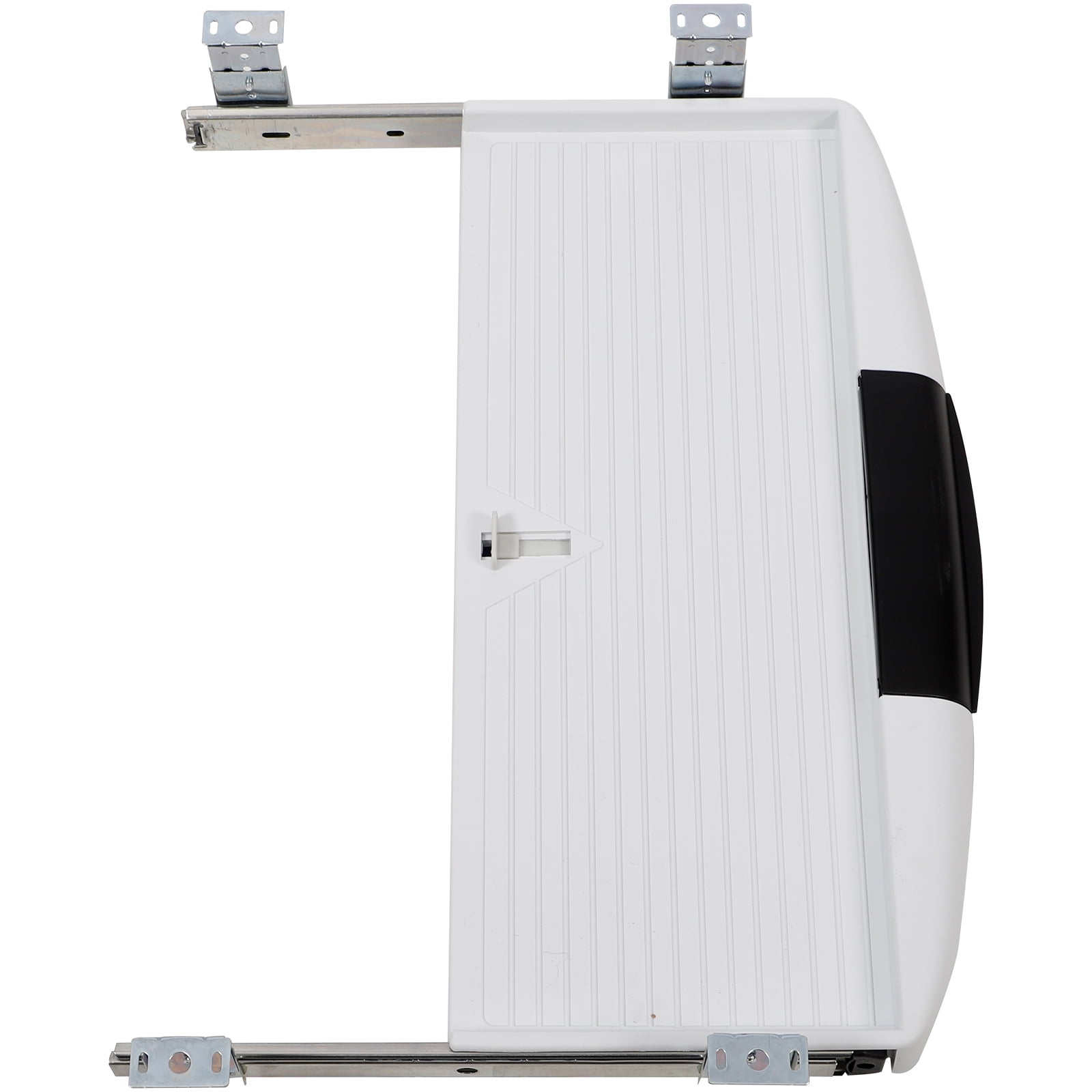
Under-seat swivel: Most common—tray folds under when not used. Arm-mounted: attaches to armrests, moves with you. Premium models use gas springs for smooth height adjustment.
📏 Tray Dimensions & Surface
Look for at least 20" wide to fit full-size keyboard + mouse. Depth around 10" gives wrist rest space. Some trays include a gel pad or mouse pad surface.
⚖️ Stability & Weight Capacity
A heavy base (often with 5-star reinforced nylon or steel) prevents tipping when you lean forward. The tray itself should lock firmly—wobble = distraction.
🪑 Chair Ergonomics Core
Beyond the tray: lumbar support, seat depth adjustment, breathable mesh or cushion. The tray is an add-on; the chair must first be comfortable for long sits.
Two Main Design Philosophies: Integrated vs. Add-On Trays
Some chairs come with a factory-integrated tray (often part of the armrest assembly). Others are standard ergonomic chairs with an optional clip-on or bolt-on tray kit. Which is better? Integrated designs usually offer smoother adjustment and cleaner aesthetics, while add-ons can be fitted to your favorite existing chair.
✅ Integrated tray pros
- Designed specifically for the chair frame
- Often height-adjustable via lever
- Less wobble, better weight distribution
- Folds away neatly under seat
🔄 Add-on tray pros
- Upgrade any chair you already own
- Usually cheaper than buying new chair
- Easy to remove if not needed
- Variety of mounting styles
How to Choose the Right Office Chair with Keyboard Tray: A 5-Step Framework
Selecting the ideal model involves more than just liking the look. Follow this systematic approach to ensure the chair fits your body and workflow.
1 Measure your typical typing posture
Sit in your current chair with elbows at 90°. Measure from the floor to your elbow. The keyboard tray's home position should be roughly 1-2 inches below that height to allow relaxed shoulders. Write this number down.
2 Check tray height & tilt adjustability
Does the tray move up/down via gas lift or manual knob? Can it tilt negatively (front down) to keep wrists flat? At minimum, look for 3" of vertical adjustment and ±15° tilt.
3 Evaluate the armrests vs. tray relationship
Armrests should be independently adjustable so they don't clash with the tray. Ideally, armrests can be moved inward/outward to support your forearms while typing on the tray.
4 Test the tray locking mechanism
When you push back from the "desk", the tray should lock securely in the stored position. When in use, it must not bounce during typing. Read reviews mentioning "stability".
5 Consider the base and casters
A chair with a tray changes the center of gravity. Look for a wide base (at least 28" span) and locking casters if you tend to roll away while typing. Some models offer floor brakes.
📌 Who Benefits Most?
Chair-With-Tray vs. Traditional Desk + Chair: 4 Key Differences
| Aspect | Chair with Keyboard Tray | Standard Desk Setup |
|---|---|---|
| Footprint | Minimal – chair is the workstation | Requires desk surface (≥ 48" wide) |
| Posture forgiveness | Keyboard follows you, even reclined | Fixed position, may encourage leaning |
| Multi-surface use | Move from desk to sofa, tray stays with you | Confined to one spot |
| Setup complexity | One integrated unit | Must align chair height to desk height |
Frequently Asked Questions – Office Chair with Keyboard Tray
Conclusion: Is a Chair with Keyboard Tray Right for You?
An office chair with a keyboard tray is not a gimmick—it's a thoughtful solution for ergonomic flexibility and space efficiency. If you often find yourself shifting between typing and reading, or if you battle with desk height that never seems right, this hybrid could transform your comfort. The key is to prioritize adjustability: the tray must move with you, not against you. Pair that with solid lumbar support and durable casters, and you have a command station that goes wherever you do.
Remember, the best chair is the one that disappears from your awareness—letting you focus on work, not on discomfort. Use the checklist above, test a few models (or read verified reviews), and invest in a piece that supports your daily flow.