
Why Your Next Office Chair Needs Back Support & Adjustable Arms
If you spend more than a few hours a day seated, you've likely felt the effects of a poor chair: an aching lower back, stiff shoulders, or a nagging pain in your neck. The solution? An office chair with back support and adjustable arms. These chairs aren't just about comfort — they're about protecting your body from the long-term effects of sedentary work. According to a study by the CDC, nearly 25% of adults report lower back pain lasting at least one day, and poor seating is a major contributing factor. Investing in an ergonomic chair with proper support can be a game-changer.
Did you know? The human spine is designed to move. Sitting in a static position for hours compresses spinal discs. A good ergonomic chair with adjustable back support and arms encourages micro-movements, improving blood flow and reducing fatigue.
Key Features of an Ergonomic Office Chair with Back Support and Adjustable Arms
Not all chairs are created equal. When searching for the perfect office chair with back support and adjustable arms, pay attention to these essential features:
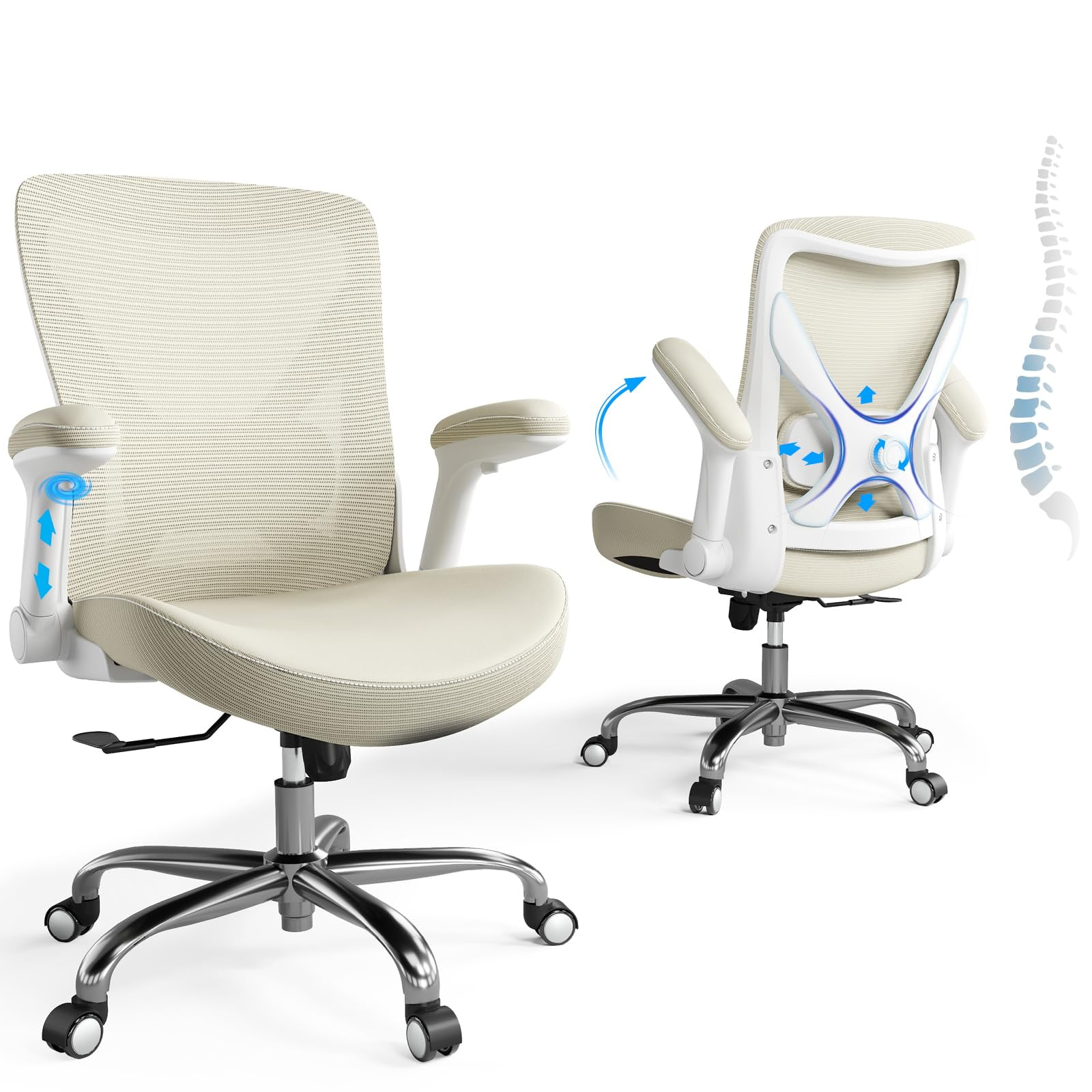
- Adjustable Lumbar Support: The chair should allow you to adjust the height and depth of the lumbar support to match the natural curve of your spine. This is crucial for preventing lower back pain.
- 4D or 3D Adjustable Armrests: Arms that move up/down, side-to-side, and forward/backward allow you to rest your elbows comfortably at a 90° angle. This reduces strain on your shoulders and neck.
- Seat Depth Adjustment: Being able to slide the seat forward or backward ensures that your back rests against the backrest while leaving a 2-3 finger gap between the edge of the seat and the back of your knees.
- Tilt Mechanism with Tension Control: A good chair lets you recline and lock at various angles, with adjustable tension to match your weight. Reclining slightly opens the hip angle and reduces pressure on the lower back.
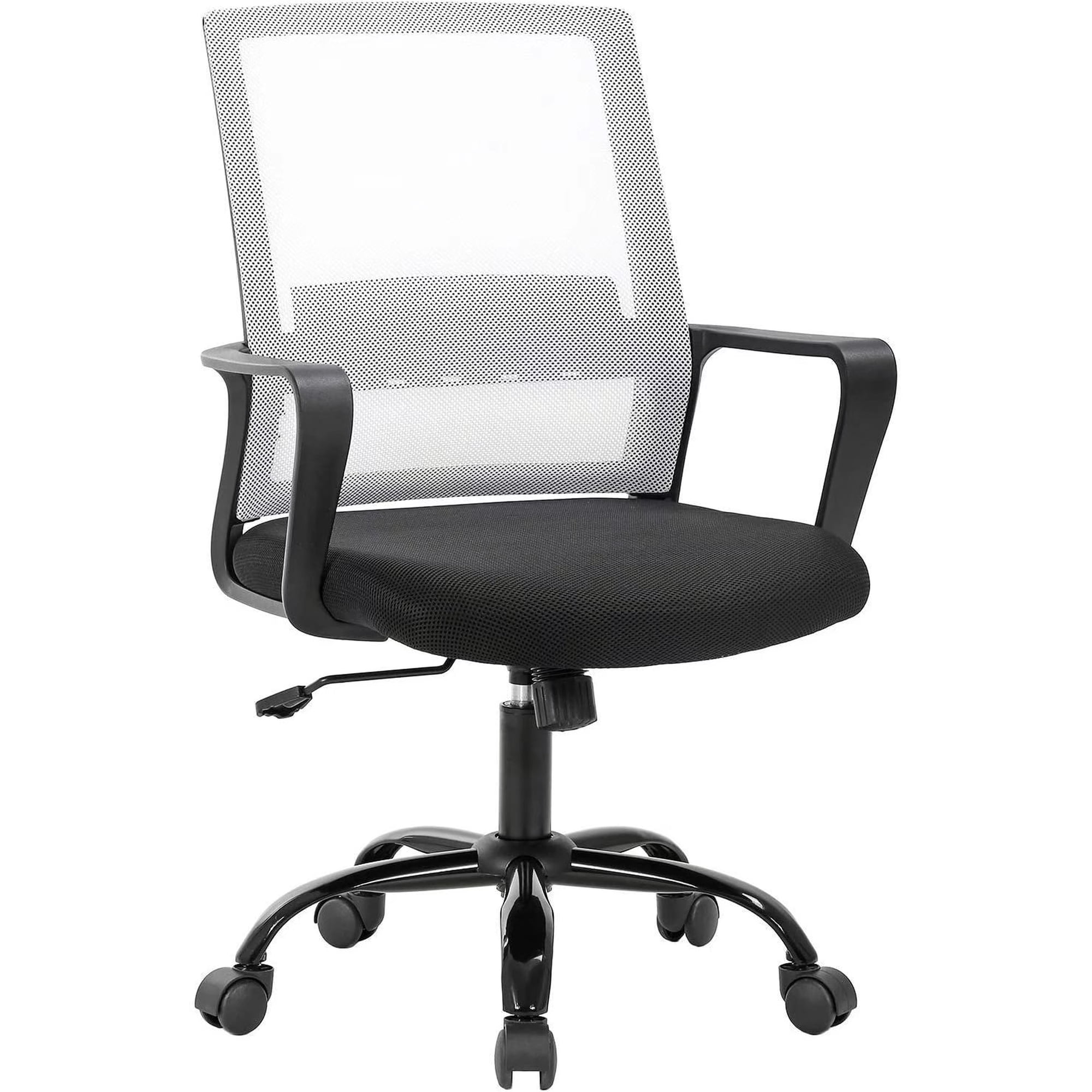
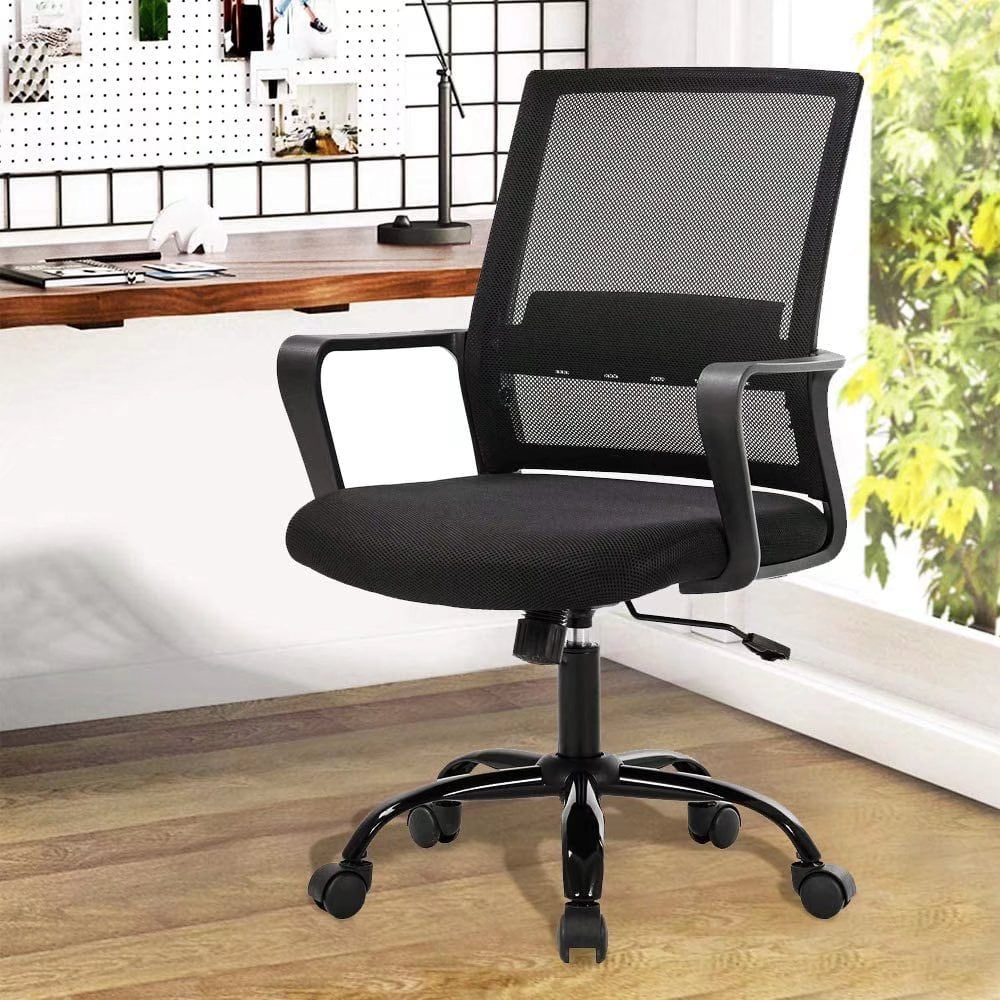
- Breathable Backrest: A mesh or fabric backrest promotes airflow, keeping you cool and comfortable even during long meetings or deep work sessions.
How to Choose the Right Chair for Your Body and Workspace
Choosing an office chair with back support and adjustable arms is a personal decision. Here's a practical guide to help you narrow down your options:
Step-by-Step Selection Guide
- Measure Your Desk Height: Your chair should allow your feet to rest flat on the floor or on a footrest, with your thighs parallel to the ground. Most desks are around 29 inches tall, so look for a chair with a seat height range that works with your desk.
- Assess Your Back Support Needs: Do you have lower back pain, upper back tension, or both? Some chairs offer separate upper and lower back adjustments. For general support, a chair with a dynamic lumbar system that moves with you is ideal.
- Test the Armrests: Sit in the chair and relax your shoulders. Adjust the armrests so your elbows are at a 90° angle and your forearms are parallel to the floor. The armrests should support your arms without forcing your shoulders to shrug.
- Consider Your Work Style: If you tend to lean forward, look for a chair with a forward tilt feature. If you often take calls or lean back, a deep recline and a headrest are valuable.
- Check Weight Capacity and Build Quality: A sturdy base, smooth casters, and a weight capacity of at least 250-300 lbs are signs of a durable chair. Read reviews to gauge long-term reliability.
Health Benefits of Properly Adjusted Office Chairs
Using an office chair with back support and adjustable arms isn't just a luxury—it's a health investment. Here’s how it pays off:
Reduced Spinal Pressure
Adjustable lumbar support maintains the natural S-curve of your spine, reducing pressure on the vertebrae and discs.
Improved Circulation
Proper seat depth and height ensure your knees are slightly lower than your hips, promoting better blood flow.
Less Neck & Shoulder Pain
Adjustable arms prevent hunching, reducing tension in the trapezius muscles and neck.
Enhanced Productivity
When you're not distracted by discomfort, you can focus better, think clearer, and work more efficiently.
Common Mistakes to Avoid
- ❌ Ignoring Adjustability: A chair that doesn't adjust to your body is a one-size-fits-none solution. Always prioritize adjustability.
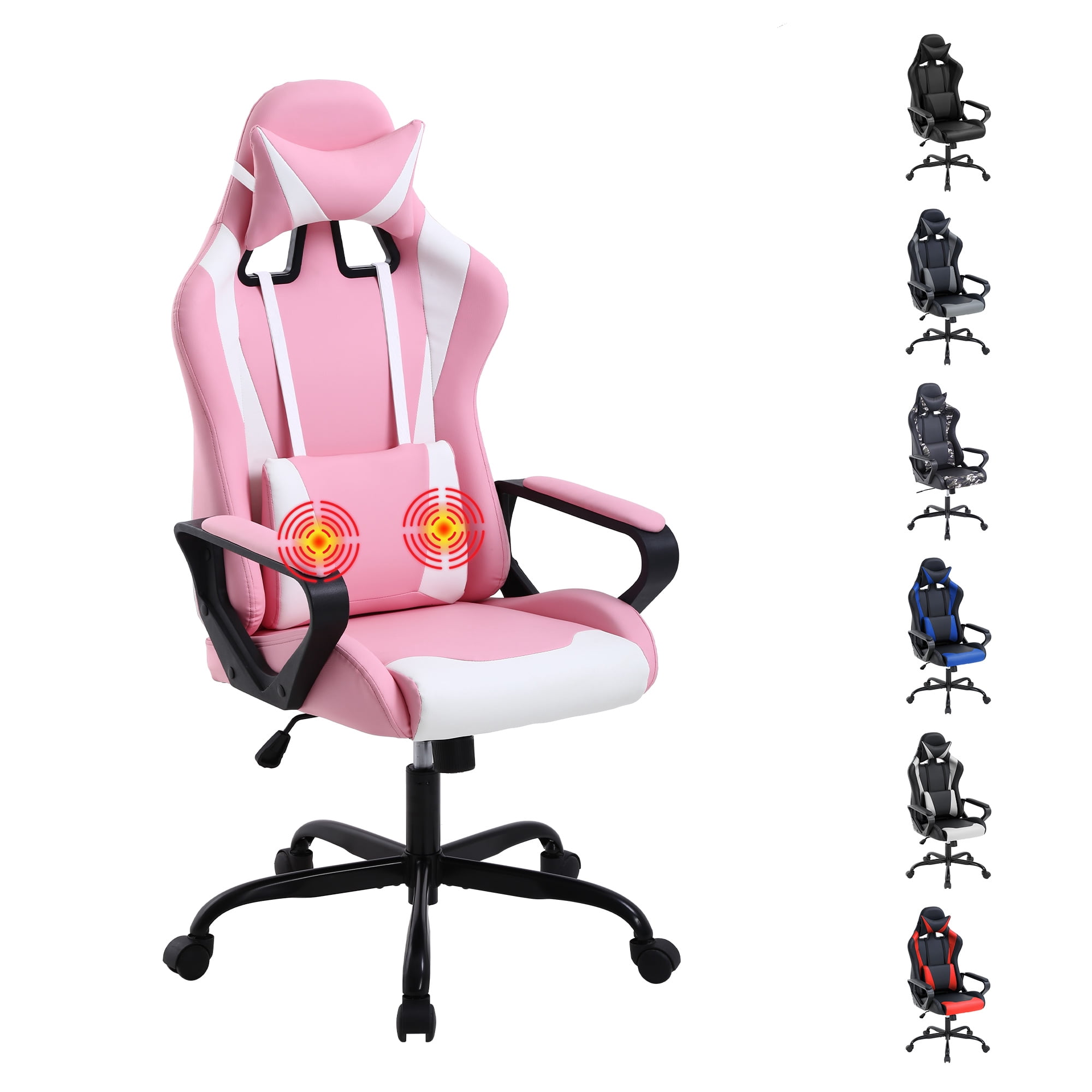
- ❌ Choosing Style Over Support: Leather may look sleek, but mesh or fabric often offers better breathability and comfort for long hours.
- ❌ Forgetting to Test: If possible, test the chair before buying. Sit in it for at least 15 minutes to feel how it supports your back and arms.
- ❌ Overlooking Warranty: A longer warranty (5-10 years) is a sign of a manufacturer's confidence in their product.
Why Adjustable Arms Matter More Than You Think
Adjustable arms are often overlooked, but they are a cornerstone of ergonomic comfort. When your arms are properly supported, your shoulders relax, your neck aligns, and you're less likely to develop repetitive strain injuries. In fact, a study published in the Journal of Physical Therapy Science found that using adjustable armrests can reduce muscle activity in the neck and shoulders by up to 30%. So, an office chair with back support and adjustable arms addresses both upper and lower body comfort, making it a holistic solution.