
Why an Office Task Chair with Adjustable Arms is Essential
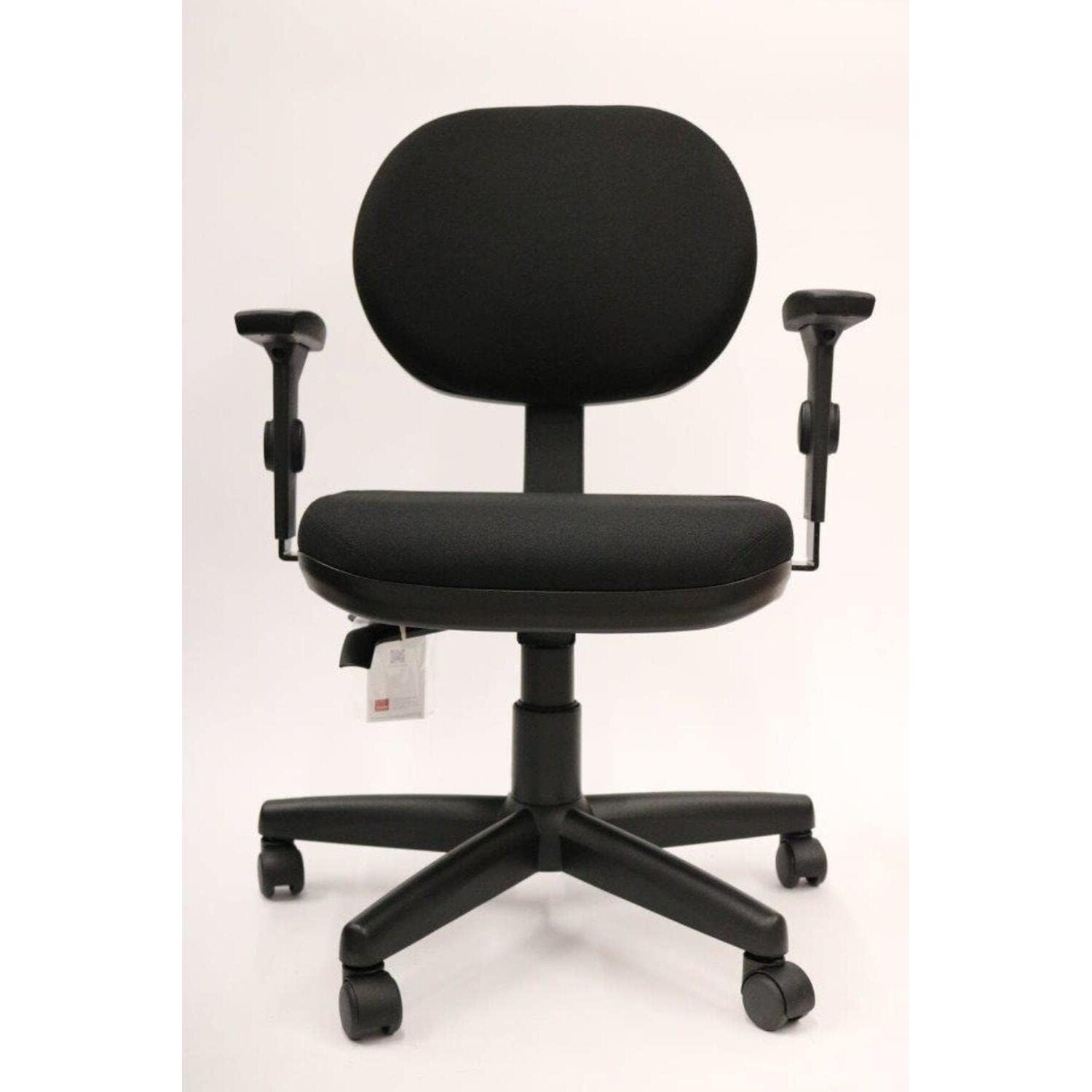
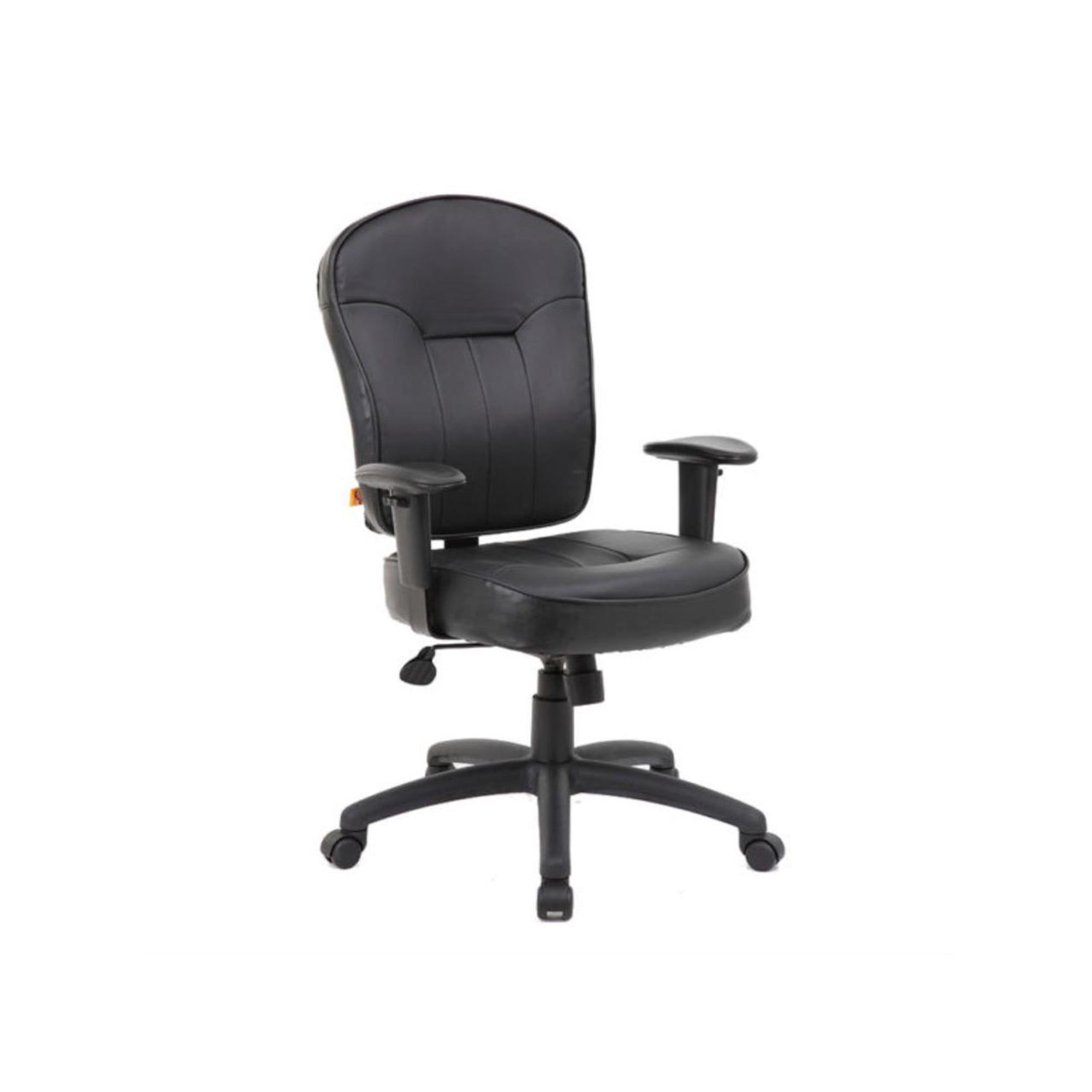
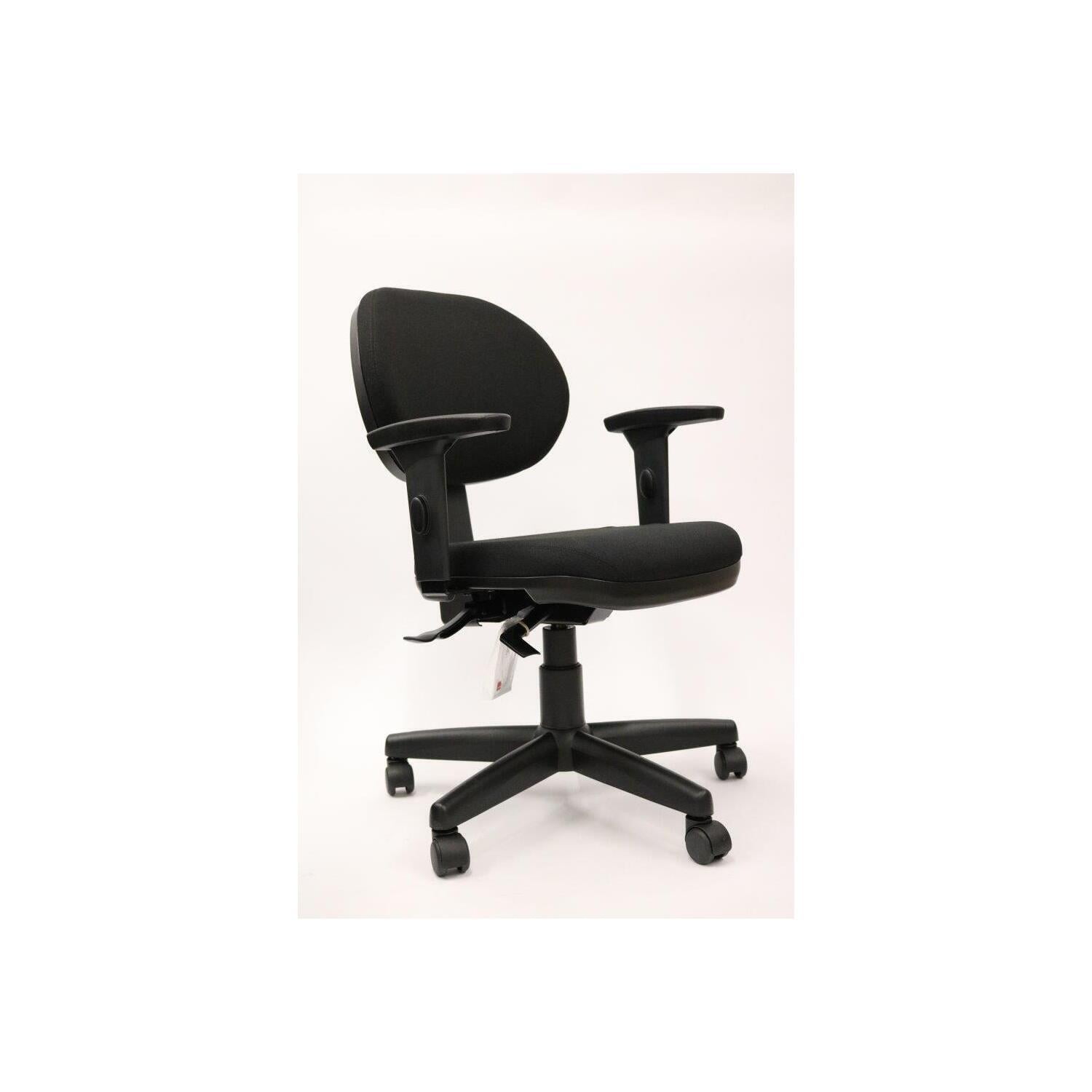
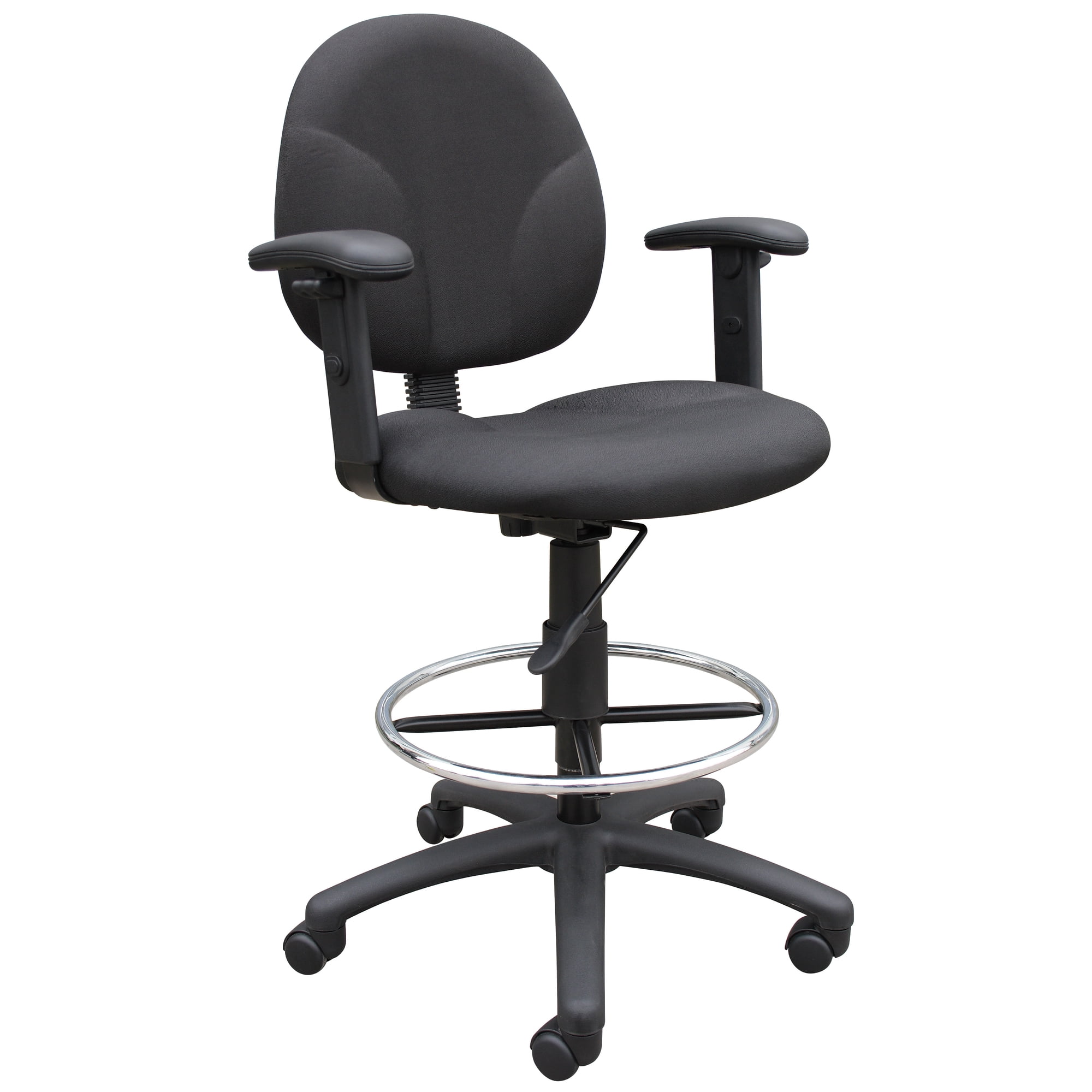
In the modern workplace, the office task chair with adjustable arms has become a cornerstone of ergonomic comfort and productivity. Unlike fixed-arm chairs, adjustable arms let you tailor your seating position to your body's unique dimensions, reducing strain on your shoulders, neck, and wrists.
Ergonomic Insight: Research indicates that proper arm support can reduce shoulder muscle activity by up to 30%, preventing common overuse injuries. An adjustable task chair is your first line of defense against repetitive strain.
Key Benefits of Adjustable Arms in Task Chairs
Here’s why an adjustable-arm task chair is a smart investment for any workspace:
- Personalized Fit: Adjust arm height, width, and angle to match your sitting posture and desk setup.
- Reduced Strain: Properly positioned arms take pressure off your upper body and promote a relaxed, open chest.
- Versatility: Chairs with flip-up or retractable arms can be tucked under desks for additional flexibility.
- Improved Task Performance: Comfortable arms support smooth keyboard and mouse movements, boosting efficiency.
- Long-Term Health: Prevents chronic neck and shoulder pain associated with static seated postures.
Types of Arm Adjustments: A Detailed Overview
Understanding the different types of arm adjustments helps you choose the chair that best fits your work style. Here’s a breakdown of common adjustments:
| Adjustment Type | Description | Ideal For |
|---|---|---|
| Height Adjustment | Vertical movement of armrests to align with your elbows at 90°. | All users, especially those who change desk heights or share chairs. |
| Width Adjustment | Sliding arms in/out to accommodate different shoulder widths. | Users with broader or narrower frames; promotes relaxed shoulders. |
| Depth Adjustment | Forward/backward movement to align with your forearm length. | Users with shorter/longer forearms; optimal wrist support. |
| Pivot/Angle Adjustment | Angled armrests to reduce wrist strain during extended typing. | Users who type for long hours; reduces ulnar deviation. |
| 3D or 4D Arms | Multiple adjustments (height, width, depth, pivot) for full customization. | Power users seeking maximum ergonomic precision. |
Materials and Durability: What to Look For
The build quality of your chair’s arm mechanism is just as important as the adjustments themselves. Consider these factors:
High-Quality Materials
- Metal Mechanisms: Steel or aluminum components ensure long-term durability.
- Polymer Pads: Soft, durable materials like polyurethane or gel provide comfort.
- Reinforced Joints: Prevent wobbling and maintain adjustment integrity over time.
- Seamless Levers: Easy-to-use controls for on-the-fly adjustments.
Red Flags to Avoid
- Plastic-Only Components: More likely to break under regular use.
- Loose Adjustments: Arms that shift unintentionally are a sign of poor design.
- Non-Replaceable Pads: Worn pads can't be swapped, reducing lifespan.
- Limited Adjustment Range: A narrow range defeats the purpose of customization.
Step-by-Step Guide to Adjusting Your Task Chair Arms
To get the most from your chair, follow these steps for optimal arm positioning:
1. Sit with Proper Posture
Start by sitting back in the chair, feet flat on the floor, and back straight. Your shoulders should be relaxed, not hunched.
2. Adjust Arm Height
Raise or lower the arms so your elbows form a roughly 90-degree angle. Your forearms should be parallel to the floor or slightly angled downward.
3. Set Arm Width
Adjust the width so your arms rest naturally, without straining inward or outward. The arms should gently support your forearms.
4. Adjust Depth (if available)
Slide the arms forward or backward so they support your forearm without cutting into your wrists during typing.
5. Fine-Tune Angle
For chairs with pivot adjustment, tilt the arm pads to align with the natural angle of your relaxed hands.
Pro Tip: If your chair has flip-up arms, take advantage of this feature when you need to slide closer to your desk or stretch during breaks.
Office Task Chair with Adjustable Arms vs. Fixed Arms
To help you decide, here’s a quick comparison:
| Feature | Adjustable Arms | Fixed Arms |
|---|---|---|
| Customization | High; adapts to individual body types | None; one size fits few |
| Ergonomic Support | Excellent for shoulder and neck health | Can cause strain if misaligned |
| Workspace Flexibility | Can be tucked under desks (flip-up/retractable) | May obstruct desk access |
| Price Range | $150 – $800+ depending on features | $100 – $400 |
| Ideal User | Multi-user environments, shared desks, varied tasks | Single user with standard measurements |
Health Benefits of Properly Adjusted Armrests
Beyond immediate comfort, correct arm adjustment has long-term health implications:
Reduced Neck Tension
Relieves pressure from trapezius muscles, preventing headaches.
Lower Shoulder Fatigue
Even weight distribution reduces fatigue during extended work.
Improved Circulation
Less compression on arteries enhances blood flow to the hands.
Better Focus
Comfort minimizes distracting discomfort, boosting concentration.
Frequently Asked Questions (FAQ)
Conclusion & Final Recommendations
Your Ideal Office Task Chair with Adjustable Arms
The best office task chair with adjustable arms is one that fits your body, workspace, and work style. Prioritize chairs offering a wide range of adjustments, durable materials, and a comfortable seat. Remember, the upfront investment pays off in health, comfort, and productivity.
Choose chairs with 3D/4D arms and soft pads for wrist support.
Opt for chairs with easy-to-use, flip-up arms to accommodate different users.
Look for chairs with height and width adjustment as a minimum.
Take time to test your chair's adjustments and fine-tune them for your comfort. A well-adjusted task chair is a silent partner in your daily success.