
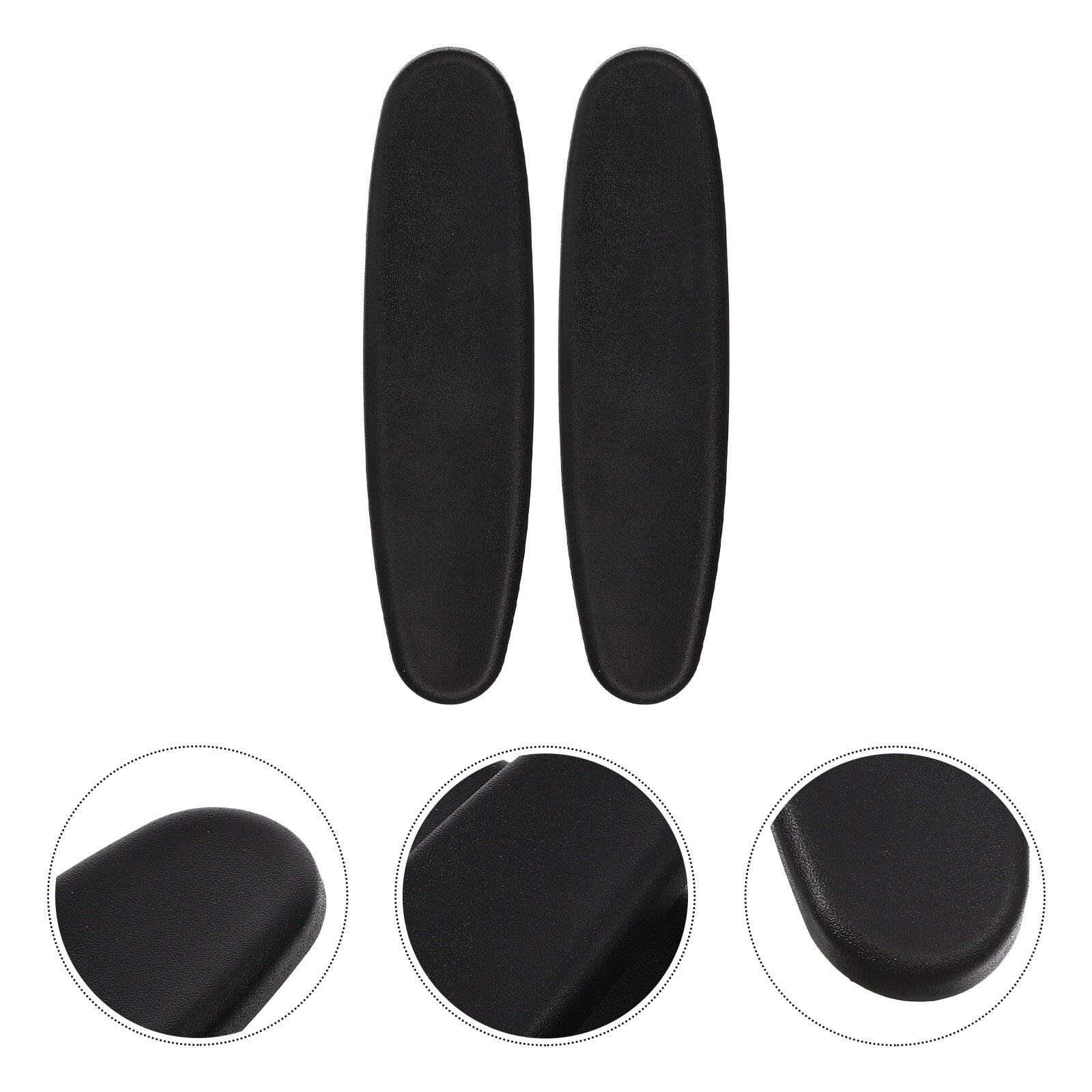

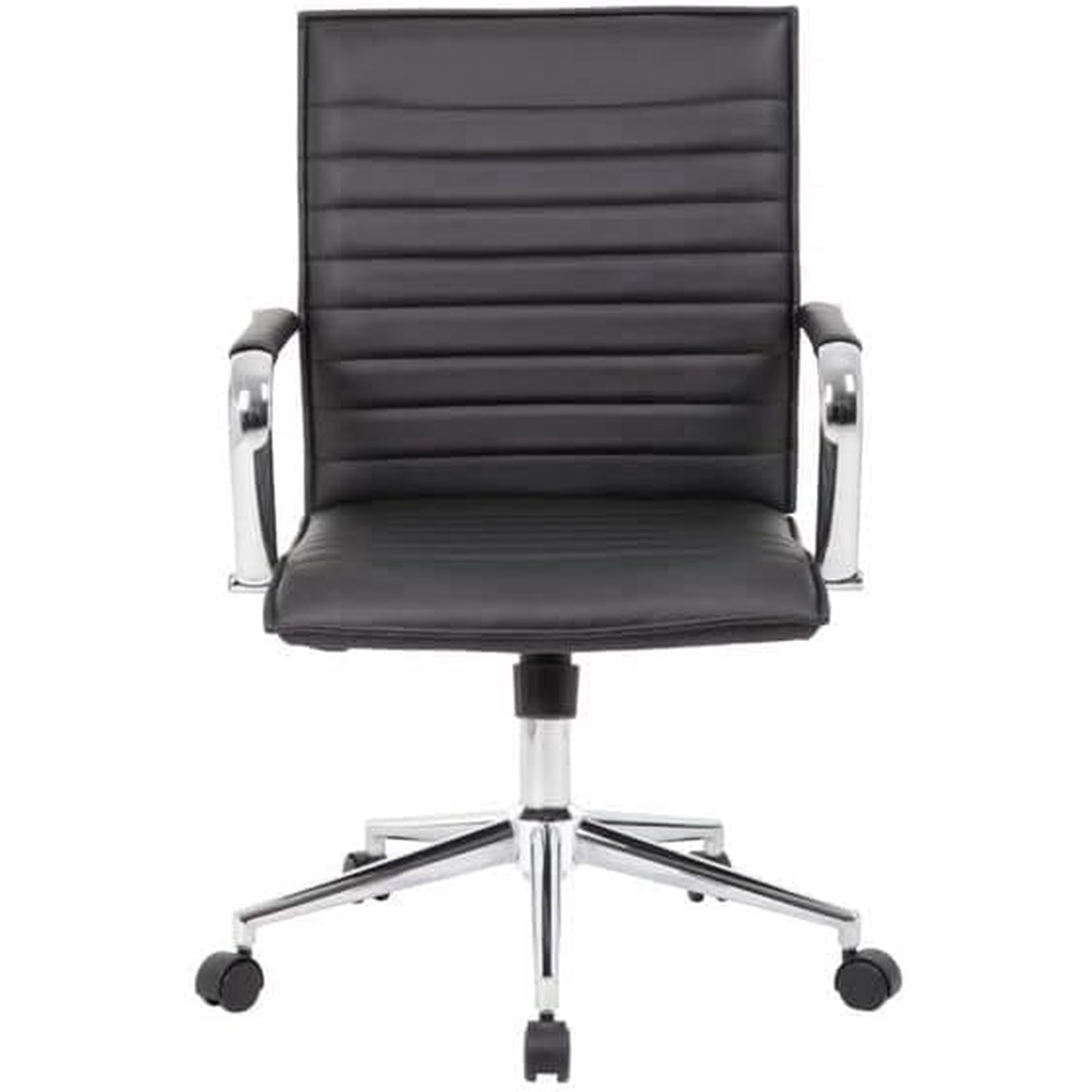
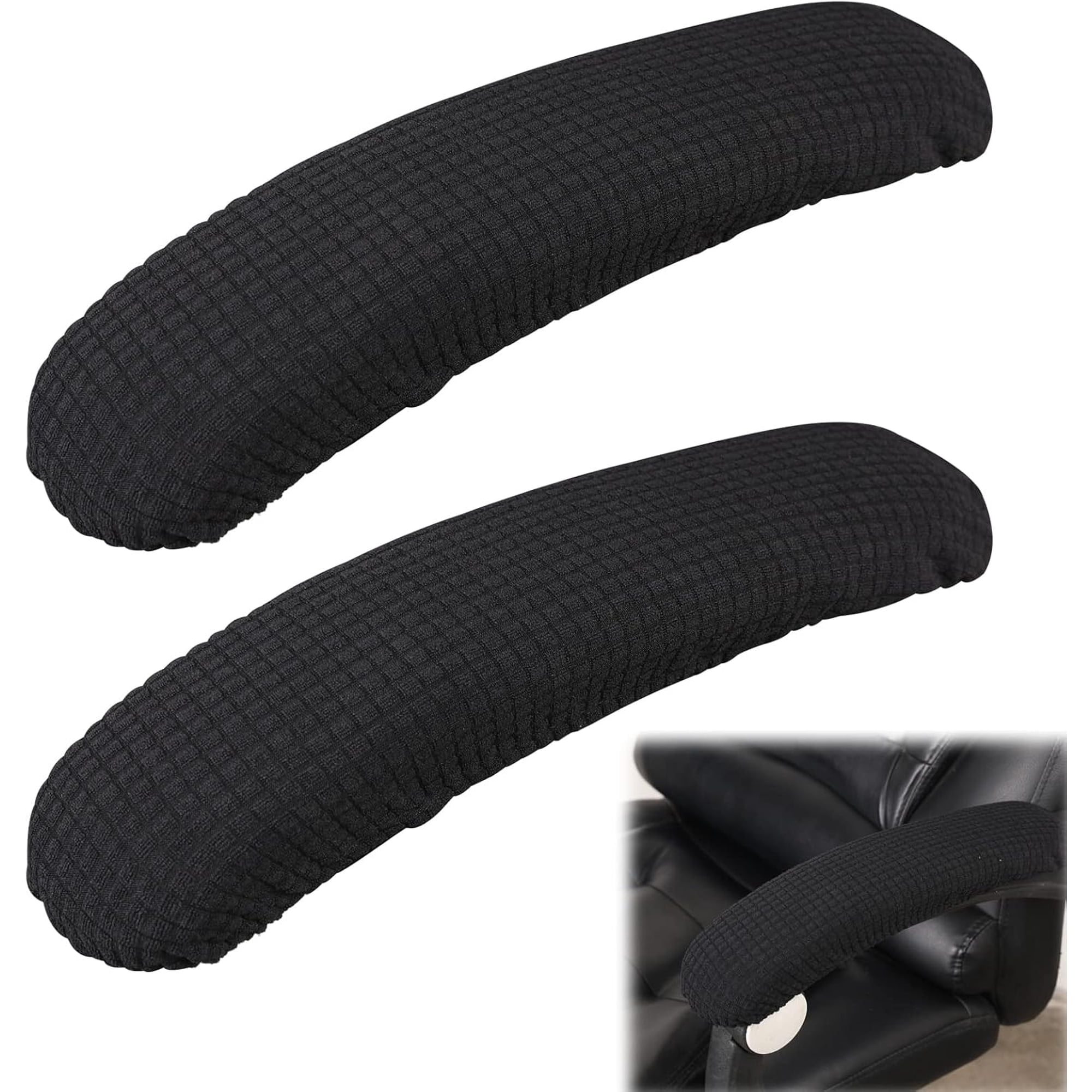
Why Arm Rests Matter: The Foundation of Ergonomic Seating
An office chair with arm rest is more than just a place to put your elbows. It is a critical component of your workspace ergonomics. Think of armrests as the suspension system for your upper body—they absorb the strain that would otherwise be transferred directly to your neck, shoulders, and lower back. Without proper support, your muscles work overtime just to hold your arms up, leading to the all-too-familiar end-of-day tension.
Ergonomic Insight: Studies from the field of occupational health suggest that using a chair with properly adjusted armrests can reduce muscle activity in the shoulders and upper trapezius by up to 20-30%. This decrease in static muscle load directly translates to less fatigue and a lower risk of chronic pain conditions like tension neck syndrome.
The Multifunctional Role of Armrests
Modern office chair armrests are not just static protrusions. They serve several key functions that directly impact your daily comfort and productivity:
- Weight Distribution: They offload the weight of your arms (approximately 10-12 lbs each) from your spine and shoulders, redirecting it to the chair's frame.
- Postural Alignment: Properly adjusted armrests help keep your shoulders relaxed and your elbows at a comfortable 90-110 degree angle, preventing you from slouching or leaning to one side.
- Assistance in Movement: They provide leverage, making it easier to push back from your desk or stand up, reducing strain on your core and legs.
- Micro-Break Support: During brief pauses in typing, armrests offer a place to rest, allowing your muscles to recover slightly before resuming work.
- Task Versatility: Depending on the adjustability, they can be positioned to support you while typing, reading a document, or leaning back to think.
Armrest Types: Finding Your Perfect Match
Not all armrests are created equal. Understanding the different types available will help you narrow down your choices for the ideal office chair with arm rest.
✅ Fixed Armrests
- Pros: Generally more affordable, sturdy with fewer moving parts, simple design.
- Cons: No customization; if they don't fit your body or desk, they can cause more harm than good. Often too wide or too narrow.
🔄 Height-Adjustable Armrests
- Pros: Allow you to match the rest height to your desk, ensuring your elbows are at a proper angle.
- Cons: May still be too wide or lack depth adjustment for those with shorter/longer torsos.
🎯 2D & 4D Adjustable Armrests
- Pros: 2D offers height and width; 4D adds depth and pivot angle. This is the gold standard for ergonomics, allowing for a truly customized fit for any body type and task.
- Cons: Higher cost, more complex mechanisms that could potentially fail over time.
🪄 Flip-Up Armrests
- Pros: Perfect for small spaces. You can push the chair completely under the desk when not in use. Great for gamers who switch between keyboard and controller.
- Cons: The flip mechanism can be a potential point of weakness. They may not offer the same level of padding or adjustability as other types.
Materials and Comfort: What to Look For
The material covering the armrest is just as important as its adjustability. It dictates long-term comfort and durability. Here's a quick guide:
💺 Premium Padded (Urethane / Gel)
- Feel: Soft, cushions the elbow's bony olecranon process.
- Durability: High-quality urethane resists hardening and cracking.
- Best For: Users who experience elbow discomfort or lean heavily on armrests.
🧵 Fabric / Mesh Covered
- Feel: Soft and breathable, less sticky in warm weather.
- Durability: Can stain over time; foam underneath may compress.
- Best For: Those in warmer climates or who prefer a non-plastic feel.
🪵 Hard Plastic / Polyurethane (PU)
- Feel: Firm, durable, easy to clean.
- Durability: Extremely durable, but can be uncomfortable for long periods.
- Best For: High-traffic areas or tasks where you frequently bump into furniture.
🛋️ Leather / Faux Leather
- Feel: Smooth and premium; can get warm.
- Durability: Faux leather may peel over time; genuine leather is long-lasting.
- Best For: Executive settings where aesthetics are a priority.
The Health Benefits of Proper Arm Support
Investing in a quality office chair with arm rest is an investment in your long-term musculoskeletal health. The benefits extend beyond simple comfort:
Reduced Shoulder Tension
By supporting the weight of your arms, the trapezius muscles can relax, decreasing the "hunched" feeling and lowering the risk of trigger points.
Lower Neck Strain
When shoulders are relaxed, the neck doesn't have to compensate by craning forward, keeping your head aligned over your spine.
Prevention of "Mouse Shoulder"
Adjustable width armrests can be positioned to support the arm while using the mouse, preventing the shoulder from rolling forward and inward.
Improved Circulation
Taking pressure off the underside of the arm allows for better blood flow, reducing the likelihood of numbness or tingling in the fingers.
Armrests and Desk Height: Achieving the Perfect Harmony
One of the most common ergonomic mistakes is having armrests that are too high or too low. Imagine trying to write with your elbows resting on a table that's too tall—you'd have to shrug your shoulders. Conversely, armrests that are too low cause you to slump. The goal is a 90-110 degree angle at the elbow. To test this, sit comfortably with your hands on your keyboard. Your forearm should be roughly parallel to the floor. Adjust the armrest height so they just barely skim the underside of your elbows without lifting your shoulders. If your chair has width adjustment, set them so your arms hang naturally from your shoulders, not splayed outwards.
Common Armrest Mistakes to Avoid
- Using them while typing: Your arms should float freely while actively typing. The armrests are for support during micro-pauses, not as a constant platform.
- Ignoring width: Armrests that are too wide push your arms out, straining your shoulders. Those too narrow can squeeze your hips.
- Forgetting about depth: If the armrest is too long, it can prevent you from pulling your chair close to the desk.