

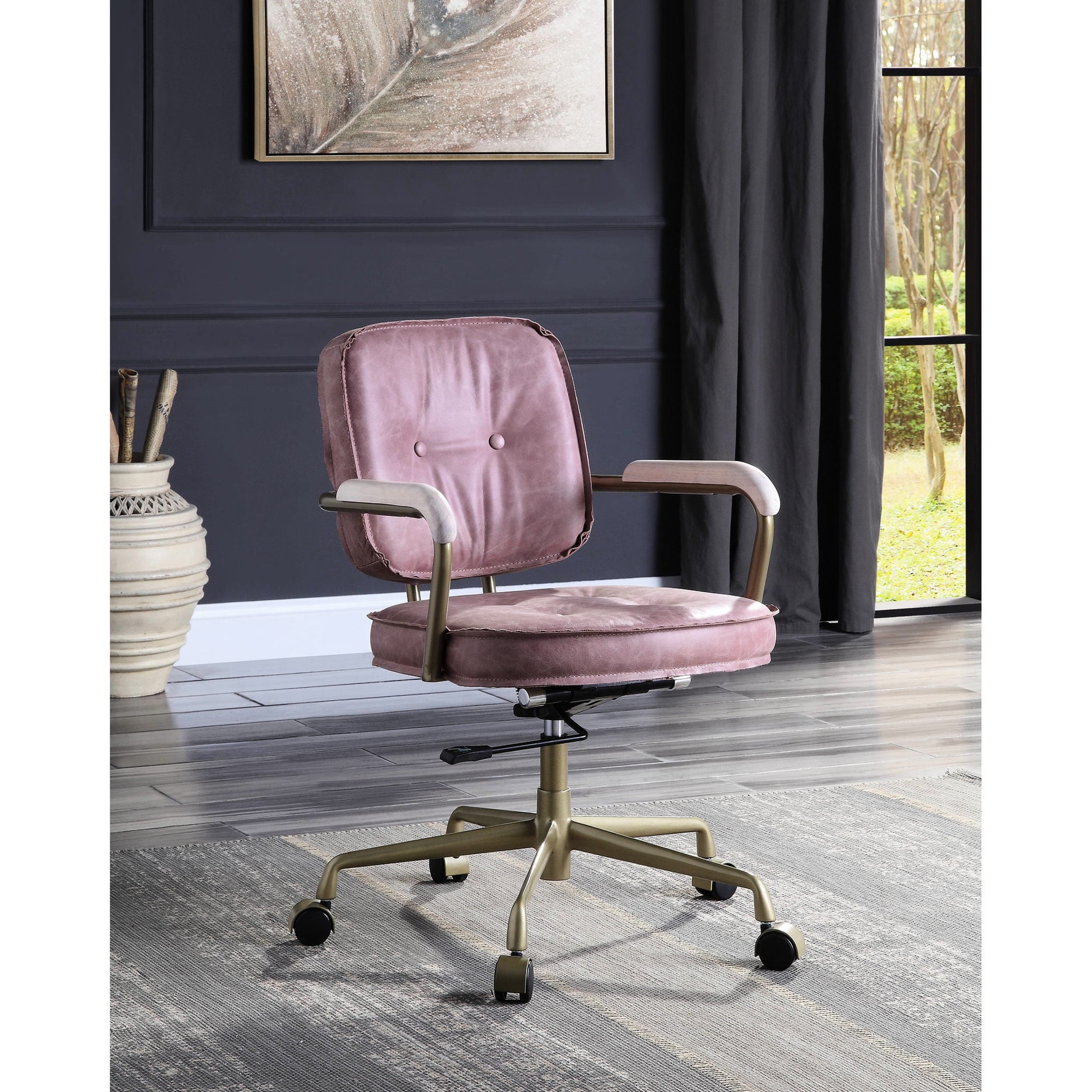
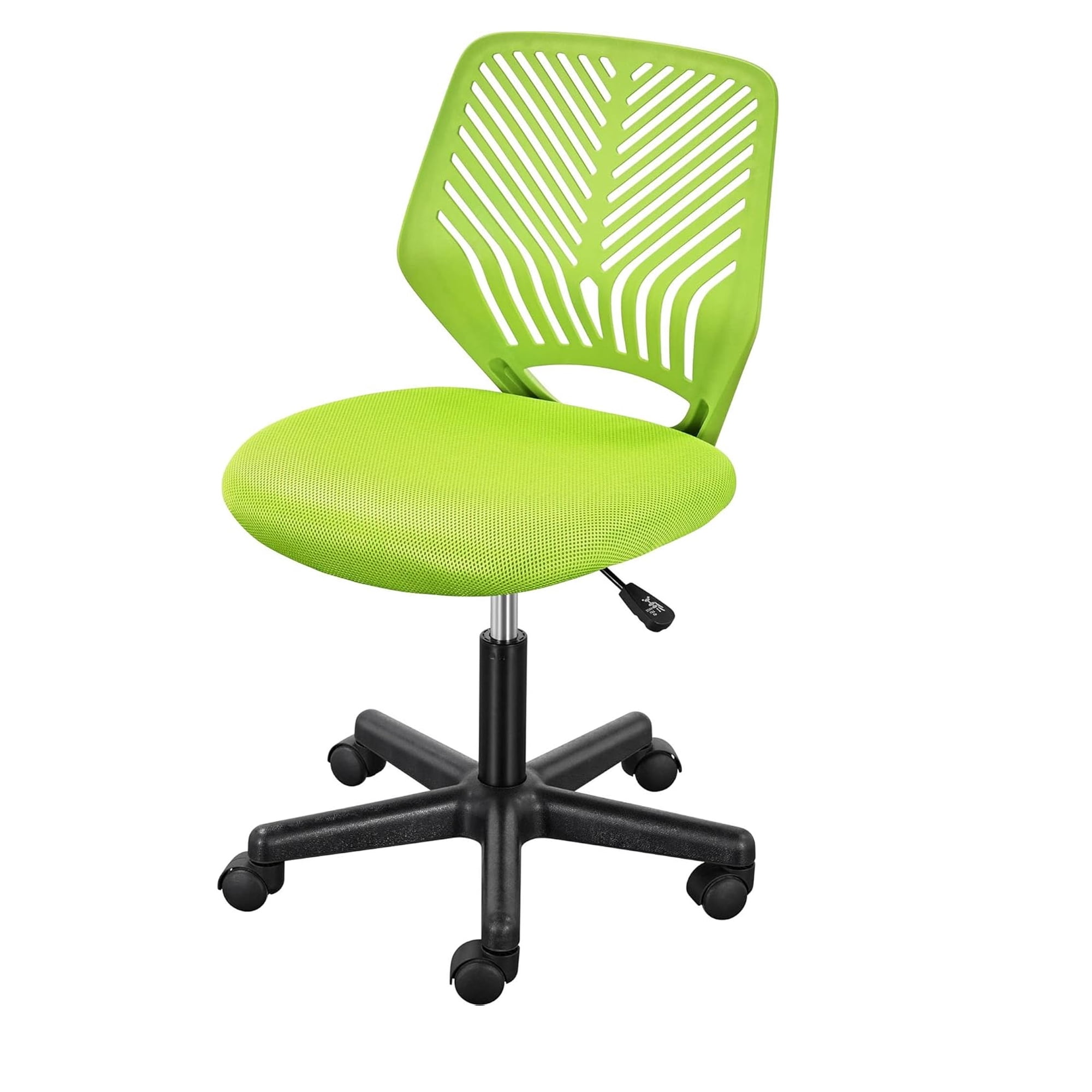
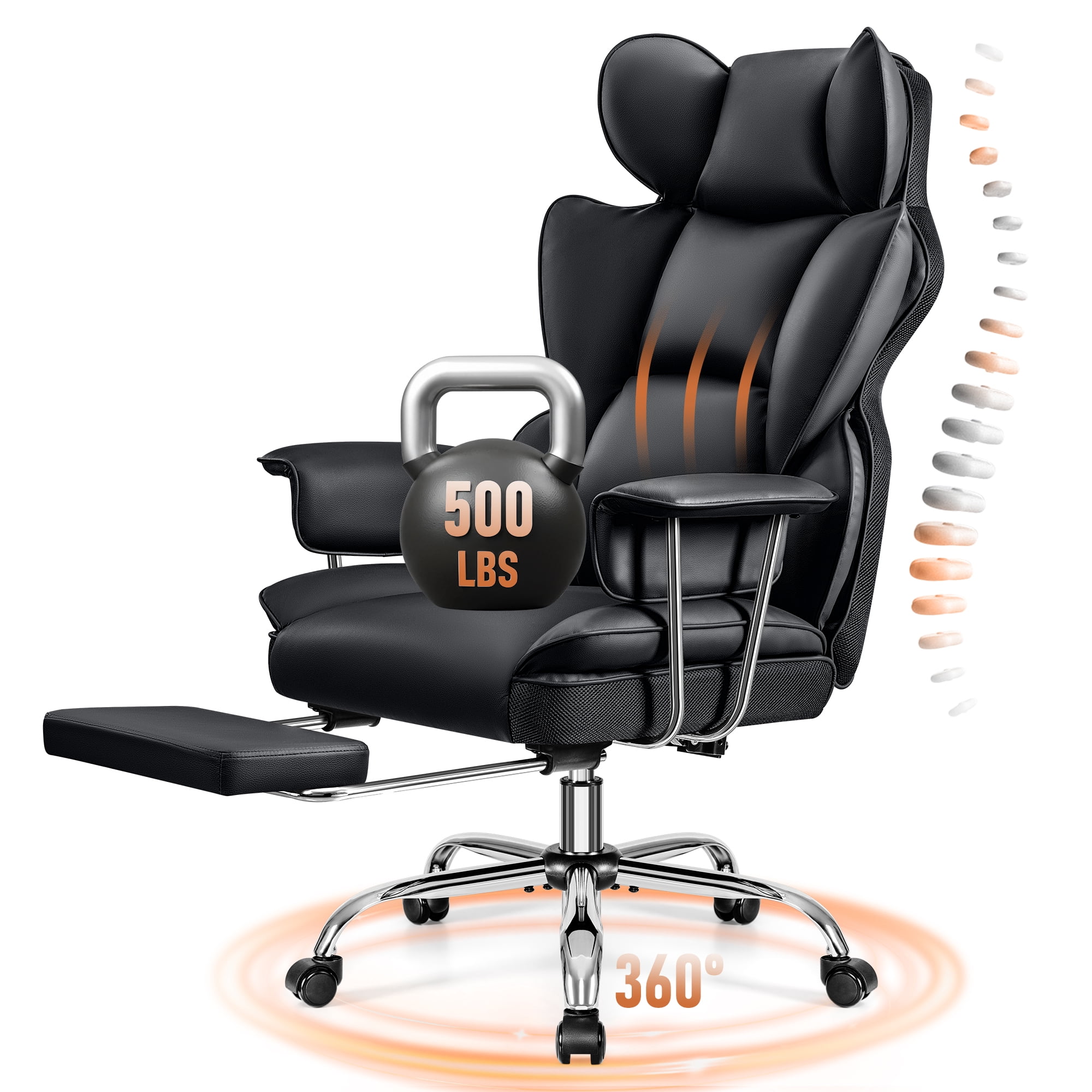
Why “10‑Hour Office Chair” Is a Different Category
Imagine driving a car for ten hours straight – you wouldn’t choose a go‑kart. The same logic applies to your workstation. A 10‑hour office chair isn’t just a regular desk chair with extra padding; it’s an engineered response to prolonged static posture. According to the Occupational Safety and Health Administration (OSHA), employees who sit more than eight hours daily without proper support have a 54% higher risk of developing musculoskeletal disorders. A true marathon chair combats this through dynamic adjustments and materials that work with your body, not against it.
Did you know? A study in the Journal of Physical Therapy Science found that using an ergonomic chair with seat depth adjustment and lumbar support reduced perceived discomfort by 62% after a 9‑hour simulated workday.
Anatomy of a Chair That Lasts 10 Hours
To survive – and thrive – during long sitting sessions, a chair must excel in five core areas. We call them the “marathon pillars”.
1. Dynamic Lumbar Support (not static)
Static lumbar pillows shift as you move. A 10‑hour chair uses a tension‑adjustable lumbar element that follows your spine’s natural curve. Look for height‑ and depth‑adjustable lumbar that stays in place even when you recline.
2. Breathable, Pressure‑Relieving Materials
Your body temperature rises after hours of sitting. Chairs with high‑tensile mesh backs allow airflow, while the seat should use cold‑cure foam or gel‑infused layers to prevent “bottoming out”. A combination of mesh back + plush foam seat is often the gold standard for 10‑hour use.
3. Seat Depth & Edge Design
A seat that’s too short or too long cuts off circulation. A 10‑hour chair must have seat slider (at least 5 cm travel) so that you maintain a 2‑3 finger gap between the back of your knee and the seat edge. The front edge should be “waterfall” shaped to avoid pressure on the thighs.
4. Multi‑position Recline & Tilt Tension
Static posture kills. Your chair should allow you to shift from upright typing to a slightly reclined thinking position effortlessly. Synchronous tilt mechanism (seat and back move together) keeps your feet planted while your back relaxes. Tension adjustment lets you dial in the right resistance for your weight.
5. 4D Armrests & Headrest Integration
Armrests that move in four directions (up/down, forward/back, left/right, pivot) ensure your elbows stay at 90° during any task. A headrest that adjusts in height and angle supports your neck during micro‑breaks – essential for the 10th hour.
| Feature | Regular task chair | 10‑Hour engineered chair |
|---|---|---|
| Lumbar | Fixed curve | Height + depth adjustable |
| Seat depth | Fixed (usually 17″) | Adjustable 16″‑20″ |
| Recline | Locking positions | Synchronous + infinite tilt lock |
| Armrests | 2D (height & width) | 4D + pivot |
| Headrest | Often absent | Adjustable height & angle |
| Material | Basic fabric/foam | Breathable mesh + high resilience foam |
Health Benefits Backed by Data
Choosing a chair built for 10‑hour days is preventive healthcare. Here’s what consistent ergonomic support delivers:
- 40% less spinal compression – thanks to recline and lumbar support (source: University of Waterloo spine biomechanics lab).
- Reduced risk of deep vein thrombosis – waterfall seat edges promote circulation.
- Lower eye strain & headache – proper posture aligns the cervical spine, reducing tension headaches.
- Energy conservation – your body doesn’t waste energy combating discomfort; studies show a 23% higher energy level at the end of the day with an ergonomic chair.
How to Test a Chair for 10‑Hour Fitness (Before You Buy)
- The 15‑minute sit test – sit in the chair without moving much. After 10 minutes, check if any pressure point emerges (thighs, lower back, shoulder blades).
- The recline cycle – lean back and forth. Does the mechanism feel jerky or smooth? Can you lock it at any angle?
- The armrest challenge – type on your keyboard while adjusting armrests. They should support your forearms without lifting your shoulders.
- The heat check – if it’s a leather chair, place your hand on the back for 30 seconds. Does it feel clammy? Leather can work if it’s perforated; otherwise, mesh is safer for 10 hours.
Common Myths About Long‑Hour Seating
❌ “A soft cushion is more comfortable for long hours”
Reality: Overly soft foam collapses after 30 minutes, creating pressure on the sciatic region. Medium‑firm, high‑density foam distributes weight evenly.
❌ “You don’t need a headrest if you don’t recline”
Reality: Even if you sit upright 90% of the time, a headrest supports your neck during phone calls or moments of reflection. It’s like a seatbelt – you may not use it constantly, but it’s vital when you do.
❌ “Expensive chairs are only for executives”
Reality: A $300 chair might cost more in the long run due to early replacement and potential health costs. A quality 10‑hour chair is an investment in productivity and well‑being.
Frequently Asked Questions – 10‑Hour Office Chairs
Conclusion: Your Chair Is Your Co‑Pilot
Investing in a 10‑hour office chair is not a luxury – it’s a strategic decision for anyone whose work revolves around a desk. The right chair pays for itself through increased focus, fewer sick days, and prolonged career comfort. Remember: the best chair is the one that disappears under you, letting your mind focus on the work, not the discomfort. Use the tips above, test before you invest, and choose a model that grows with you.
Still unsure? The product grid below features only chairs specifically vetted for long‑duration sitting – each linked to real‑time Walmart inventory so you can check current options.