
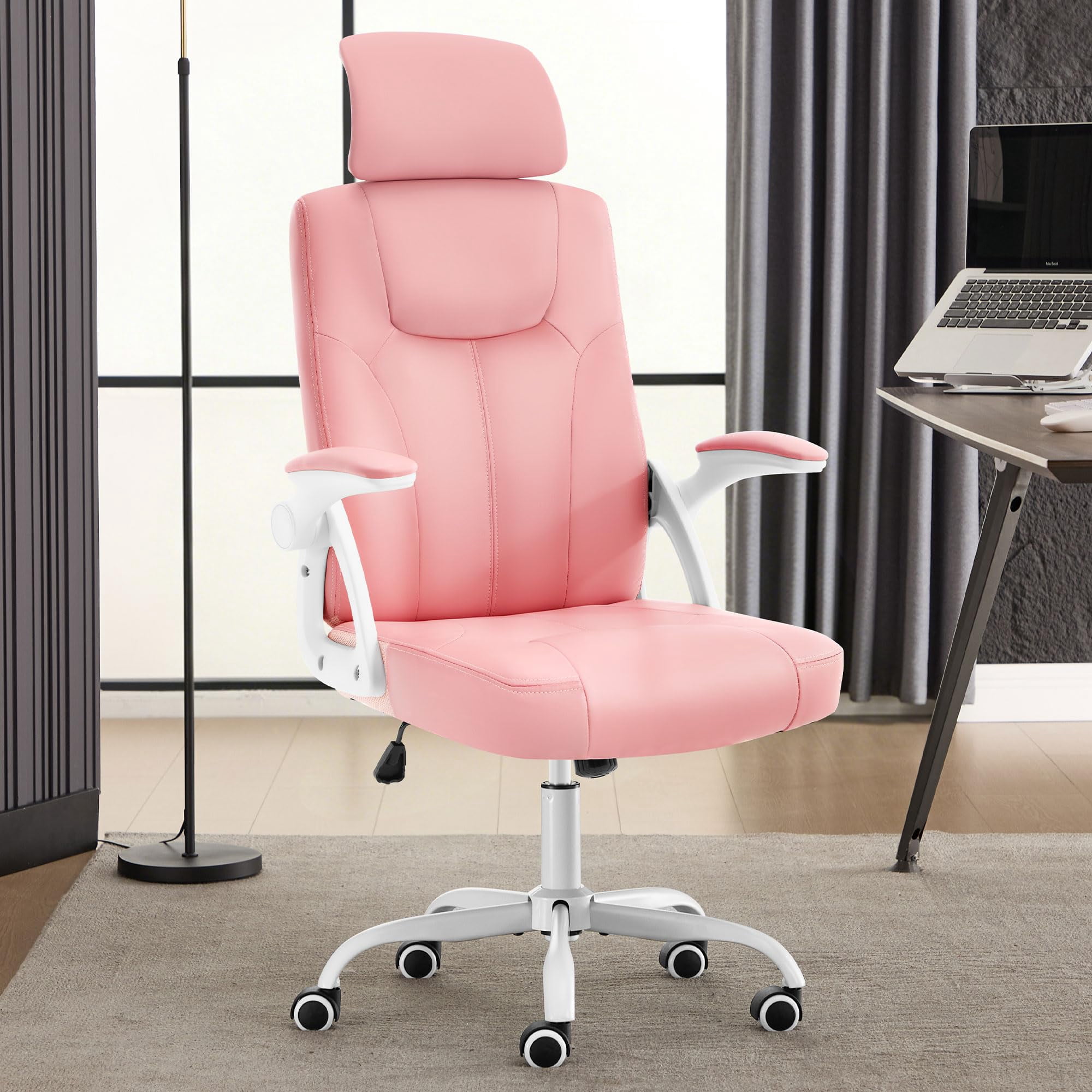
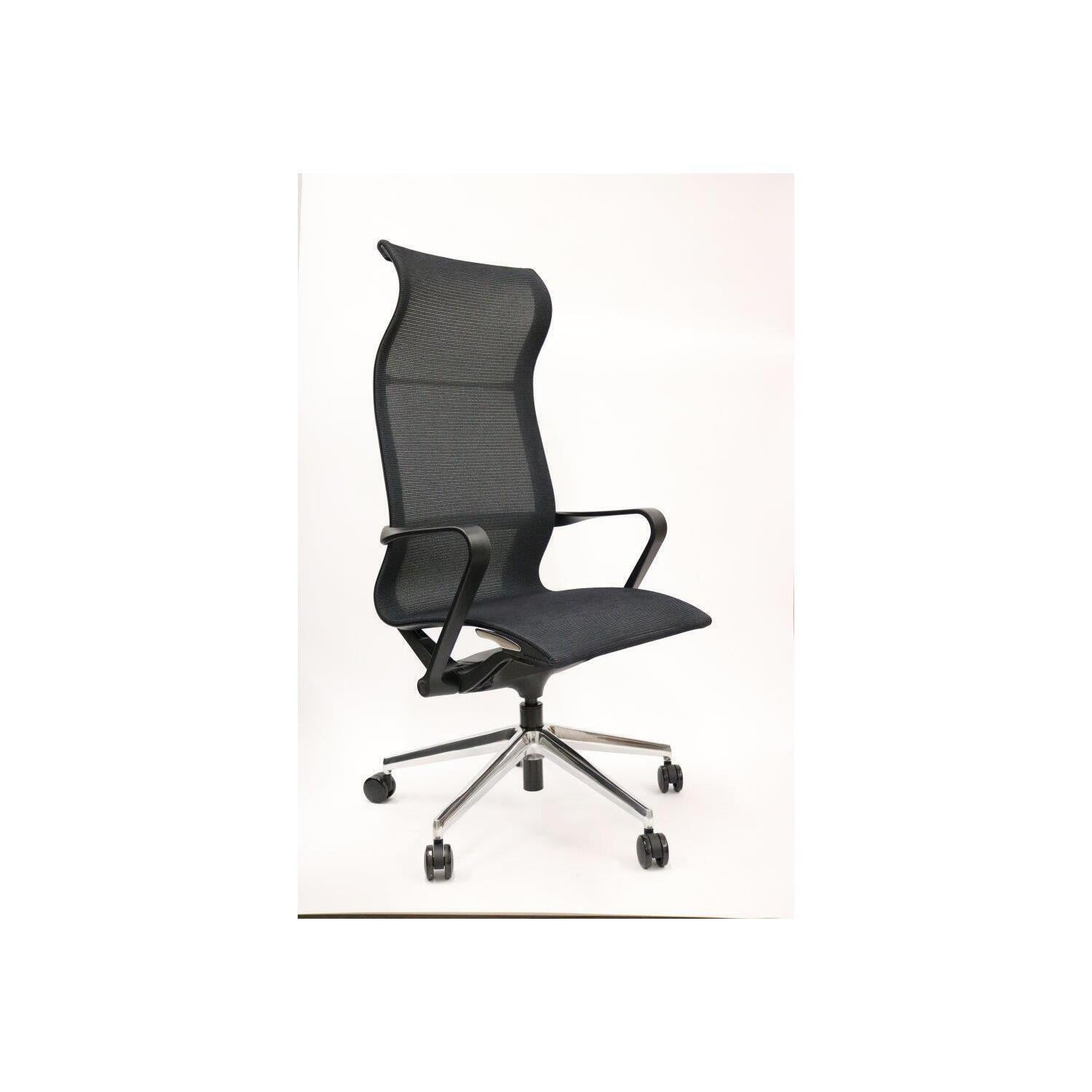
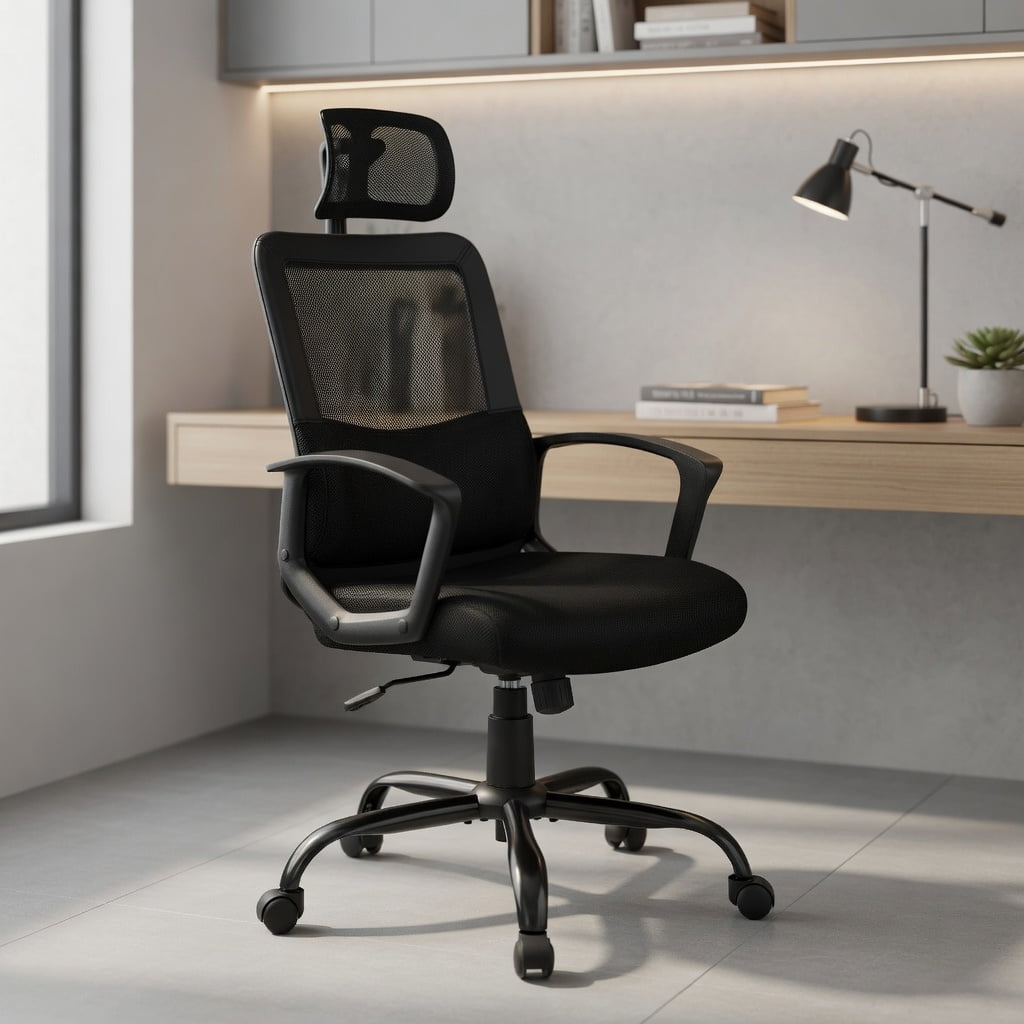
Introduction: Your Home Office Deserves More Than Just a Chair
When your dining chair becomes your 9-to-5 throne, your body pays the price. The shift to remote work has made the ergonomic office chair for home not just a luxury, but a necessity. Think of it as the foundation of your workspace—just like a good mattress is for sleep. Without proper support, focus dwindles, and aches creep in. According to a study by the American Chiropractic Association, 80% of people will experience back pain at some point, and poor seating is a leading contributor. This guide is your roadmap to choosing a chair that supports both your spine and your work-from-home success.
Why a Standard Chair Fails at Home (The Hidden Cost)
Using a non-ergonomic chair is like running in dress shoes—it might work for a short sprint, but for a marathon, you'll regret it. Here's what happens when you sit for hours without proper ergonomics:
- Reduced Circulation: Hard seats compress thighs, leading to numbness and fatigue.
- Spinal Compression: Lack of lumbar support forces your lower back to bear the load, causing micro-strains.
- Energy Drain: Your body wastes energy stabilizing itself, leaving less fuel for creative thinking.
- Productivity Drop: Discomfort is a constant distraction. A Cornell University study found that ergonomic interventions can boost productivity by up to 17%.
Investing in an ergonomic chair is essentially buying back that lost energy and focus.
Key Features of a True Ergonomic Office Chair for Home
Not all chairs labeled "ergonomic" live up to the name. Here are the non-negotiable features you must look for:
1. Adjustable Lumbar Support (The Spine's Best Friend)
Your lower back has a natural inward curve. A good ergonomic chair provides support that fills this gap. Look for lumbar support that adjusts both in height (to match your belt line) and depth (how much it pushes forward). This is the anchor of good posture.
2. Seat Depth and Width
The seat pan should leave about 2-3 finger widths between the back of your knee and the seat edge. A waterfall edge (curved downward) prevents cutting off circulation. For home use, where you might sit cross-legged occasionally, a slightly wider seat adds flexibility.
3. Adjustable Armrests (4D is Gold Standard)
Armrests should allow your shoulders to relax. Look for armrests that adjust up/down, left/right (width), forward/backward, and pivot (angle). This lets you support your arms while typing, reducing neck and shoulder tension.
4. Recline and Tilt Tension
A dynamic chair moves with you. A synchronized recline mechanism lets the backrest and seat tilt at a healthy ratio (often 2:1 or 3:1), keeping you stable while opening your hip angle. Adjustable tension lets you tailor the resistance to your weight.
5. Breathable Material
Since you're at home, comfort is king. High-quality mesh is excellent for airflow, preventing that sticky back feeling. Breathable fabric offers plushness without the sweat. Both are great; avoid cheap bonded leather which can crack and trap heat.
Did You Know? The average person makes over 50,000 micro-adjustments per day in a poorly fitted chair. An ergonomic chair reduces this unconscious movement, allowing deeper concentration. (Source: Human Factors and Ergonomics Society)
Material Deep Dive: Finding Your Home Comfort Zone
Your home environment influences the best material choice. Here's how they compare for a home setting:
Premium Mesh
- Breathability: Ideal for long hours, no heat buildup.
- Resilience: High-quality mesh maintains tension for years.
- Modern Look: Sleek, professional aesthetic.
- Easy Care: Wipes clean; doesn't absorb spills like fabric.
Considerations
- Padding: Mesh provides less cushioning; some users add a seat pad.
- Feel: Can feel firm initially (but often preferred for support).
- Cost: Quality mesh chairs are often mid-to-high range.
High-Quality Fabric
- Plush Comfort: Softer feel, cozy for a home environment.
- Warmth: Feels warmer in cooler climates/rooms.
- Variety: Wide range of colors and textures to match decor.
Considerations
- Stain Resistance: May require fabric protection if you eat at your desk.
- Breathability: Varies by weave; some can trap heat.
- Cleaning: Needs occasional vacuuming or professional cleaning.
Step-by-Step Guide to Choosing Your Ergonomic Home Chair
Step 1: Measure Your Space and Body
Measure your desk height. Your chair should allow your elbows to be at 90 degrees when typing. Measure from the floor to your desk underside. Your seat height range must fit that. Also measure your hip width while sitting—add 2 inches for comfort.
Step 2: Identify Your "Pain Points"
Do you get lower back ache? Neck stiffness? Numb legs? Prioritize features that solve these. Back pain = advanced lumbar support. Neck pain = add a headrest or choose a high-back chair. Leg numbness = waterfall seat and depth adjustment.
Step 3: Match Your Work Style
Step 4: Set a Realistic Budget
Essential
Basic adjustments, good for part-time work.
Core
Full ergonomic features, 4D arms, quality mesh.
Premium
Advanced mechanisms, top materials, 12+ year warranty.
Health Benefits: More Than Just Comfort
Frequently Asked Questions About Ergonomic Home Office Chairs
Conclusion: Your Home Workspace, Transformed
Choosing the right ergonomic office chair for home is one of the most impactful decisions for your remote work life. It's the anchor of your physical health and a catalyst for professional focus. By prioritizing adjustability—especially lumbar support and seat depth—and selecting a material that suits your environment, you create a workspace that works for you, not against you. Remember, the best chair is the one that disappears beneath you, letting your mind focus solely on the task at hand. Invest wisely, and your back will thank you for years to come.