
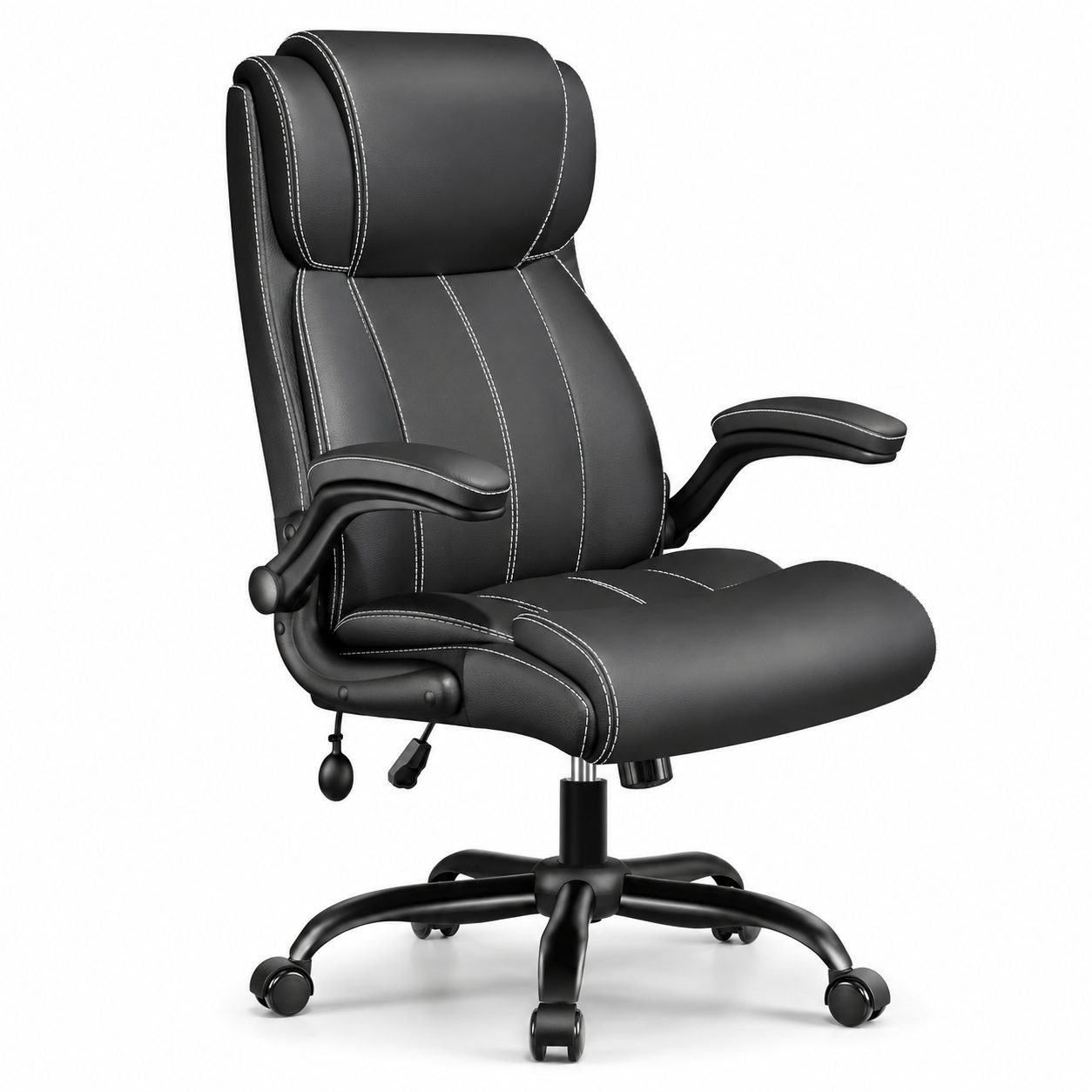
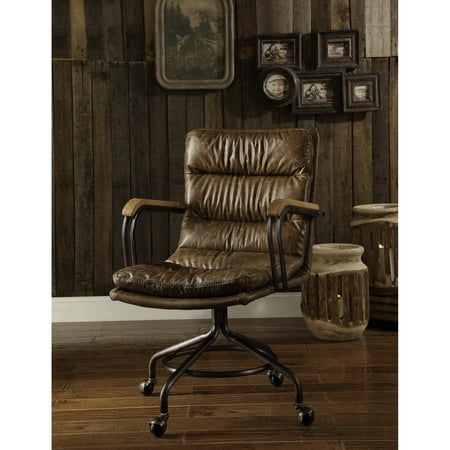
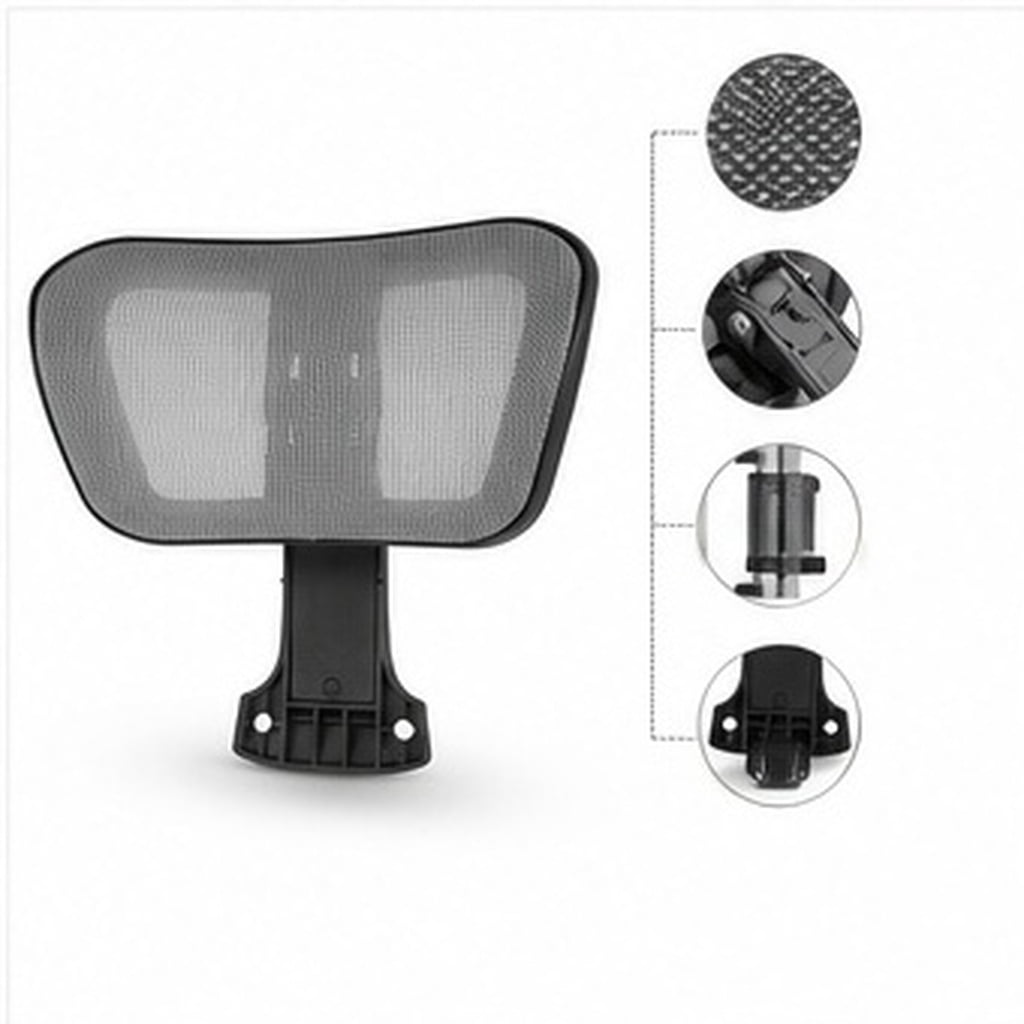
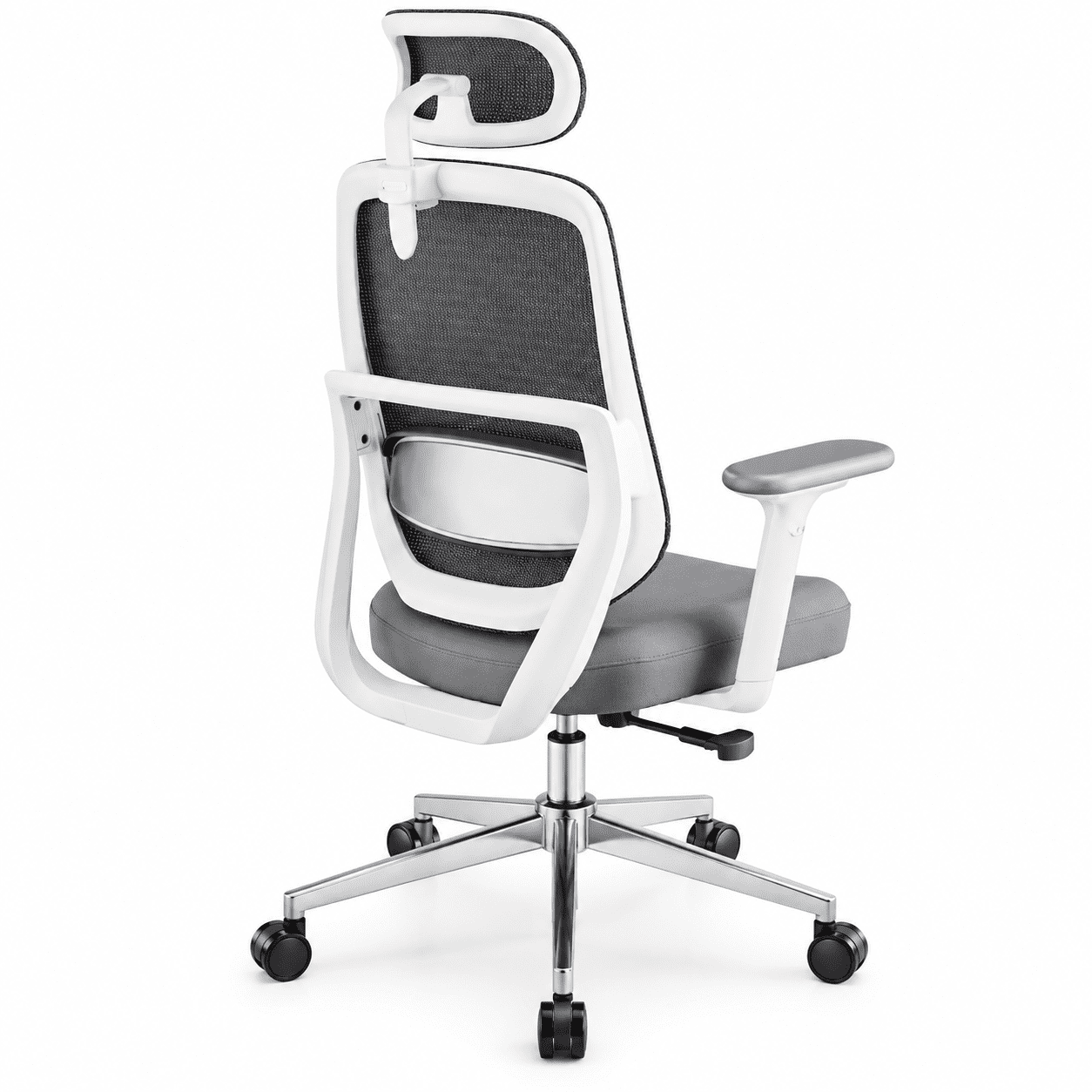
The Quest for the Perfect Chair: More Than Just a Cushion
Finding a comfortable back support office chair can feel like searching for a mythical creature. You sit in a chair at the store, it feels great for five minutes, but after a week of 8-hour days, the discomfort creeps back. The reality is that true comfort isn't about how soft the chair is—it's about how well it supports your body's unique structure while you're in motion. Think of your chair not as a static throne, but as a piece of high-performance equipment, like a running shoe designed to support your foot through a marathon. A marathon runner wouldn't pick a shoe just because it's fluffy; they'd pick one that provides the right stability and cushioning for their gait. Your workday is your marathon, and your chair needs to support you every step of the way.
The modern office worker is sedentary for an average of 10 hours a day. This prolonged static posture puts immense pressure on the intervertebral discs of the spine. A study in the journal "Spine" indicated that sitting with poor support increases disc pressure by up to 40% compared to standing. This is where the magic of a well-designed chair comes in. It's not just about a padded seat; it's about an integrated system of support that encourages micro-movements and maintains the spine's natural S-curve. We're here to decode that system for you, moving beyond marketing jargon to explain what truly makes an office chair both comfortable and supportive.
Deconstructing the 'Comfortable Back Support' Promise
When you see the phrase "comfortable back support," what should you actually look for? It’s a combination of several key components working in harmony. Let's break down the anatomy of a chair that delivers on this promise.
1. The Lumbar Mechanism: The Cornerstone of Support
This is the most critical feature. Static lumbar pads are better than nothing, but they are a one-size-fits-all solution that fits almost no one perfectly. A truly supportive chair offers an adjustable lumbar system. This usually comes in two forms:
- Height Adjustment: This allows you to move the support up or down so it fits snugly into the natural curve of your lower back (the lumbar lordosis). The support should sit in the small of your back, not too high on your shoulder blades or too low on your pelvis.
- Depth Adjustment: This is a premium feature. It allows the lumbar support to protrude more or less into your back. People with a deeper spinal curve need more projection, while those with a flatter back need less. This fine-tuning is what separates a good chair from a great one.
Some advanced chairs use an air-bladder system that you can inflate or deflate to customize the firmness and depth of the lumbar support. This is like having a personalized cushion that adapts to you.
2. The Seat Pan: Your Foundation
Your pelvis is the foundation of your spine. If your seat doesn't support your pelvis correctly, your spine will suffer. Key features here are:
- Seat Depth Adjustment: This allows you to slide the seat pan forward or backward. You should be able to sit with your back against the backrest and have 2-3 finger widths of space between the back of your knee and the edge of the seat. This prevents pressure on the sciatic nerve and promotes healthy circulation.
- "Waterfall" Edge: The front edge of the seat should curve gently downward. This relieves pressure on the underside of your thighs, which is a common cause of numbness and discomfort.
- High-Density Foam: The cushion should be supportive, not marshmallowy. High-density foam (or memory foam over a firm base) resists flattening out over time, keeping your pelvis stable and preventing you from sinking into a slouched position.
Beyond Static Posture: Why Your Chair Needs to Move With You
One of the biggest misconceptions about "good posture" is that it's a single, rigid position to hold all day. In reality, the healthiest posture is your next posture. The human body is designed for movement. Therefore, a truly comfortable back support office chair is one that facilitates and encourages movement.
The "Active Sitting" Concept: Think of a chair with a synchronized mechanism. Instead of just tilting back, the backrest and seat move in a harmonious ratio (often 2:1 or 3:1). This means as you lean back, the seat tilts slightly forward, keeping you stable and your feet on the floor while opening your hip angle. This dynamic movement reduces static loading on your spine and engages your core muscles ever so slightly, promoting blood flow and reducing fatigue. Chairs with a "knee-tilt" mechanism are also excellent, as they allow your feet to remain planted while your upper body reclines, preventing that straining feeling in your thighs.
Another feature is a synchronized or weight-activated tilt tension. This allows you to adjust the amount of force needed to recline. A lighter person needs a lower tension setting, while a heavier person needs more resistance. When set correctly, you can subtly rock back and forth throughout the day, which is like a gentle, continuous exercise for your spine. This micro-movement is a secret weapon against the stiffness that comes from sitting still.
Material Matters: Mesh vs. Fabric vs. Leather for Comfort
The material covering your chair directly impacts your comfort, especially in terms of temperature and how it interacts with your clothes.
Your Step-by-Step Guide to Finding 'The One'
Armed with this knowledge, here’s a practical, step-by-step plan to choose your ideal chair. Don't just look at the price tag; become a feature detective.
Step 1: Identify Your Pain Points (Be Honest!)
Where do you typically feel discomfort? Is it a burning sensation in your lower back? Stiffness between your shoulder blades? Numbness in your thighs? Or is it just a general feeling of fatigue? Your answers will guide your priorities. For lower back pain, lumbar support is king. For shoulder tension, look for a chair with a higher back that supports your upper back and perhaps adjustable armrests. For thigh numbness, seat depth and a waterfall edge become your top priorities.
Step 2: The 'Goldilocks' Test (If Possible)
If you can test a chair, spend at least 15 minutes in it. Don't just sit upright. Recline. Type. Read. Lean forward. Pay attention to any pressure points. Does the lumbar support hit the right spot? Can you adjust it? When you recline, does your body feel supported or are you fighting to stay upright? Does the seat edge press into your thighs? This is your chance to feel the difference between features on paper and actual comfort.
Step 3: Become an Adjustment Expert
Once you have a chair, learning to use its adjustments is crucial. Here's a quick routine:
- Seat Height: Adjust so your feet are flat on the floor and your knees are at a 90-degree angle (or slightly lower than your hips).
- Seat Depth: Slide the pan so you have 2-3 finger widths between the seat edge and the back of your knee.
- Lumbar Support: Adjust the height so the support pad fits into the natural curve of your lower back. Then, if adjustable, dial in the depth for a feeling of light, supportive pressure—not poking.
- Backrest Tilt/ Tension: Set the recline tension so you can lean back comfortably without it feeling too loose or requiring too much effort.
- Armrests: Adjust them so your shoulders are relaxed and your elbows are at a 90-degree angle when typing.
This 2-minute setup every time you sit down can transform your experience.
By the Numbers: The ROI of a Good Chair
Investing in a high-quality chair isn't an expense; it's an investment in your most valuable asset: your health and productivity. Research from the American Chiropractic Association suggests that ergonomic interventions, like a proper chair, can reduce workplace injury claims by a significant margin. More directly, a study by Cornell University found that providing employees with adjustable chairs led to a 17% gain in productivity. Consider this: If a $1,000 chair helps you avoid just one day of lost productivity due to back pain, or helps you focus better for just one hour a day, it pays for itself many times over during its lifespan. Comfort isn't just a luxury; it's a performance enhancer.
Frequently Asked Questions About Comfortable Back Support Chairs
Conclusion: Your Path to a More Comfortable Workday
Choosing a comfortable back support office chair is a personal journey, not a one-time purchase. It's about understanding your own body and the features that will best serve it. Remember the key pillars: an adjustable lumbar mechanism, a supportive and adjustable seat pan, and a chair that moves with you. Don't be swayed by looks alone; a beautiful chair that doesn't fit is a beautiful source of pain. Invest the time to research, and if possible, test. Your back, your productivity, and your overall well-being will thank you for it for years to come. The right chair is an invitation to a healthier, more focused, and infinitely more comfortable work life.